























Grandma Alka in the Car







About Grandma Alka in the Car
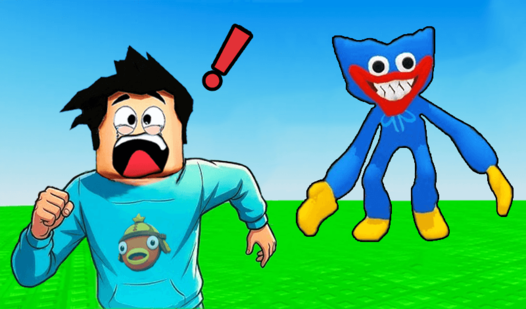
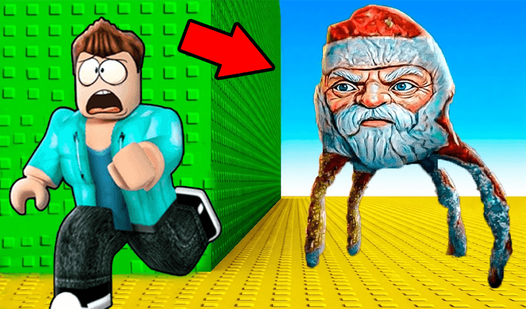
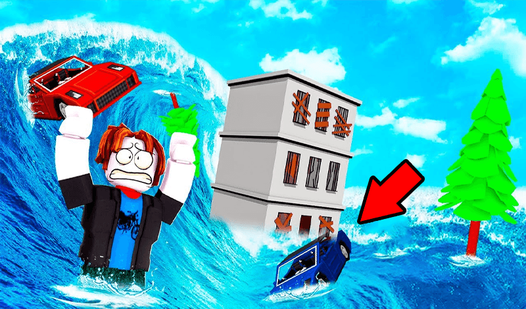
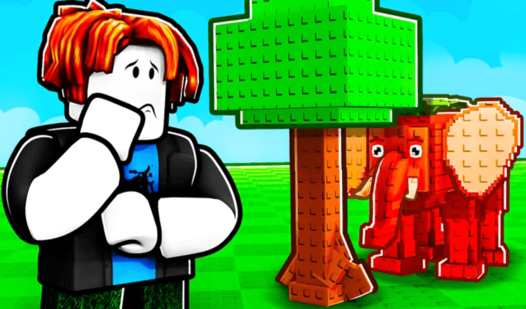
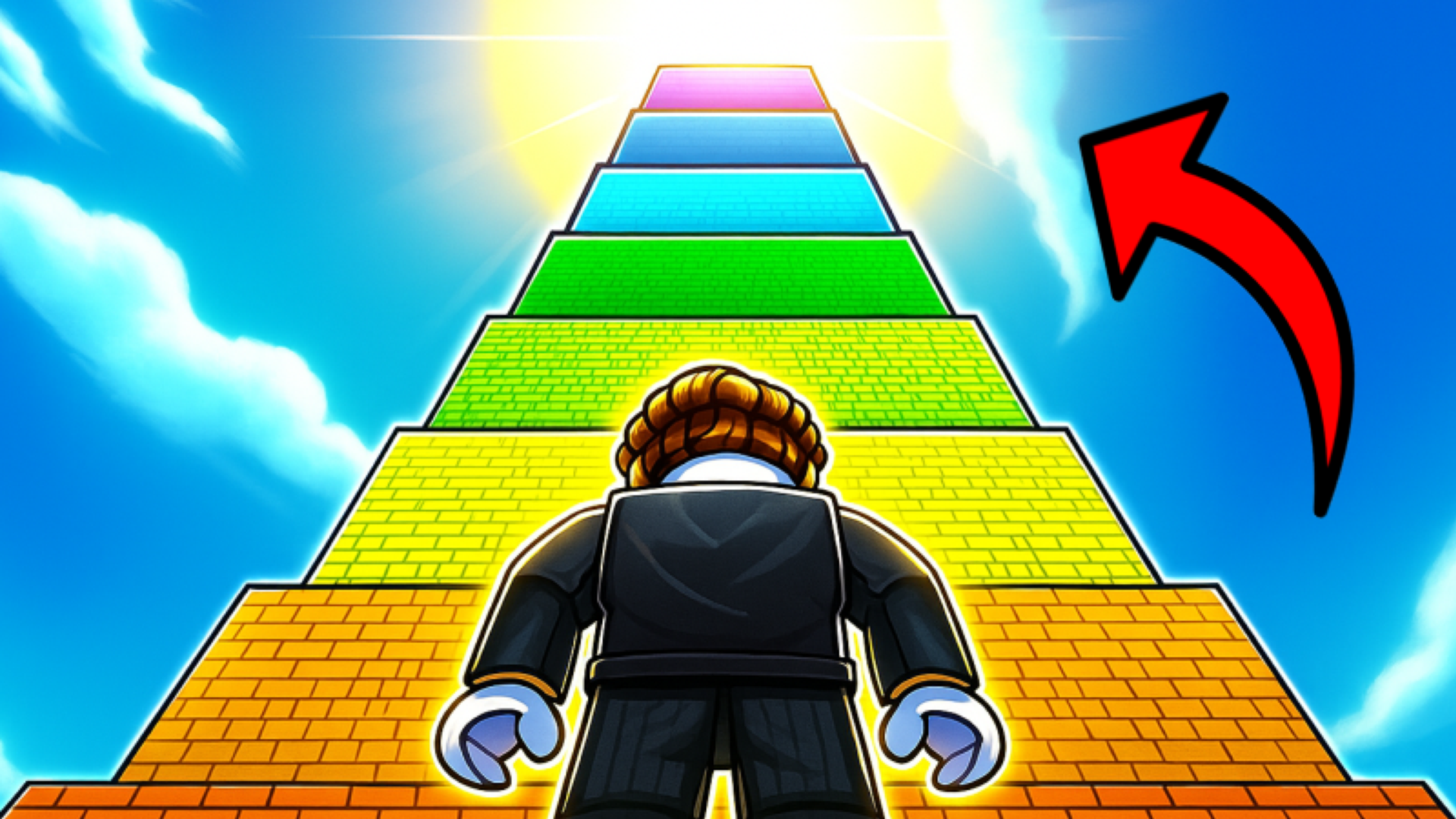
Grandma Alka in the Car drops you into a blocky arena where the goal is equal parts evasion and aggression. Lower-level Granny Alkas are targets to defeat for rewards, while higher-level ones are hazards to dodge. Several scenes show a green stud-textured floor stretching to a wooden fence perimeter beneath a bright blue sky. A humanoid character with brown hair, a blue shirt featuring a motorcycle graphic, and a black vest appears at the center of the view across multiple scenes. Grey cloud-like shapes and stacks of green rectangular objects are scattered across that same green surface in several views.
The loop ties combat, evasion, speed upgrades, Brainrots, and pets together into a casual incremental experience with a distinctly funny, meme-flavored personality.
How to Play Grandma Alka in the Car: Level Up and Dodge
Progress works through a level-based hierarchy. Defeat Granny Alkas at a lower level than your own to collect in-game rewards, and avoid Granny Alkas at a higher level than yours. Spend those rewards on Brainrots, which generate in-game currency, and on pets, which increase the rewards you earn. Upgrading your speed lets you dodge higher-level Granny Alkas more effectively.
Controls
PC Controls
- WASD: Character movement
- Mouse: Camera rotation
- Spacebar: Jump
Mobile Controls
- Joystick: Character movement
- Control buttons: Located in the lower right corner of the screen
- Swipe: Rotate the camera
Games You Might Like
Grandma Alka in the Car sits squarely in the world of Obby games, where obstacle-dodging and incremental progression define the fun. If the Brainrot-collecting side of this game caught your attention, Escape Waves for Lucky Blocks lets you build a base with Brainrots and survive relentless incoming waves. For another speed-and-pets obby experience with a clicker twist, Speed per Click: Obby rewards every click with faster movement through parkour tracks. Obby: Run Star | Speed and Pets shares the same pet-collection and speed-upgrade loop found in Grandma Alka, pushing you to become the fastest runner on the track. Fans of the meme-creature humor will also enjoy Baseball for Brainrot, where smashing lucky blocks uncovers strange Brainrot creatures that earn money over time. Browse the full 3D games catalog for more blocky, action-packed titles in a similar style.