









General Knowledge Trivia
General Knowledge Trivia - Play Online

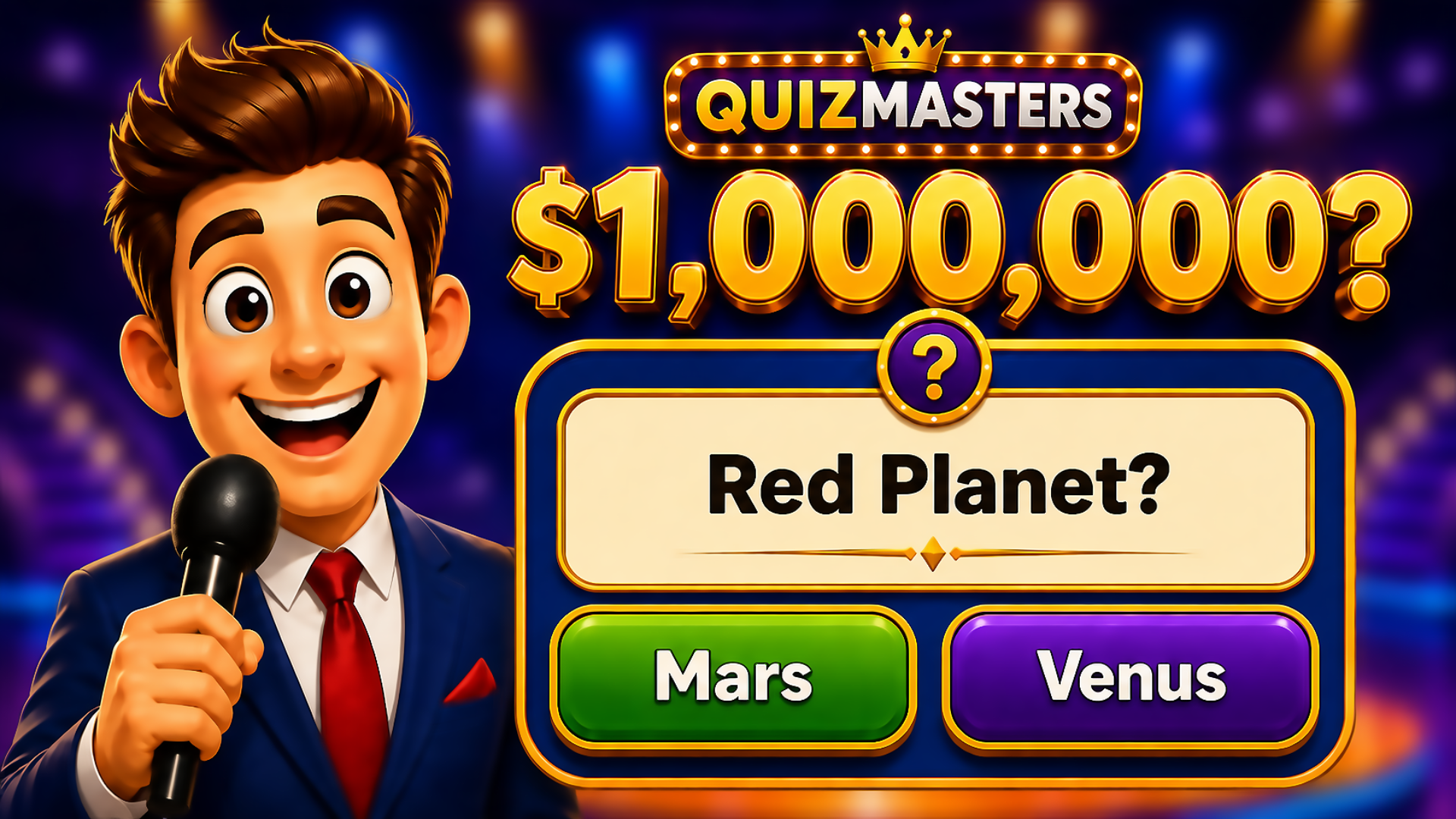
Ever killed five minutes waiting for coffee and realized you've been answering random trivia questions the whole time? That's this game in a nutshell. General Knowledge Trivia is a no-frills quiz game where you test yourself on everything from history and science to pop culture. Pick an answer, find out if you're smart or just lucky, and move on to the next question. It's a straightforward choice-based game that fits perfectly on any device—phone, tablet, or desktop.

Key Features
- Wide Topic Range: Questions pull from history, science, geography, pop culture, and more—so you're never stuck in one category.
- Quick Sessions: Each round is 5 questions. You can finish a full game in under two minutes.
- Instant Feedback: Right answers turn green with a checkmark, wrong ones flash red with an X. No waiting around.
- Cross-Platform: Works seamlessly on phones and computers without any lag or weird formatting issues.
How to Play General Knowledge Trivia

Getting started is brain-dead simple. You'll be answering questions within seconds of loading the page.
Read and Select Your Answer
You're shown a question with four multiple-choice options. Click or tap the answer you think is right. The button turns purple to show you've selected it, and a green "Continue" button lights up at the bottom. No timers, no pressure—just you and your brain.
Deal with Being Wrong (or Right)
Hit Continue and the game immediately tells you if you nailed it or bombed. Correct answers get a satisfying green glow and a checkmark icon. Wrong answers? Red highlight and an X mark. The progress bar at the top fills in one notch, and you move to the next question. No second chances, no retries on the same question.
Finish the Round and Check Your Score
After question 5, you get your final score out of 5. There's no leaderboard or competitive mode in the version I played—it's just you versus your own knowledge. Perfect for casual brain-testing without the stress of competing against strangers.
Who is General Knowledge Trivia for?

This is designed for anyone with a pulse and two minutes to spare. If you're waiting for a bus, avoiding work, or just bored on a Sunday afternoon, this is your game. Kids can play it safely—no violence, no complex strategy, just straightforward questions. It's not challenging enough for hardcore quiz nerds who want deep dives into obscure topics, but it's perfect for casual players who just want a quick mental snack.
The Gameplay Vibe
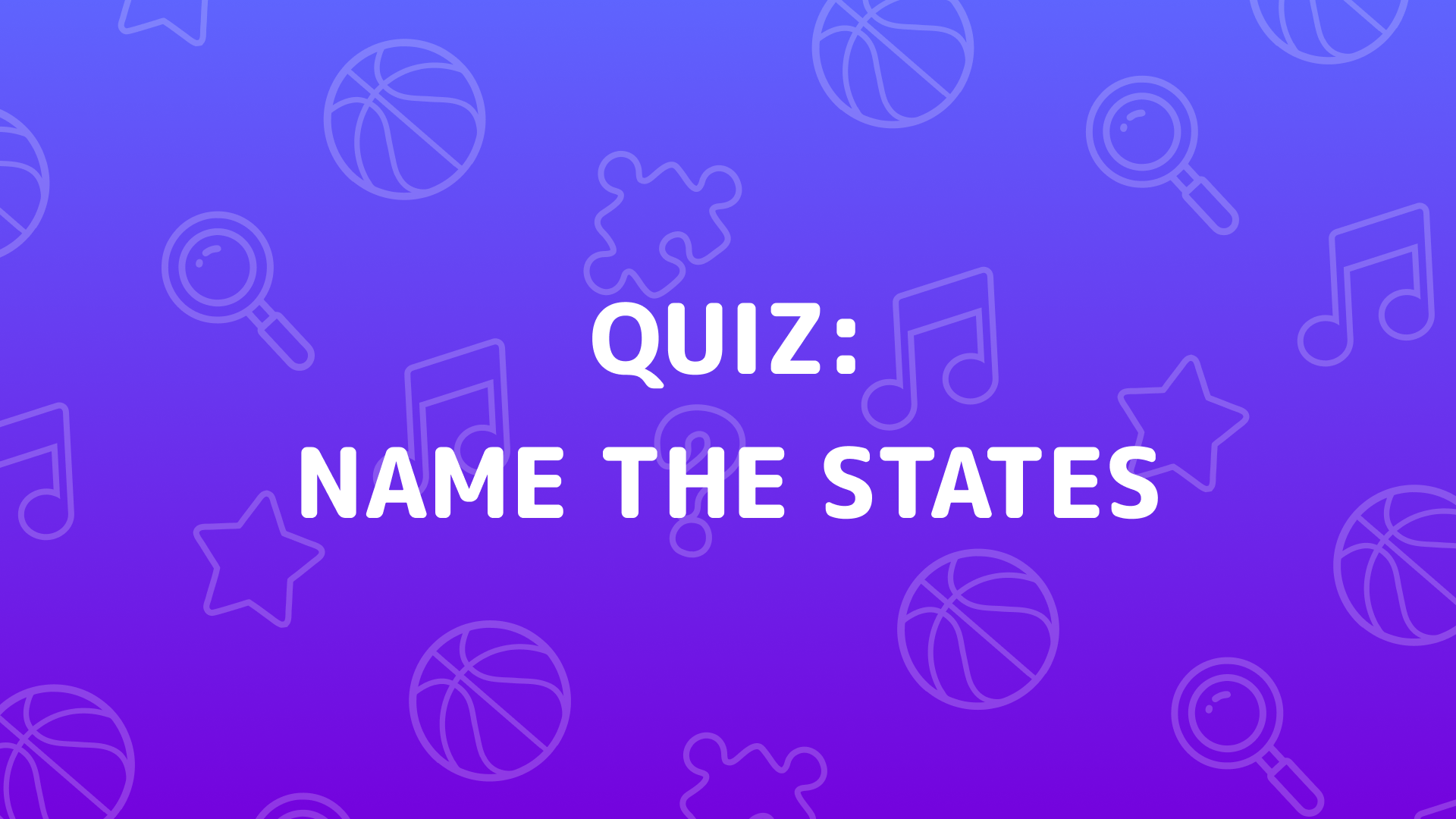
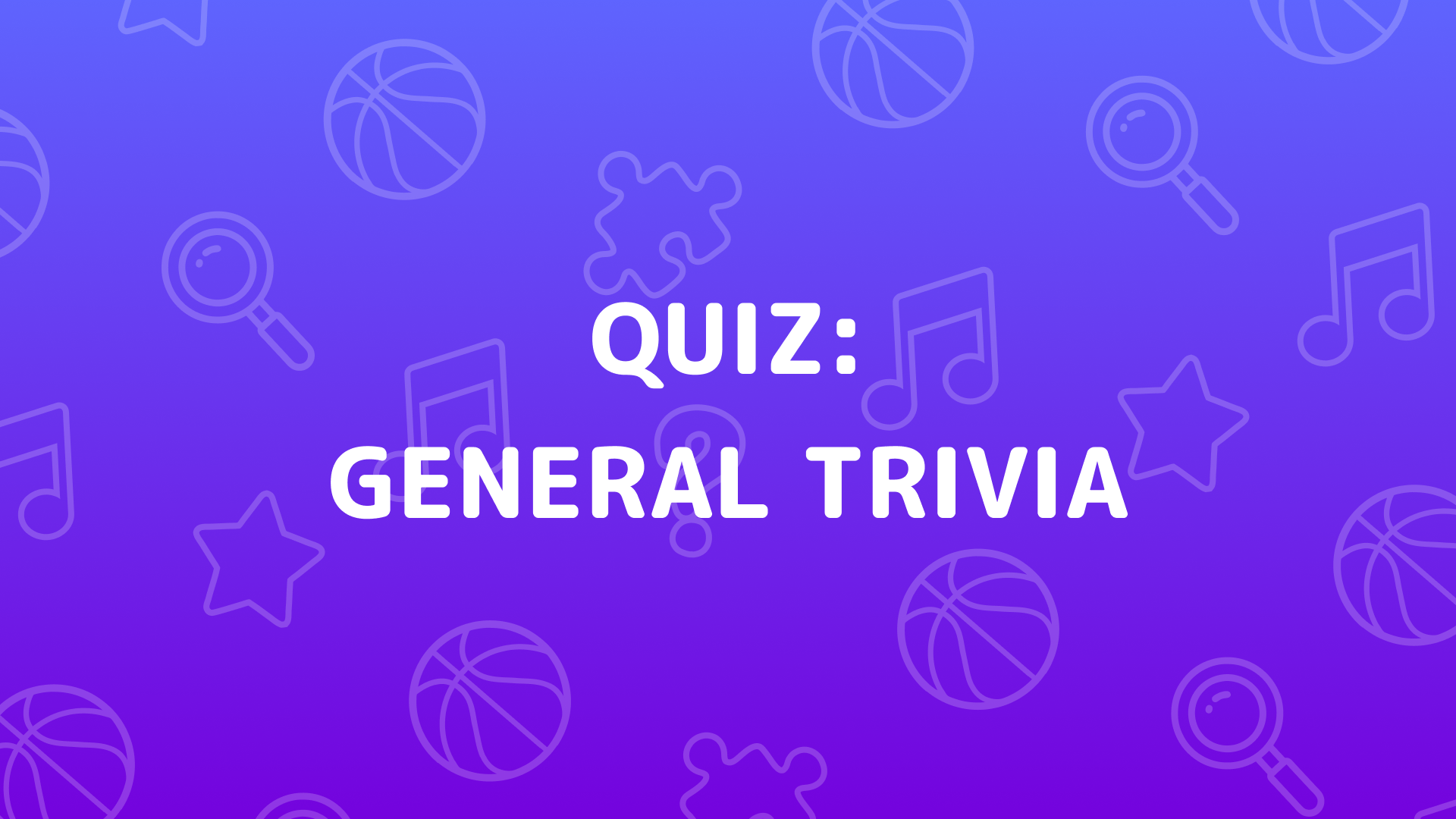
It's calm. Almost too calm. There's no music, no sound effects, no visual flair beyond basic color changes. The design is flat and minimalist—clean gradients, rounded buttons, and standard fonts that look like they came straight out of a template library. If you've ever used Duolingo, you'll recognize the vibe, but this version is way more stripped-down. It's not trying to be flashy or addictive; it just exists to give you trivia questions without any distractions. Honestly, the lack of personality makes it feel a bit sterile, but that also means zero sensory overload.
Technical Check: Saves & Performance
The game doesn't seem to track long-term progress—each session is independent. If you're expecting profile stats or unlockables, look elsewhere. It runs buttery smooth on any device since it's basically just text and buttons. I tested it on an older phone and it loaded instantly with zero lag. The interface adapts perfectly to mobile screens, so there's no awkward zooming or mis-taps. Just don't expect cloud saves or account features—it's all local, so clearing your browser data wipes everything.
Quick Verdict: Pros & Cons
It does exactly what it promises: delivers trivia questions without fuss. Great for killing time, but don't expect depth.
- ✅ Pro: Loads instantly and works flawlessly on mobile—no downloads, no login screens, no nonsense.
- ✅ Pro: Question variety keeps it from getting stale too quickly.
- ❌ Con: Zero personality. No music, no animations, no juice. It's functional but bland as toast.
Controls
Responsive and straightforward. The buttons are large enough that you won't accidentally fat-finger the wrong answer on mobile.
- Desktop: Click on your answer choice, then click the Continue button.
- Mobile: Tap your answer, then tap Continue. Works perfectly on touchscreens.
Release Date & Developer
Developed by David (Playgama) and released on April 3, 2025. It's a fresh addition to the casual trivia game scene, though it doesn't reinvent the wheel.