


































Dig & Clean




About Dig & Clean
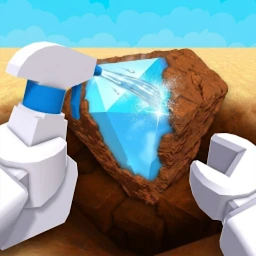
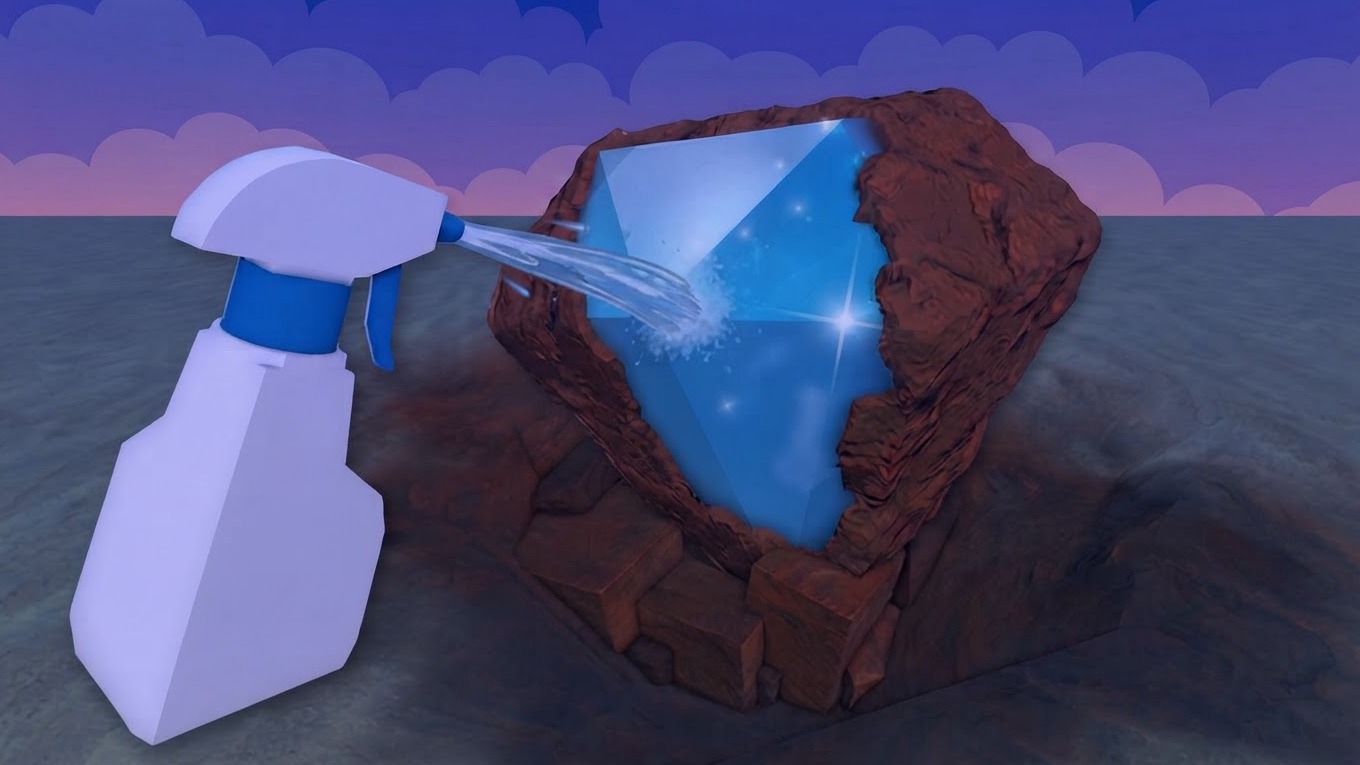
Dig & Clean puts you in charge of unearthing dirty junk and buried treasures, scrubbing them clean to reveal what they actually are, and displaying your best finds in your own museum. The loop is satisfying and tactile: dig something up, clean it off, and see what you've got. Rarity hunting drives the experience, with the rarest items in the game waiting somewhere beneath the surface. One scene shows a wooden chest, a stack of gold bars, and a blue UFO disc arranged on elevated wooden platforms — a glimpse of the kinds of finds waiting to be uncovered. In another scene, a row of shovels and metal detectors in colors including white, yellow, and purple are displayed near a small booth, hinting at the range of tools available.
How to Play Dig & Clean
Start by digging up buried items, then clean each find to discover what it is. Track down the rarest items in the game, display your best discoveries in your museum, and invest in better shovels and cleaning sprays to improve your results. Inventory slots let you manage and select finds, and you are able to sell, place, or take items as needed. Upgrades are purchased directly during play.
Controls
Desktop
- WASD / Arrow Keys: Move
- Hold RMB and move the mouse: Rotate the camera
- Mouse Wheel: Zoom in and out
- Space: Jump
- Hold E or LMB: Start digging
- Press E or LMB repeatedly: Dig
- Hold LMB and move the mouse over the item: Clean the find
- 1–9: Select a find in the inventory
- Hold E: Sell, place, or take the selected find
- Hold E: Start cleaning a find or buy an upgrade
Phone / Tablet
- Left joystick: Move
- Swipe on the right side of the screen: Rotate the camera
- Jump button: Jump
- Hold the contextual button: Start digging, sell, place, or take a find
- Press the contextual button repeatedly: Dig
- Hold the contextual button: Start cleaning or buy an upgrade
- Hold and drag your finger over the item: Clean the find
- Tap an inventory slot: Select a find
Games You Might Like
If the digging and collecting loop in Dig & Clean appeals to you, Obby: +1 Pickaxe Swing Escape shares that pickaxe-swinging satisfaction, letting you break blocks, gain strength, and unlock new zones as you go. For more buried-reward energy, Baseball For Brainrot has you smashing lucky blocks to uncover strange collectibles and building a growing display — a quirky spin on the same find-and-collect thrill.
Browse the full Simulation games catalog for more hands-on experiences, explore the 3D games collection for titles with similar depth and perspective, or check out Games For PC to find more desktop-friendly picks in the same vein.
Video