












Sprunki Sandbox: Ragdoll Playground Mode
Fruit Merge: Juicy Drop Game
Hidden Object: My Hotel
My Town Home: Family Playhouse
Hidden Object: Clues and Mysteries
TB World
Pregnant Mother Simulator
Hazmob FPS: Online ShooterObby: Escape from Barry Prison
Obby: Escape from Barry Prison - Play Online
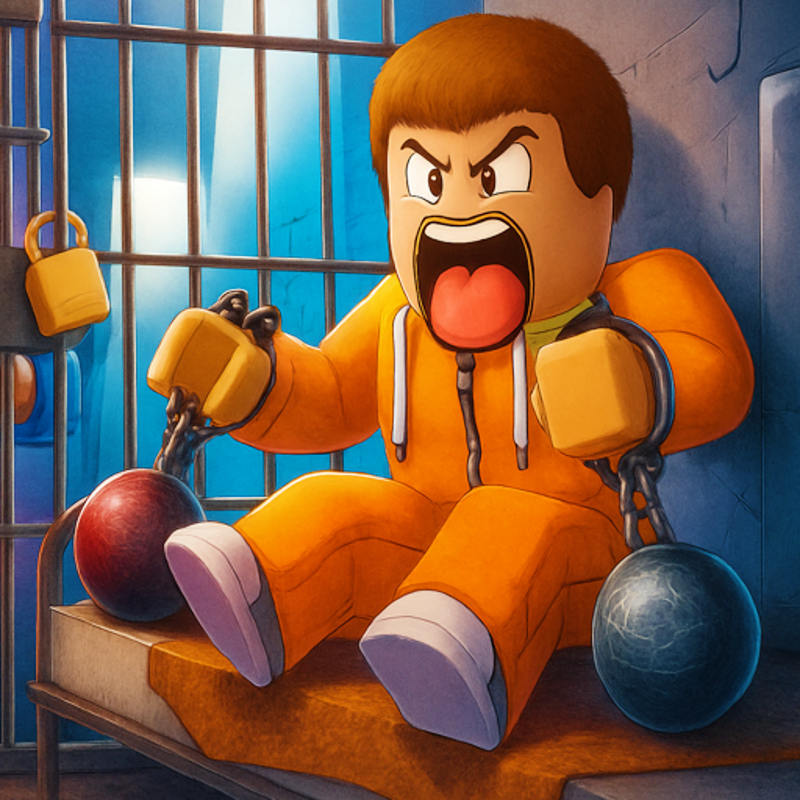
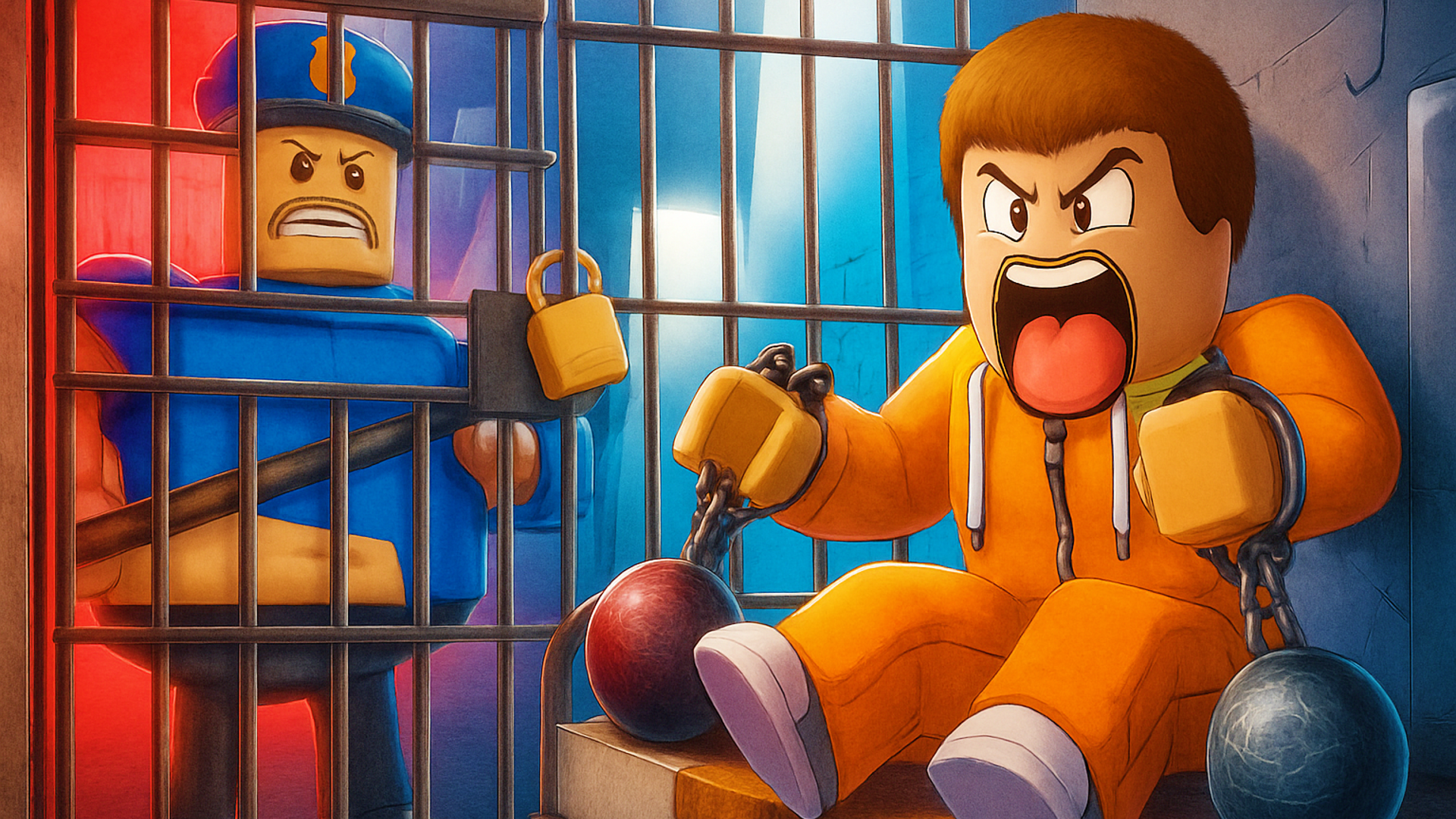
You're trapped in a prison, and your lazy guard Barry is basically napping on duty. This is your shot to bounce, flip, and jump your way to freedom through obstacle courses that'll test your patience. Think Roblox-style platforming meets Fall Guys chaos, but wrapped in a prison escape theme. The goal? Run through stages packed with deadly jumps, grab coins along the way, and unlock fresh skins to flex on your way to that helicopter waiting on the roof. It's simple, it's addictive, and it's totally free to play in your browser.
Key Features
- Multiple Prison Stages: Dozens of obstacle courses that get progressively trickier as you escape deeper into the facility.
- Works on Anything: Runs smooth on both desktop and mobile browsers without downloads—perfect for potato PCs and phones.
- Skip Button for Rage Moments: Stuck on a brutal stage? Hit V to skip and keep the momentum going (you'll still use it, trust me).
- Character Customization Shop: Unlock alien skins, cat outfits, and accessories using coins and trophies you earn from completing levels.
How to Play Obby: Escape from Barry Prison
Getting started takes seconds, but nailing those pixel-perfect jumps? That's the real challenge.
Master the Basic Movement
You control your prisoner with WASD keys (or the on-screen joystick on mobile). Space bar makes you jump, and you'll rotate the camera with your mouse to line up tricky platforms. The controls are tight enough for precision jumps, but forgiving enough that kids won't rage-quit immediately. Tab opens settings if you need to adjust sensitivity, and C pulls up the customization menu where you can swap skins between runs.
Navigate the Obstacle Gauntlet
Each stage throws platforming puzzles at you—spinning platforms, narrow beams over deadly drops, moving obstacles that'll knock you back to the checkpoint. The level design borrows heavily from classic Roblox obbies: some stages are toilet-themed joke rooms, others drop you in desert ruins with concrete stairs that demand perfect timing. You'll die. A lot. But checkpoints are generous, so you respawn close to where you messed up. The difficulty ramps up fast, going from "my little cousin can do this" to "why is this platform the size of a thumbtack?"
Collect Rewards and Customize
Finishing stages dumps coins and trophies into your account. Hit C anytime to browse the skin shop—I saw everything from alien characters to cat-themed avatars. The cosmetics are pure flex fuel; they don't change gameplay, but showing up to the next level looking like a space invader while other players are stuck in default prison jumpsuits? That's the real endgame. Keep grinding stages to unlock the full wardrobe.
Who is Obby: Escape from Barry Prison for?
This is laser-focused at kids and casual players aged 6-14 who grew up on Roblox. If you're chasing leaderboards or deep mechanics, this isn't it—but if you want something colorful and low-stakes to chip away at during lunch breaks or after school, it hits the spot. Parents will appreciate there's zero violence (you just respawn when you fall), and the difficulty curve is gentle enough that younger players won't get stuck for hours. Teens might find it too basic unless they're completionists hunting for all the skins.
The Gameplay Vibe
It's chill with occasional spikes of frustration. The game doesn't rush you—no timers, no lives system—so you can take your sweet time lining up jumps. The visuals are basic Roblox fare: flat lighting, blocky textures, and environments that look like they were built with shape tools in twenty minutes. The prison aesthetic is more goofy than menacing (one level literally starts you in a bathroom). There's background music, but it's generic and loops fast, so I muted it after ten minutes and threw on a playlist. The physics feel floaty compared to tighter platformers, which makes some jumps feel inconsistent, but it's part of the charm in a weird way.
Technical Check: Saves & Performance
Your progress saves automatically through browser cookies, so as long as you don't wipe your cache or switch devices, you'll pick up right where you left off. I tested it on a four-year-old laptop and a mid-range phone—both ran it without hiccups. The low-poly graphics mean even ancient hardware can handle this. No lag, no stuttering, just smooth (if unspectacular) performance. Mobile touch controls are responsive enough, though precision jumps are easier with a mouse and keyboard.
Quick Verdict: Pros & Cons
A solid time-killer that scratches the Roblox obby itch without needing the actual Roblox launcher.
- ✅ Pro: Instant browser access—no downloads, no account required, just click and play.
- ✅ Pro: The skip button is a lifesaver when a stage is kicking your butt repeatedly.
- ❌ Con: Music gets repetitive within minutes, and the visuals are pretty bare-bones even by Roblox standards.
Controls
Simple and responsive, though keyboard/mouse gives you way more precision than touchscreen.
- Desktop: WASD to move, Mouse to rotate camera, Space to jump, Tab for settings, C for customization, V to skip stage.
- Mobile: Virtual joystick for movement, on-screen jump button, tap icons for menus.
Release Date & Developer
Developed by MaslenokGames and released on November 13, 2024. Pretty fresh game, so expect updates and new stages down the line.