


















Snake 2048
Fruit Merge: Juicy Drop Game
Sprunki World Online RP - Play with Friends!
Deadly Descent
Playground Man! Ragdoll Show!
TB World
Hidden Object: Clues and Mysteries
Melon Sandbox
Sprunki Sandbox: Ragdoll Playground ModeClassic Chess: Forest
Classic Chess: Forest - Play Online

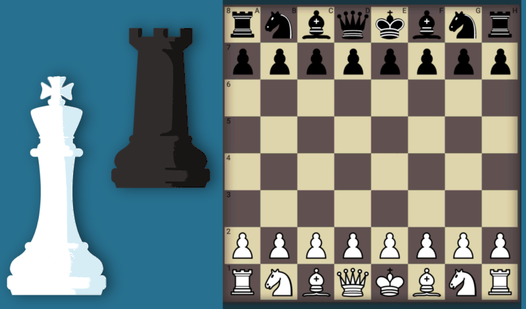
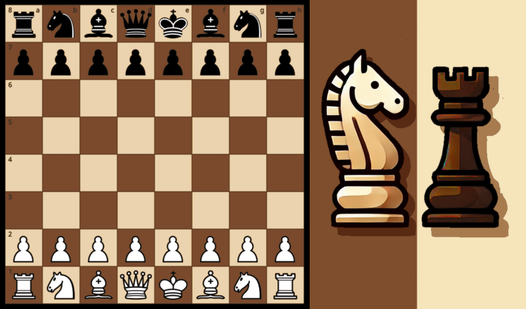
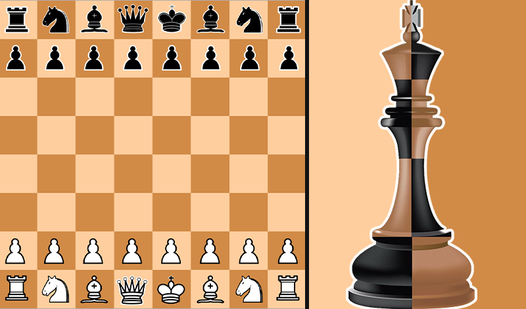
It's chess. Just chess. But with a weirdly relaxing forest background and a few extra modes to keep things interesting. If you've ever played chess anywhere—on a board, on your phone, against your grandpa—you know exactly what you're getting into here. The goal is simple: checkmate your opponent, whether that's a friend sitting next to you, an AI that ranges from "complete beginner" to "I will destroy you," or strangers online. It's brain training wrapped in wood-textured UI and pine trees. Perfect for teens, families, or anyone who wants to sharpen their strategy skills without leaving their browser.
Key Features
- Four Game Modes: Classic, Fischer Chess (Chess960), Fog of War, and Blindfold Chess—so you can mess with the rules once standard chess gets boring.
- AI Difficulty Levels: Adjustable computer opponents from beginner to master, so you can actually learn instead of getting crushed immediately.
- Local and Online Multiplayer: Play on the same device with a friend or compete against players worldwide with leaderboards.
- Move History Notation: Full algebraic notation tracked on-screen so you can review every mistake you made.
How to Play Classic Chess: Forest

If you know chess, you're already 90% there. If you don't, this isn't a bad place to start.
Pick Your Mode and Opponent
You start by choosing whether to play against the computer or a friend on the same board. The AI has difficulty settings, so beginners won't get immediately stomped. The game also offers variants like Chess960, where pieces start in random positions, or Fog of War, where you can only see squares your pieces control. It keeps things fresh if you've played a thousand standard games.
Move Your Pieces According to Chess Rules
Click a piece, and the game highlights legal moves. Click where you want it to go. That's it. The board uses standard algebraic notation, so if you're into tracking openings or reviewing games, everything's logged in the sidebar. You can undo moves, restart, or scrub through the history with arrows. The interface is straightforward—no flashy animations or distractions, just you and the board.
Win by Checkmate or Resign
The game ends when someone's king is checkmated or a player resigns. If you're playing online, your rating adjusts based on wins and losses. There's no meta-progression like unlockable boards or cosmetics—it's pure chess. You play to improve your skill and climb the leaderboards, not to grind for loot.
Who is Classic Chess: Forest for?

This is for anyone who wants to play chess without downloading an app or paying for a premium subscription. It's great for beginners because the AI is forgiving on lower difficulties, and the interface doesn't assume you know every opening by heart. It's also solid for intermediate players looking for a quick match during a work break. If you're a serious chess nerd, you might find the presentation a bit bland, but the core engine is competent enough to challenge you on higher difficulties.
The Gameplay Vibe
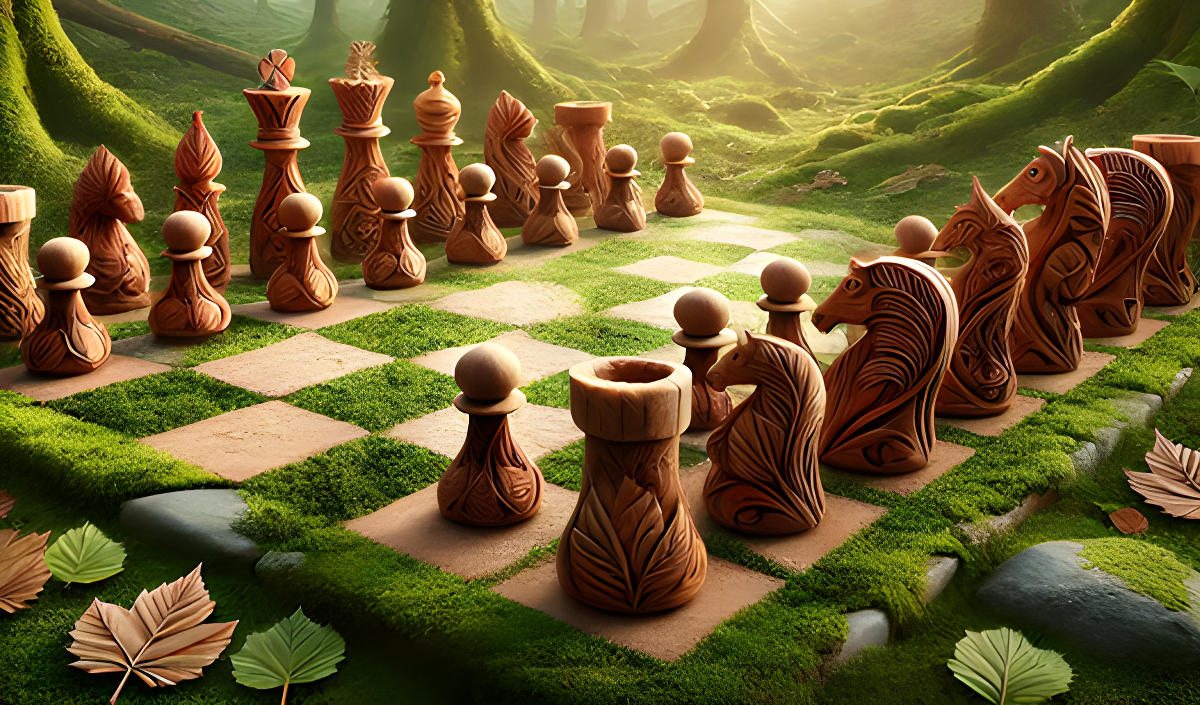
It's calm. Almost too calm. The forest background is a static photo—pretty, but it doesn't animate or interact with the game. The music is gentle and forgettable, the kind of ambient loop you'd hear in a hotel lobby. The UI is functional but clashes aesthetically: you've got wood-textured panels slapped over a modern forest photo, and the 2D chess pieces are simple silhouettes that look like they came from a free asset pack. It works, but it doesn't feel polished. The vibe is "I need to play chess right now and this popped up first in my search."
Technical Check: Saves & Performance
The game saves your progress in your browser's local storage, so your ongoing matches stick around unless you clear your cache. If you're playing online, your account tracks your rating and match history. Performance-wise, this runs on a potato. It's a 2D board with minimal animation, so even older phones or low-spec laptops handle it fine. No lag, no stutter—just instant response when you click a piece.
Quick Verdict: Pros & Cons
It's a competent chess game that does the job without frills.
- ✅ Pro: Instant access in your browser—no downloads, no account required to start playing.
- ✅ Pro: Multiple modes and AI difficulty levels make it accessible for beginners and challenging for experienced players.
- ❌ Con: The visuals are generic and the forest theme is purely cosmetic—it adds nothing to the experience and clashes with the UI.
Controls
Responsive and simple. No complaints here—clicks register instantly.
- Desktop: Mouse to select and move pieces. Navigation buttons for undo, restart, and history scrubbing.
- Mobile: Tap pieces and tap destination squares. Same button layout, optimized for touch.
Release Date & Developer
Developed by RandomGames and released on November 13, 2024. It's a browser-based chess client likely built on Unity with a standard chess engine under the hood.