




























Automechanic: Build Car 3D!









About Automechanic: Build Car 3D! — Repair, Restore, and Drive
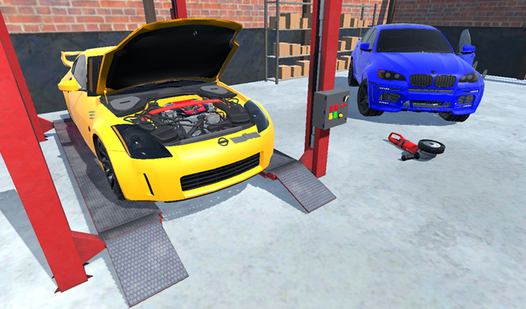
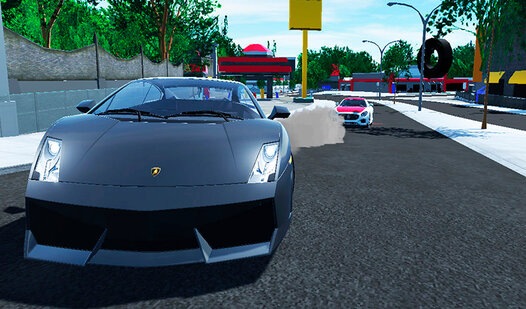
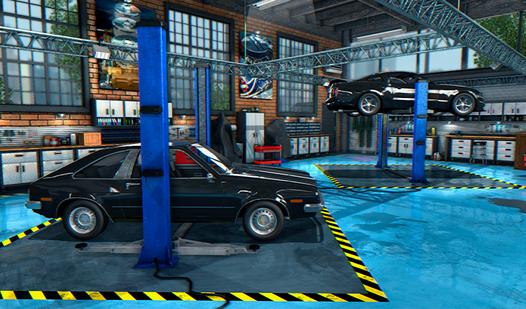
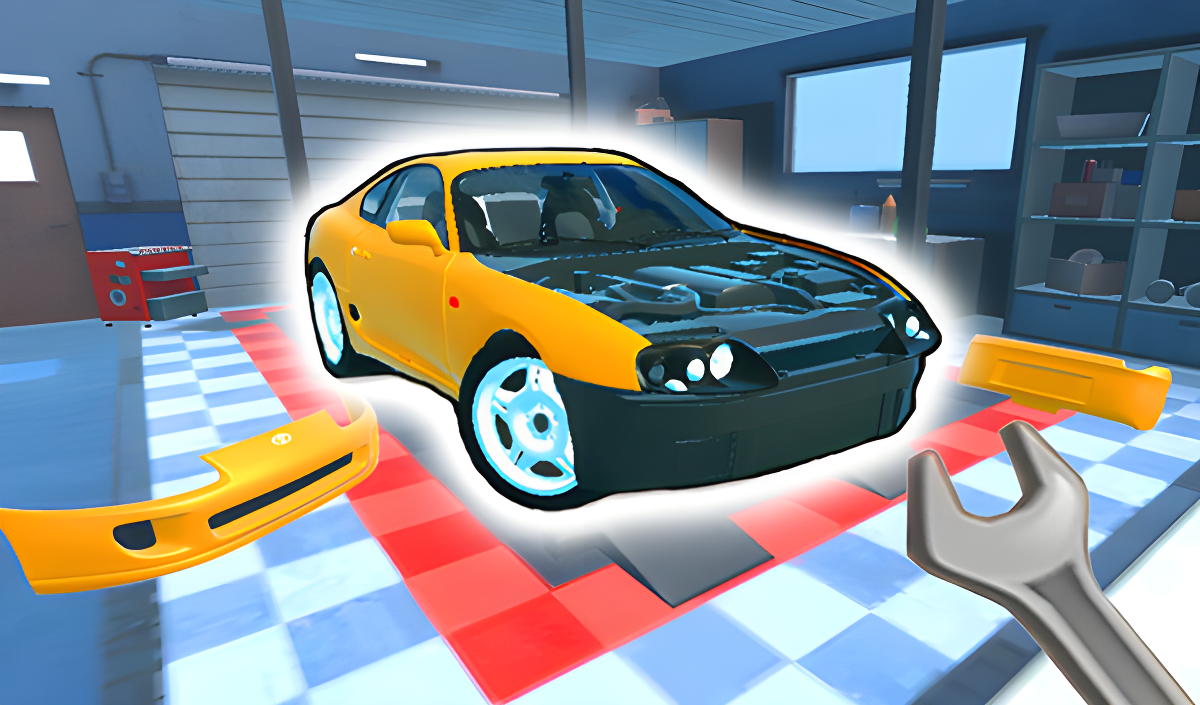
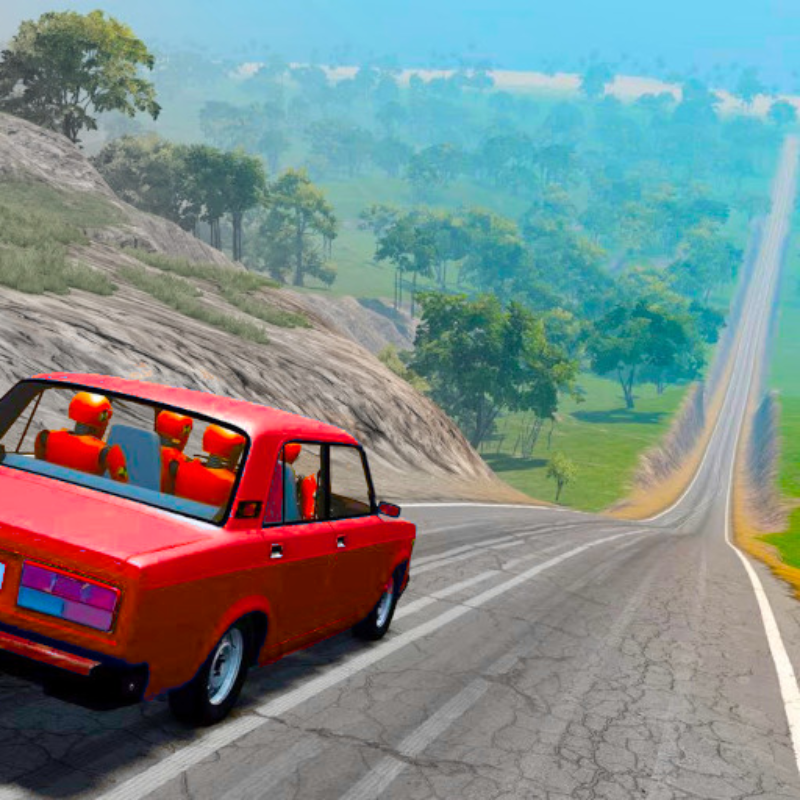
Automechanic: Build Car 3D! puts you to work at an auto repair shop where broken-down cars are waiting for attention. The core loop moves between two distinct activities: hands-on restoration in the garage and open-city driving once a car is road-ready. Restored vehicles can be taken out to drift and destroy environmental objects around the city, and the points earned from drifting feed directly back into buying new cars and sourcing missing parts.
Several scenes show tall gray skyscrapers lined with small blue-tinted windows standing behind green trees and a chain-link fence. In one scene, a red vehicle sits elevated on a lift with a single wheel removed and resting on the ground below it.
How to Play Automechanic: Build Car 3D!
Start by repairing cars at the auto repair shop: install missing parts to get each vehicle back in working order. Once a car is restored, take it into the city to drive and drift. Drifting earns points, and those points can be spent on new cars or the parts needed to complete other restorations. Buying additional cars expands what you are able to work on and drive. Choose a favorite car, restore it, and head out.
Controls
- LMB: Raise part
- RMB: Throw part
- WASD: Management
- Space: Handbrake
- Tab: Pause
- A: Nitro (in the car)
Mobile Device
- In-game interface
Games You Might Like
If the garage-to-street loop in Automechanic: Build Car 3D! appeals to you, Restore Car 3D covers the same mechanic of assembling and repairing cars before hitting city streets to drift. For a broader open-world experience, Drive Quest offers 35 customizable vehicles and a map packed with ports, highways, and hidden zones for drifting and stunts.
Browse the full driving games catalog for more behind-the-wheel action, or explore the wider simulation games collection for other hands-on building and management experiences.
Video