



























TB World
Pregnant Mother Simulator
Playground Man! Ragdoll Show!
Plants vs Zombies Fusion Edition
My Town Home: Family Playhouse
Piece of Cake: Merge & Bake
Melon SandboxBTS Cute Kitty Coloring
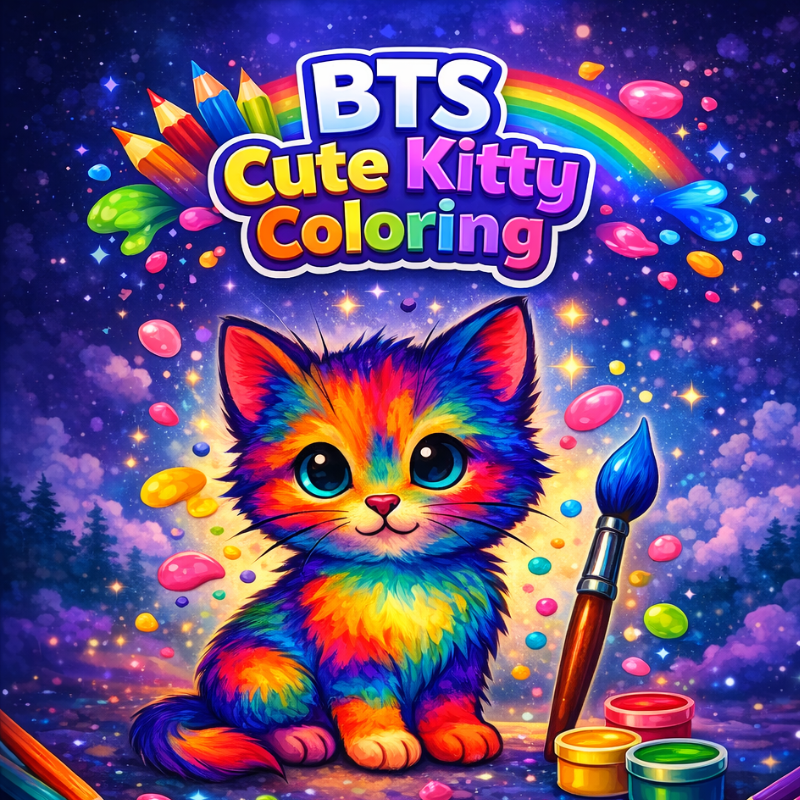
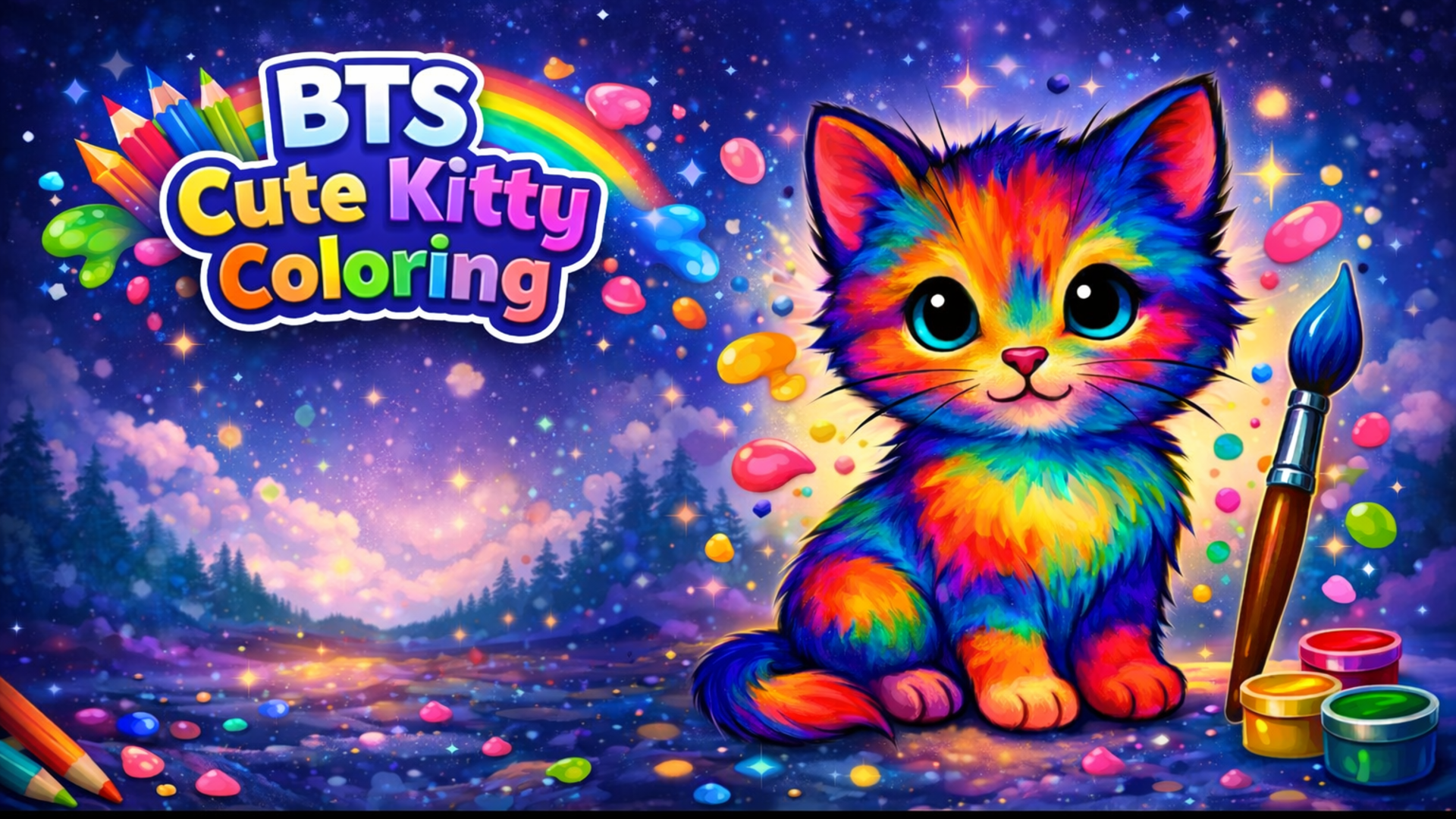
BTS Cute Kitty Coloring - Play Online

Ever wanted a digital coloring book that actually feels like the real thing? BTS Cute Kitty Coloring nails that vibe with its simple, no-pressure setup—pick a kitty template, grab your colors, and just paint. If you grew up with those chunky crayon boxes and paper coloring books, this is that experience translated into browser form. The goal? Turn blank line-art cats into vibrant masterpieces using a rainbow of tools, stickers, and your own creative instincts.

Key Features
- 6 Unique Cat Templates: Each kitty design has a different pose and personality waiting for your color choices.
- Optimized Kid-Friendly Interface: Large buttons, clear icons, and a clean layout that even toddlers can navigate without frustration.
- Sticker & Decoration System: Add butterflies, monkeys, and other playful elements to make each artwork truly unique.
- Save & Share Functionality: Export your finished creations directly to your device and show them off to friends or family.
How to Play BTS Cute Kitty Coloring

Getting started takes seconds, but the creative possibilities are endless. Here's how the flow works:
Choosing Your Canvas
You begin at the gallery screen where six different cat illustrations wait. Each one features a kitty paired with an object—like a fishbowl or a toy. Click on the template that speaks to you, and the coloring workspace loads instantly. No waiting, no loading bars.
Painting and Decorating
Now the fun begins. At the bottom, you've got a tray of colored pencils. Click one, then tap any section of the line-art to flood-fill it with that color. Want to add flair? Open the sticker panel on the right and drag fun extras—butterflies, cartoon animals—onto your canvas. Use the zoom controls if you need precision on smaller details. Made a mistake? The eraser tool resets individual sections without destroying your whole piece.
Saving Your Masterpiece
Once you're satisfied, hit the save icon. The game downloads your artwork as an image file straight to your device. Reset the canvas if you want to try a different color scheme, or head back to the gallery to tackle another template. There's no time limit and no score—just pure creative freedom.
Who is BTS Cute Kitty Coloring for?

This game is built for young kids—specifically ages 3 to 7—who are developing fine motor skills and color recognition. It's also perfect for parents looking for a calm, screen-based activity that doesn't involve ads every 30 seconds or aggressive monetization. If you need something to keep a toddler entertained during a car ride or waiting room visit, this hits the sweet spot. Adults who enjoy meditative, low-stakes coloring will also find it oddly relaxing.
The Gameplay Vibe
Playing this feels like opening a fresh coloring book on a lazy Sunday. The retro-inspired, flat 2D art style keeps things simple and focused—no flashy effects or distracting animations to pull attention away from the coloring itself. The wooden UI textures and straightforward layout give it that classic "educational app" charm from the early tablet era. It's not trying to be a AAA experience; it's trying to be a digital crayon box, and it succeeds. The mix of line-art cats and vibrant sticker options creates a cozy, approachable atmosphere that never feels overwhelming.
Technical Check: Saves & Performance
The game saves your artwork manually when you hit the download button—it doesn't auto-save in the browser, so make sure to export before closing the tab. As for performance, the clean, lightweight visuals mean this runs flawlessly even on older tablets or budget laptops. I tested it on a mid-range Chromebook and experienced zero lag, even when spamming stickers. The touch controls on mobile are smooth and responsive, making it genuinely playable on phones despite the tiny screen real estate.
Quick Verdict: Pros & Cons
A solid, stress-free coloring experience that delivers exactly what it promises.
- ✅ Pro: Instant load times and zero barrier to entry—perfect for impatient kids.
- ✅ Pro: Runs on any device without stuttering, even on ancient hardware.
- ❌ Con: Only 6 templates means dedicated players will exhaust the content in one sitting—more variety would give this serious replay value.
Controls
The controls are intentionally oversized and forgiving, designed for small fingers and quick taps.
- Desktop: Left-click to select colors and fill sections. Click-and-drag for stickers. Scroll wheel zooms in/out.
- Mobile: Tap to choose colors and apply fills. Drag stickers with your finger. Pinch to zoom on the canvas.
Release Date & Developer
Developed by Video Igrice and released on February 5, 2026, this browser-based coloring game keeps the focus on accessibility and simple fun.
FAQ
Where can I play BTS Cute Kitty Coloring?
Can I undo a color choice without starting over?
Is there a mobile version?
Use this link to embed the game on your website using an iframe
Sign in to Embed and Monetize Games
TB World
Hidden Object: Clues and Mysteries
Melon Sandbox
Deadly Descent
Pregnant Mother Simulator
Plants vs Zombies Fusion Edition
Hazmob FPS: Online Shooter
Playground Man! Ragdoll Show!
Hidden Object: My Hotel
My Town Home: Family Playhouse
Piece of Cake: Merge & Bake
Sprunki World Online RP - Play with Friends!