

























silver coin
3000Daily bonus
Word Search: Relaxing Puzzles

Word Search: Relaxing PuzzlesPuzzle
Word Search: Relaxing Puzzles


Word Search: Relaxing PuzzlesPuzzle
Save IconKeep your progress on every device — log in

Word Search: Relaxing Puzzles

★★★★★★★4 / 491 votesPG
Developer: GamesJS
Game Orientation: Landscape
Platforms: PC, Android, iOS
Release date: January 2023
Last Update: January 2026
Supported Languages: English

Word Search: Relaxing Puzzles - Play Online

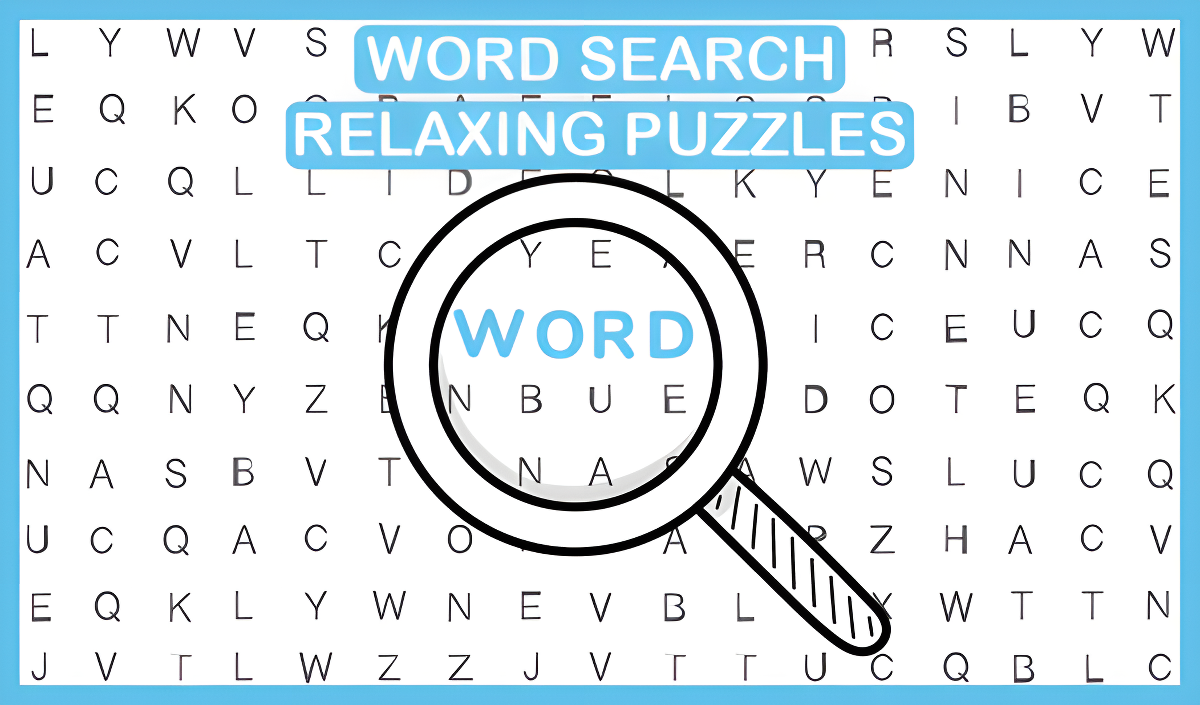
If you've ever killed time with a word search book at the doctor's office, you already know the vibe here. Word Search: Relaxing Puzzles is your classic letter-grid hunt but without the coffee stains and crumpled pages. Your goal is simple: find hidden words in a jumbled grid of letters, mark them off, and clear the board. It's brain training wrapped in a chill package—perfect for when you want to feel productive without breaking a sweat.

Key Features

    • 6 Language Options: Play in English, Russian, French, Portuguese, Spanish, or German—great for learning or just flexing your multilingual skills.
    • Global Leaderboard: Compete for speed records against players worldwide if you're feeling competitive.
    • Hint System: Stuck? The hint button reveals a letter in a hidden word to keep you moving forward.
    • Day & Night Themes: Switch between light and dark modes depending on your mood or screen glare situation.

How to Play Word Search: Relaxing Puzzles

Getting started is dead simple, but hunting down that last hidden word? That's where things get tricky.

Spotting and Selecting Words

You scan the grid looking for words from the list. Once you spot one, you tap the first letter and drag your finger (or mouse) across the letters to highlight it. Words can run horizontally, vertically, or even backwards—so you need to check every angle. The game confirms when you've nailed it and crosses the word off your list.

Using Hints Strategically

When you're stuck staring at a grid for two minutes and that one word just won't reveal itself, tap the hint button. It'll light up a single letter inside a hidden word. Use these wisely—you don't get unlimited hints, and relying on them too much kills your completion time.

Chasing Leaderboard Times

The real challenge kicks in when you start racing the clock. Completing puzzles faster boosts your rank on the global leaderboard. You'll find yourself replaying grids just to shave off a few seconds, memorizing common word placements and scanning patterns more efficiently.

Who is Word Search: Relaxing Puzzles for?

Perfect for casual players and students. If you need something to zone out with during a coffee break or while half-watching TV, this nails it. It's also solid for teens working on vocabulary or language skills without feeling like homework. Not recommended for hardcore gamers looking for adrenaline—this is slow-burn mental exercise, not a reflex test.

The Gameplay Vibe

It's genuinely relaxing, just like the title promises. There's no timer pressure unless you create it yourself by chasing leaderboard spots. The interface is clean and minimal—no flashy animations or annoying sound effects. I played with the night theme on, and it's easy on the eyes for long sessions. The background music is forgettable in a good way; it fades into the background and doesn't drive you crazy after 20 minutes. Honestly feels like digital comfort food for your brain.

Technical Check: Saves & Performance

The game autosaves your progress through browser cache, so you can close the tab and pick up where you left off later. Just don't go nuclear on clearing your browsing data, or you'll lose everything. Performance-wise, this runs on a potato—it's just text and simple graphics, so even ancient laptops and budget phones handle it without lag. Loads instantly, no waiting around.

Quick Verdict: Pros & Cons

A solid word search experience that delivers exactly what it promises—no surprises, no gimmicks.

    • ✅ Pro: Six languages make it useful for language learners or bilingual players.
    • ✅ Pro: Dark mode is a lifesaver for night owls or anyone sensitive to bright screens.
    • ❌ Con: The core gameplay never evolves—it's just word searches forever, which can feel repetitive after a dozen puzzles.

Controls

Smooth and responsive on both platforms. No weird lag or missed inputs.

    • Desktop: Click and drag with your mouse to select words. Hint button is one click away.
    • Mobile: Tap and swipe to highlight words. Touch controls feel natural and precise.

Release Date & Developer

Developed by GamesJS and released on January 1, 2023, this game keeps things straightforward without unnecessary bells and whistles.

FAQ

Where can I play Word Search: Relaxing Puzzles?

Play it free on Playgama. It works on PC and Mobile without downloads.

Can I change the difficulty level?

The puzzles naturally get harder as you progress with larger grids and trickier word placements. You can't manually adjust difficulty, but the challenge ramps up organically.

Is there a mobile version?

Yes, the game fits any screen size and supports touch controls.

Video

Screenshots

screenshot-0screenshot-1
Free Online Games at PlaygamaPlaygama features the latest and best free online games. You can enjoy playing fun games without interruptions from downloads, intrusive ads, or pop-ups. Just load up your favorite games instantly in your web browser and enjoy the experience.
Random Game