














Obby: Paint the Keyboard ASMR







About Obby: Paint the Keyboard ASMR: Color Keys, Earn Money, Unlock Lands
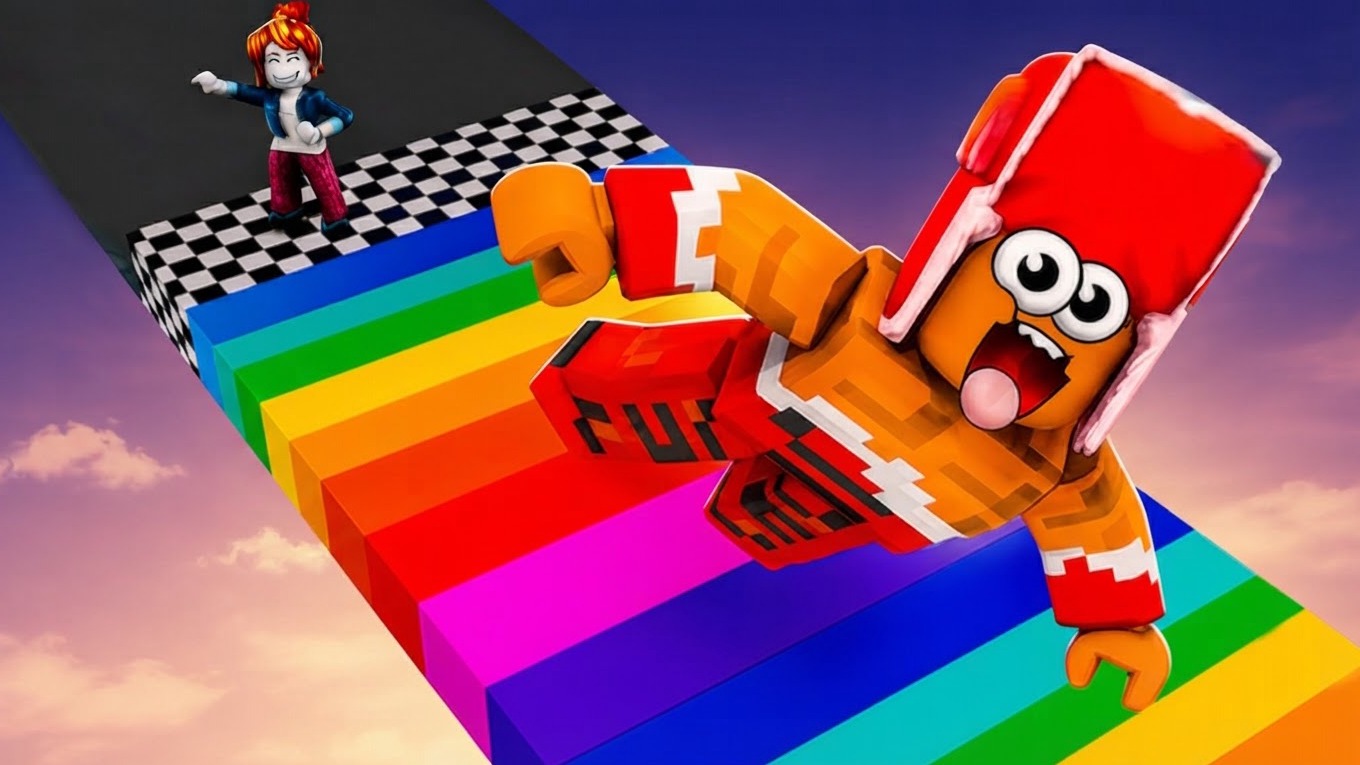
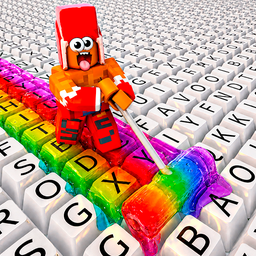
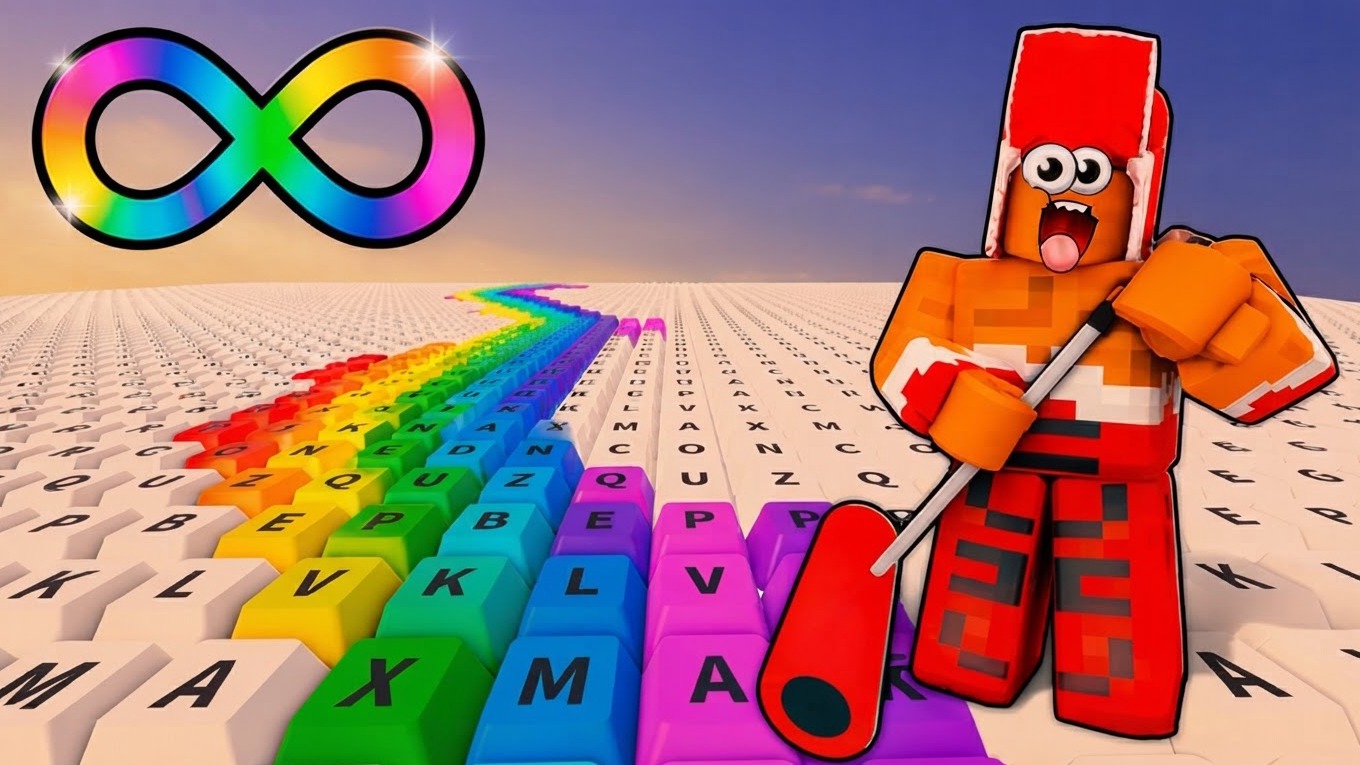
Obby: Paint the Keyboard ASMR drops you onto an oversized keyboard and challenges you to paint every single key. The goal is straightforward — buy paints, step across the keys to color them, and earn money with each painted step. The better the paint, the more income each step generates, so upgrading your supplies keeps the whole loop moving forward.
Several scenes show green-topped hills with textured yellow-brown faces surrounding the play area. A wooden fence with vertical posts and two horizontal rails encloses the rectangular field where rows of blocks wait to be painted.
How to Play Obby: Paint the Keyboard ASMR: Unlock All Paints
The main goal is to unlock all paints. Step on the keys to paint them and collect money, then spend that money on new paints and upgrades. Unlocking new lands opens additional areas packed with fresh keys to cover.
Upgrades
- Speed: improve how fast your character moves
- Roller size: increase the size of your paint roller
- Paint tank: expand your paint capacity
- Noob speed: boost the movement speed of your hired helpers
Noobs
- Hire helper noobs who press keys on your behalf, earning money even when you are not directly stepping on them
New Lands
- Unlock additional areas that introduce new keys to paint and expand the keyboard playground
Controls
PC Controls
- WASD: Move
- Space: Jump
- Right and left mouse button: Camera rotation
- E key: Interact
Mobile Controls
- Left joystick: Run
- Right button: Jump
- Right look joystick: Camera rotation
- Hand icon button: Interact
Games You Might Like
If painting keys and expanding your territory appeals to you, the broader world of Obby games is full of obstacle-course adventures worth exploring. For more colorful keyboard-themed running, +1 Speed Keyboard Escape: Obby sends you sprinting across keyboard keys while buying trails and climbing leaderboards. If swinging tools and unlocking zones sounds appealing, Obby: +1 Pickaxe Swing Escape lets you break blocks with spinning pickaxes and gain strength upgrades across colorful zones.
Fans of fast-paced casual play will also find plenty to enjoy across the full Arcade games collection, and the 3D games category covers a wide range of vibrant three-dimensional experiences similar in style to this keyboard painter.
Video