





























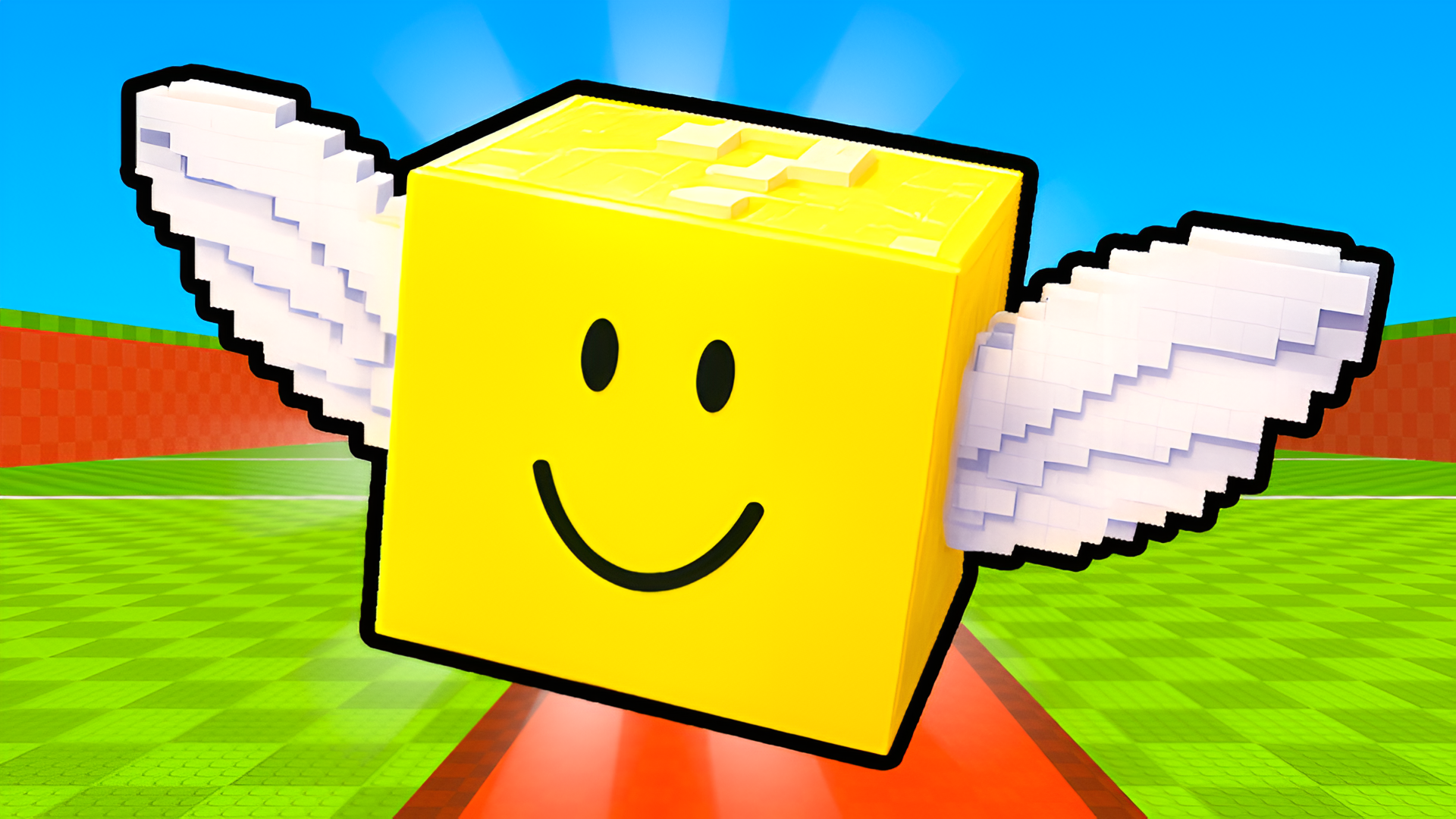

Musical Ball: create your own melody
Musical Ball: create your own melody - Play Online
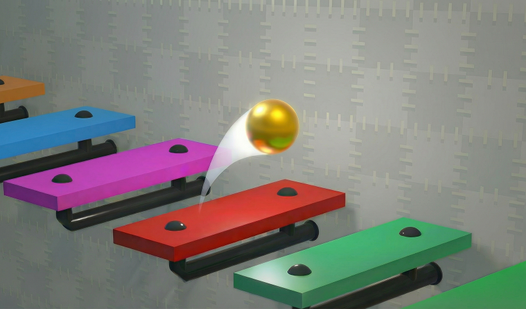
Piano meets physics. Rhythm meets idle. Musical Ball: create your own melody is a sandbox clicker where you build bouncing melodies. Drop balls. Watch them trigger notes. Earn gold. Unlock new instruments. Simple loop. Endless tunes.
How to Play Musical Ball: create your own melody
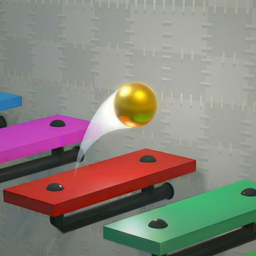
Your mission? Build a musical marble run. Place colored note-platforms on the wall. The ball bounces down. Each hit plays a note. Different colors = different pitches. Stack them right. Create infinite melodies. No sheet music required.
Build Your Track
Click the screen. Place a note-platform. Ball drops. Touches platform. Sound triggers. Repeat. Use the lower right buttons to move notes up or down. Rule: Can't place a note above the previous one. Can't drop it below the next. Physics keeps your melody in order.
Upgrade & Customize
Earn points by running melodies. Hit the upper left mini-game button. Grind extra currency. Spend it on new instruments, ball colors, and backgrounds. Lower left corner unlocks: delete tool, instrument selector, tempo adjuster. Want faster drops? Crank the tempo. Want piano instead of xylophone? Swap the instrument.
Pro Moves
Use the camera return button (lower left) to snap back to the ball mid-drop. Toggle between 2D placement mode and 3D cinematic view. Save your masterpiece with the upper right save button. Load it later. Stack high-value note combos at the bottom for max points. Watch ads for +990 gold bonuses. Free currency hack.
Key Features
- Endless Melody Creation: No time limits. Build tracks forever.
- Clean Vector Graphics: Flat UI. Smooth 60 FPS on any browser. Desktop optimized.
- Multi-Instrument System: Unlock piano, xylophone, synth. Change sounds mid-session.
- Idle Progression: Earn points while the ball loops. Mini-game boosts income.
- Save/Load System: Store your tracks. Share setups. Come back anytime.
- Dynamic Tempo Control: Speed up or slow down ball drops. Real-time rhythm adjustment.
Who is Musical Ball: create your own melody for?
Perfect for rhythm game fans who want zero pressure. Great for casual players aged 13+. Zen mode for procrastinators. ASMR lovers. Desktop gamers hunting 5-minute breaks.
Release Date & Developer
Musical Ball: create your own melody was developed by GlitchGum. Released March 2, 2026.
Controls
- Left Mouse Button: Place note-platform
- Lower Right Buttons: Move note up/down
- Lower Left Panel: Delete, instrument swap, tempo, camera reset, color picker
- Upper Left: Start melody, access mini-game
- Upper Right: Save/Load track
FAQ
Where can I play Musical Ball: create your own melody online?
How do I unlock new instruments in Musical Ball: create your own melody?
Can I save my melody in Musical Ball: create your own melody?
What happens if I place notes in the wrong order?
How does the tempo adjuster work in Musical Ball: create your own melody?
Video