



















Learning to Count: Sticks
Learning to Count: Sticks - Play Online
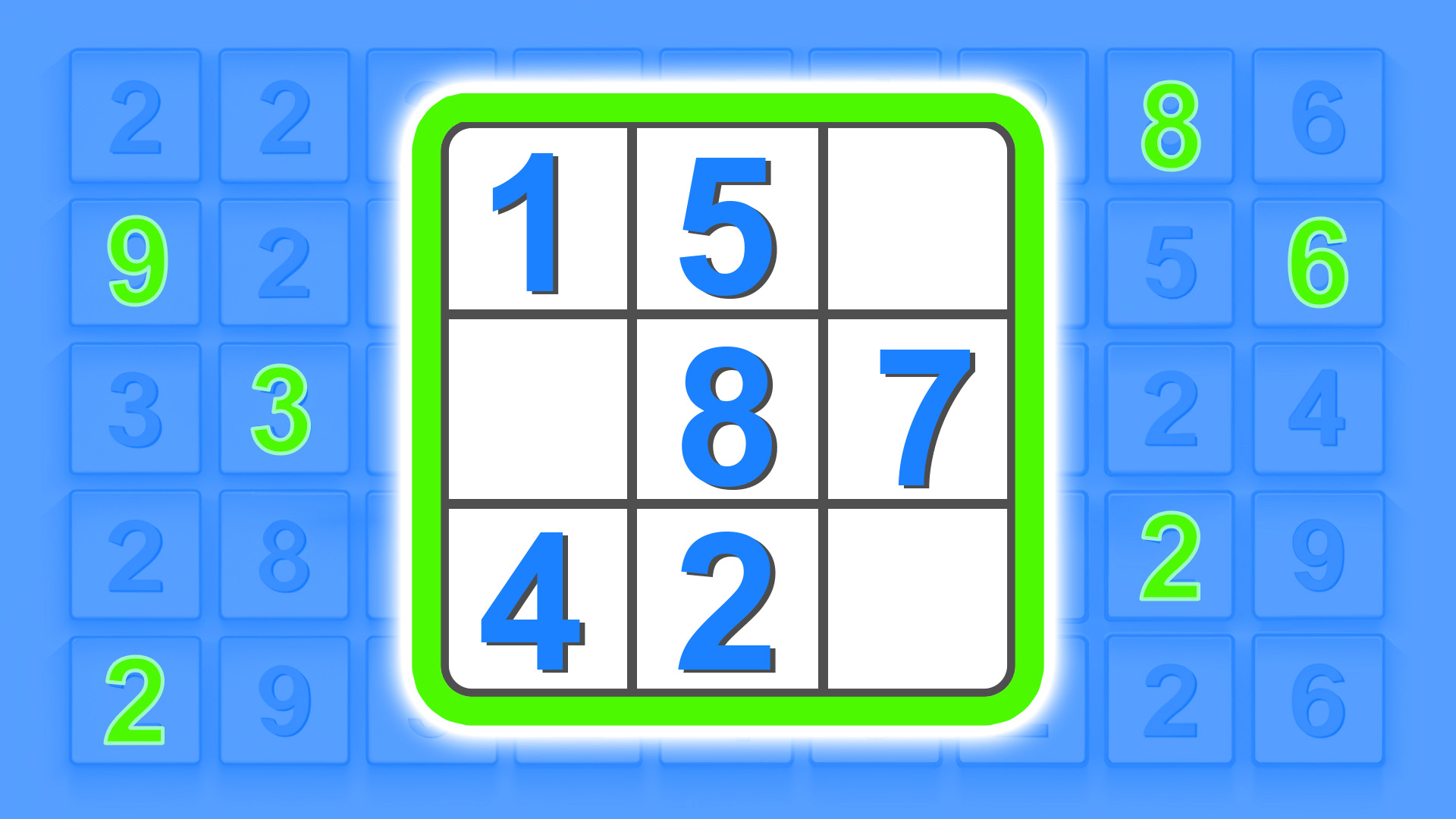
Math made visual. Learning to Count: Sticks is an educational game built for kids aged 4-7. Add. Subtract. Pick the right answer. Simple abacus-style sticks turn numbers into shapes you can actually see. No fluff. Pure learning.
How to Play Learning to Count: Sticks
Your goal? Solve arithmetic problems. Each question shows an expression like 9 + 1. Three answer cards appear. Each card displays a number AND the matching stick pattern. Click the correct one. Score goes up. Next problem gets harder. Keep going.
Core Mechanic: Match Sticks to Numbers
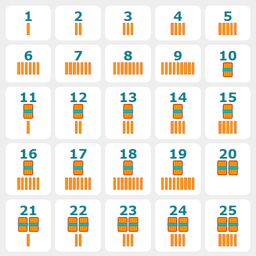
Hit "Start solving examples". A math problem appears at the top. Below? Three cards. Each shows sticks bundled in tens or singles. Single lines = units (1-9). Bundled sticks with a band = tens. Count the sticks. Match them to the answer. Tap the card. Green highlight = correct. Score ticks up. Red = try again.
Progression System
Earn points for every correct answer. Game adapts. First problems? Easy stuff like 2 + 1. Rack up points? Difficulty climbs. Larger numbers unlock. Audio hints play the question aloud. Kids hear and see the math. Need help? Press ? for the Cheat Sheet. Click any number. Game voices it. Visual legend shows stick patterns for numbers 1-50.
Pro Tips
Use the Cheat Sheet early. Memorize stick patterns before diving in. Focus on tens first. Bundled sticks are faster to count than singles. Stuck? Hit 🔄 Restart. No penalty. Just reset and go again. Turn on audio support. Hearing the problem helps younger kids decode the symbols.
Key Features
- Abacus Visual System: Numbers shown as counting sticks. Singles for units. Bundles for tens.
- Adaptive Difficulty: Game adjusts based on score. More points = harder problems.
- Audio Support: Tasks read aloud. Numbers voiced when clicked.
- Multi-Language Interface: Switch languages instantly. Built-in settings bar.
- Zero Distractions: Clean 2D vector graphics. No ads. No timers. Just math.
Who is Learning to Count: Sticks for?
Perfect for early learners. Ages 4-7. Great for homeschooling parents or teachers needing a no-fuss arithmetic tool. HTML5 format. Runs on any browser. Desktop. Tablet. Phone.
Release Date & Developer
Learning to Count: Sticks was developed by Arives. Released in February 2025.
Controls
- Mouse Click / Tap: Select answer card
- ?: Open Cheat Sheet (number legend)
- 🔄: Restart game
- Settings Bar: Adjust music, volume, language
FAQ
Where can I play Learning to Count: Sticks online?
How does the stick counting system work?
Does the game get harder as I play?
Is there audio help for young kids?
Can I reset my progress?
Video