






Melon Sandbox
Sprunki Sandbox: Ragdoll Playground Mode
Playground Man! Ragdoll Show!
BMG: Ragdoll Car RaceBrainrot Playground - A 3d Sandbox!
Brainrot Playground - A 3d Sandbox! - Play Online

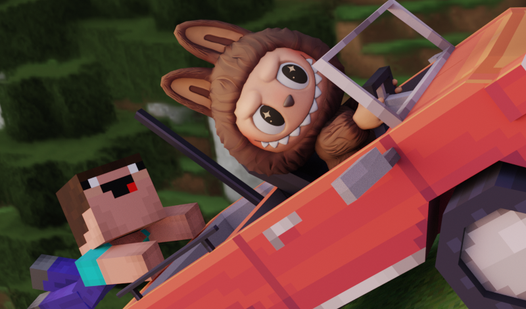
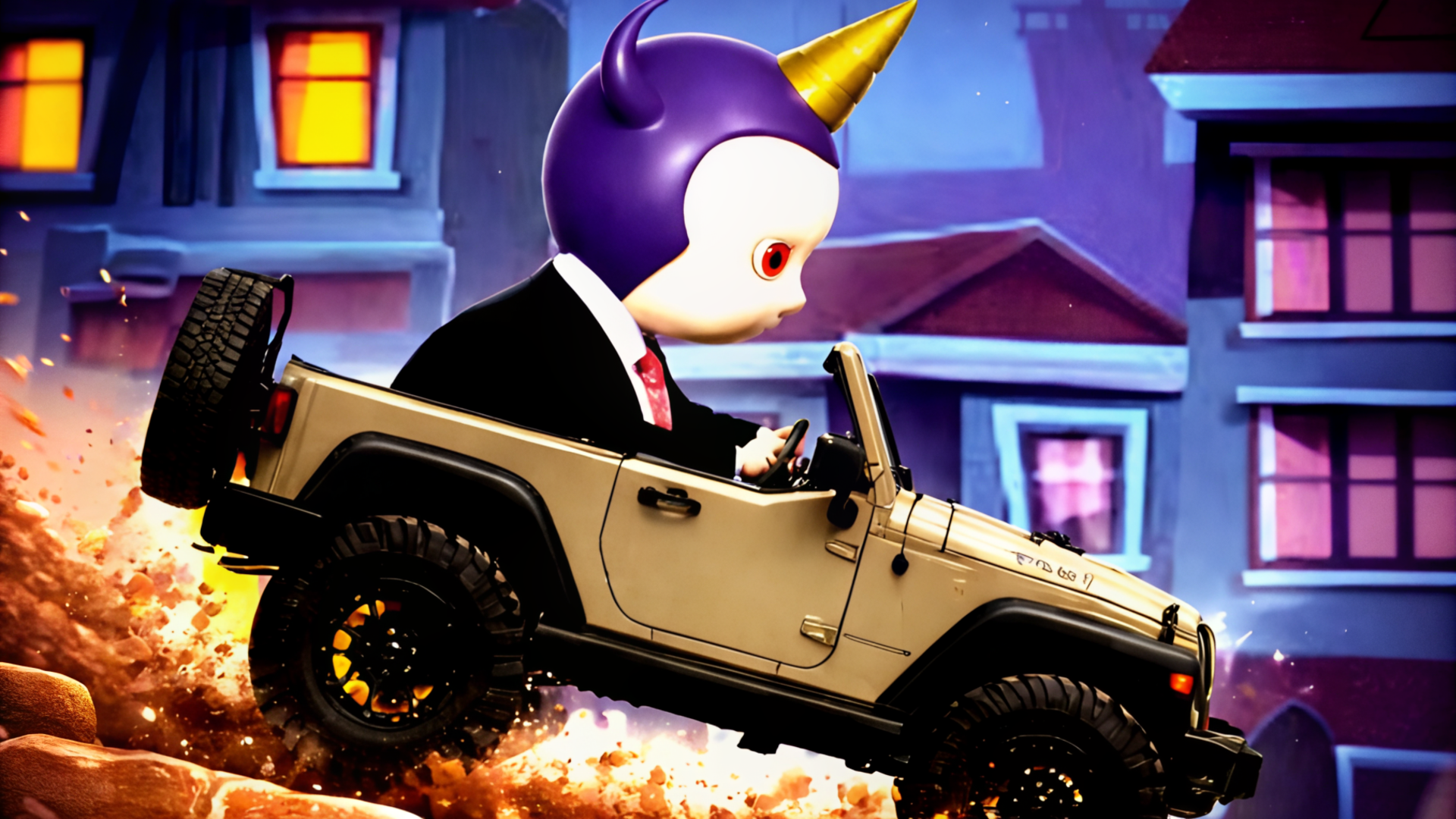
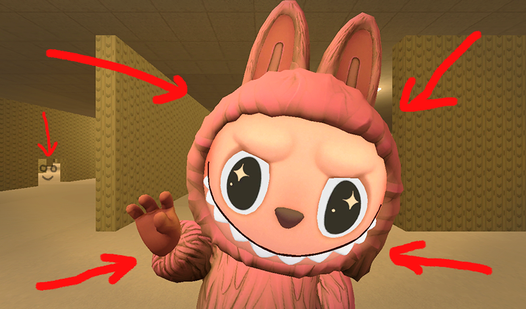
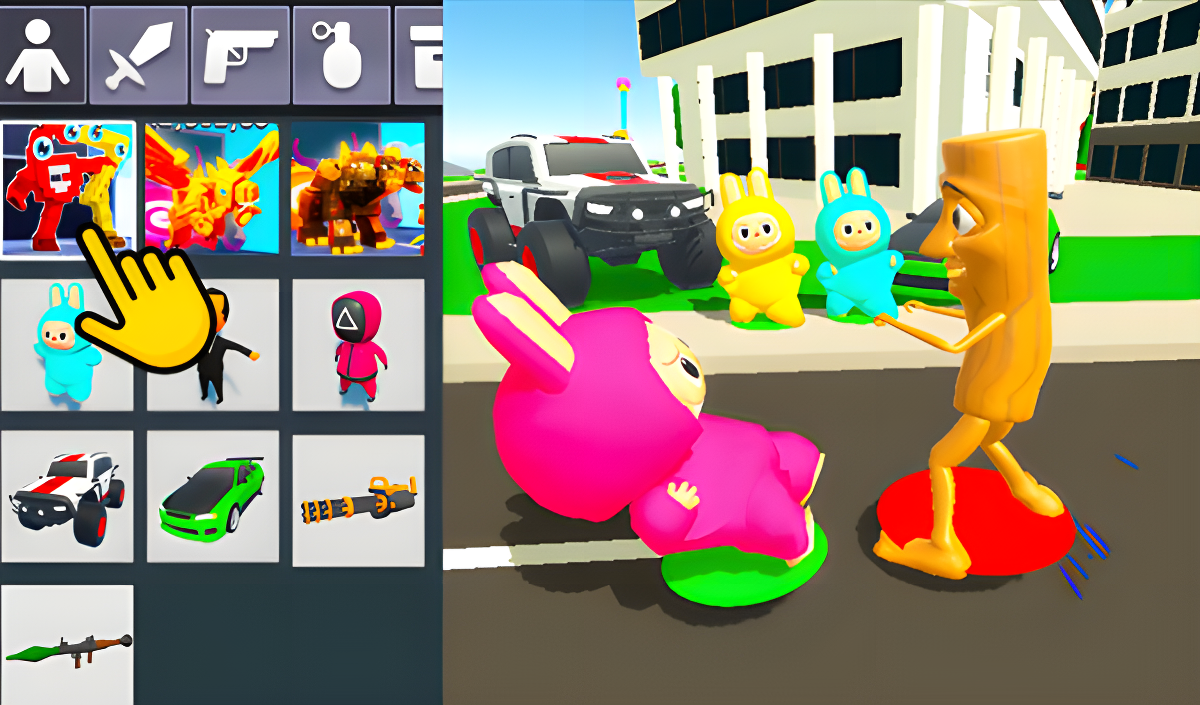
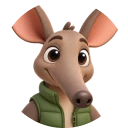
Spawn Labubu. Drop a monster truck. Fire a minigun. Brainrot Playground - A 3d Sandbox! hands you a toy-box arsenal of mismatched props, characters, and weapons, then steps back while physics handles the rest. Grab NPCs with your mouse, toss them into helicopters, or command an entire army to brawl in a Minecraft-style arena—every object reacts, collides, and crumples. Click Y to open the spawn menu, drag a bazooka into frame, and watch chaos unfold on desktop, Android, or iOS. No downloads, no tutorials: instant sandbox mayhem.
How to Play Brainrot Playground - A 3d Sandbox!
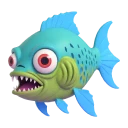
Spawn characters, vehicles, and weapons from the model menu, then manipulate or possess them to stage battles, drive monster trucks through fields of inflatable flamingos, or build military bases from blocks. Press X to exit vehicles, E to trigger map-wide attacks, or R to delete objects cluttering your arena. Hover over any item to see action prompts: grab with right-click, save spawns with left-click, or command NPCs using number keys 1-7.
Spawn and Possess
Open the spawn cannon with Y, select a Labubu or Tung Tung Sahur model, and left-click to drop it into the world. Right-click to grab and drag NPCs across the map, or press C to respawn your character if crushed by a truck. Swap to first-person mode by possessing characters directly—now you control their melee strikes and weapon fire. Switch back to sandbox mode by hitting X, freeing you to place the next prop or vehicle while the possessed NPC stands idle.
Build and Command
Stack blocks to construct houses or fortifications, then assign orders using keys 1 through 7: NPCs will attack, follow, or guard positions based on your input. Drive a helicopter from the spawn menu, exit mid-flight with Z, and watch it crash into your base while you scramble to rebuild. The minimalist UI keeps tool slots visible at screen edges—drag miniguns, bazookas, or machine guns onto your character's hand slot before unleashing volleys on Squid Game-style guards patrolling the arena.
Experiment with Physics
Drop a soccer ball into a boxing ring full of Tung Sahur characters, then press E to force everyone into a free-for-all brawl. Blue particle bursts mark each melee hit, turning the flat-shaded models into a tangle of limbs and geometry. Spawn inflatable props, stack them near a ramp, then barrel through in a monster truck—watch as unlit shaders and hard shadows render every collision in stark, geometric clarity. If the screen fills with debris, hold R to delete objects one by one, or restart the scene by respawning from the menu.
Key Features
- Multi-Entity Spawning: Place Labubu, Tung Tung Sahur, helicopters, supercars, and props in the same arena, then switch between sandbox and possession modes on the fly.
- Unlit Shader Aesthetic: Flat geometric primitives and hard-shadow rendering create a toy-box visual style that runs instantly on any device.
- Command System: Assign up to seven orders via number keys—NPCs attack, follow, or hold positions while you build or drive.
- Vehicle Control: Pilot monster trucks through fields, fly helicopters over military gates, or drift supercars in designated city zones.
- Activity Zones: Boxing rings, shooting ranges, soccer fields, and drift circuits prebuilt into the map, ready for instant experimentation.
Who is Brainrot Playground - A 3d Sandbox! for?

Perfect for young sandbox enthusiasts craving low-stakes physics chaos without complex menus or progression gates. If you love spawning props in Melon Playground or building forts in Minecraft, Brainrot Playground - A 3d Sandbox! merges those impulses into one browser-based toy-box. The heterogeneous asset library—Squid Game guards next to inflatable flamingos—appeals to players who treat ragdoll games as creative sandboxes rather than skill tests. Mobile users on Android and iOS get the same spawn-and-possess freedom as desktop players, making this a quick creative outlet during commutes or downtime.
Developer
Brainrot Playground - A 3d Sandbox! was developed by MayBe Team. The game strips away complex lighting and texture work to deliver instant physics-driven sandbox play across desktop, Android, and iOS browsers—no downloads, just click and spawn chaos.

Controls
- WASD / Spacebar: Move your character in possession mode or navigate the map in freecam
- Mouse: Rotate camera view and aim weapons or tools
- Left Click: Save the currently selected spawn item into the world
- Right Click: Grab and drag objects or NPCs around the arena
- R: Delete the object you're hovering over
- C: Respawn your character at the starting position
- Y: Open the model spawn menu to select entities and props
- Q: Switch spawn cannon mode to weapon selection
- E: Trigger a map-wide attack command for all spawned NPCs
- Z: Enter or mount a vehicle
- X: Exit vehicle or unpossess a character
- 1, 2, 3, 4, 5, 6, 7: Issue specific movement and attack orders to NPCs
- On-screen buttons: Mobile players use touch controls for all functions
FAQ
How do I possess a character in Brainrot Playground - A 3d Sandbox!?
Spawn any NPC from the Y menu, then approach and click it to enter first-person possession mode. Press X to exit and return to sandbox freecam view.
Can I play Brainrot Playground - A 3d Sandbox! on mobile?

Yes—Android and iOS browsers support full sandbox controls via on-screen buttons. Spawn props, drive vehicles, and command NPCs without downloads.
What does the E key do?
Pressing E forces all NPCs—friends and enemies—to attack each other simultaneously, triggering a map-wide brawl. Use it to test physics reactions or clear congested areas.
How do I delete spawned objects?
Hover your cursor over any prop, vehicle, or character, then press R to remove it from the scene. Clear clutter quickly by repeating the command.
Where is Brainrot Playground - A 3d Sandbox! similar to other sandbox games?

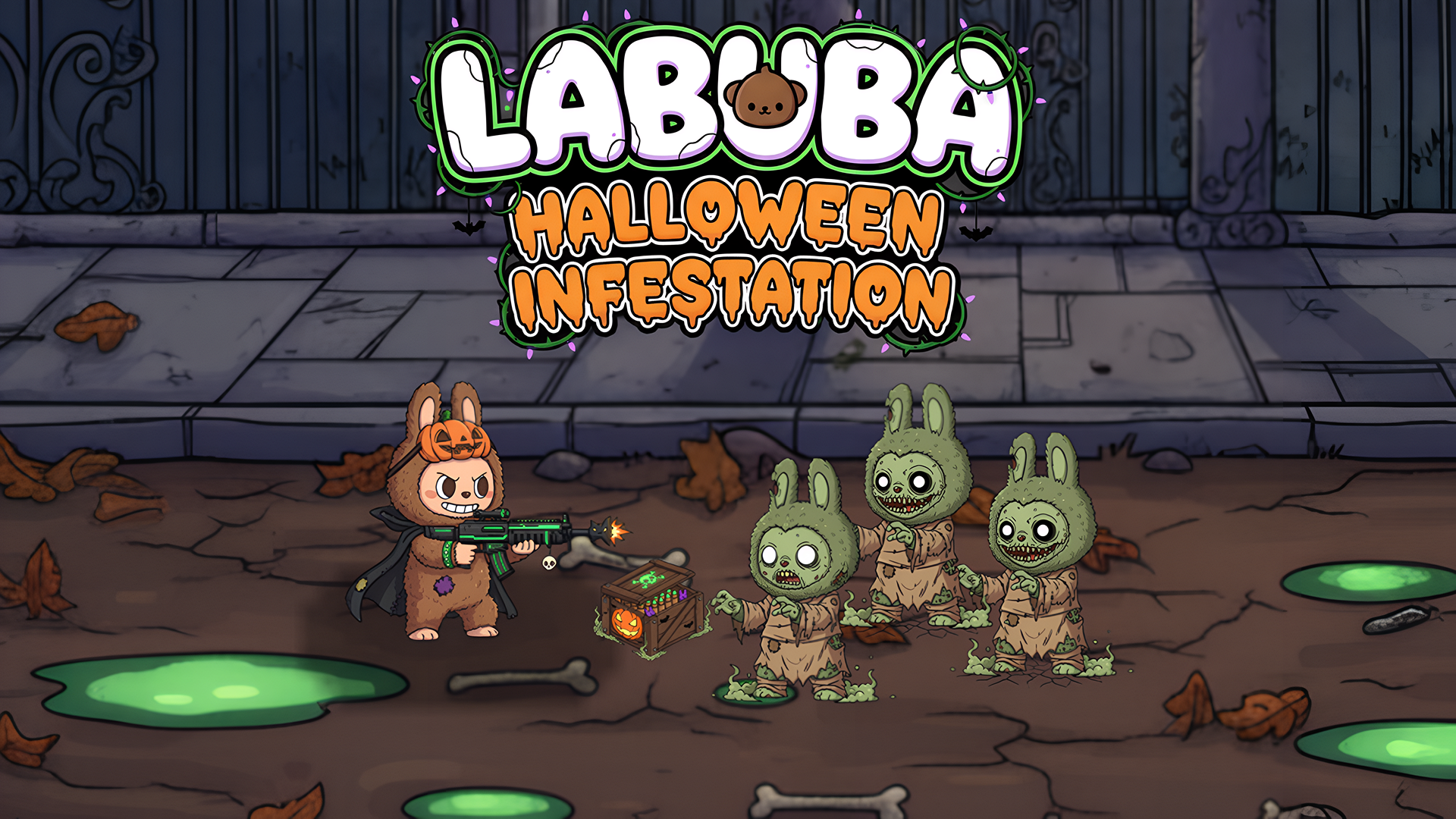
Fans of People Playground or Garry's Mod will recognize the spawn-menu workflow, physics-driven ragdoll interactions, and freeform experimentation. Brainrot Playground - A 3d Sandbox! also belongs to the Labubu series, featuring its signature characters across multiple sandbox scenarios. For broader mayhem, explore more action games on Playgama.