

















Flight Simulator Adventure








About Flight Simulator Adventure: Realistic Aircraft Control Simulator
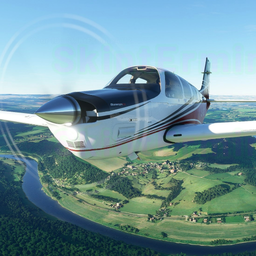
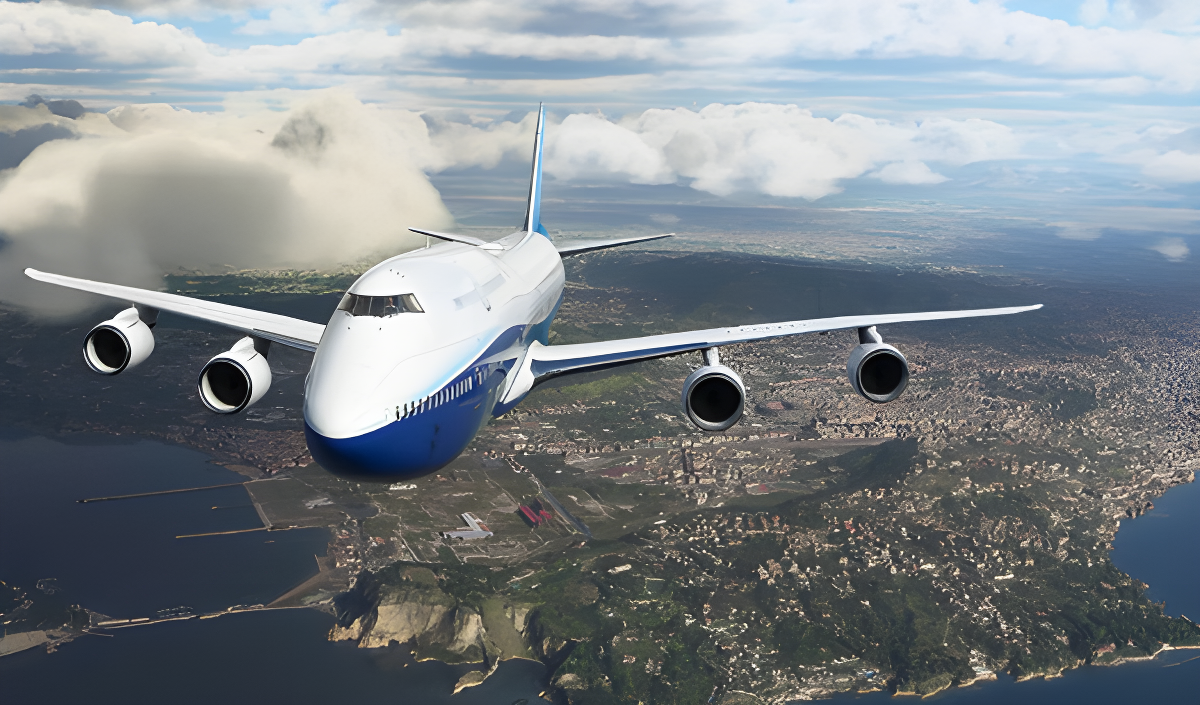
Flight Simulator Adventure puts you in the cockpit of a realistic aircraft control simulator, offering a range of game modes, terrain types, weather conditions, and aircraft to choose from. The game covers both simplified and realistic control modes, making it accessible to newcomers while still offering depth for those who want a more demanding experience. Built-in training means no prior experience is required to get started.
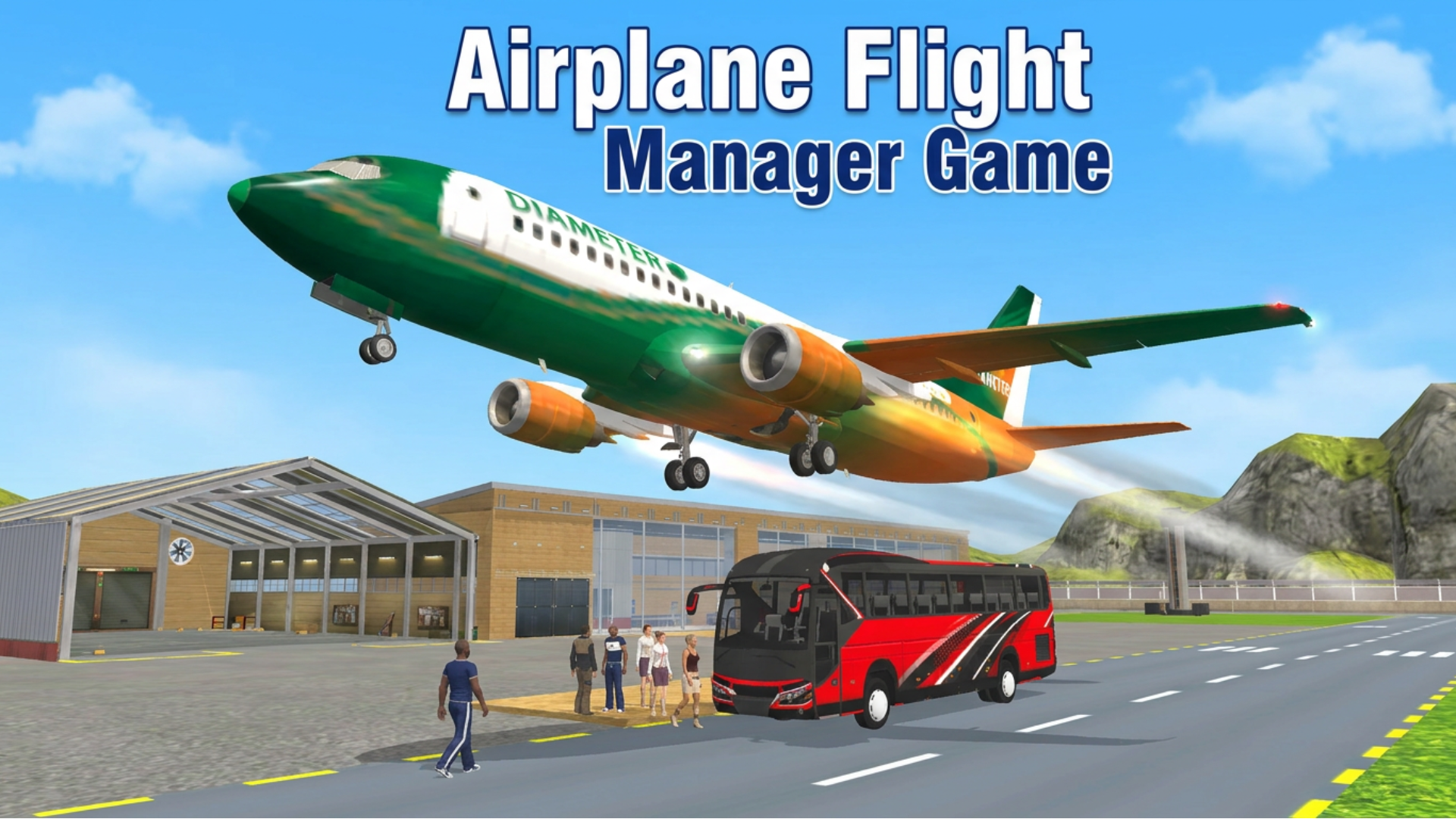
One scene shows a blue and purple jet aircraft positioned on a grey road beside a multi-story white building with a purple roof and snow-like patches nearby.
How to Play Flight Simulator Adventure
Flight Simulator Adventure opens with a learning opportunity and in-game controls to guide new pilots. Before taking off, choices include game mode, terrain, and aircraft type.
Game Modes
- Simplified
- Realistic
Terrain
- Eurasia
- Desert
- Arctic
Weather Conditions
- Weather conditions are selectable before play
Aircraft
- Corncob
- Passenger
- Fighter
Controls
PC Keyboard and Mouse
- WASD: Steering wheel
- Q/E: Steering wheel
- Up Arrow: Increase gas
- Down Arrow: Decrease gas
- Shift: Full throttle
- F: Air braking
- 1: Flaps
- 2: Flaps
- Y: Parking brake (handbrake)
- T: Engine start
- U: Engine stop
- M: Brakes
- G: Chassis
- C: Camera change
- LKM (Left Mouse Button): Camera panorama
- PCM (Right Mouse Button): Camera rotation
- SCM (Scroll Wheel): Camera magnification
- V: Switching to transport
Mobile
- Screen and corresponding buttons: Full aircraft control
Gamepad (PlayStation 4)
- L3: Steering wheel
- L2 / R2: Steering wheel
- Square: Engine start
- Right Arrow Button: Engine stop
- Cross: Increase throttle
- Circle: Decrease throttle
- Left Arrow Button: Handbrake
- Triangle: Brakes
- L1 / L2: Flaps
- Share: Aircraft change
- Options: Camera change
- R3 + Hold and Direct: Rotate the camera
- Upper / Lower Arrow Buttons: Increase and decrease camera distance
Games You Might Like
For more simulation experiences, browse the full range of simulation games on Playgama, where you'll find titles that share Flight Simulator Adventure's focus on realistic physics and vehicle control. If you enjoy the vehicle-handling side of this game, BMG: Ragdoll Car Race delivers a crash-test simulator with an open world, diverse locations, and physics-driven challenges across stunt zones. Car Crash Sandbox takes realistic vehicle physics further with high-speed collisions, detailed deformation, and destructible obstacles.
Explore more titles suited to your setup with the games for PC collection, or check out the games for teens tag for a broader selection of engaging browser titles.
Video