




















TB World
Pregnant Mother Simulator
My Town Home: Family Playhouse
Fashion Princess - Dress Up for Girls
K-Pop Demon Hunter Fashion
Paper Doll Diary: Dress Up DIY
Pregnant Mother Simulator
Melon Sandbox
TB World
My Town Home: Family Playhouse
Piece of Cake: Merge & Bake
Hidden Object: Clues and Mysteries
Sprunki World Online RP - Play with Friends!Cross Stitching: Animals
Cross Stitching: Animals - Play Online
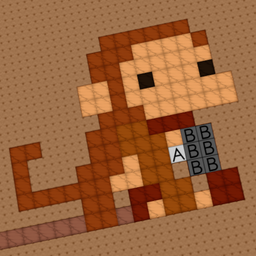
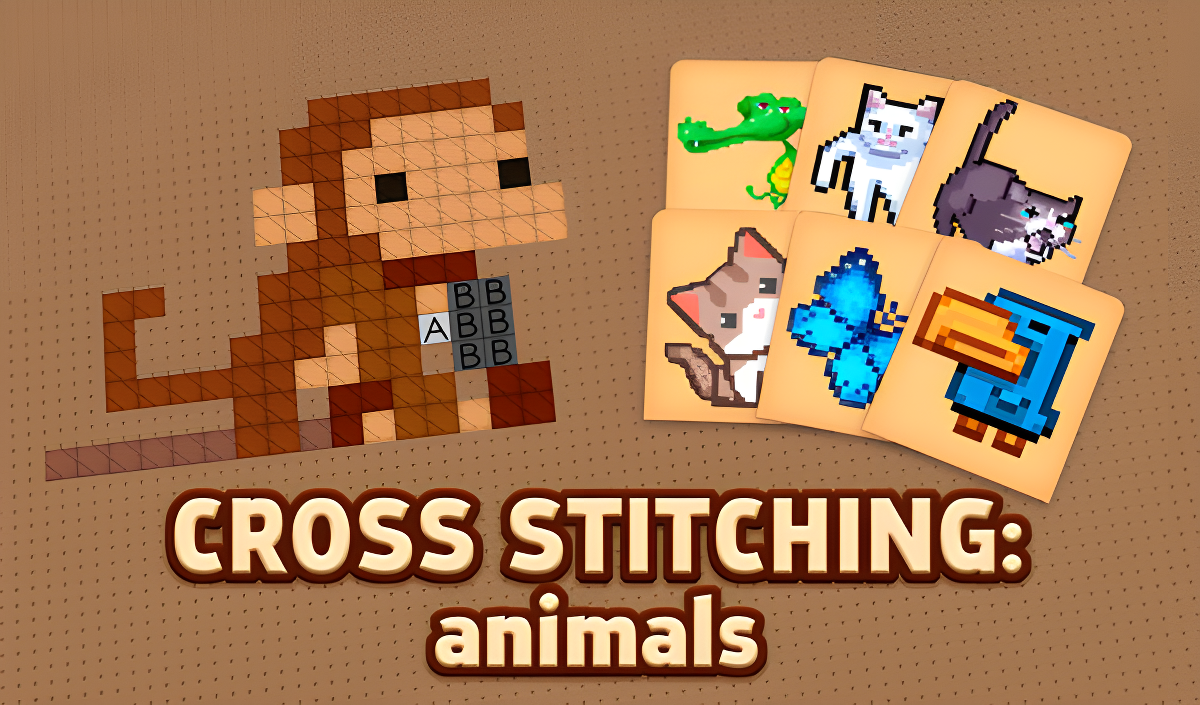
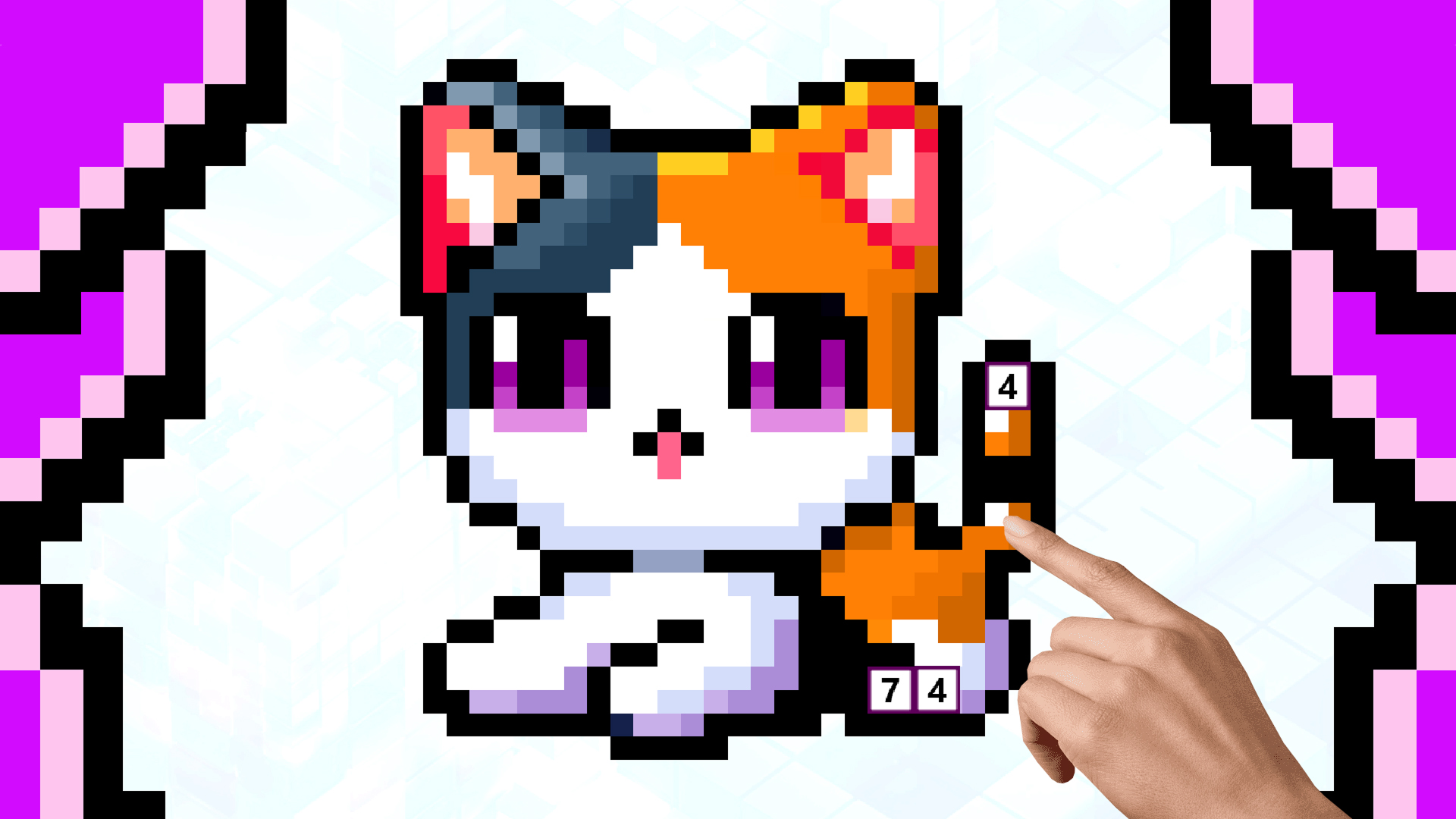
Ever zone out while coloring those Disney coloring books as a kid? This is exactly that, but digital and with a pixel art twist. Cross Stitching: Animals is a browser-based embroidery simulator where you fill in numbered (well, lettered) cells to reveal cute animal designs. It's basically a cross between those paint-by-numbers kits and digital cross-stitch, with a heavy dose of Disney-style characters thrown in. The goal is simple: match letters to colors, fill the grid, and watch adorable creatures come to life one pixel at a time.
Key Features
- 12+ Animal Templates: From toucans to T-Rex designs, each with varying difficulty levels.
- Letter-Coded System: Uses A-Z instead of numbers to reduce visual clutter on the grid.
- Zoom & Pan Controls: Essential for detailed work on smaller cells without fat-fingering the wrong color.
- Progress Tracking: Each design shows completion percentage with unlockable templates as you finish.
How to Play Cross Stitching: Animals
The learning curve is basically flat—if you can match letters, you're good to go.
Pick Your Canvas
You start at the gallery screen with a bunch of animal silhouettes staring back at you. Each one has a 0% progress bar underneath. Tap any unlocked design to load the embroidery grid. The simpler ones (fewer colors) are at the top, while the complex multi-shaded beasts sit locked at the bottom until you earn them.
Match Letters to Colors
Once the grid loads, you'll see empty cells filled with letters like "A," "B," "C," etc. At the bottom sits your color palette—each shade corresponds to a letter. Select a color (either by clicking it or hitting the keyboard shortcut), then tap or drag across the matching cells. On desktop, hold the left mouse button to fill multiple cells fast. On mobile, use one finger to tap. The "Move" tool (activated with the hand icon or pressing "2") lets you drag the canvas around without accidentally coloring stuff.
Complete and Unlock
Fill every cell to hit 100% completion. A star icon appears, the design pops into full color, and the next template unlocks. There's no timer, no enemies—just you versus the blank grid. Finish easier animals to access the harder, more detailed ones.
Who is Cross Stitching: Animals for?
This is squarely aimed at young kids (4-8 years old) and anyone looking for zero-stress screen time. If you're a parent hunting for something non-violent that keeps little hands busy, this nails it. It's also solid for seniors or anyone who finds actual cross-stitching therapeutic but doesn't want to deal with real needles and tangled thread. Not for players seeking challenge—there's literally no way to fail here.
The Gameplay Vibe
It's aggressively chill. I sat through an entire podcast episode while filling in a parrot, and the repetitive tap-tap-tap rhythm was genuinely relaxing. The visuals are functional but uninspired—think early 2010s mobile game UI with chunky buttons and basic gradients. There's no music that I noticed, just soft sound effects when you fill cells. The art style of the animals themselves is inconsistent (some look Disney-esque, others feel like clip art), which suggests they pulled from different asset packs. Honestly, it's not going to win any design awards, but it does the job if you just want to turn your brain off for 15 minutes.
Technical Check: Saves & Performance
The game auto-saves your progress to your browser's local storage, so you can close the tab and pick up where you left off—just don't wipe your cache or you'll lose everything. Performance-wise, it's lightweight. I tested it on an older laptop and a phone, and both ran smooth. The Unity engine keeps things optimized, though I did notice a split-second lag when zooming on really complex grids with 20+ colors. Nothing game-breaking, just a tiny hiccup.
Quick Verdict: Pros & Cons
A no-frills digital coloring book that works as advertised. Good for killing time without killing brain cells.
- ✅ Pro: Zero learning curve—literally anyone can play this within 10 seconds.
- ✅ Pro: Actually relaxing, which is rare for browser games that usually beg you to "beat your high score."
- ❌ Con: The art quality is all over the place, and the UI looks dated even for a casual game.
Controls
Responsive enough, though the two-finger zoom on mobile can feel finicky if you're using the pencil tool at the same time.
- Desktop: Left-click to paint, right-click and drag to move canvas. Keyboard numbers 1-2 toggle tools, letters select colors.
- Mobile: One finger taps to color, two-finger pinch to zoom. Switch between pencil and move tool via the bottom icons.
Release Date & Developer
Developed by CodersElectronics and released on November 13, 2024. It's a straightforward browser game built in Unity, so expect the typical web export quirks.