
































silver coin
3000Daily bonus
Coloring by Numbers. Pixel House

Coloring by Numbers. Pixel HousePuzzle
Coloring by Numbers. Pixel House


Coloring by Numbers. Pixel HousePuzzle
Save IconKeep your progress on every device — log in

Coloring by Numbers. Pixel House

★★★★★★★4.4 / 1962 votesPG
Developer: MirraGames
Game Orientation: Portrait
Platforms: PC, Android, iOS
Release date: January 2023
Last Update: January 2026
Game Engine: Unity
Supported Languages: English
Categories: Puzzle, Kids, Drawing, Color
# Coloring by Numbers. Pixel House - Play Online

Coloring by Numbers. Pixel House - Play Online

Think of those color-by-number books your grandma had, but make it pixels and houses. Coloring by Numbers. Pixel House is exactly what it sounds like: tap numbered squares, fill them with the right color, and slowly build cute little isometric houses and neighborhoods. The goal is simple—relax, zone out, and watch your creations come to life one pixel at a time. It's the gaming equivalent of stress putty.

Key Features

    • Multiple Hidden Lands to Unlock: You progressively reveal new isometric maps like beach bars and boat markets as you complete objects.
    • Built-In Music Player: The game has calm background music that you can toggle, which is a nice touch for a browser game.
    • Simple Tap-to-Color Mechanic: Just click the number in the palette, then tap all matching numbered squares. No skill required.
    • Mobile-Friendly Interface: Works smoothly on phones and tablets with touch controls—perfect for playing in bed.

How to Play Coloring by Numbers. Pixel House

Getting started is ridiculously easy. If you can count to twelve, you can play this game.

Select Your Canvas and Start Filling

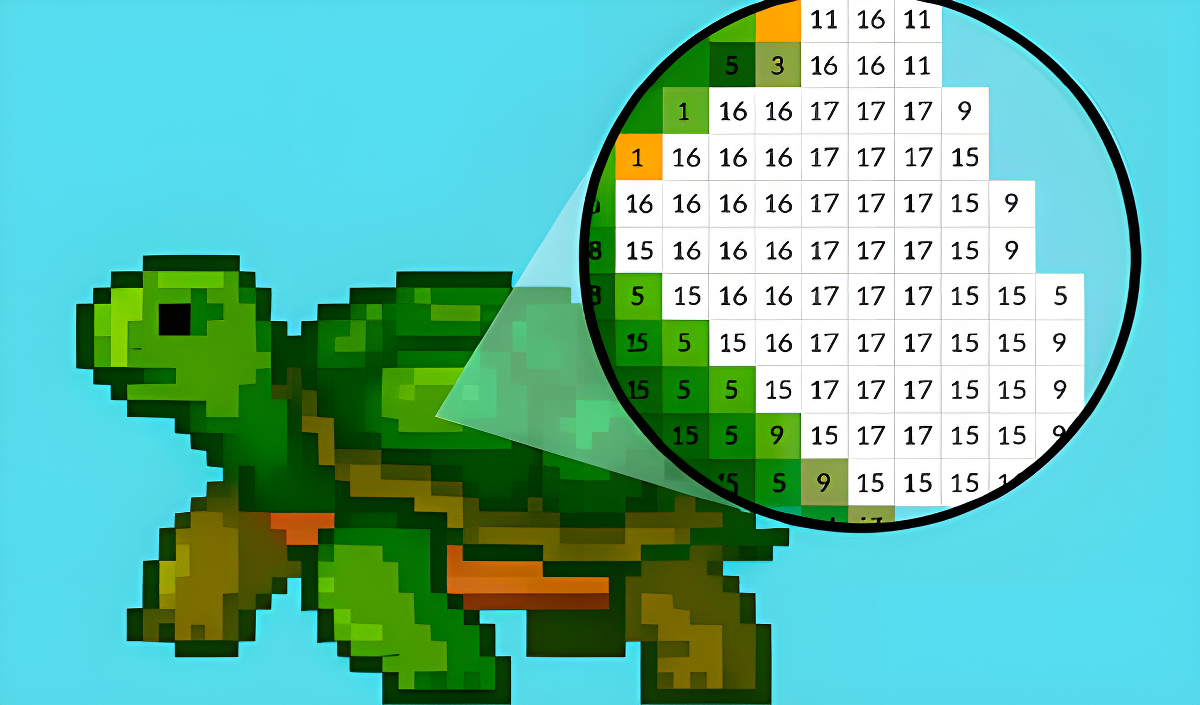
You begin on an isometric map with locked areas. Click on an uncolored object—maybe a hot tub or a fruit bowl—and it zooms into a numbered grid. Each number corresponds to a color in the palette at the bottom. Click a color, then tap every square with that number. The game even gives you a magnifying glass effect so you can see the working area clearly. Controls are dead simple: left mouse button on desktop, tap on mobile.

Complete Objects to Restore the Scene

The main "challenge" (and I use that word loosely) is just staying focused enough to finish coloring an entire object. There's no timer, no penalty for mistakes. You literally can't mess this up. Once you fill every numbered square, the object pops into full color and gets placed in your isometric world. That's your dopamine hit right there.

Unlock New Lands and Keep Building

As you complete more objects, new "Hidden Lands" unlock on the map. Each area has a different theme—I saw a tropical beach setup and a market dock. The progression is linear and gated, so you can't skip ahead. This keeps you moving forward, but honestly, it's more about the meditative loop than any real sense of achievement.

Who is Coloring by Numbers. Pixel House for?

This is for people who want their brain on autopilot. If you're the type who watches Netflix while scrolling your phone, this is perfect background activity. It's also great for kids or older adults who just want something colorful and non-threatening. Zero violence, zero stress, zero skill ceiling. If you need adrenaline or a challenge, look elsewhere—this is basically interactive ASMR.

The Gameplay Vibe

Super chill, almost to a fault. The pixel art is basic—functional but not impressive. Some assets look inconsistent, like the UI text is way sharper than the actual drawings. The music is calm and repetitive, which works if you're into lo-fi beats, but it can get stale after 20 minutes. Honestly, the game feels like a mobile app template dressed up for browsers. The whole experience is low-stakes and low-effort, which is either perfect or boring depending on your mood.

Technical Check: Saves & Performance

The game saves your progress automatically in your browser's cache, so you can close the tab and come back later without losing anything. Just don't clear your browsing data, or you'll start over. Performance-wise, it's super light—ran smooth on my old laptop and phone. No lag, no loading screens between objects. It's optimized for hyper-casual play, which means even a potato device can handle it.

Quick Verdict: Pros & Cons

It's a decent time-waster if you need to turn your brain off for a bit. Just don't expect anything groundbreaking.

    • ✅ Pro: Instant relaxation. No skill required, just tap and watch colors fill in.
    • ✅ Pro: Works flawlessly on mobile. The touch controls are responsive and the UI scales well.
    • ❌ Con: Gets repetitive fast. After three objects, you've seen the entire gameplay loop. The "designer" claim is overselling it—you're just filling in pre-made templates.

Controls

Responsive and straightforward. No complaints here—it does exactly what you'd expect.

    • Desktop: Left mouse button to select colors and fill squares.
    • Mobile: Tap to select and fill. Pinch to zoom if you need a closer look.

Release Date & Developer

Developed by MirraGames and released on January 1, 2023. It's a relatively new addition to the color-by-number browser game flood.

FAQ

Where can I play Coloring by Numbers. Pixel House?

Play it free on Playgama. It works on PC and Mobile without downloads.

Can I skip objects I don't want to color?

No, the progression is linear. You have to complete each object in order to unlock the next area on the map. There's no way to skip ahead or choose which object to color next.

Is there a mobile version?

Yes, the game fits any screen size and supports touch controls.

Video

Screenshots

screenshot-0screenshot-1screenshot-2
Free Online Games at PlaygamaPlaygama features the latest and best free online games. You can enjoy playing fun games without interruptions from downloads, intrusive ads, or pop-ups. Just load up your favorite games instantly in your web browser and enjoy the experience.
Random Game