














Brickbox










About Brickbox: A Cozy Brick-Building Game
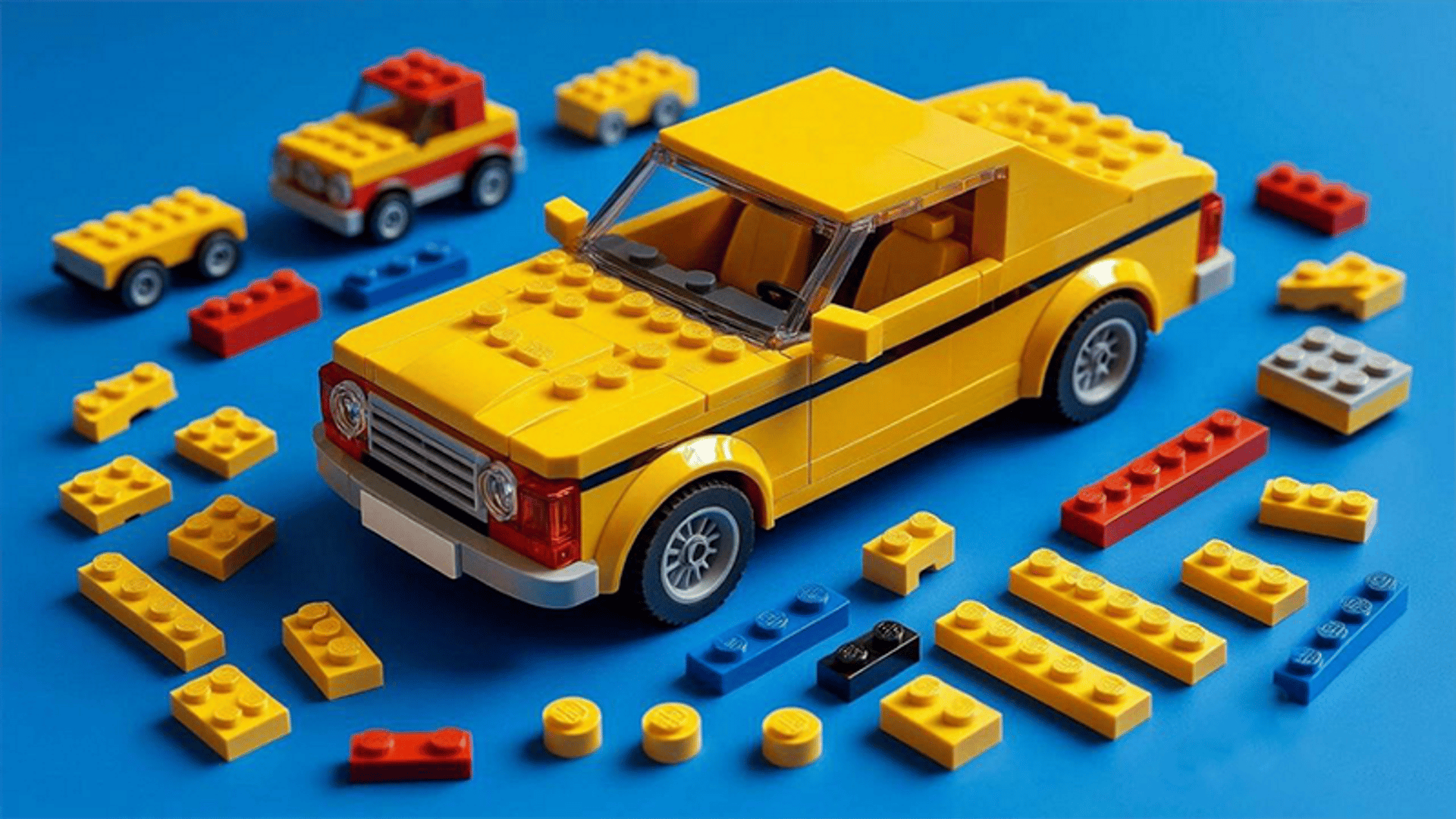
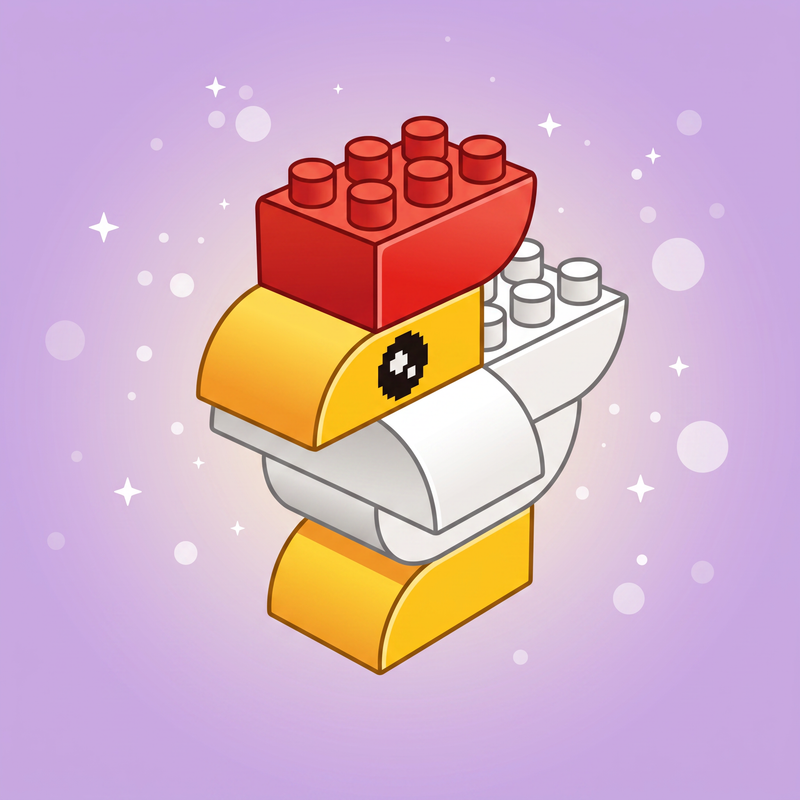
Brickbox is a cozy building game built around the simple joy of clicking bricks together. Pick a model — a duck, a whale, an elephant — and assemble it piece by piece at your own pace. No timers, no enemies, and no way to fail: just calm, satisfying construction wrapped in a hand-drawn crayon charm. Finished models join a growing collection spread across three worlds — the Room, the Farm, and the Safari — and every brick placed is yours to keep for free-building in sandbox mode.
How to Play Brickbox: Build Models and Grow Your Collection
Each level presents the target model as a see-through blueprint and supplies exactly the bricks needed in a tray. Drag bricks onto the blueprint and they snap and rotate into place automatically. Place every brick to match the model and the level is complete. Finished bricks then become available for free-building in sandbox mode.
Controls
Desktop Controls
- Mouse (drag from tray): Pick up and place a brick.
- Drag empty space: Spin the build around.
- Mouse Wheel: Zoom in and out.
- Right-Click: Remove a brick.
- Ctrl+Z: Undo.
Mobile Controls
- Drag a brick from the tray: Pick up and place it.
- One-finger drag: Spin the build.
- Pinch: Zoom in and out.
- Delete button: Tap, then tap a brick to remove it.
Games You Might Like
Fans of creative building will find plenty to enjoy across Playgama. Browse the full Boys games catalogue for more construction and crafting titles, or head straight to the Lego Games series for brick-based challenges that share Brickbox's hands-on assembly spirit. If open-world building appeals, Kubz.io lets you mine, craft, and construct in a voxel sandbox with friends. For something that mixes creativity with racing, Draw Crash Race has you design your own vehicle and send it down a track. Explore more in the 3D games section for polished three-dimensional titles, and check out the Animals games category for games featuring the same charming creature themes found throughout Brickbox.