





















Block Eating Simulator
Block Eating Simulator - Play Online

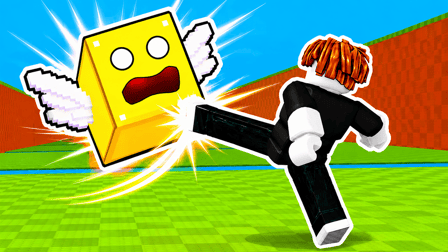
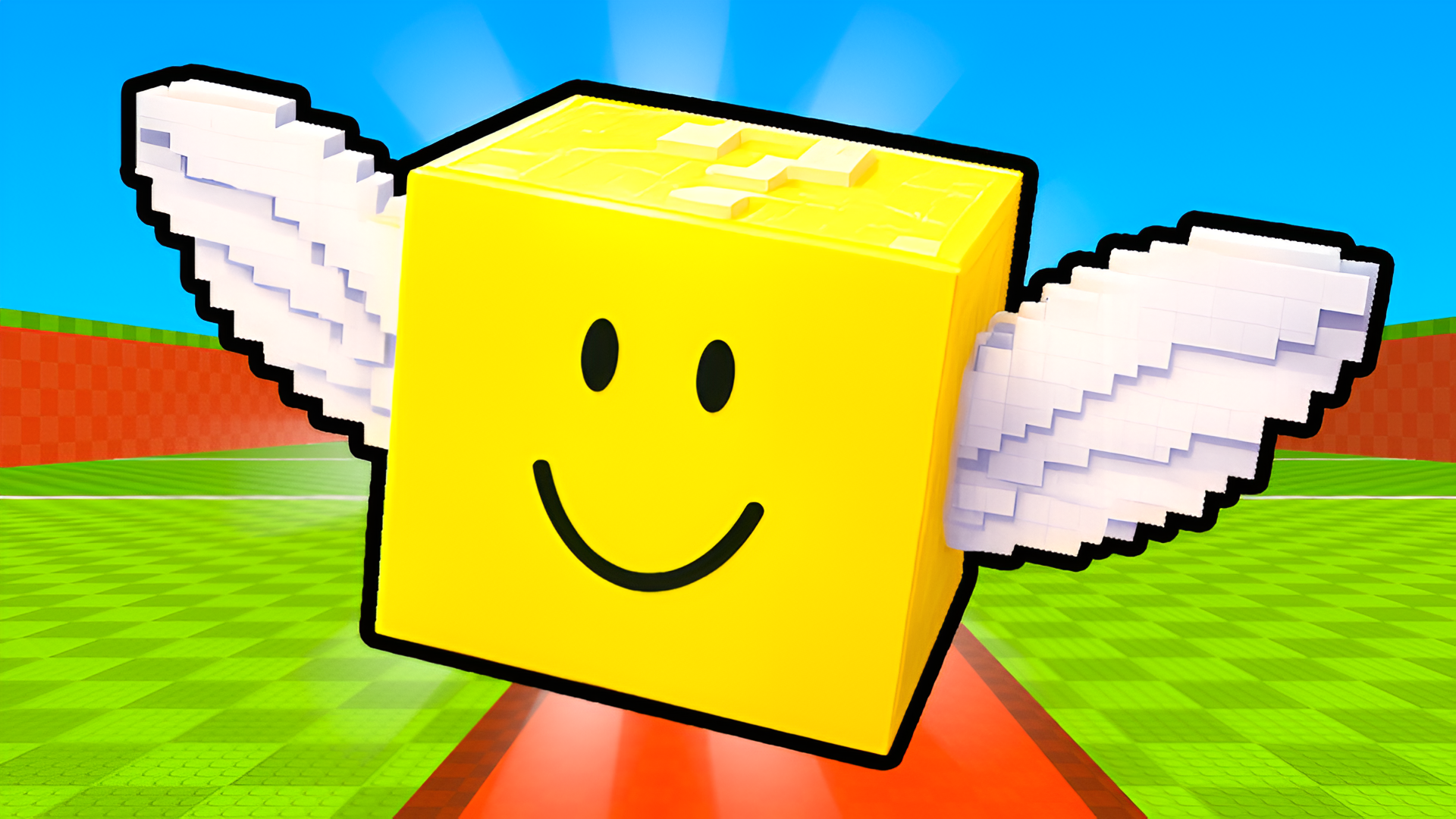
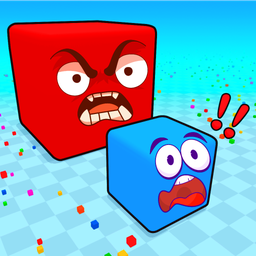
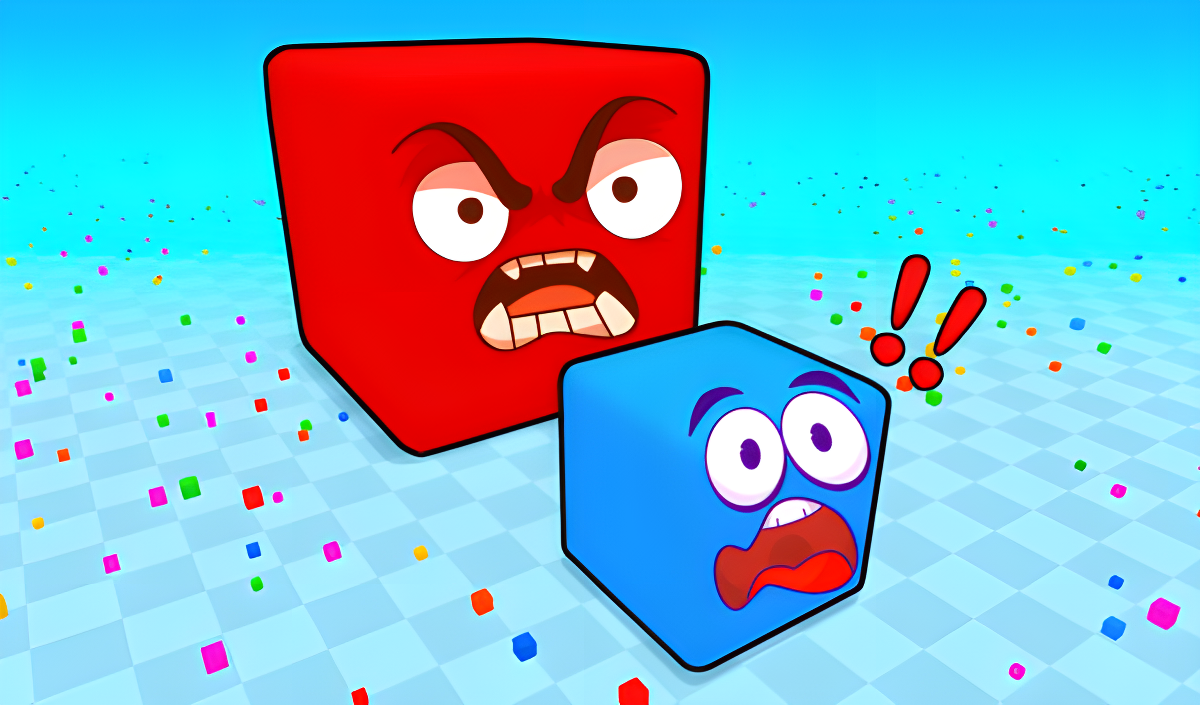
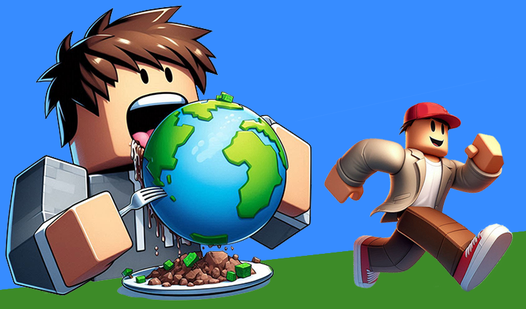
This is basically Agar.io wearing a Minecraft costume. You're a cube. You eat smaller cubes. You get bigger. You eat other players. Repeat until you dominate the leaderboard or get swallowed by someone twice your size. It's that addictive "just one more round" gameplay wrapped in blocky visuals that'll feel instantly familiar if you've ever touched a browser .io game. Simple to learn, surprisingly tough to master when everyone's hunting you.
Key Features
- 30+ Block Skins: Unlock everything from Minecraft dirt blocks to Roblox emoji faces—pure nostalgia bait.
- Two-Player Local Mode: Grab a friend and share the keyboard for split-screen arena chaos.
- Daily Rewards System: Free spins and gifts keep you coming back even when you're burned out.
- Works on Anything: Runs smooth on old laptops and phones—zero lag, zero excuses.
How to Play Block Eating Simulator

The basics take five seconds to learn. The strategy? That's where it gets spicy.
Start Small, Eat Everything
You spawn as a tiny cube in an arena full of floating colored bits. Use WASD to move around and gobble up every small block you see. Each one adds points and makes you slightly bigger. In single-player mode, you control the camera with left-click and mouse drag, zooming in and out with the scroll wheel. On mobile, the joystick does all the work. Just keep moving and keep eating.
Hunt or Be Hunted
Here's where it gets tense: bigger players can eat smaller ones. Once you hit a decent size, you can start chasing down opponents with lower scores than you. But the moment someone larger spots you, you're prey. I've been ambushed by massive Roblox face cubes more times than I care to admit. You need to constantly check the score tags floating above everyone's heads and know when to run.
Climb the Leaderboard
Power-ups randomly appear—speed boosts and size bonuses that can flip a fight in seconds. Grab them before your rivals do. The goal is simple: crack the top 10 on the leaderboard. The higher your score climbs, the bigger the target on your back. Victory means outlasting everyone else and reaching that number one spot, even if just for a moment.
Who is Block Eating Simulator for?

Perfect for casual gamers and kids who want instant action without tutorials or complicated mechanics. If you loved Agar.io back in the day or you're into quick, mindless sessions between classes, this hits the spot. It's also solid for younger players—no blood, no guns, just colorful cubes eating each other in the most family-friendly way possible. The two-player mode makes it decent for siblings sharing a screen.
The Gameplay Vibe
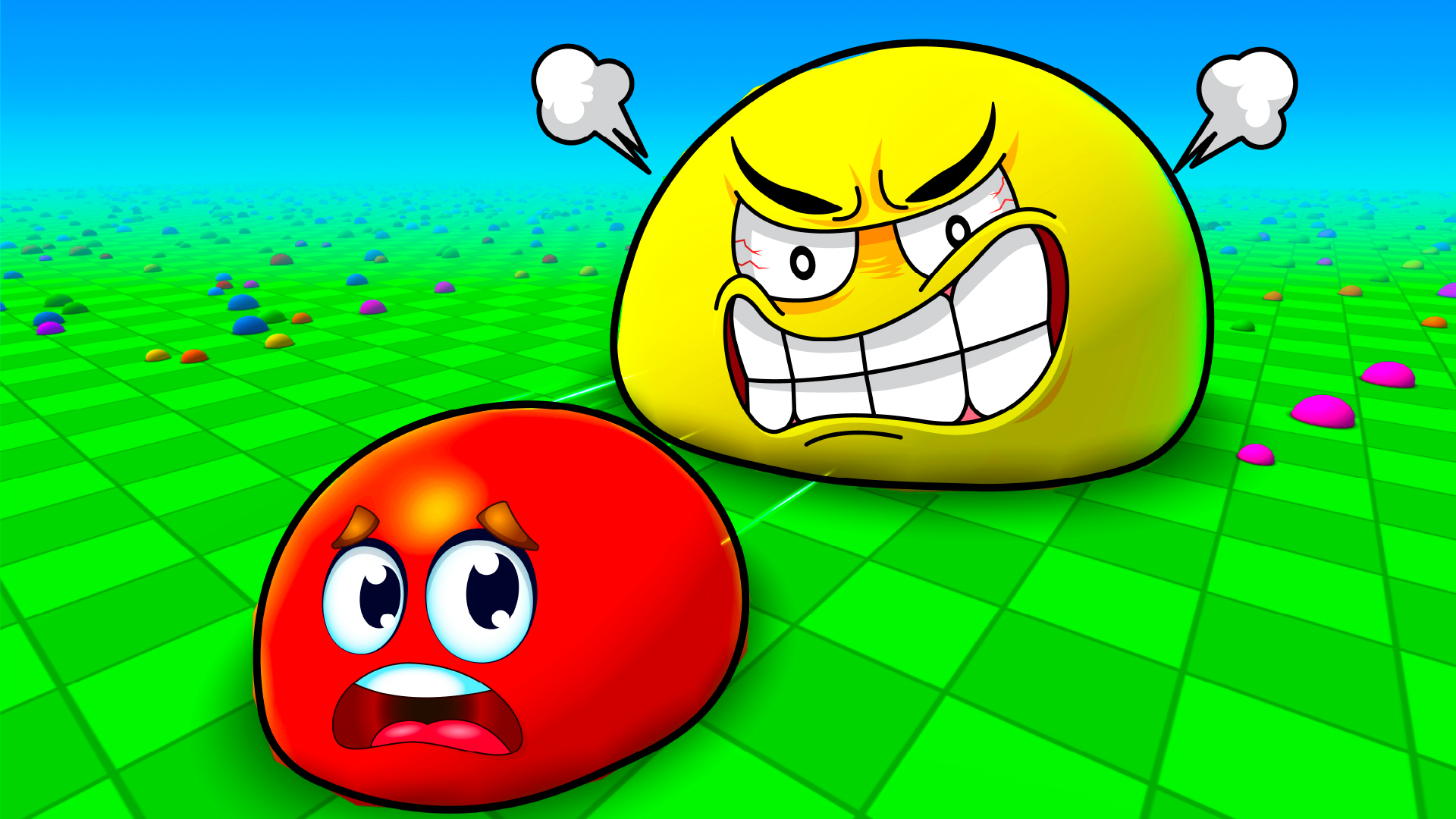
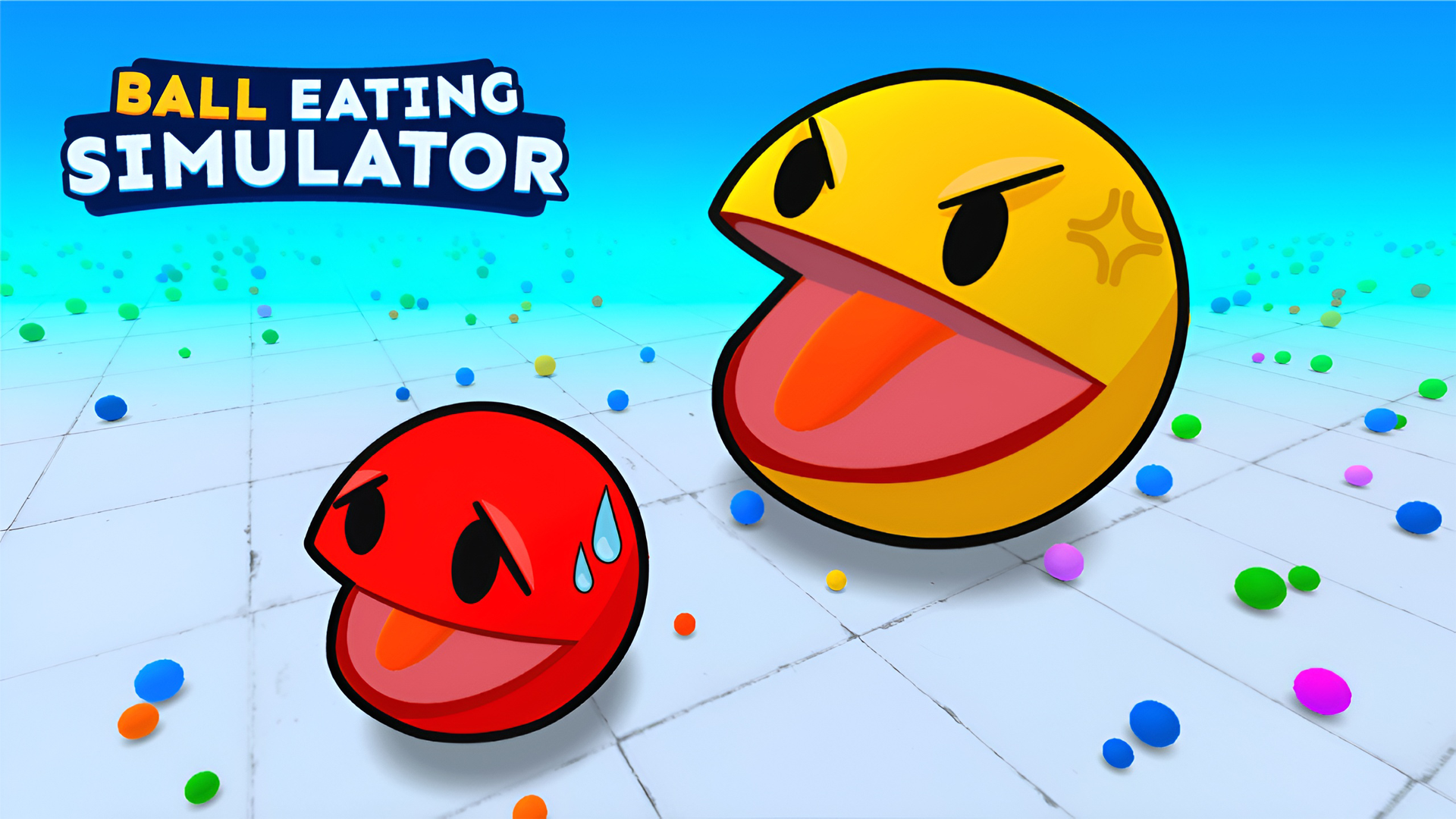
It's frantic and repetitive in the best way. The soundtrack is generic upbeat loops that you'll tune out after five minutes, but the dopamine hits keep coming every time you absorb another player. Visually, let's be honest: this is bottom-tier Unity work. Flat textures, zero shading, a checkerboard floor that screams "asset flip." But somehow the familiar Minecraft and Roblox skins make it weirdly charming—like someone made a .io game in their basement using borrowed textures. It's not pretty, but it works.
Technical Check: Saves & Performance
Your progress, skins, and daily rewards are saved automatically in your browser cache. Just don't clear your cookies or you'll lose everything. Performance-wise, this game could probably run on a toaster. I tested it on a five-year-old laptop and didn't see a single frame drop. Mobile works just as smoothly—no heating issues, no stutters. It's optimized for speed over graphics, which is exactly what a browser game should be.
Quick Verdict: Pros & Cons
A shameless but functional clone that delivers what it promises: mindless eating action.
- ✅ Pro: Instant gameplay—no downloads, no sign-ups, just click and play.
- ✅ Pro: Two-player mode is a nice bonus that most .io clones skip.
- ❌ Con: Zero originality. If you've played any .io game before, you've already played this with a different coat of paint.
Controls
Responsive and simple. No complaints here—the game does what you tell it to without delay.
- Desktop: Player 1 uses W, A, S, D to move. Player 2 uses Arrow Keys. Control the camera with left-click and drag, zoom with mouse scroll.
- Mobile: On-screen joystick handles all movement. Tap and drag to navigate the arena.
Release Date & Developer
Developed by Cursora Labs and released on August 30, 2024. It's a fresh release, though the gameplay formula is anything but new.