
































Arrow Dash: Escape
Arrow Dash: Escape - Play Online
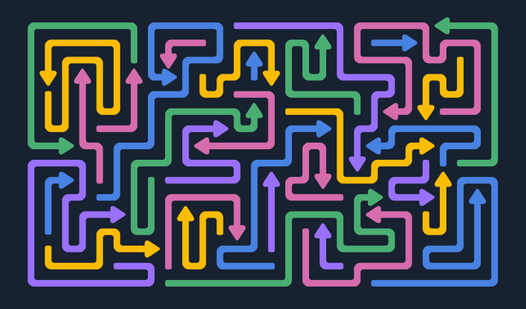
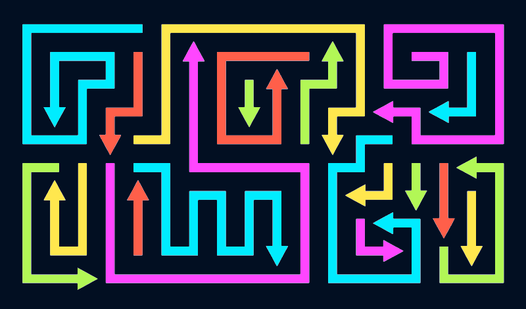
Ever feel like you're stuck in a traffic jam of arrows? Arrow Dash: Escape is a minimalist brain-teaser where you have to click arrows in the right order to clear a tangled maze. Think of it as a super-chill Sudoku mixed with those wire-untangling puzzles your grandma used to solve. Your goal: observe the mess, find the arrows that aren't blocked, and tap them until the whole grid is empty. It's simple to learn, tricky to master, and perfect for those "I need to zone out for five minutes" moments.
Key Features
- Endless Levels: The game keeps generating new mazes, so you won't run out of puzzles anytime soon.
- Zoom Function: Can't see which arrow is blocking the others? Use the zoom-in button to get a closer look at the chaos.
- Hint System: Stuck on a particularly nasty level? There's a lightbulb icon that'll point you in the right direction (though I suspect it's limited unless you watch ads).
- Timer Challenge: Each level has a countdown that adds a little pressure—not stressful, just enough to keep you focused.
How to Play Arrow Dash: Escape
Getting started is dead simple, but don't let that fool you—later levels will have you staring at the screen like it's a Magic Eye poster.
Observe the Maze
You start each level with a grid full of arrows pointing in different directions. Your job is to figure out which arrows have a clear path and which ones are blocked by others. Take a second to scan the whole board before you start clicking randomly—trust me, it saves time.
Click the Free Arrows
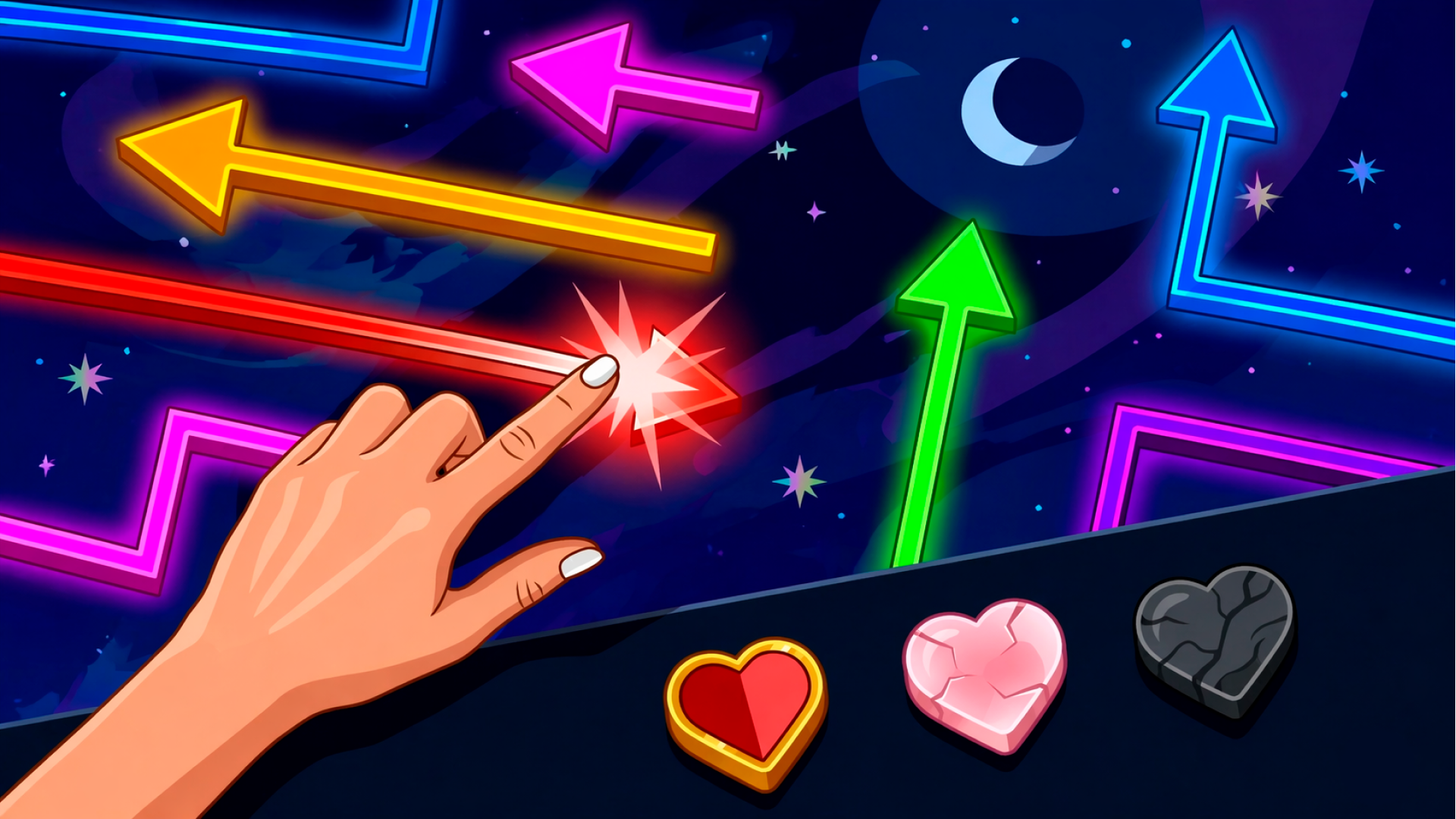
Tap any arrow that isn't obstructed. Once you click it, the arrow zooms off automatically in the direction it's pointing. The trick is finding the right sequence—click the wrong one first, and you'll block yourself into a corner. If the maze is too dense to see clearly, hit that zoom button at the bottom and squint at the overlapping lines like you're a detective examining evidence.
Clear the Board to Win
Keep tapping arrows in the correct order until the grid is completely empty. Beat the level, watch your progress bar fill up a bit, and move on to the next maze. The difficulty ramps up gradually—more arrows, tighter spacing, sneakier overlaps. It's the kind of progression that keeps you saying "just one more level" until you've burned through half an hour.
Who is Arrow Dash: Escape for?
This is 100% a casual brain-training game aimed at people who want to exercise their logic without breaking a sweat. Perfect if you're waiting for your coffee to brew or killing time during a commute. It's low-stakes, no violence, and the minimalist neon aesthetic won't give anyone a headache. I'd say it's ideal for older adults or anyone who likes puzzle games but hates time pressure—the timer exists, but it's generous enough that you won't panic. Kids might find it a little boring since there's no action or characters, just arrows and grids.
The Gameplay Vibe
This is a super meditative experience. The visual style is bare-bones—flat colors, neon lines on a dark background that looks like a circuit board. It's not flashy, but it's clean and easy on the eyes. There's no music that I noticed, just soft sound effects when you tap arrows. Honestly, it's the kind of game you play with a podcast on in the background or while half-watching TV. The pacing is slow and thoughtful, so if you're looking for adrenaline, look elsewhere. This is a "solve the puzzle, feel smart, repeat" loop.
Technical Check: Saves & Performance
The game saves your progress automatically using browser cache, so as long as you don't clear your history, you'll pick up right where you left off. Performance-wise, this runs smooth as butter—it's just 2D vectors and simple animations, so even a potato laptop or a five-year-old phone should handle it no problem. No lag, no crashes. The portrait orientation means it feels like it was designed for mobile first, but it works fine on desktop too.
Quick Verdict: Pros & Cons
Arrow Dash: Escape is a solid little time-killer that won't blow your mind but also won't waste it.
- ✅ Pro: Instant to learn, no tutorial fluff—you're solving puzzles within seconds of loading.
- ✅ Pro: The zoom feature is a lifesaver on later levels when arrows overlap like spaghetti.
- ❌ Con: The hint system feels like it's designed to push you toward watching ads, which can get annoying if you're stuck.
Controls
Responsive and simple—no complaints here. Point and click, or tap if you're on mobile.
- Desktop: Mouse click to select arrows. Zoom button at the bottom of the screen.
- Mobile: Tap arrows with your finger. Pinch-to-zoom would've been nice, but the built-in zoom works fine.
Release Date & Developer
Developed by YOXI IE and released on December 17, 2025. It's a fresh release, which explains why it feels like a polished mobile-first puzzle template.