



















silver coin
3000Daily bonus
Trail Rider
Trail RiderNew
Trail Rider
Trail Rider
Trail RiderNew
Save IconKeep your progress on every device — log in

Trail Rider

★★★★★★★4.5 / 80 votesG
Developer: Video Igrice
Game Orientation: Landscape
Platforms: PC, Android, iOS
Release date: February 2026
Last Update: February 2026
Supported Languages: English

Trail Rider - Play Online

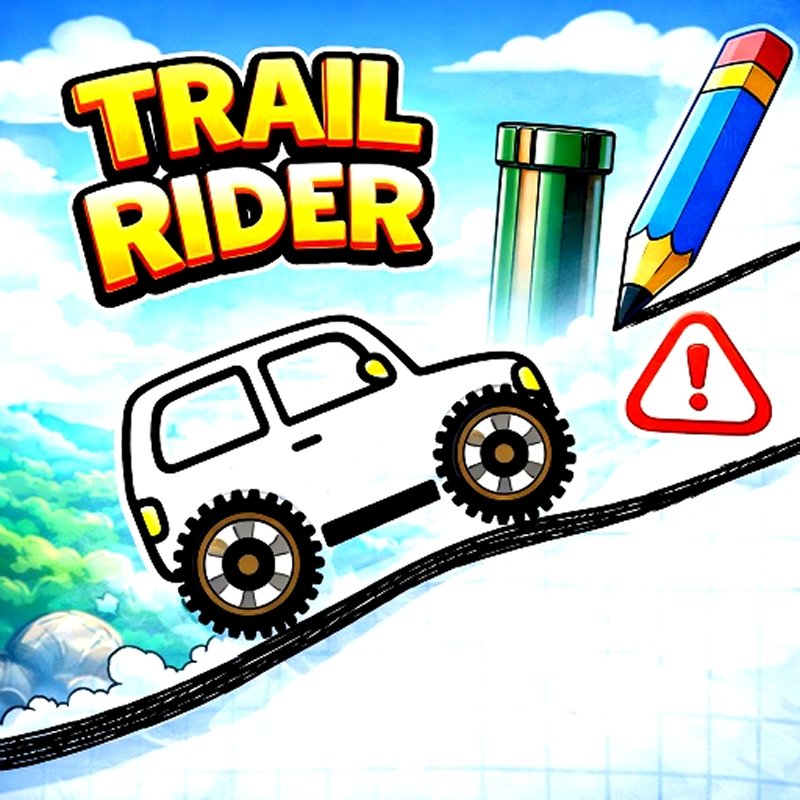
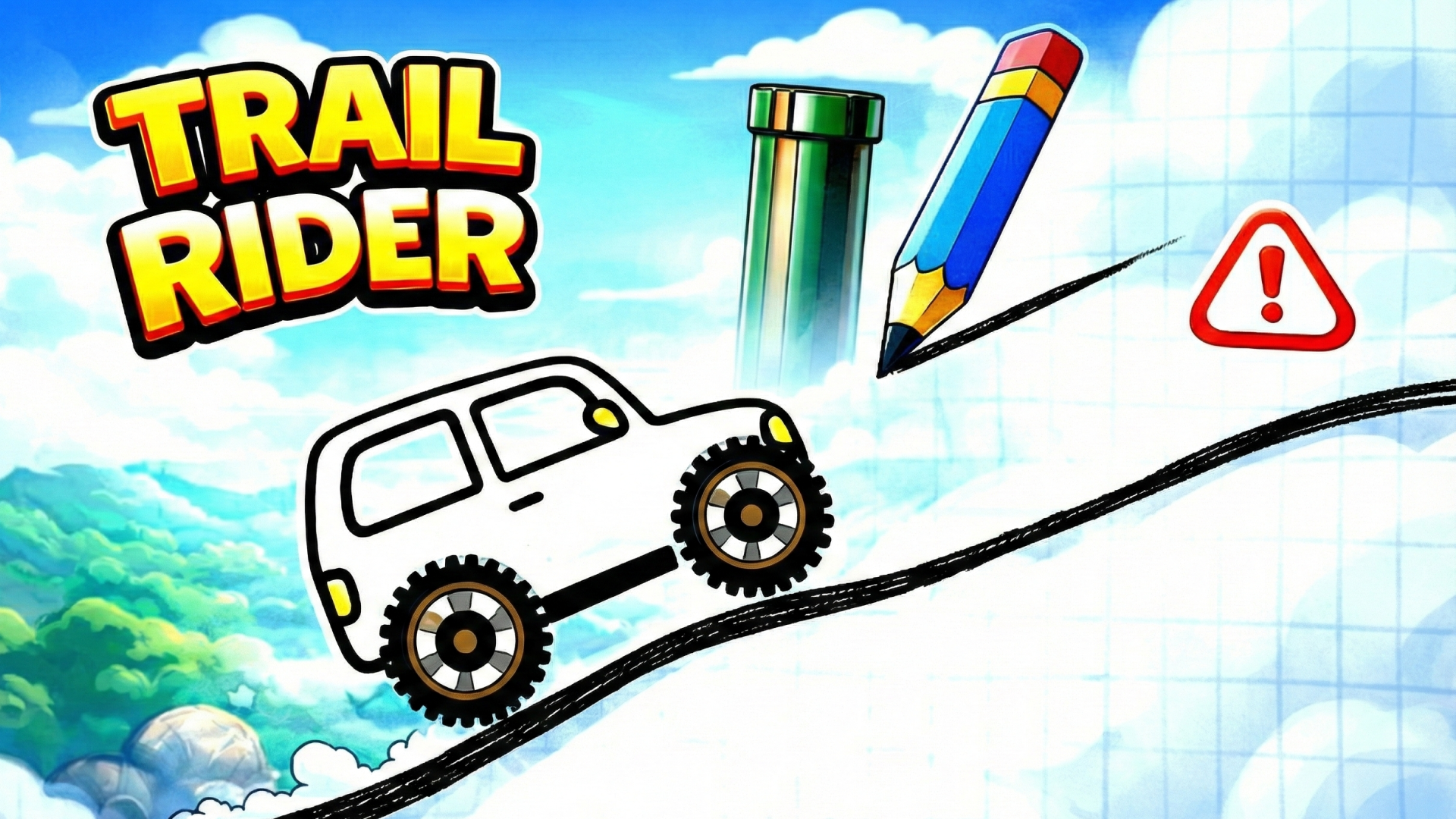
If you've ever doodled a ramp in your notebook during class and imagined a tiny car jumping off it, Trail Rider is that daydream turned into a game. Instead of controlling a vehicle directly, you draw the roads, ramps, and bridges yourself, then watch physics take over. Your mission? Guide a little car to the checkered flag across dozens of levels that test your creativity and spatial thinking. It's like combining a sketchpad with a racing puzzle—simple to grasp, weirdly satisfying to master.

Key Features

    • Draw-to-Win Mechanic: Sketch paths with your mouse or finger—your line becomes the road.
    • 60+ Brain-Teasing Levels: From gentle slopes to mind-bending gaps that demand perfect curves.
    • Clean Notebook Aesthetic: Retro-inspired paper textures and hand-drawn sprites give it a charming lo-fi vibe.
    • Instant Physics Feedback: Press Start and watch your design succeed or hilariously collapse in real-time.

How to Play Trail Rider

Getting started is dead simple—mastering it means thinking like an engineer with a crayon.

Step 1: Sketch Your Path

Click and drag to draw a continuous line connecting the car to the finish flag. Your line becomes solid ground the moment you lift your finger. Gaps between platforms? Draw a ramp. Need momentum? Add a downhill slope. The game doesn't tell you the "right" way—it just shows you what works.

Step 2: Hit Start and Watch Physics Work

Once you're happy with your design, tap the Start button. The car rolls forward automatically, following gravity and momentum along your drawn path. Green arrows on some levels act as boosters, so position your lines to hit them for extra speed. If the car flips, falls, or stalls, you reset and redraw smarter.

Step 3: Unlock New Challenges

Beat a level to unlock the next. Early stages ease you in with short gaps and flat terrain. Later puzzles throw in floating islands, tight turns, and obstacles that require multi-segment bridges. The satisfaction kicks in when you nail a tricky ramp on the first try.

Who is Trail Rider for?

This one's perfect for casual puzzle fans who like experimenting without pressure. If you enjoy games that reward creative problem-solving over twitchy reflexes—think Brain It On! or Happy Wheels minus the gore—you'll fall into the rhythm fast. Kids love the approachable art style, but adults will appreciate the satisfying "aha!" moments when a weird doodle actually works. It's a coffee-break game that doesn't need a tutorial wall of text.

The Gameplay Vibe

The whole thing feels like playing in the margins of a school notebook, which is entirely the point. The minimalist art style—crinkled paper backgrounds, simple vector sprites—keeps the focus locked on the puzzle-solving itself. There's no flashy animations or over-the-top effects, just clean physics and your own ingenuity. It runs buttery smooth even on older devices, and the lack of clutter means you're always thinking about the next move, not hunting for buttons. The hand-drawn aesthetic isn't a limitation—it's the soul of the game.

Technical Check: Saves & Performance

Your progress saves automatically in the browser cache, so you can close the tab mid-session and pick up right where you left off. The lightweight design means zero lag—even on a potato laptop or a phone from 2018. The physics engine responds instantly to your inputs, which matters when you're redrawing a ramp for the tenth time trying to nail that perfect angle.

Quick Verdict: Pros & Cons

A smart, snackable puzzle game that respects your time and brain power.

    • ✅ Pro: The drawing mechanic feels creative and responsive—no two solutions look the same.
    • ✅ Pro: Optimized to run flawlessly on any device without downloads or installs.
    • ❌ Con: The difficulty ramps up quickly after the first dozen levels—some puzzles demand near-perfect precision.

Controls

Dead simple and precise. The line drawing feels natural whether you're using a trackpad or tapping glass.

    • Desktop: Left-click and drag to draw paths. Click "Start" to launch the car.
    • Mobile: Tap and drag with your finger. Tap the Start button to begin the physics simulation.

Release Date & Developer

Developed by Video Igrice and released on February 9, 2026, Trail Rider strips physics puzzles down to their purest form—just you, a pencil, and gravity.

FAQ

Where can I play Trail Rider?

Play it free on Playgama. It works on PC and Mobile without downloads.

Can I erase and redraw my path mid-level?

Yes. Before hitting Start, you can clear your line and sketch a new route as many times as you need. Once the car's moving, you'll need to restart the level to redraw.

Is there a mobile version?

Yes, the game fits any screen size and supports touch controls.
Embed this Game

Use this link to embed the game on your website using an iframe

playgama.com/export/game/trail-rider
Sign in to Embed and Monetize Games

Free Online Games at PlaygamaPlaygama features the latest and best free online games. You can enjoy playing fun games without interruptions from downloads, intrusive ads, or pop-ups. Just load up your favorite games instantly in your web browser and enjoy the experience.
Random Game