



























Tile Ten Clear









About Tile Ten Clear
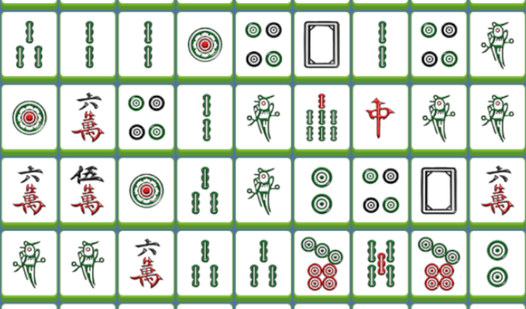
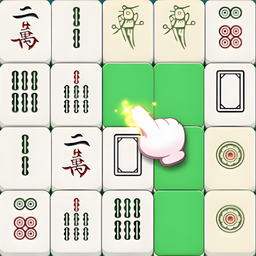
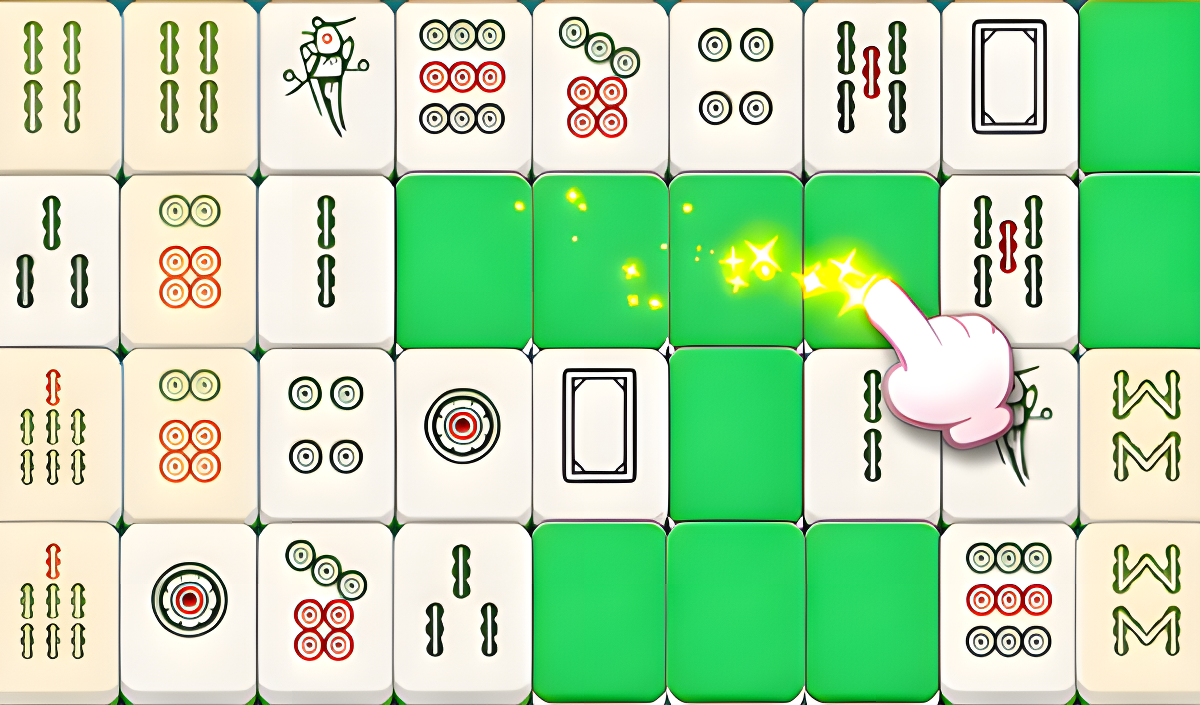
Tile Ten Clear is a captivating puzzle game that challenges observation and strategic thinking through two distinct gameplay modes built around Mahjong tiles. At the start, a set of Mahjong tiles is displayed, each featuring a specific number of patterns or digits. Several scenes show the tiles arranged in rectangular grids and irregular vertical stacks against a dark teal background. The tiles themselves have white faces carrying colorful symbols, with bright green solid backs visible across multiple views.
How to Play Tile Ten Clear: Clear All Tiles to Advance
Gameplay Mode One
Locate two tiles whose patterns or digits add up to ten. Clicking on a matched pair eliminates both tiles from the board.
Gameplay Mode Two
Move tiles by tapping or sliding the screen. Tiles with identical patterns that align horizontally or vertically are cleared from the board.
Strategic Thinking
Employ strategy and observation skills to anticipate potential new combinations by watching how tile patterns change as the board shifts.
Power-Ups
As the game progresses, power-ups become available to help find matching tiles faster, increasing chances of success.
Victory
Successfully clearing all tiles on a level counts as victory and advances play to the next level. Each level offers thrilling challenges and a sense of achievement, with high scores available to compete for.
Controls
- Click (two tiles): Match a pair whose patterns or digits sum to ten in Mode One
- Tap: Move tiles to clear matching ones horizontally or vertically in Mode Two
- Swipe / Slide: Move tiles across the screen to align and clear matching patterns in Mode Two
Games You Might Like
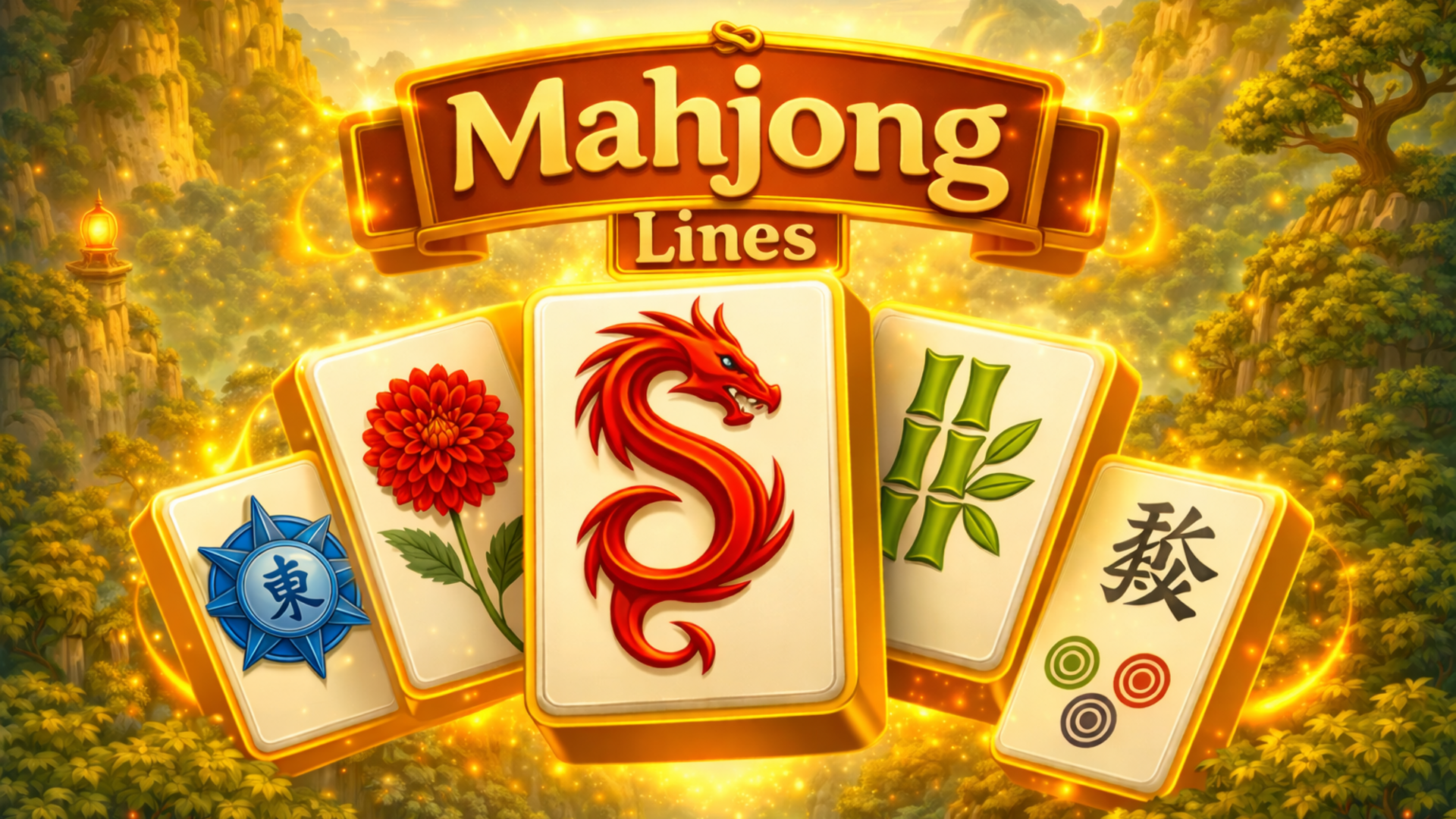
If the tile-matching and board-clearing mechanics of Tile Ten Clear appeal to you, Mahjong Puzzle: Tile Match offers a similarly strategic experience where you clear boards by linking identical tiles in smart rows and columns. Mahjong Lines is a logic puzzle in the mahjong connect genre where you connect pairs of matching tiles using paths of no more than three straight lines, a satisfying complement to Tile Ten Clear's pattern-matching challenge. For a more relaxed take on tile stacking and collection, Tile Valley tasks you with finding sets of three identical tiles across hundreds of levels inspired by Mahjong.
Browse the full matching games collection for more tile and pairing challenges, or explore the broader puzzle games category for brain-training titles that reward observation and strategic thinking.
Video