














Rocket Truck - Crazy Stunts On Jet Cybertruck!










About Rocket Truck - Crazy Stunts On Jet Cybertruck!
Rocket Truck - Crazy Stunts On Jet Cybertruck! puts you behind the wheel of an eco-friendly electric car fitted with a rocket engine that burns through fuel at a spectacular rate. The premise is deliberately absurd — clean energy meets raw combustion — and the game leans into that contradiction with a full lineup of stunt challenges and original tests built around the jet cybertruck.
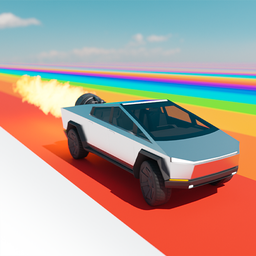
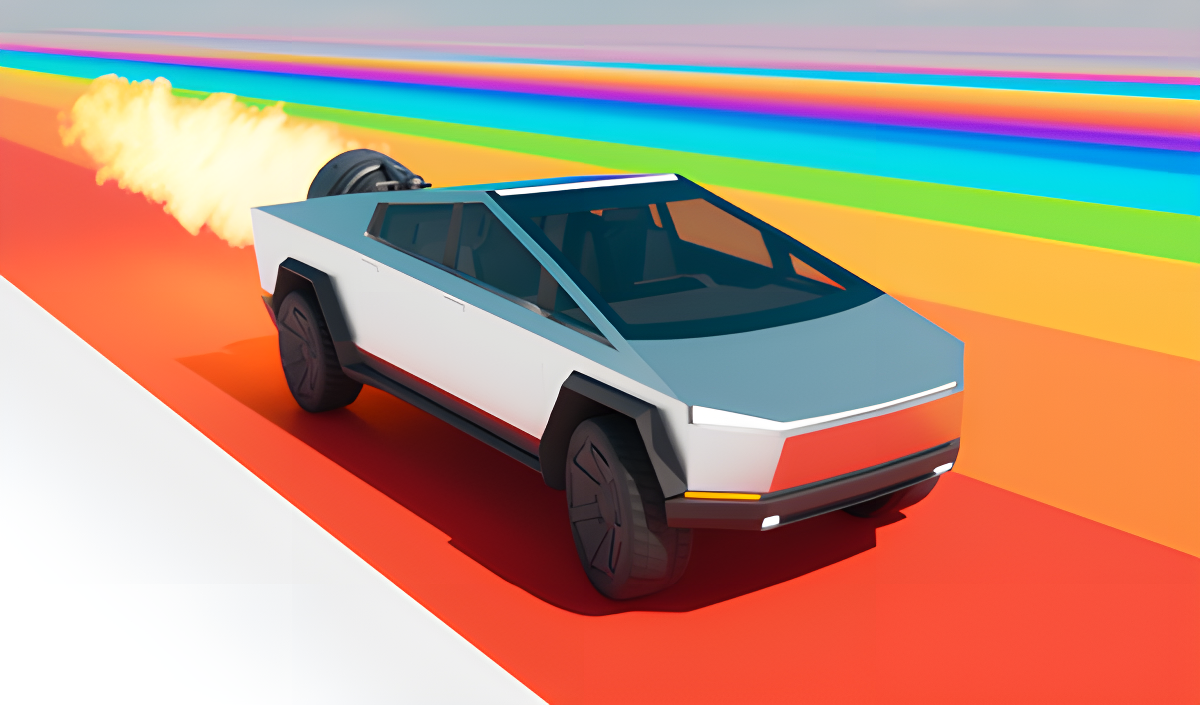
Several scenes show the silver, angular vehicle with a large circular thruster mounted in its rear bed, orange and yellow flames pouring out as it launches. One environment features large orange arches and a tall orange rectangular pillar structure set on a flat grey surface beneath a clear blue sky. Another moment places a circular target with concentric red and white rings at the end of a green and purple platform.
The challenge roster pulls from well-known GTA Online modes alongside original creations: "Slippery descent," stunt runs, dynamite crates falling from the sky, and "narrow holes" are among the tests already in the game. The whole thing is framed as a car simulator with a sense of humor — the description literally ends with ":3".
How to Play Rocket Truck - Crazy Stunts On Jet Cybertruck!
Progress through a number of challenges that mix legendary GTA Online-style modes with original tests designed specifically for the jet cybertruck. Activate the rocket engine to launch into the air, then manage the vehicle's orientation mid-flight before landing and continuing on the ground. Restarting the current test and switching camera views are available at any time.
Controls
Control on the Ground
- W (Desktop): Forward running
- A (Desktop): Turn left
- D (Desktop): Turn right
- S (Desktop): Reverse gear
- Space Bar (Desktop): Handbrake
- Large vertical button (Mobile): Forward movement
- Left arrow button (Mobile): Turn left
- Right arrow button (Mobile): Turn right
- Large horizontal button (Mobile): Brake/Reverse gear
Control in the Air
- Caps Lock (Desktop): Tilt forward
- Shift (Desktop): Tilt back
- A (Desktop): Roll to the left
- D (Desktop): Roll to the right
- Large vertical button (Mobile): Tilt forward
- Large horizontal button (Mobile): Tilt back
- Left arrow button (Mobile): Roll to the left
- Right arrow button (Mobile): Roll to the right
General
- E (Desktop): Activate the rocket engine
- F (Desktop): Restart the current test
- C (Desktop): Change the camera view
- P (Desktop): Open the drop-down menu
- Rocket Flame icon (Mobile): Activate the rocket engine
- Restart icon (Mobile): Restart the current test
- Exit icon (Mobile): Open the drop-down menu
Games You Might Like
If the stunt-heavy side of Rocket Truck appeals to you, Mega Ramp Stunt delivers breathtaking ramp challenges and daring tracks built around car stunts. For destruction-focused chaos with open-world driving, BMG: Ragdoll Car Race throws ragdoll physics and diverse stunt zones into the mix. The downhill tension of Deadly Descent shares the car-simulator spirit, tasking you with surviving a mountain run in one piece. BMG Crash Test rounds things out with extreme obstacle tracks and satisfying vehicular destruction across a range of cars.
Browse the full driving games catalog for more vehicle-based challenges, or check out the wider action games section for fast-paced thrills beyond the road.
Video