
























Magic School Merge










About Magic School Merge: Strategic Merging to Build a Magical School
Magic School Merge is an exciting merge game where the goal is to craft the most beautiful and enchanting school imaginable. Mining resources, clearing away mist, and uncovering new challenges and opportunities all form the core of the experience. A character with pointed ears, white braided hair, and purple eyes appears across several scenes, holding a thin brown wand. Green and yellow square tiles set among stone cliffs and water make up the landscape visible in multiple views of the game world. In one scene, a building displays a large open book on its facade, complete with green scale-patterned roofing and gold trim.
How to Play Magic School Merge: Merge, Unlock, and Build
The central activity is merging items on the field to produce new buildings, creatures, and other magical items. As merges progress, new magical locations unlock, gradually pushing back the mist and revealing hidden secrets. The ultimate aim is to build your own school of magic and become the ultimate wizard.
Controls
- Mouse: Merge items on the field
Key Features
- Discovering Mysterious Magical World: Explore a world full of magic, mystery, and wonder, uncovering hidden secrets as you merge and create your magical school.
- Merge & Create: Merge different pieces together to create new buildings, creatures, and other magical items.
- Combine and Build: Build your own magical school and become the ultimate wizard.
- Reveal the Story: Uncover the mysteries of the magical world and reveal the story behind Magic School Merge.
Games You Might Like
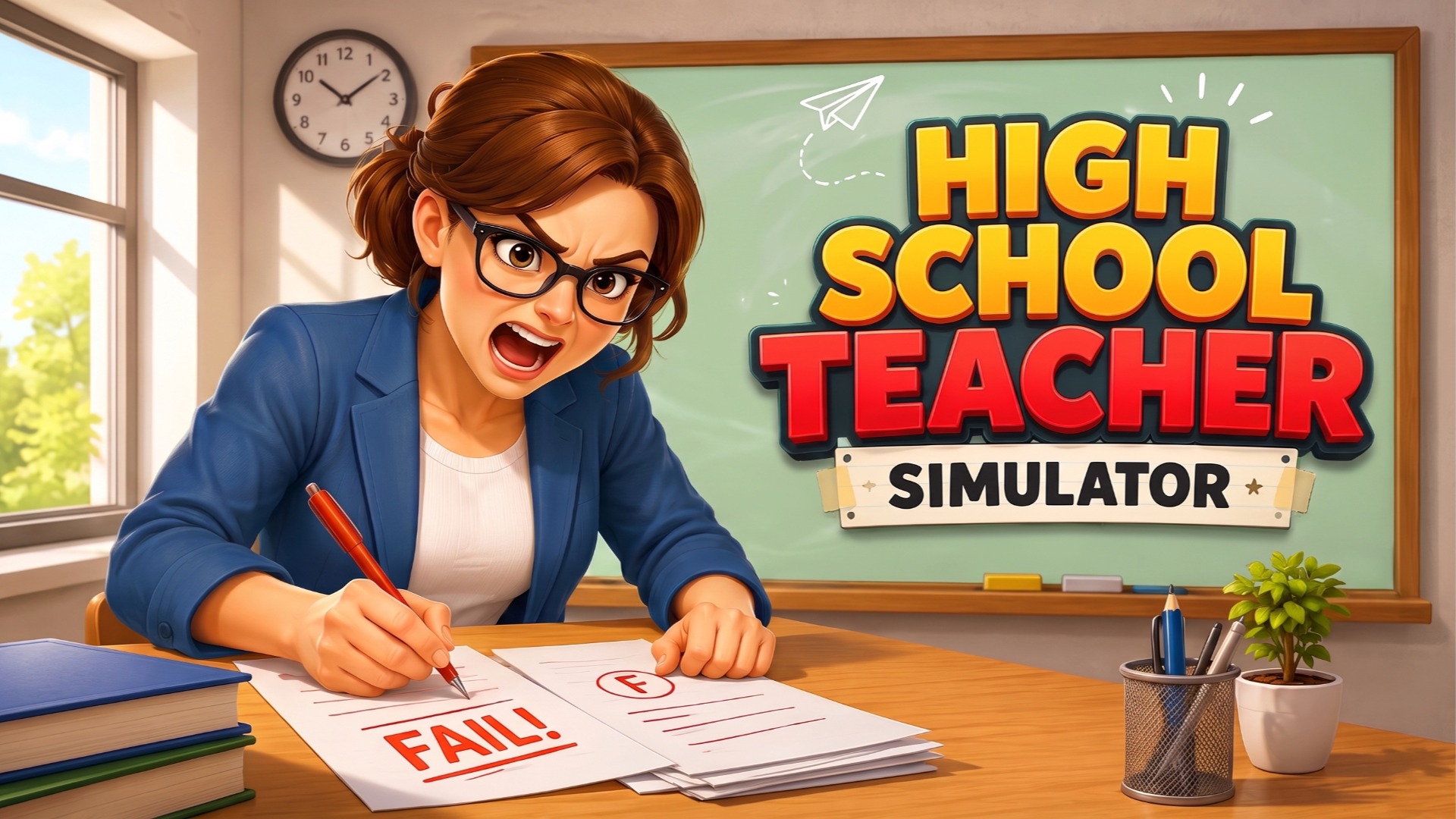
If merge puzzles and school-themed adventures appeal to you, the broader world of educational games on Playgama has plenty more to explore. Fans of school settings will enjoy Sort And Style: Back To School, a sorting and dress-up game that challenges you to organize desks, lockers, and wardrobes across nine levels. For a deeper school experience, High School Teacher Simulator puts you in the role of an educator managing lessons and students through a full school year. Back To School: Uniforms Edition brings a creative fashion spin to the school theme, letting you customize characters with uniforms from countries around the world. If building and construction scratch the same creative itch as assembling a magical school, Construction Set - 3D Builder lets you design and assemble intricate 3D structures piece by piece.
Browse the full puzzle games collection for more merge and logic challenges, or check out adventure games if uncovering mysteries and exploring new worlds is what draws you in.
Video