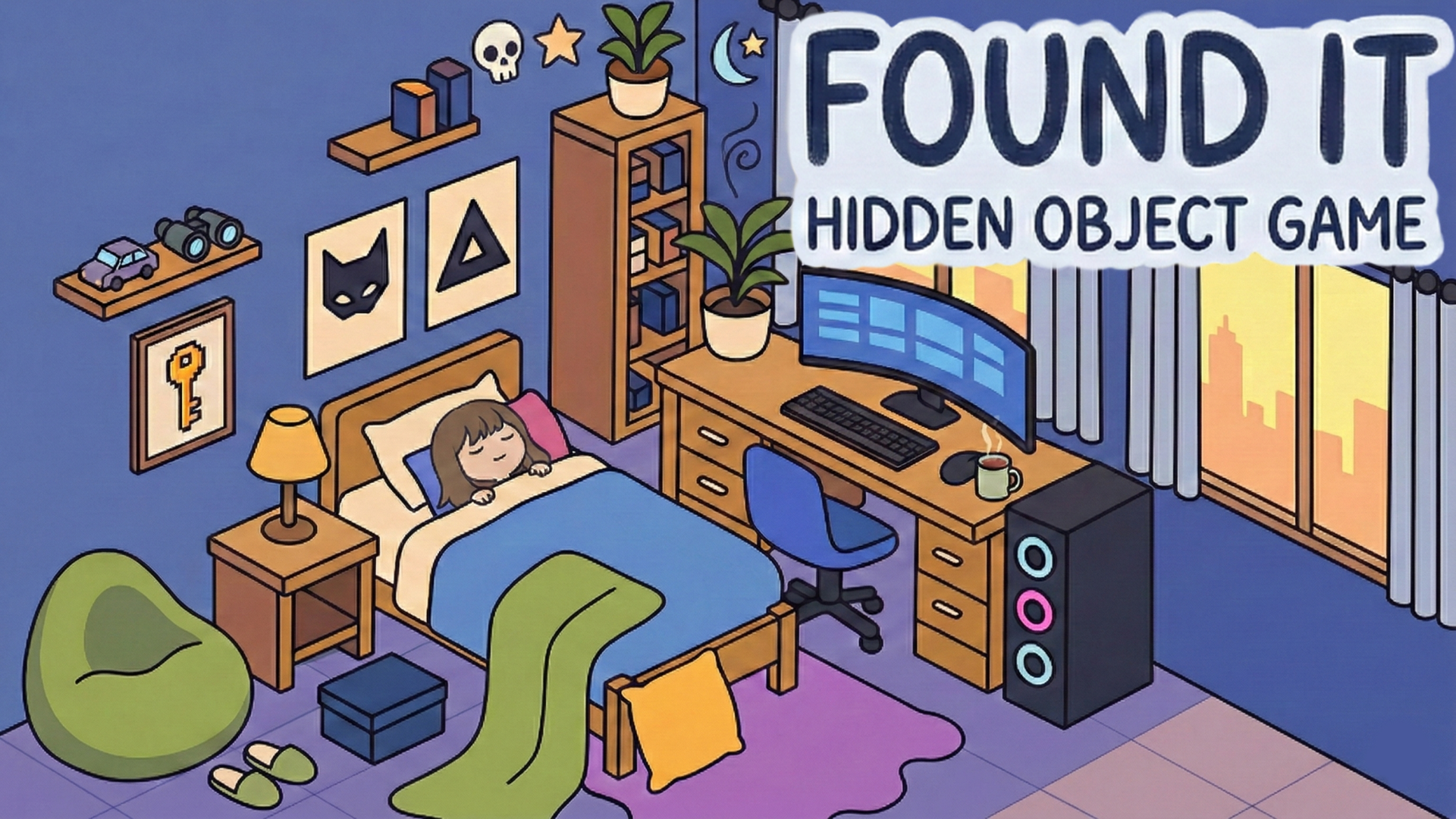





















Hidden Object: Clues and Mysteries
Hidden Object: My Hotel
Mystery of the Old House: Hidden Objects
Playground Man! Ragdoll Show!
Sprunki World Online RP - Play with Friends!
My Town Home: Family Playhouse
Piece of Cake: Merge & Bake
Snake 2048
Hidden Object: Clues and Mysteries
Hidden Object: My Hotel
Deadly Descent
Melon SandboxLost&Found: Find it all!
Lost&Found: Find it all! - Play Online
You know those times when you're staring at a messy desk trying to find your phone charger? This is that, but actually fun. Lost&Found: Find it all! is a classic hidden object game where you scan colorful scenes hunting for specific items—butterflies, acorns, coffee cups, whatever the list tells you to find. It's like a digital version of Where's Waldo? but with power-ups and way more levels. Your job is simple: train your eyes, tap the objects, and unlock new maps. Perfect for killing time without frying your brain.
Key Features
- Multiple Themed Maps: Unlock everything from autumn forests to underwater scenes and boardwalks—each with dozens of objects to hunt.
- Three Power-Ups: Get stuck? Use the magnifier to zoom, the compass to point you in the right direction, or the magnet to auto-collect nearby items.
- Zoom & Scroll Freedom: Pinch to zoom in on tricky corners or pull back to see the whole scene—your choice.
- Works on Anything: Runs smooth on old phones and basic laptops. The simple 2D art means no lag, no overheating.
How to Play Lost&Found: Find it all!
Getting started is stupid easy. Mastering the later maps? That's when your eyes start to hurt.
Scan the Scene and Tap Objects
You'll see a colorful map loaded with tiny characters, plants, and random stuff scattered everywhere. At the bottom, there's a list showing what you need to find—like "5 acorns" or "3 butterflies." Just scan the scene, spot the item, and tap it. A white circle pops up when you're right. On desktop, you click with the mouse. On mobile, just tap the screen. The controls are instant and responsive, no weird delays.
Use Boosters When You're Stuck
Some objects are sneaky. They blend into the background or hide behind other stuff. That's when you hit the power-up buttons at the bottom. The magnifying glass zooms in on a random hidden item. The compass points you toward the nearest target. The magnet sucks up a few items automatically. You get a limited number of these per level, so don't spam them early on or you'll be stuck squinting at a haystack later.
Complete Levels to Unlock New Maps
Each time you clear a scene by finding all the objects, you earn progress toward unlocking new themed maps. I started in a basic farm area, then opened a festival level, then an underwater zone. The difficulty ramps up—more objects, tighter clusters, better camouflage. Later maps throw 20+ items at you in denser scenes. Finishing them all is the endgame, but honestly, the journey is the point here.
Who is Lost&Found: Find it all! for?
This is perfect for casual players and kids. If you're the type who likes low-pressure puzzle games you can pause anytime, this is your jam. Parents can safely hand this to a 7-year-old—it's colorful, simple, and there's zero violence. It's also great for seniors or anyone doing brain-training exercises since it sharpens attention and pattern recognition. Not for adrenaline junkies though—there's no timer pressure or combat. This is chill hunting, not a race.
The Gameplay Vibe
It feels like a Sunday afternoon activity. The pace is slow and meditative—you can take your time scanning every corner. The art style is basic 2D vector graphics with thick outlines and flat colors, kind of like a kids' activity book brought to life. It's not ugly, but it's not going to blow your mind either. The music? Generic upbeat loops that fade into the background after a few minutes. Honestly, I muted it and threw on a podcast. The sound effects are just soft "ding!" noises when you tap the right object. The whole thing is designed to be non-stressful, almost relaxing, which works great for short sessions while waiting for coffee to brew.
Technical Check: Saves & Performance
Your progress saves automatically in your browser cache, so you can close the tab and come back later without losing your unlocked maps. Just don't clear your browsing history or you'll have to restart. Performance-wise, this runs like butter even on ancient hardware. I tested it on a low-end Chromebook and got zero lag. The simple 2D graphics mean it loads fast and doesn't heat up your device. Mobile players won't drain their battery either—this is super lightweight.
Quick Verdict: Pros & Cons
A solid pick for quick, mindless fun when you need a break from stress.
- ✅ Pro: Zero learning curve—anyone can jump in and play immediately.
- ✅ Pro: Actually helps with focus and attention span, which is rare for casual games.
- ❌ Con: Gets repetitive fast. After 10 levels, you've seen the formula. The later maps are just "more of the same but harder."
Controls
Super responsive and dead simple. No complaints here—what you tap is what you get.
- Desktop: Click objects with your mouse. Scroll to pan, mouse wheel to zoom.
- Mobile: Tap to select. Pinch to zoom, swipe to scroll around the scene.
Release Date & Developer
Developed by Z-Media and released on November 13, 2024. They specialize in these casual browser games, and it shows—the UI is polished for mobile-first play.