











Help me find the items
About Help me find the items: Hidden Objects in an Ancient Castle
Help me find the items puts a fresh spin on the classic object-finding and spot-the-difference genre, setting the challenge inside an ancient castle filled with cleverly concealed items. The game invites friends to join the hunt, making the search a shared experience rather than a solitary one.
One scene shows a castle with blue-tiled spires and red banners perched atop a grassy hill. Another moment places the viewer on a cobblestone street lined with half-timbered houses leading toward an archway. A stone room appears in one scene containing wooden tables, glass beakers, and a large copper vessel with pipes.
How to Play Help me find the items: Compare Pictures to Find Hidden Objects
Every level presents two identical-looking pictures side by side. A different number of objects are hidden within the left picture, and the goal is to compare both images carefully to spot the differences. A silhouette hint sits at the top of the left picture, showing the outline of the object to track down.
When a particular object proves hard to locate, clicking the torch in the center of the screen reveals where that object is hiding. Torches act as assistants throughout the game, so conserving them matters — save them for the moments when a search truly stalls.
Controls
- Click (torch icon): Activates a hint that points to the location of a hidden object
Games You Might Like
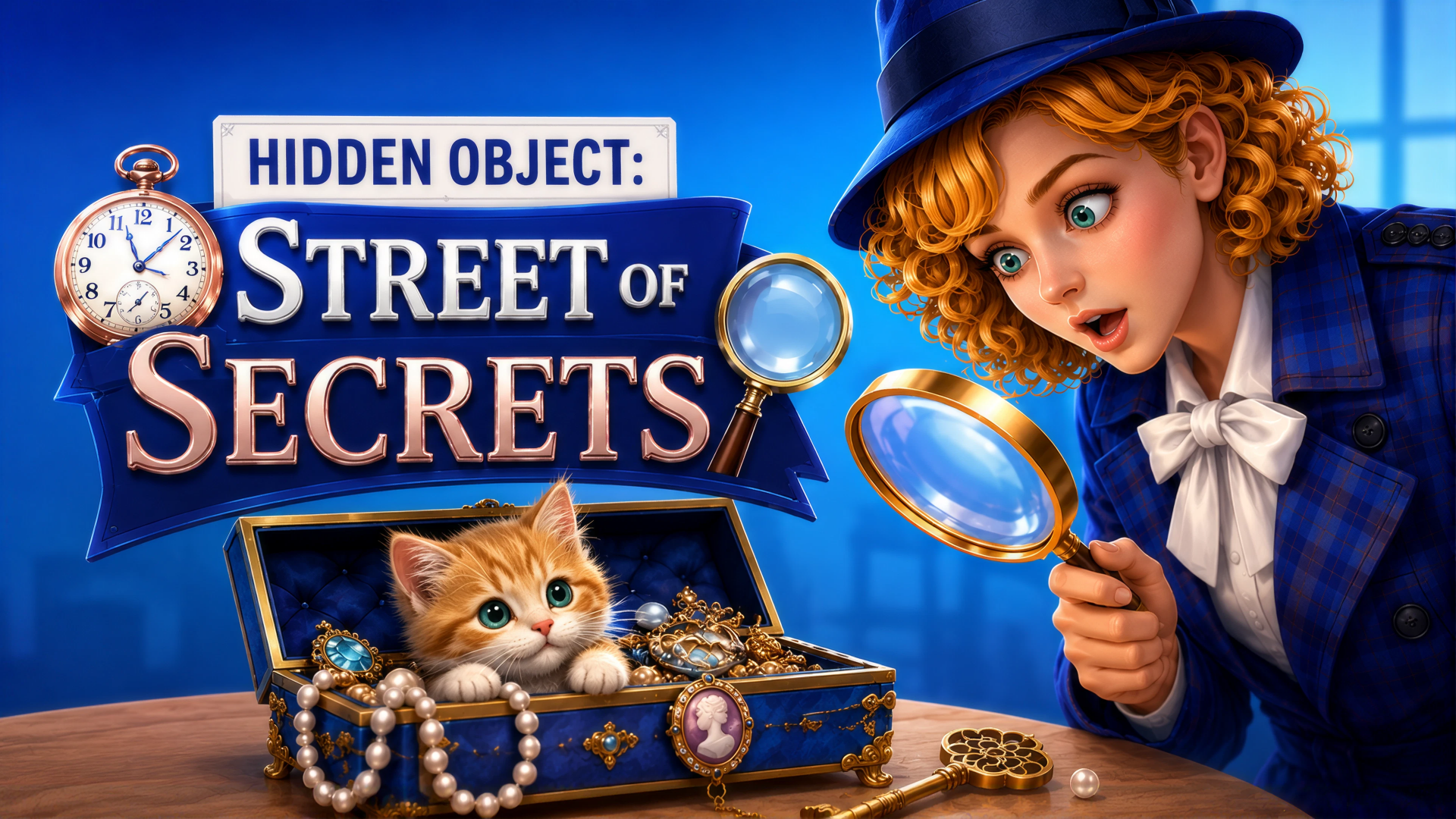
If hunting for concealed items across detailed scenes appeals to you, the broader Puzzle games collection on Playgama has plenty more challenges to explore. For another take on the seek-and-find format, Find Out Hidden Object sends you through multiple lively maps to tap on listed items as quickly as possible. Hidden Objects: Island takes the search across varied locations — beaches, gardens, and rustic fishing villages — each hiding rare treasures to uncover. Hidden Object: Street Of Secrets frames the object hunt as detective work across evening-lit streets and enigmatic rooms, complete with an assistant offering hints along the way. For a renovation-themed twist, Hidden Object: My Hotel has you searching cluttered rooms to help restore a dream hotel. The full Point And Click games category rounds out the options for anyone who enjoys careful, cursor-driven exploration.
Video