
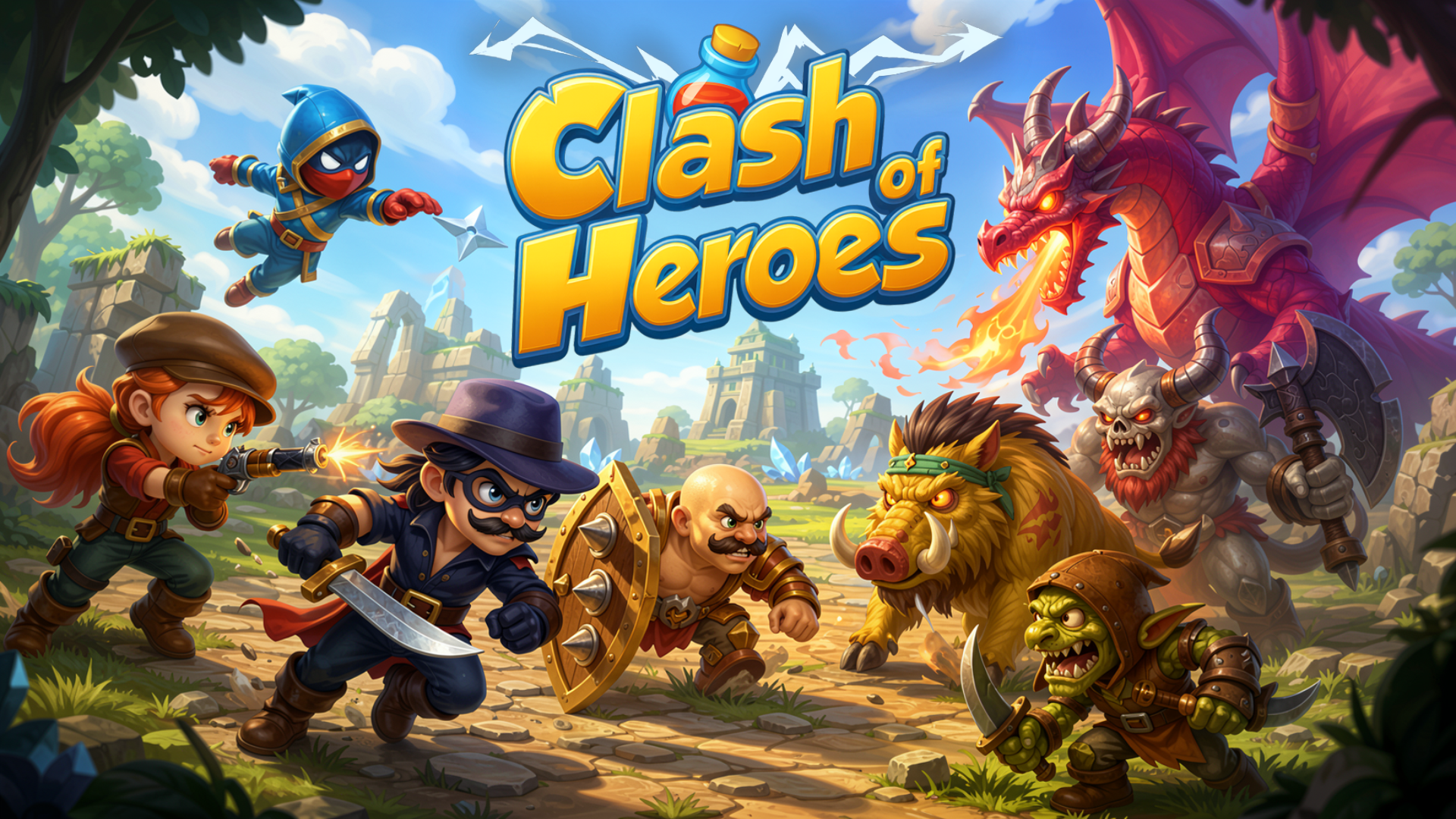
 Clash of Heroes: RPG Adventure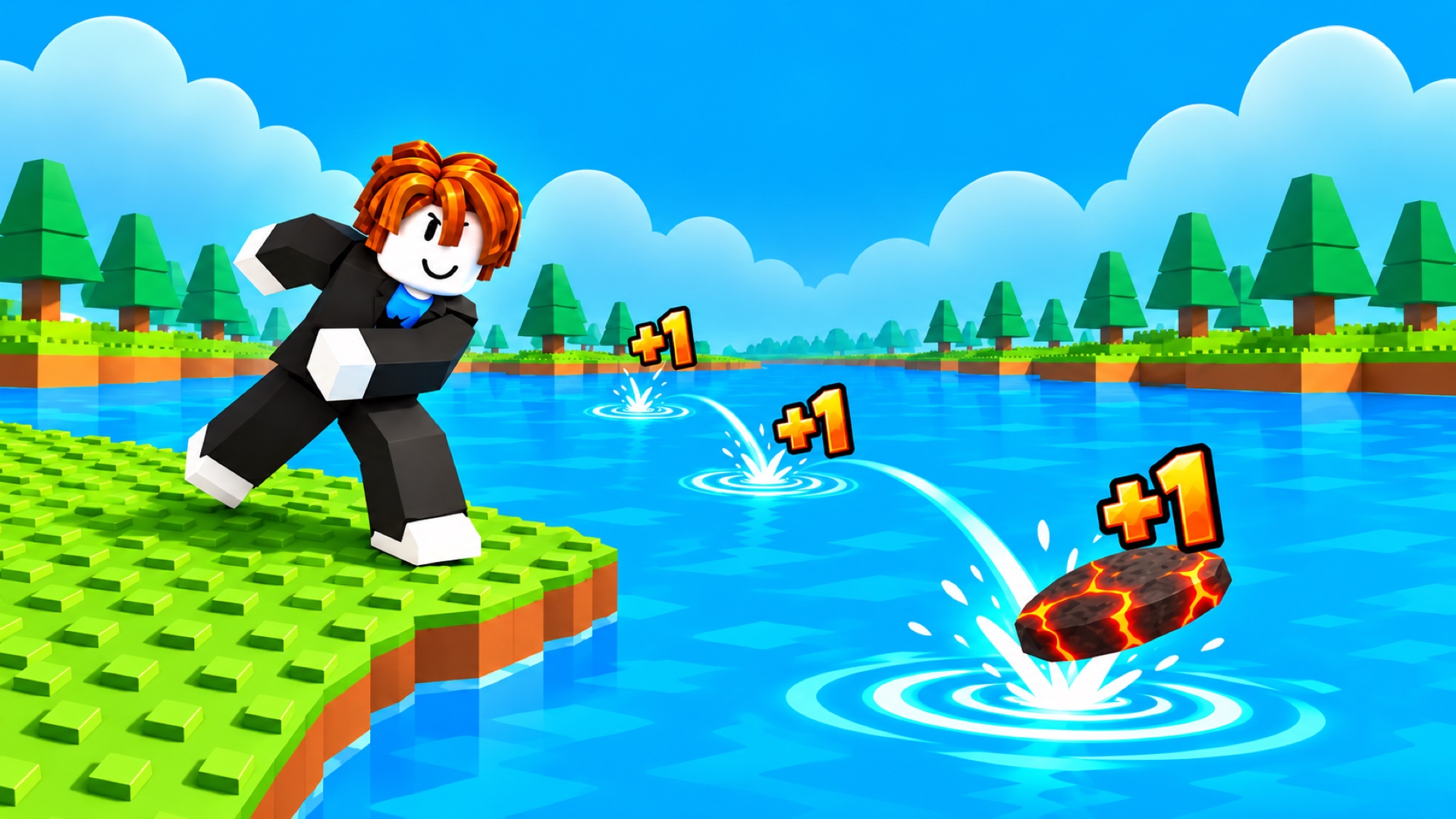
 Obby: +1 Stone Skipping
 Meme Dash: Battle 2!
 Obby: Fly the Farthest in an Airplane
 Idle Cowshed
 Case Simulator: Cars
 Expand.io
 Merge Potion: Idle Alchemy
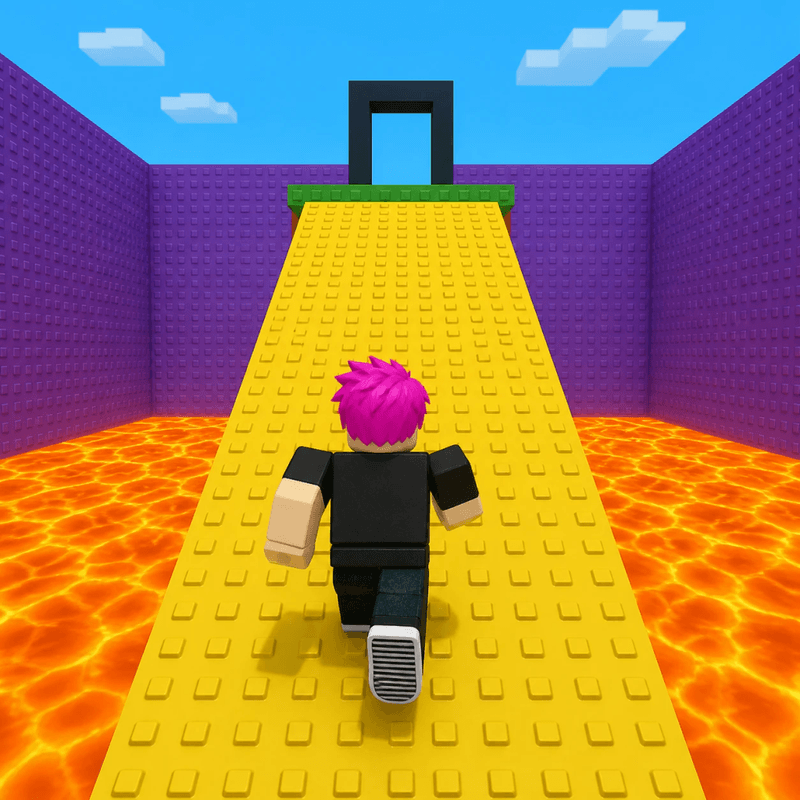 Obby: Survive Lava for Brainrots!
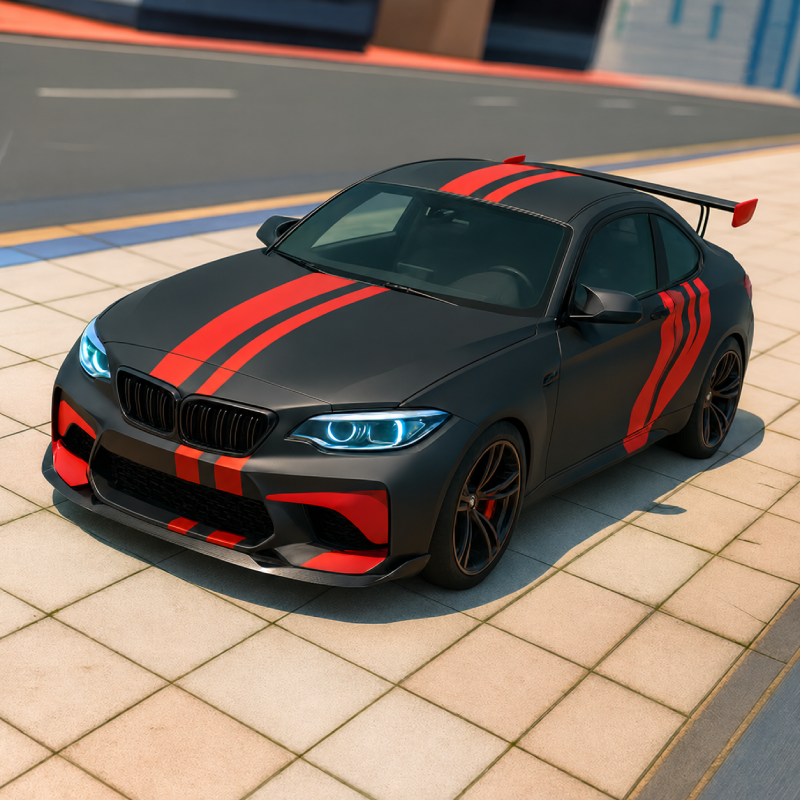 Extreme Car Driving Stunts
 Ragdoll Crash-Test: Throw and Break!
 Cooking Marina - cooking games


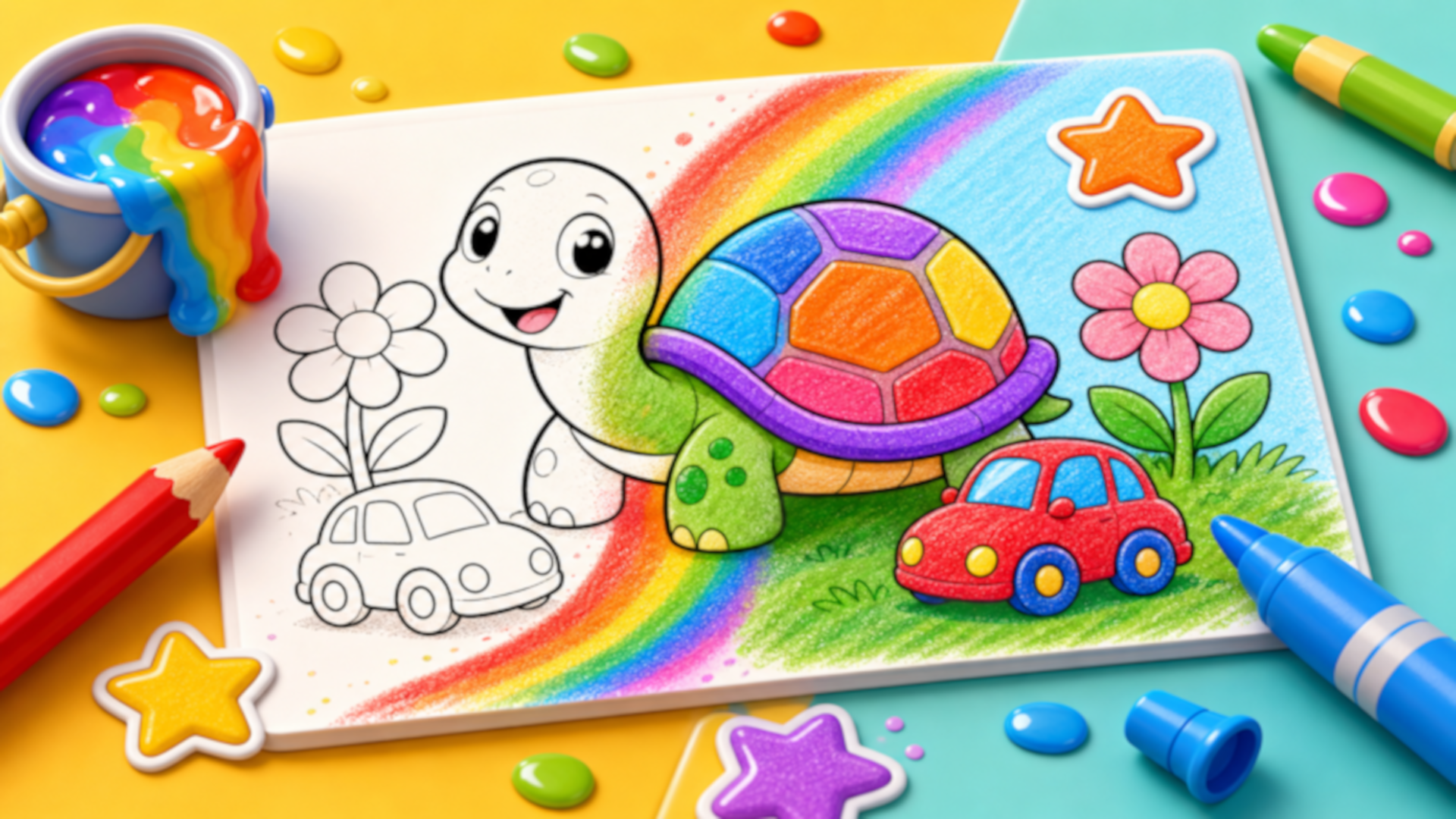
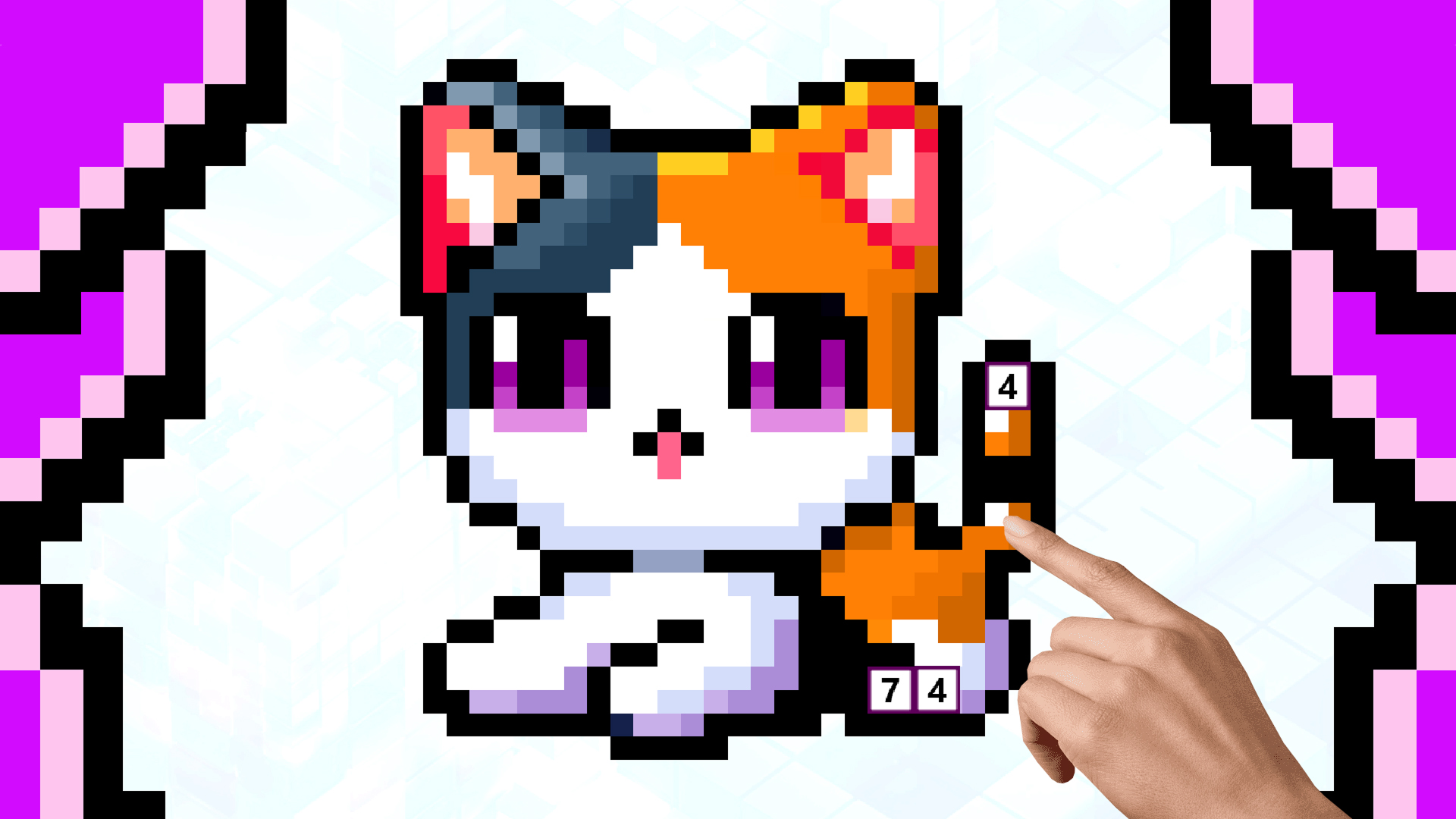
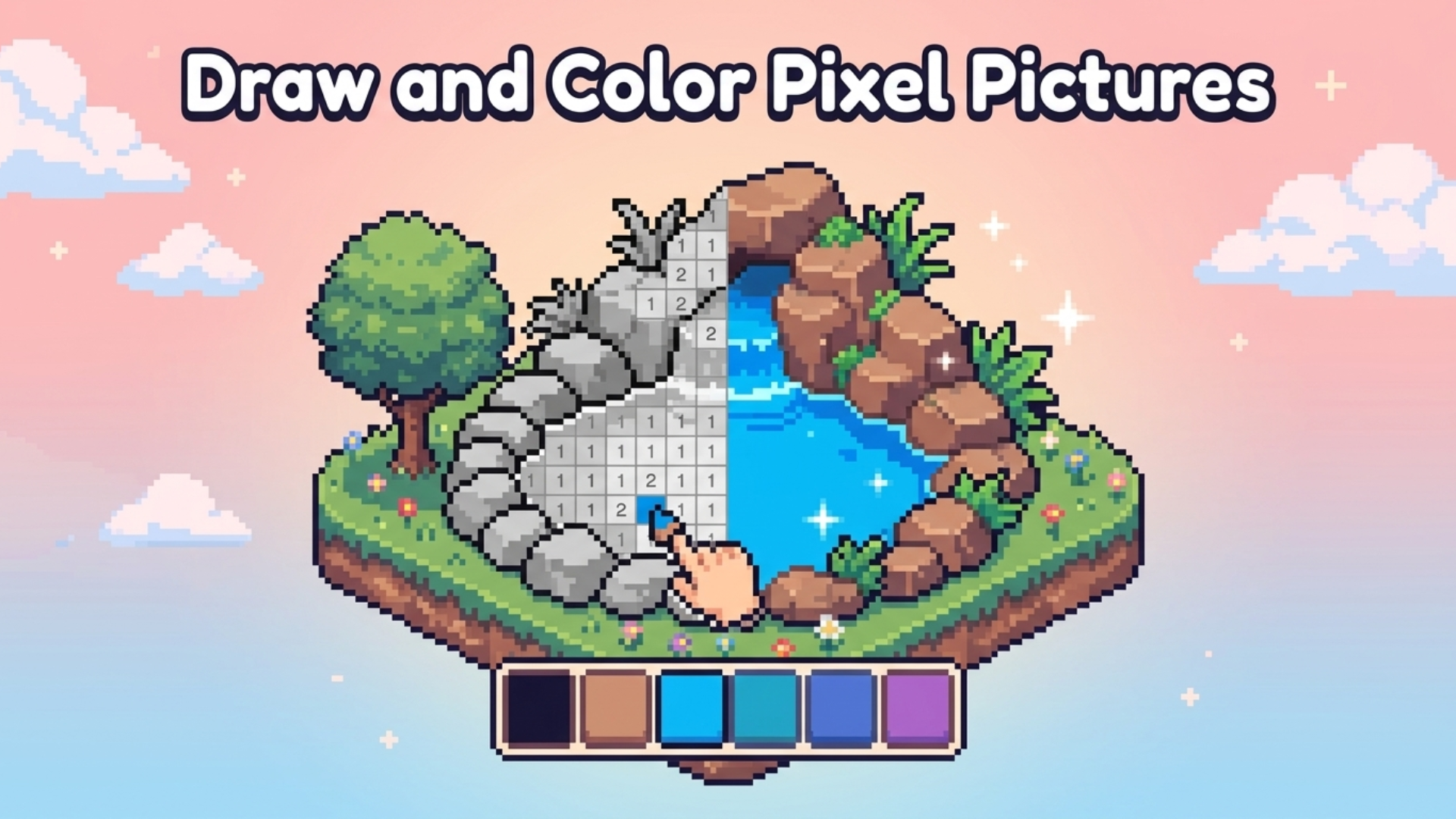
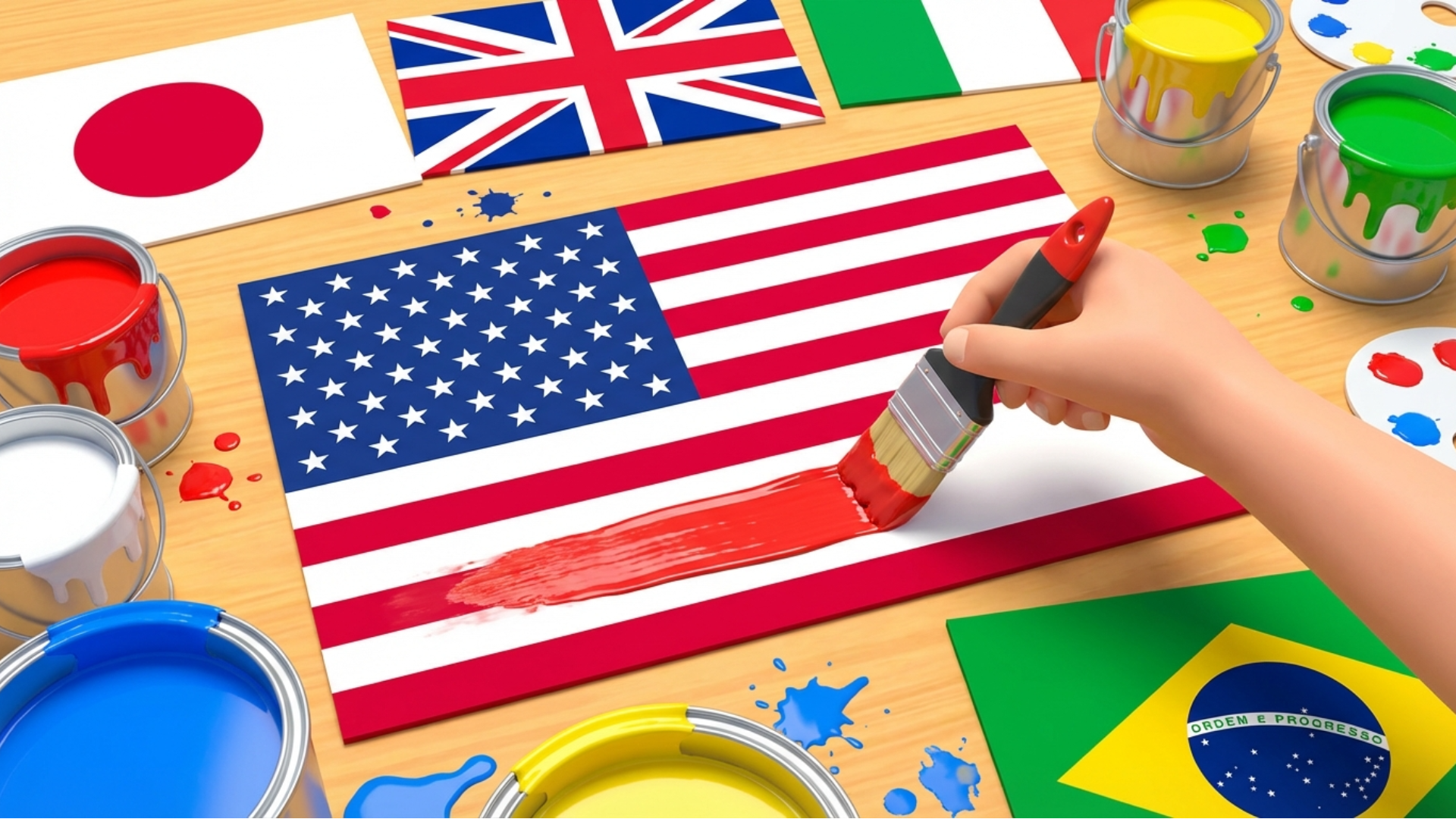

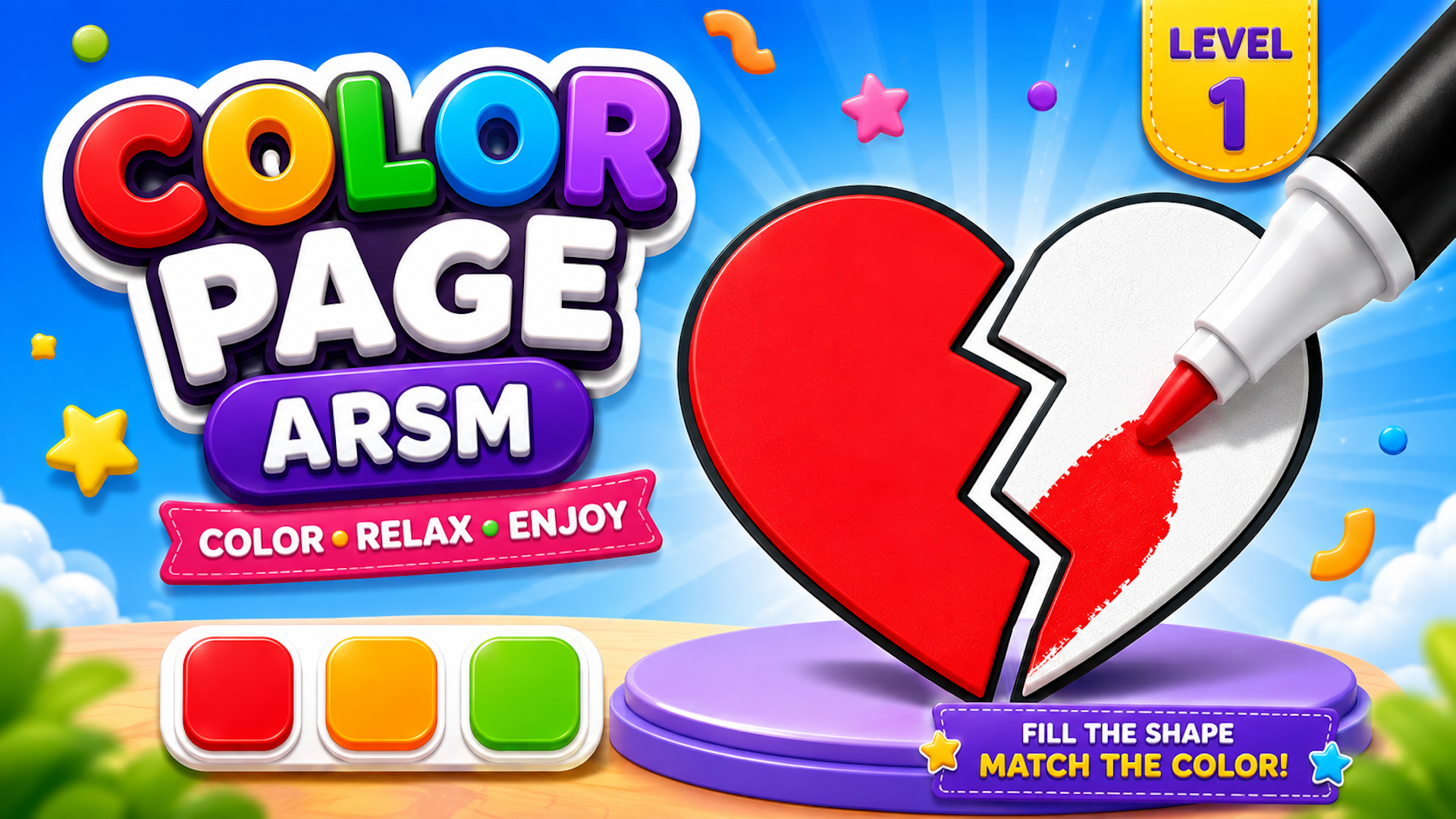


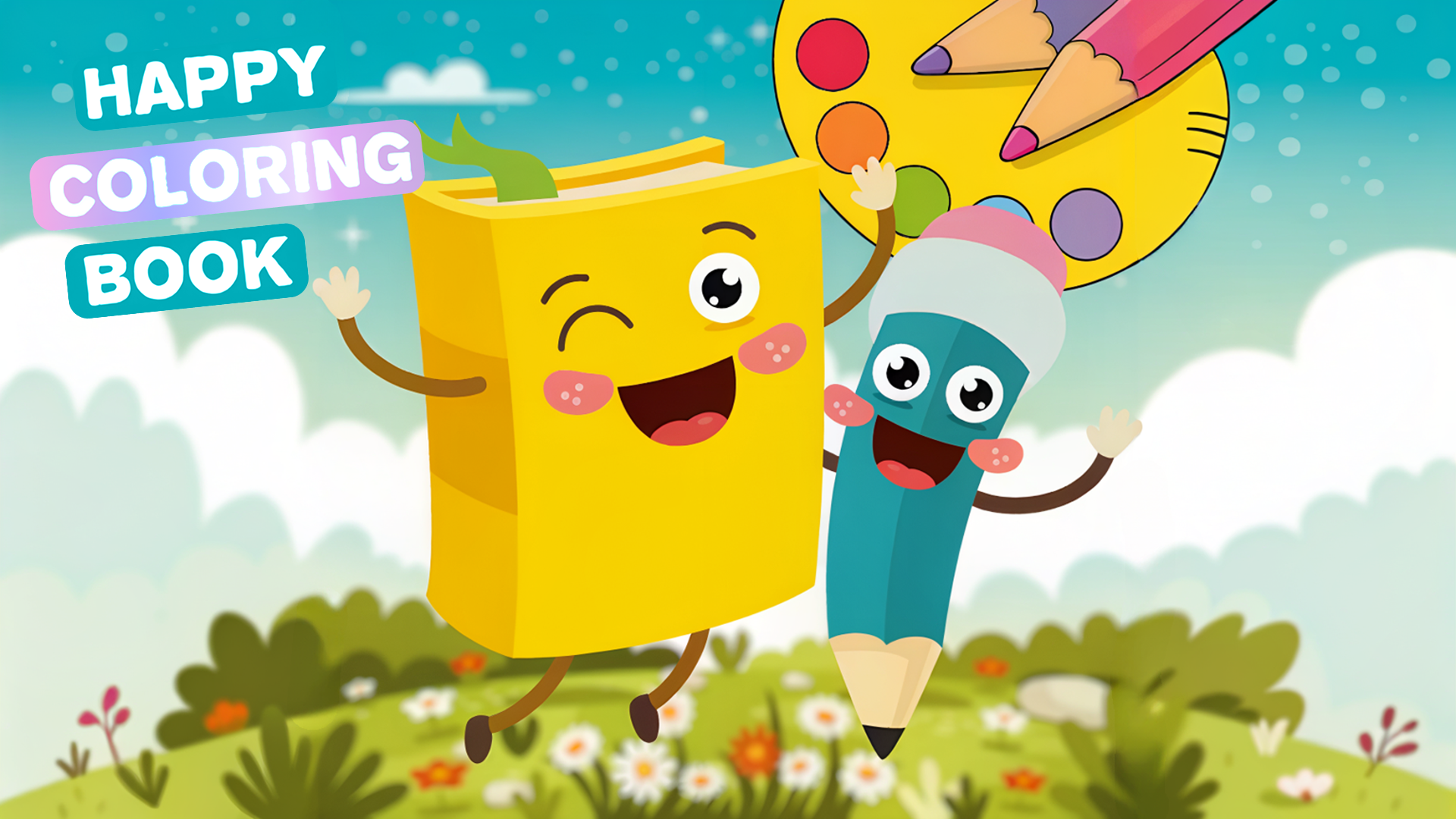
Happy Coloring Book









About Happy Coloring Book: Interactive Web Coloring Book Game
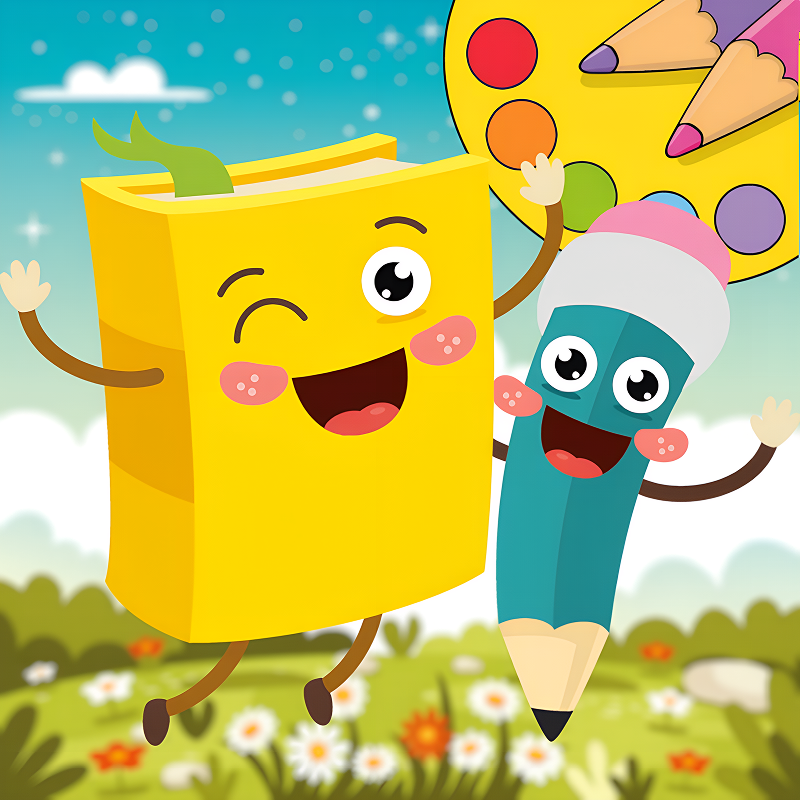
Happy Coloring Book is an interactive web coloring book game where the goal is simple and satisfying: pick a drawing and bring it to life with color. The game offers a variety of fun drawings to choose from, giving creative players plenty of material to work with. Several scenes show characters with expressive faces and distinct shapes — in one moment, a green rectangular character with arms, legs, and a face winks and smiles beside a white pencil character. Several scenes also show treat characters arranged together, with swirl patterns in blue and pink decorating their surfaces. A grey candle character flanked by two smaller candles, surrounded by pointed green leaves and red circular clusters, appears across multiple views as well.
How to Play Happy Coloring Book
Start by selecting a drawing from the coloring book. From there, pick up the virtual crayons and begin filling in the image. Experimenting with different colors and techniques is part of the process — the goal is to create your own masterpiece. When the coloring is finished, save the result and share the creation with friends.
Games You Might Like
For more creative and educational fun, browse the full range of educational games on Playgama, where art and learning come together across many styles. If you enjoy expressing yourself through color and design, the drawing games collection is a natural next stop for hands-on creative play.
Back To School: Uniforms Edition lets you spin a wheel to unlock school uniforms from countries around the world and customize characters with outfits and accessories — great for players who love creative expression with a global twist. Sort And Style: Back To School blends organizing and dress-up across nine levels, finishing with a fashion challenge that rewards the same eye for color and style that Happy Coloring Book encourages.
Video
Use this link to embed the game on your website using an iframe
 Sign in to Embed and Monetize Games