




















Fruits. Physical Connection
Fruits. Physical Connection - Play Online
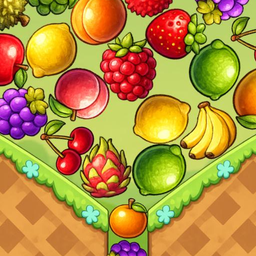
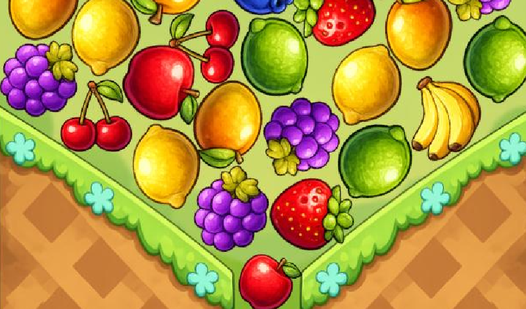
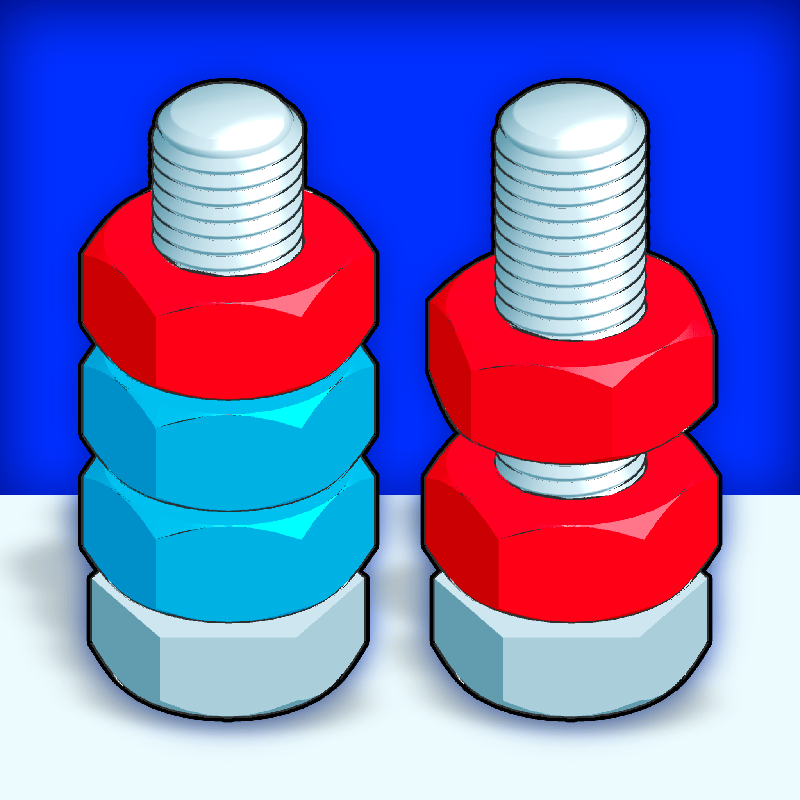
Puzzle meets physics. Fruits. Physical Connection asks one thing: can you connect pairs before the board explodes? Developed by Clover Game, this casual brain-trainer strips matching puzzles down to pure strategy. No timers. Just fruit, gravity, and your next move.
How to Play Fruits. Physical Connection
The Mission: Clear the board. Merge identical fruits. Don't let them overflow. Your goal is simple: tap pairs, watch them drop, plan three moves ahead. One careless tap? Game over.
Core Mechanic: Tap & Match
Tap a fruit. Tap its twin. They merge. Gone. Physics kicks in—remaining pieces fall and shift. Every merge changes the board. Press carefully. Identical pairs only. No diagonal tricks. No color-matching nonsense. Pure connection logic.
The Physics Twist
Standard matchers ignore gravity. Fruits. Physical Connection doesn't. Pieces settle after each merge. Stack wrong? You'll block yourself. Plan the cascade. Use empty space like a weapon. Field overflow = instant loss. Watch the top row.
Strategy Guide
Think ahead. Minimum three moves. Scan for clusters—merge the easiest pairs first to open breathing room. Bottom-up clears work best. Don't rush. No timer punishing you here. One wrong tap creates a chain reaction you can't undo. Patience beats speed.
Key Features
- Physics-Based Board: Every merge shifts the field. Gravity matters.
- No Timer Pressure: Plan carefully. Lose by overflow, not the clock.
- Browser-Native: Instant play. Desktop or mobile. Touch or mouse.
- Brain Training Core: Focus. Pattern recognition. Forward planning.
- Calm Visuals: Clean fruit sprites. Smooth animations. Zero lag.
Who is Fruits. Physical Connection for?
Perfect for puzzle fans who want depth without chaos. Great for coffee breaks, commutes, pre-bed sessions. Kids learn planning. Adults decompress. Anyone who misses casual games that respect your brain.
Release Date & Developer
Fruits. Physical Connection was developed by Clover Game. Released May 5, 2026.
Controls
- Mouse Click / Tap: Select fruit
- Second Click / Tap: Connect to matching pair
FAQ
Where can I play Fruits. Physical Connection online?
How do you lose in Fruits. Physical Connection?
Is Fruits. Physical Connection timed?
What makes Fruits. Physical Connection different from other match games?
Can kids play Fruits. Physical Connection?
Video