















Hidden Object: My Hotel
Melon Sandbox
Playground Man! Ragdoll Show!
My Town Home: Family Playhouse
Deadly Descent
Pregnant Mother Simulator
Steal Brainrot Online
Hidden Object: Clues and MysteriesFPS Toy Realism
FPS Toy Realism - Play Online
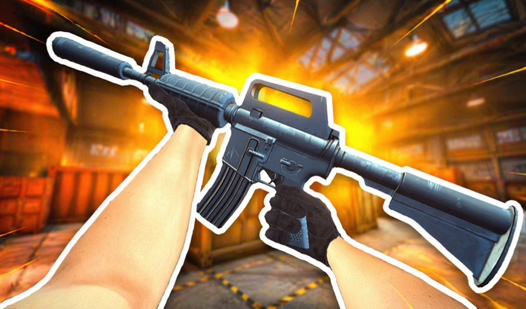
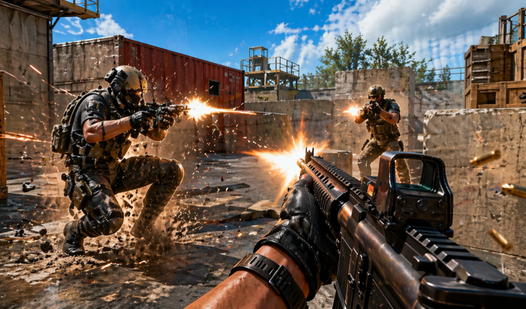
If you've ever wanted a quick Counter-Strike fix without the commitment, this is basically that. FPS Toy Realism is a browser-based shooter that throws you into 12v12 matches on a single large map. You buy weapons at spawn, pick your loadout, and get straight into the gunfights. It's not trying to reinvent the wheel—just give you that classic CS:GO vibe without downloading 40GB.
Key Features
- 12 vs 12 Battles: Quick matches with enough players to keep the action rolling.
- CS-Style Economy: Earn cash by getting kills, buy better guns between rounds.
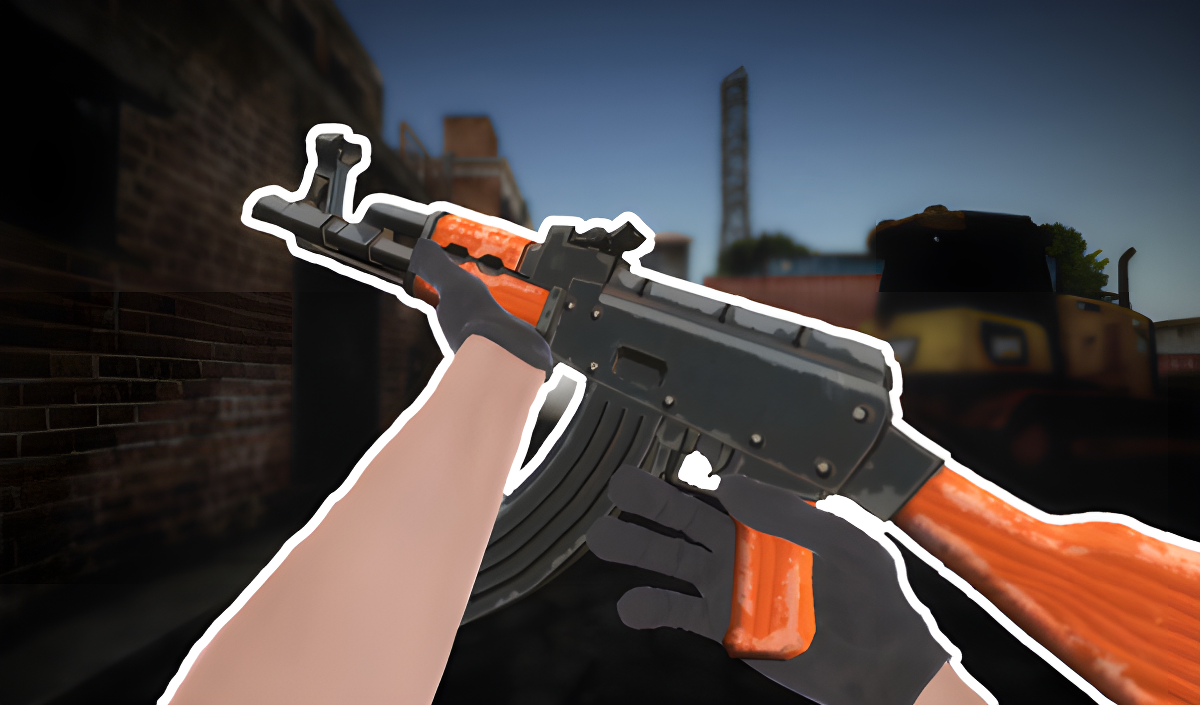
- Familiar Arsenal: AK-47s, AWP snipers, Glocks—all the classics you'd expect.
- Runs Anywhere: Browser-based and lightweight enough for school Chromebooks or older PCs.
How to Play FPS Toy Realism
Jump in, grab a gun, and start fragging. The learning curve is pretty much nonexistent if you've played any FPS before.
Pick Your Weapon and Spawn In
You start each round with cash. Use it to buy rifles, snipers, or save up for something better next round. Once you've got your loadout, you spawn on one side of the map. Movement is WASD, aim with right-click, shoot with left-click. Press T if you want to inspect your weapon like you're showing off a new skin, even though everyone's too busy shooting to notice.
Hunt Down the Enemy Team
The minimap in the corner shows red dots when enemies are nearby—use it. The map itself is your typical dust-style urban layout with shipping containers, industrial buildings, and open courtyards. You can peek corners, hold angles, or rush with your team. First aid kits and rockets are scattered around to give you an edge, so grab them when you can. The shooting feels straightforward—no crazy recoil patterns to memorize, just point and click.
Rack Up Kills and Buy Better Gear
Every kill gets you closer to affording that AWP or stocking up on grenades. Die, respawn, repeat. Matches don't drag on forever, so you can play a quick round or two and bounce. Press TAB to check the scoreboard and see who's carrying the team, or press P to mess with settings mid-match.
Who is FPS Toy Realism for?
This is aimed squarely at teens and casual players who want a no-fuss FPS session. If you're stuck on a computer that can't run Valorant or CS2, or you just want something you can fire up in a browser tab during lunch break, this fits the bill. It's also solid for younger players getting into shooters—no gore, no toxic voice chat, just simple team deathmatch vibes.
The Gameplay Vibe
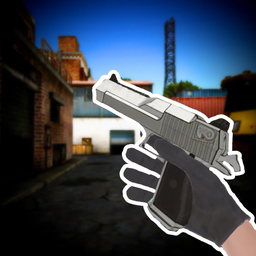
It's fast and scrappy. Matches feel chaotic in that fun, arcade-y way where you're constantly respawning and diving back into fights. The graphics are pretty bare-bones—flat lighting, muddy textures, and simple geometry that screams "Unity web game." The environments look like they were slapped together from free asset packs, and the player models are just floating arms holding guns. There's no music during matches, just gunfire and footsteps echoing around those boxy buildings. It's not pretty, but it runs smooth, and honestly, that matters more in a browser shooter.
Technical Check: Saves & Performance
Your stats and unlocks save automatically through your browser, so as long as you don't nuke your cache, you're good. Performance-wise, this thing is optimized to run on a potato. Even older laptops with integrated graphics should handle it fine since the visuals are so stripped down. No stuttering, no loading between rounds—just pure plug-and-play convenience.
Quick Verdict: Pros & Cons
A solid time-killer if you need a quick FPS fix without the baggage of a full game client.
- ✅ Pro: Instant browser play, no downloads or installs required.
- ✅ Pro: Familiar CS-style gameplay that feels immediately comfortable.
- ❌ Con: Graphics are rough—don't expect anything close to modern shooter polish.
Controls
Responsive enough for browser standards. Aiming feels a bit floaty compared to native games, but you'll adjust after a few rounds.
- Desktop: WASD to move, Mouse to aim/shoot, Space to jump, 1-2 to switch weapons, Q/E to lean, T to inspect, TAB for scoreboard, P for menu.
- Mobile: On-screen buttons with auto-shoot when aiming or manual fire button.
Release Date & Developer
Developed by Treasure Hunters and released on June 18, 2025. Pretty fresh, though it feels like it's built from a template that's been around the block a few times.