























Escape From Evil Grandpa Obby!







About Escape From Evil Grandpa Obby!: Roblox-Style Chase Through Mazes and Traps
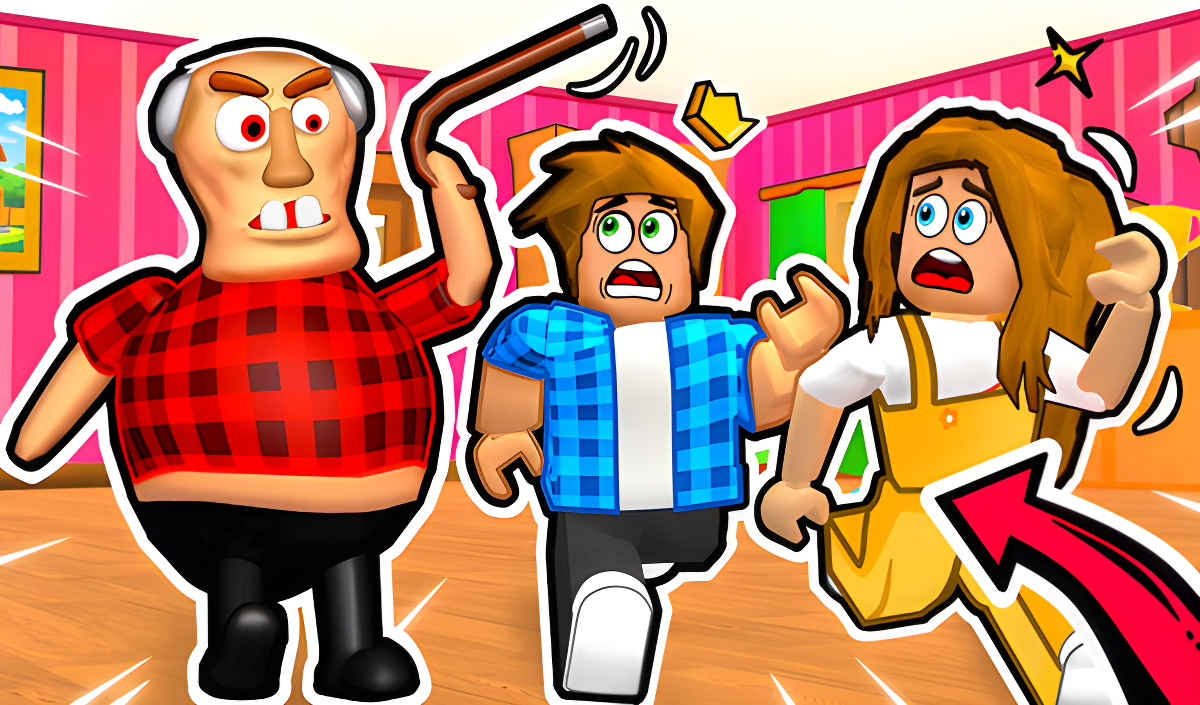
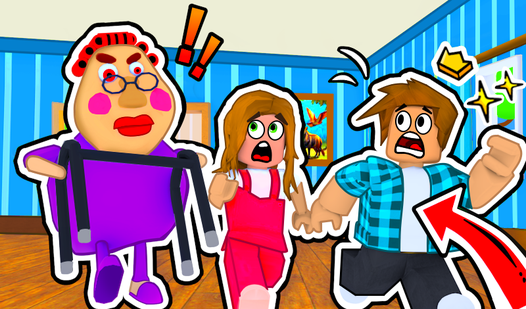
Escape From Evil Grandpa Obby! opens with Grandpa snoring peacefully in his chair — until you cross the threshold and the chase begins. From that moment, the game throws mazes, devious traps, a dark sewer, and scorching lava caves at you as you sprint to stay ahead of an increasingly dangerous pursuer. Along the way you'll cross paths with a sly Fox and tricky garden gnomes, and the whole thing builds toward an epic finale where Grandpa transforms into a giant Grandpa-Robot for a head-to-head battle.
One scene shows a wooden bridge with dark cracks stretching over a pool of swirling orange and yellow liquid. In another moment, small figures wearing pointed hats and white beards carry blue and purple mallets through a green-walled corridor. A separate scene features a painting of a duck flying over water hanging on a yellow wall with vertical stripes.
The tone throughout is deliberately chaotic and funny — explosive obstacles and absurd encounters keep the pace lively from the first step to the mechanical monster showdown. Agility and quick thinking are what the game tests at every turn.
How to Play Escape From Evil Grandpa Obby!: Outsmart Grandpa on Every Level
The goal is to break through every obstacle course level, dodge every trap, and ultimately defeat the giant Grandpa-Robot waiting at the finale. Each level demands you navigate mazes, avoid falling into the dark sewer, bypass lava caves, and deal with the unpredictable characters scattered across your path. Outsmart Grandpa on every level, pass all the tests, and reach the end as the fastest and most legendary escapee.
Boosts
- Speed Coil: activated via its corresponding input
- Gravity Coil: activated via its corresponding input
- Jetpack: when active, the jump button becomes a flight button — hold it to soar
Controls
PC Controls
- WASD or Arrow Keys: Movement
- Space: Jump
- TAB: Pause
- Right-Click: Hide cursor
- Mouse Movement: Rotate camera
- Q: Open bonus shop
- 1, 2, or 3: Activate the corresponding boost (Speed Coil / Gravity Coil / Jetpack)
- Right-click the boost icon: Activate the corresponding boost
Mobile Controls
- Virtual Joystick: Movement
- Jump Button: Jump
- Right Side of Screen: Rotate camera
- Tap the power-up icon at the bottom of the screen: Activate Speed Coil, Gravity Coil, or Jetpack
Games You Might Like
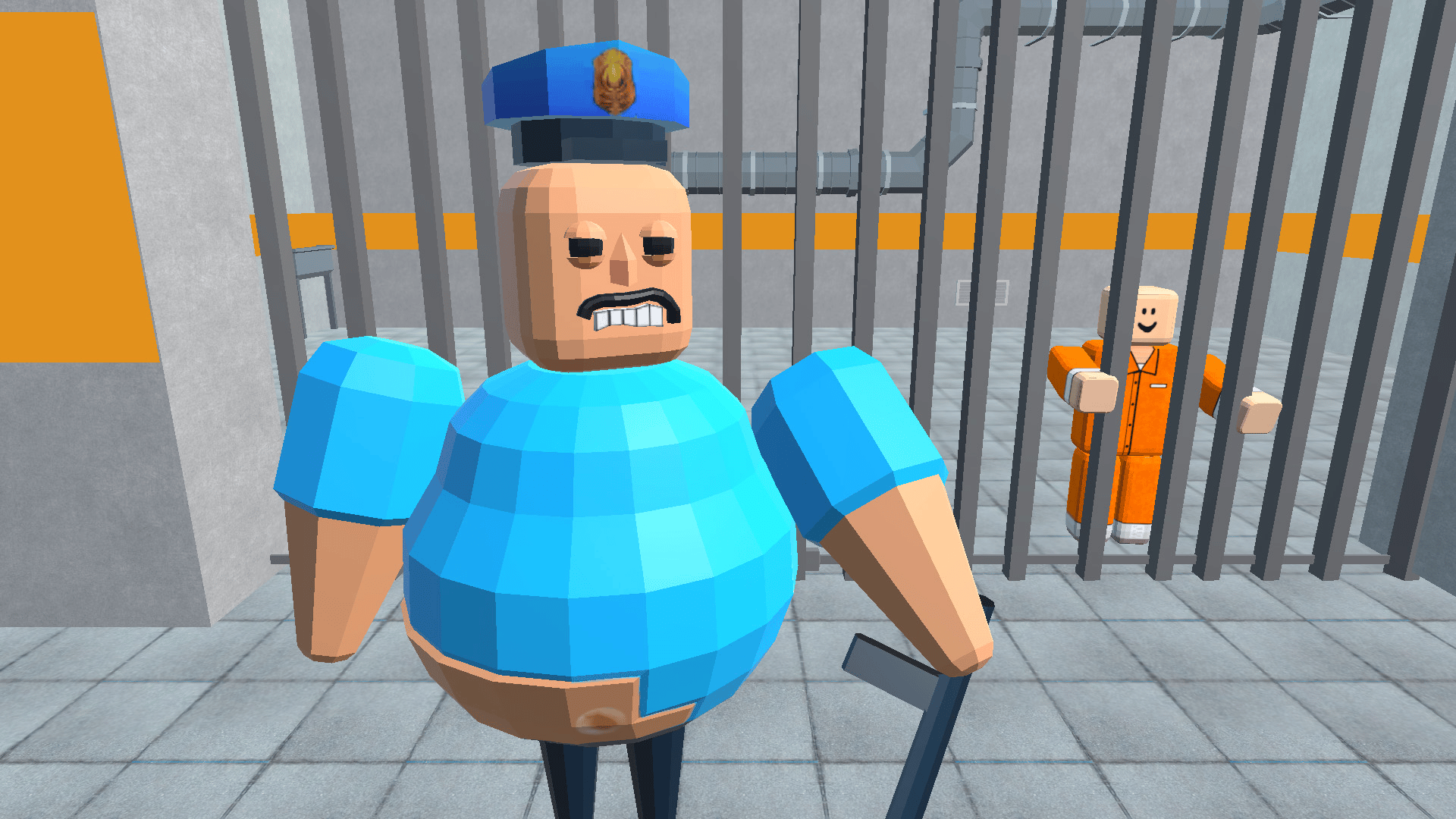
If the obstacle-course chaos of Escape From Evil Grandpa Obby! has you hooked, the broader world of Obby games is packed with similarly frantic platforming challenges worth exploring. For another prison-break obby with character customization and wild stages, Obby: Escape from Barry Prison sends you through crazy fun levels to reach a helicopter exit. Obby Parkour: Tower of Hell offers huge maps, multiple modes including lava escapes, and collectible skins for a different flavor of obby mayhem. The speed-boosting obstacle runs in +1 Speed: Escape Prison share the same trap-dodging, parkour-driven energy as the Grandpa chase. Rounding things out, Obby: Mini-Games mixes parkour levels with colorful floor challenges and glass bridge modes for competitive variety. All of these sit comfortably within the wider Adventure games category alongside Escape From Evil Grandpa Obby!
Video