Match 3 Games

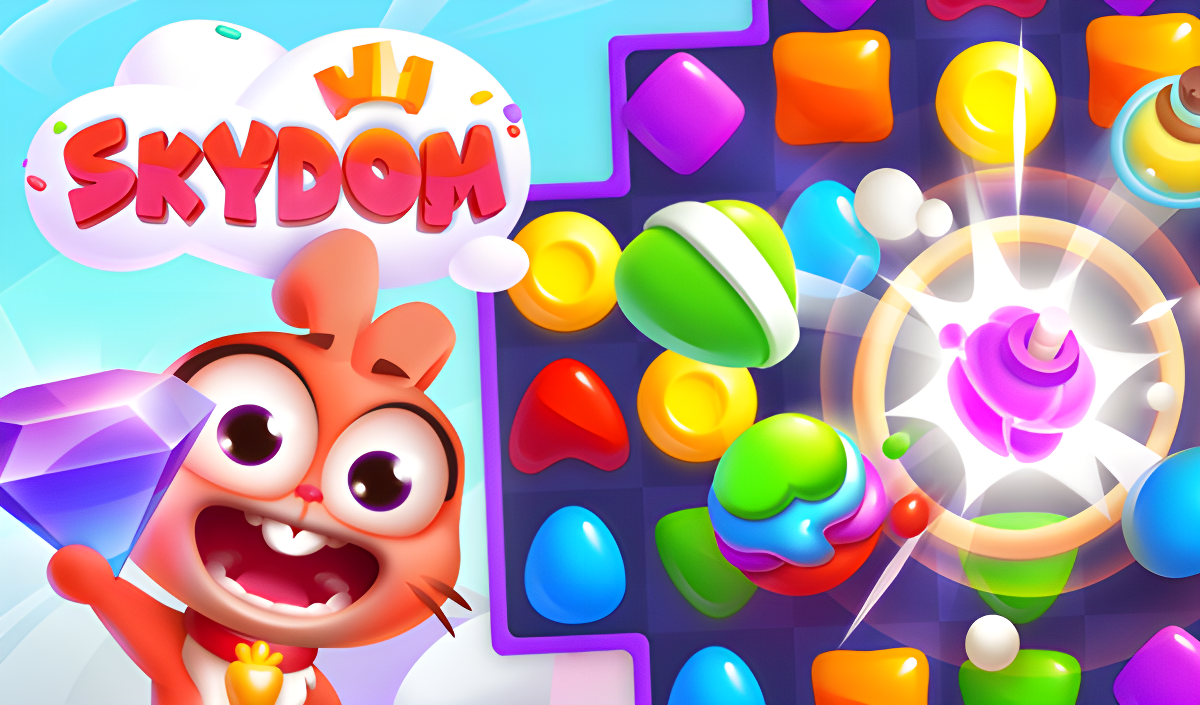

Swap Tiles and Clear the Grid in Match 3 Puzzles
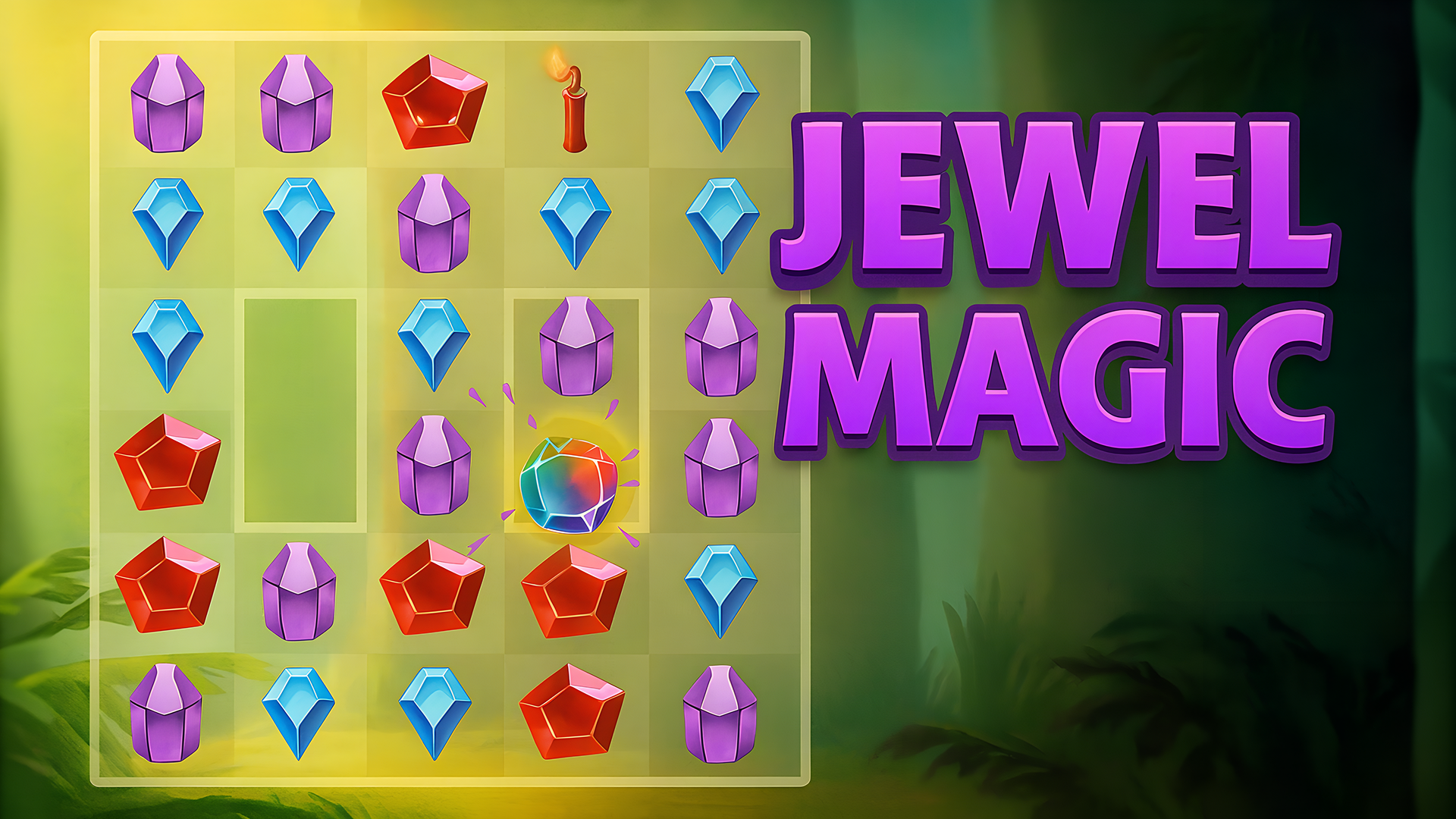
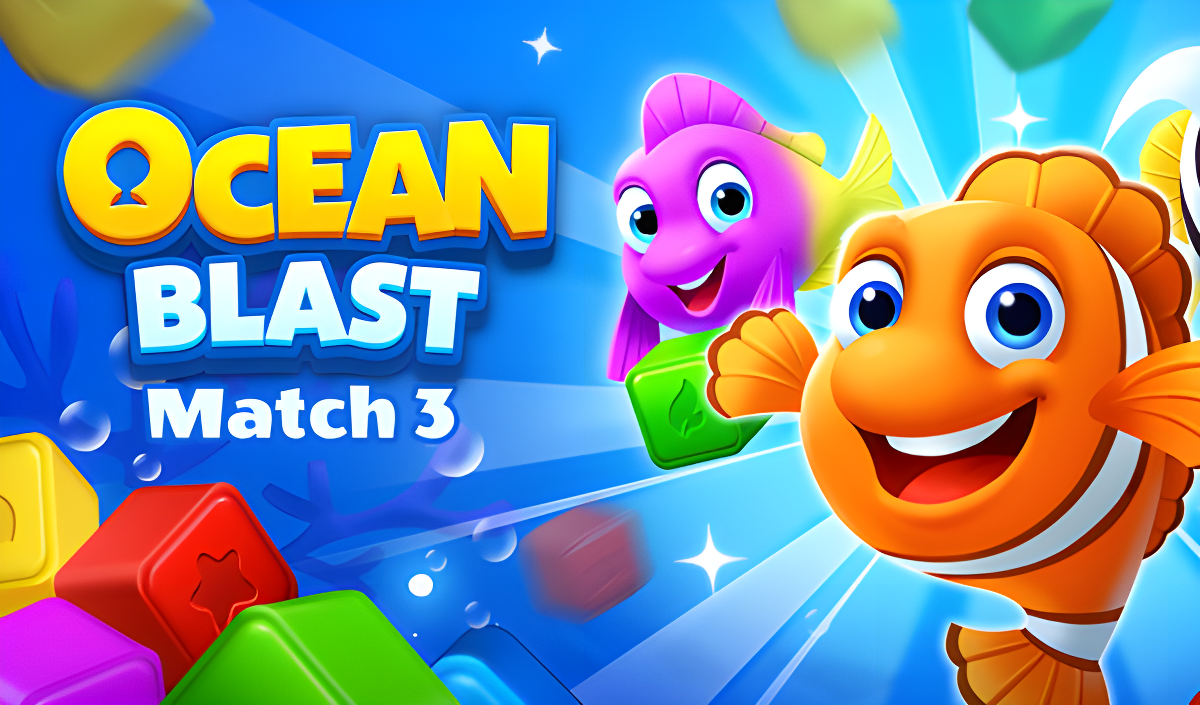
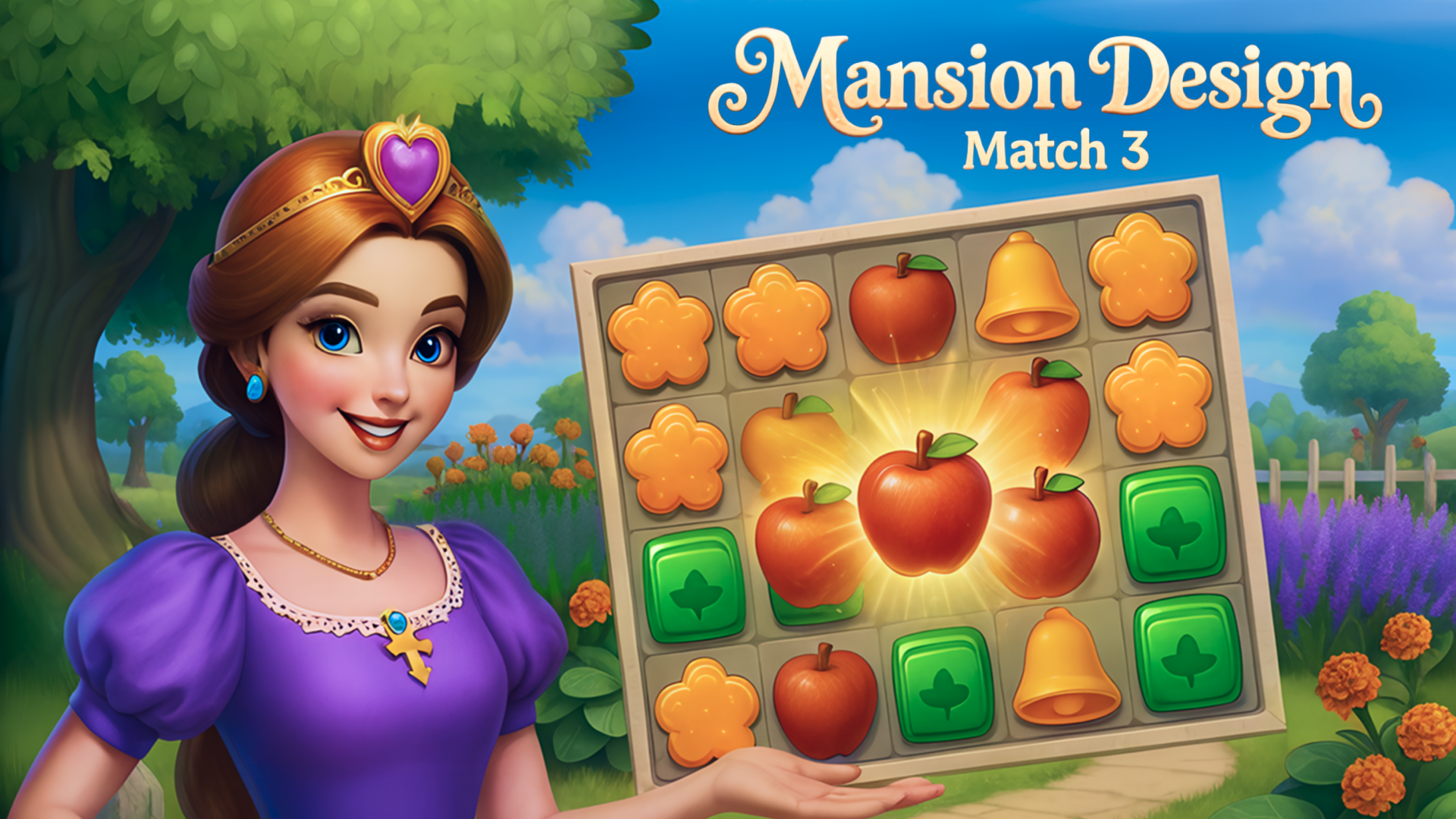
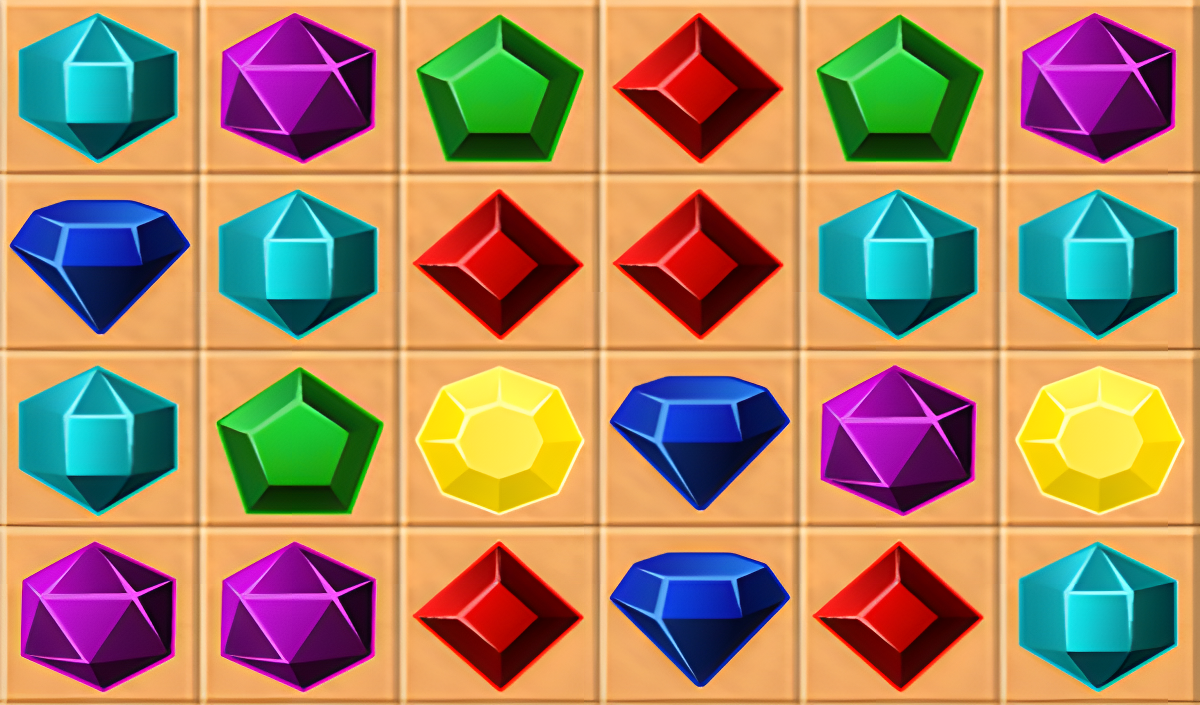
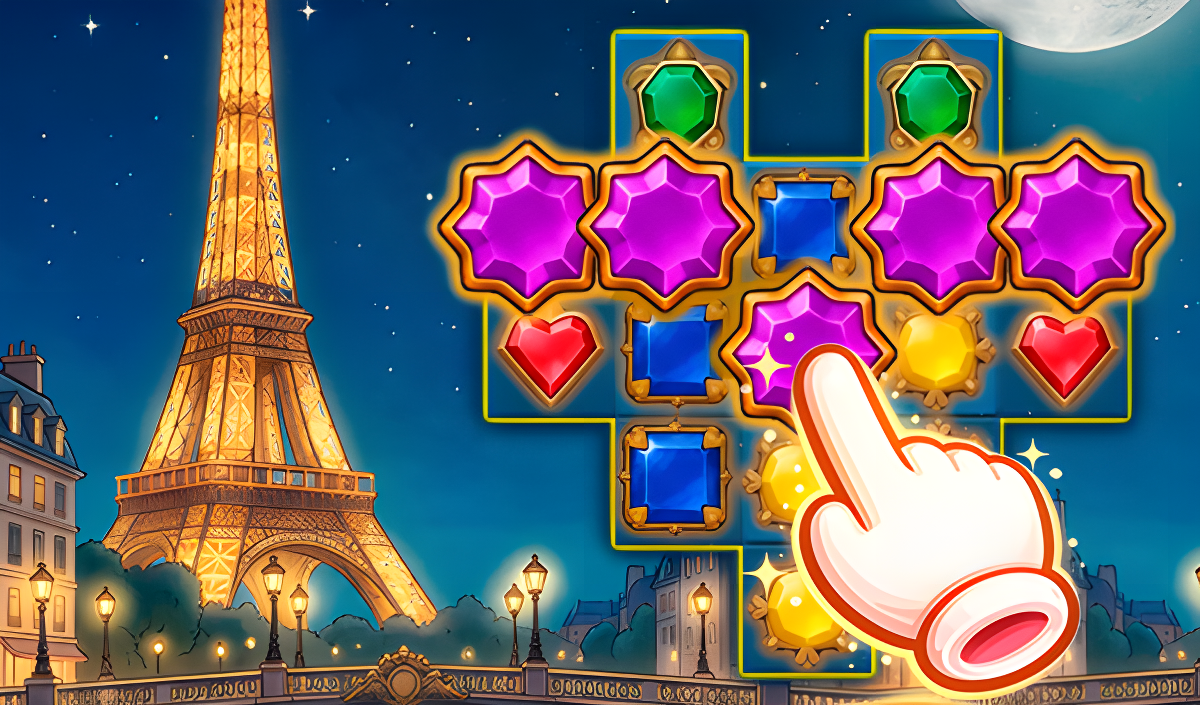
Match 3 games require you to align three or more identical items on a grid to clear them and score points. Playgama hosts a collection of 200+ titles in this genre, which you can play directly in your web browser on both desktop and mobile devices. These games often feature different themes and mechanics, ranging from standard high-score challenges to complex narrative adventures.
Classic and Color Matching
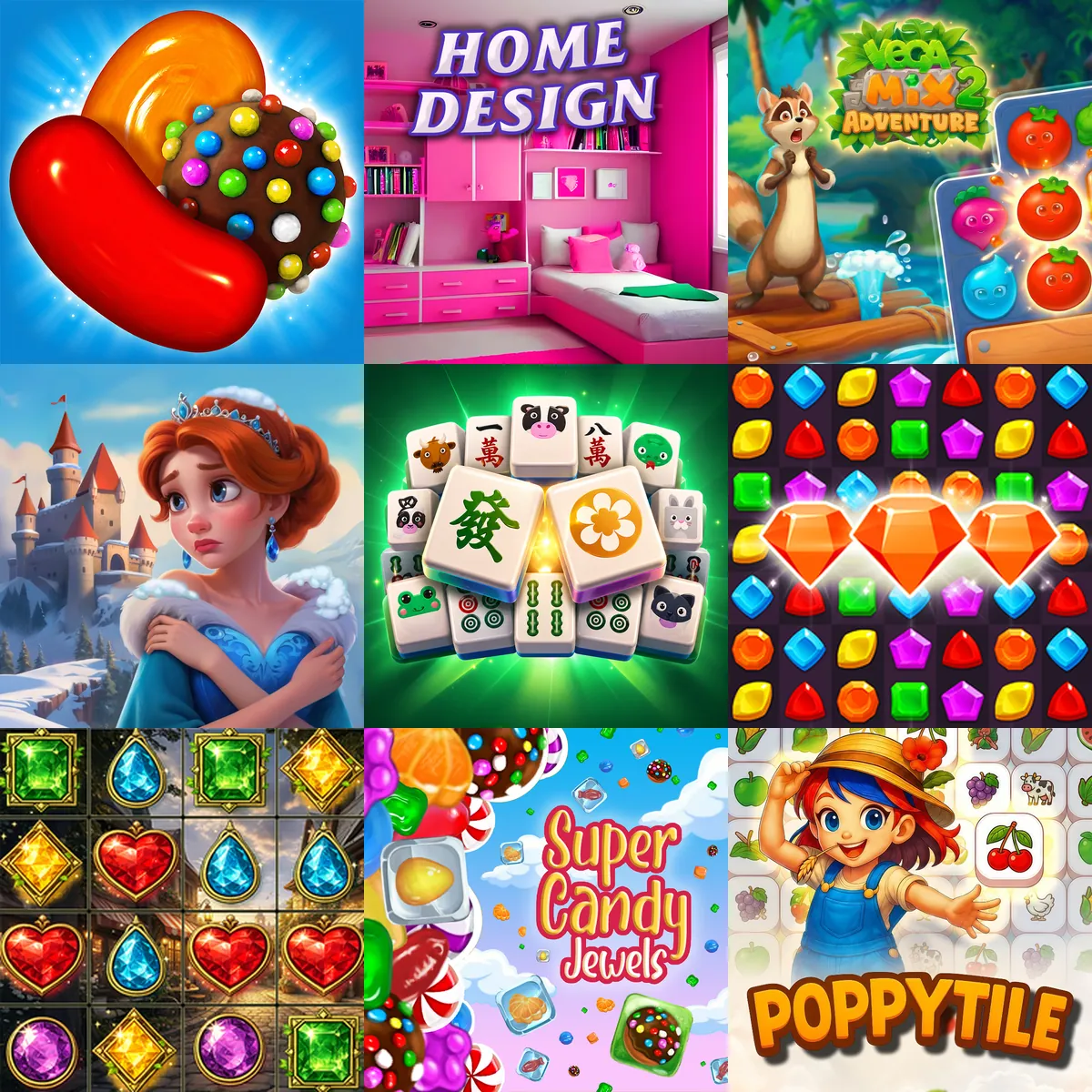
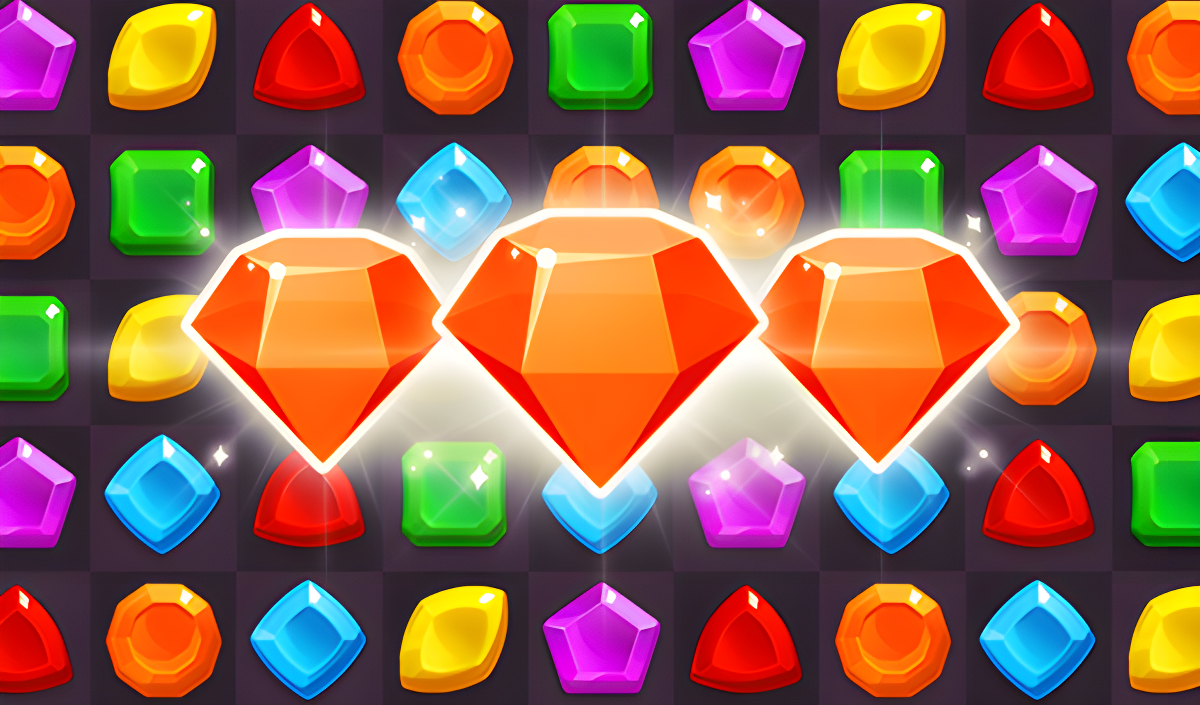
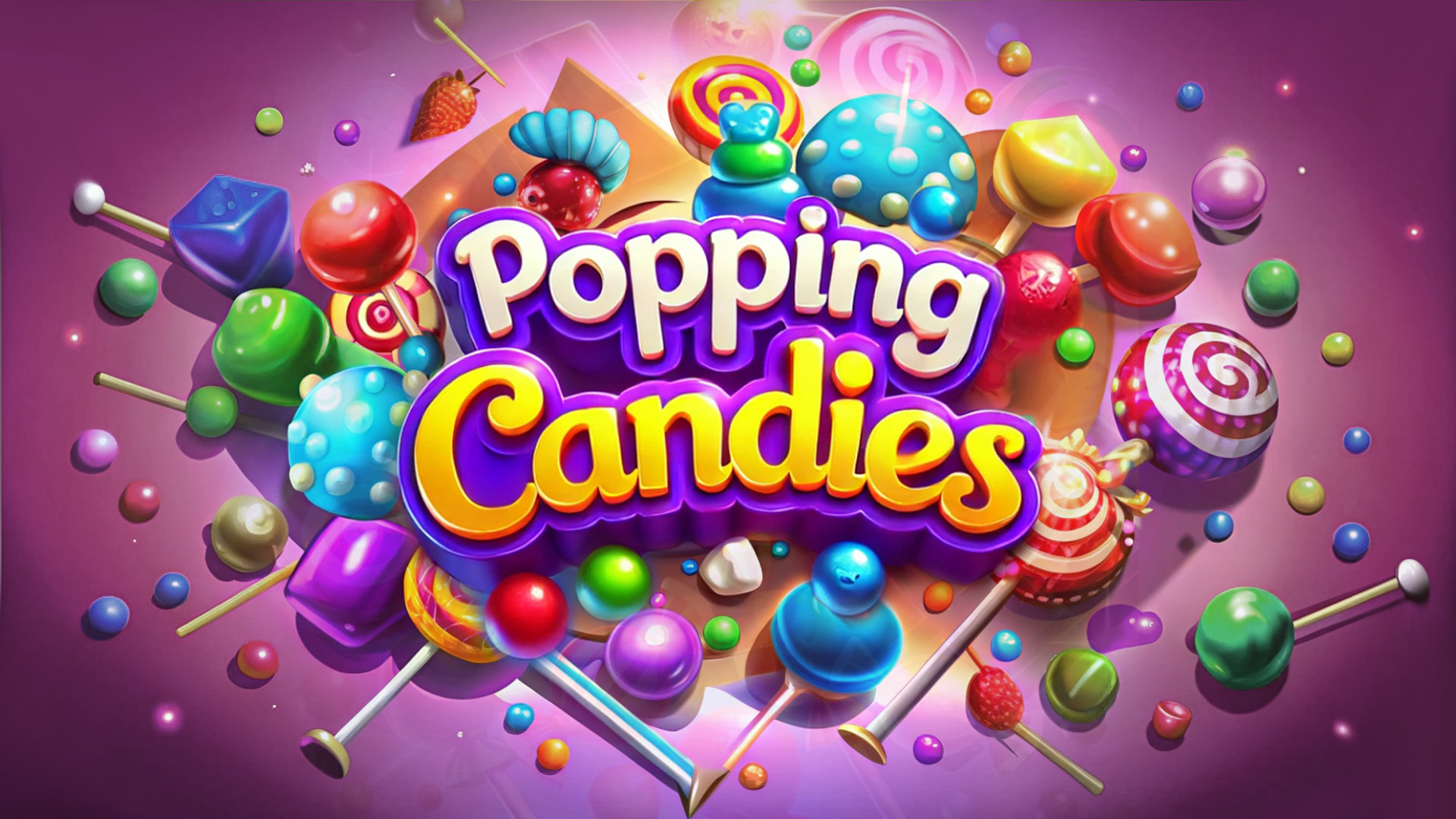
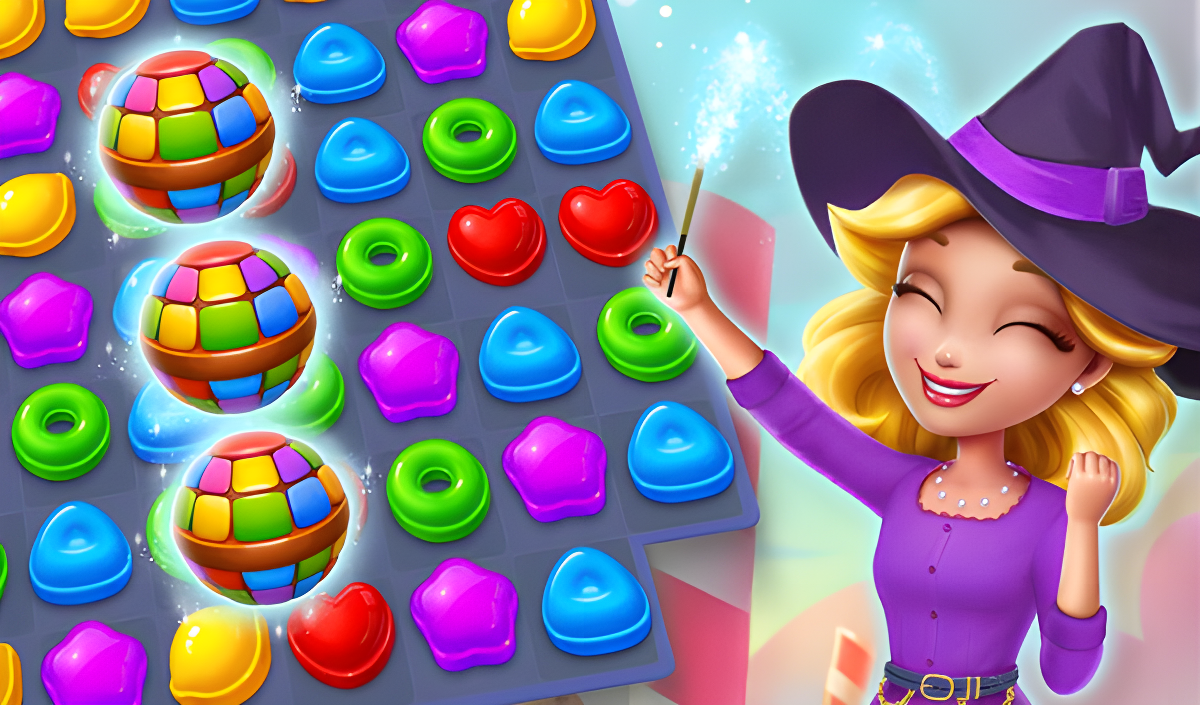
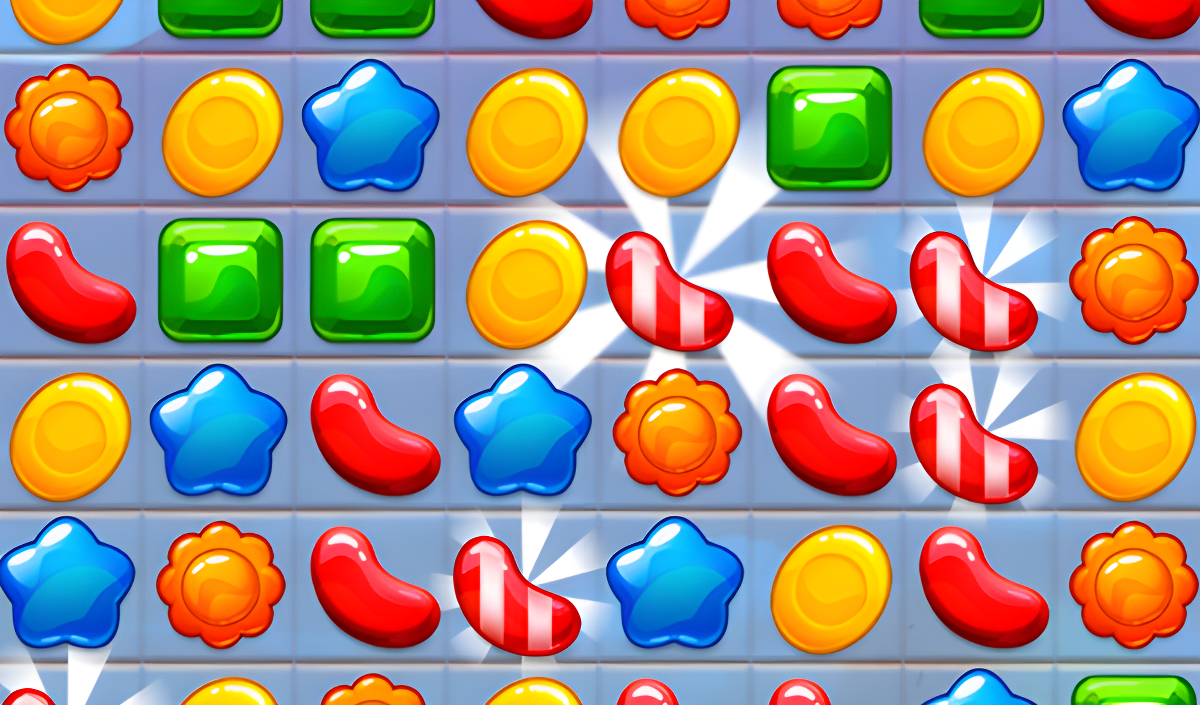
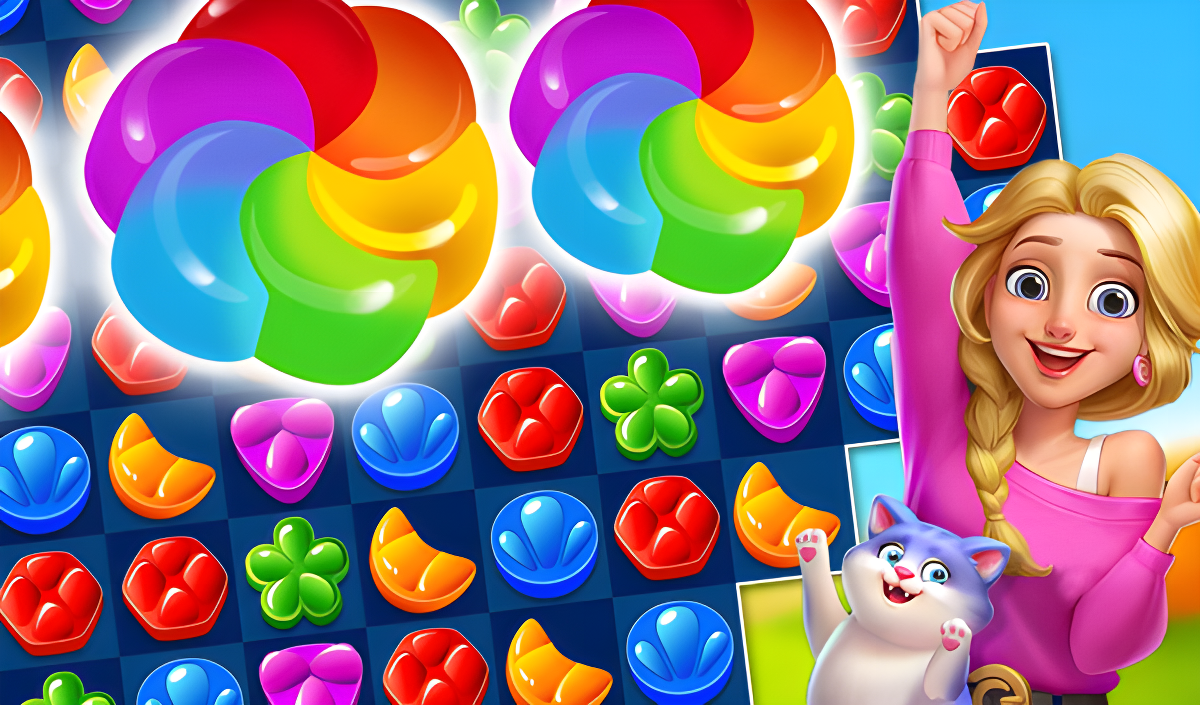
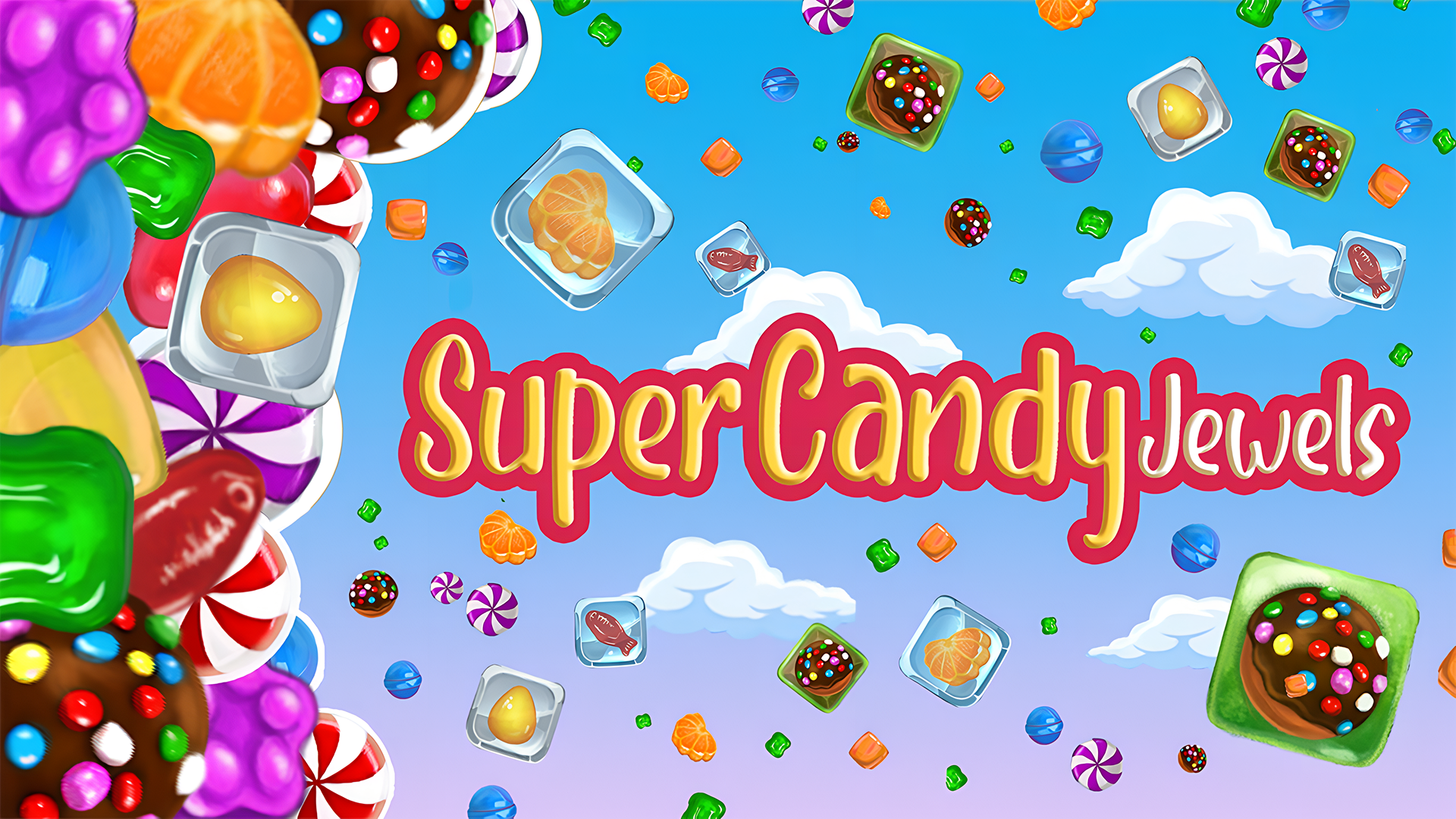
In traditional match 3 gameplay, you swap adjacent tiles to form horizontal or vertical lines of identical items. Games like Super Candy Jewels and Popping Candies focus on these core mechanics. You must complete specific level objectives within a limited number of moves, utilizing special tiles like bombs and rockets to clear larger sections of the board. Players interested in these foundational mechanics can also explore various Color Match Games for similar puzzle structures.
Decoration and Building Mechanics
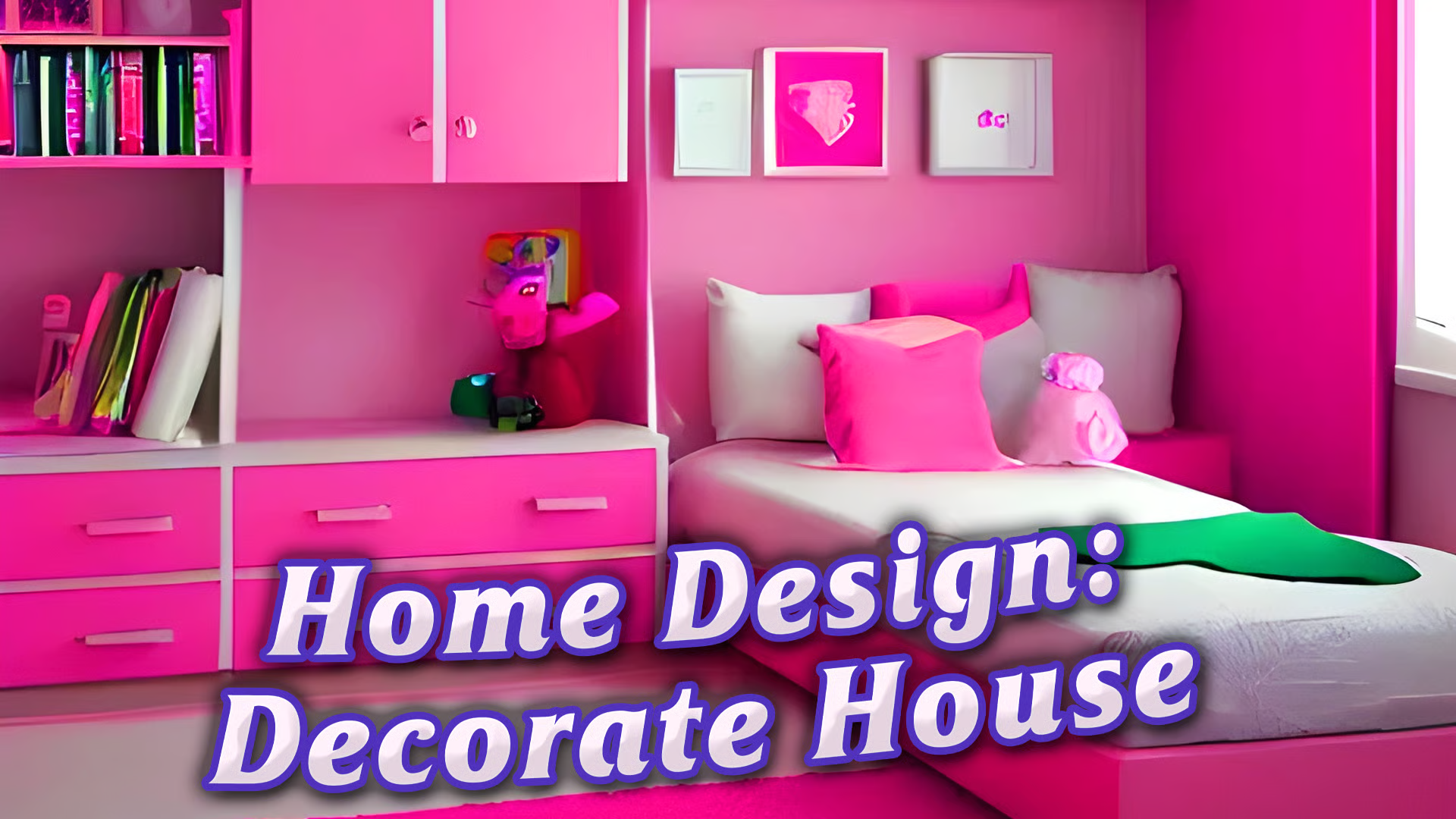
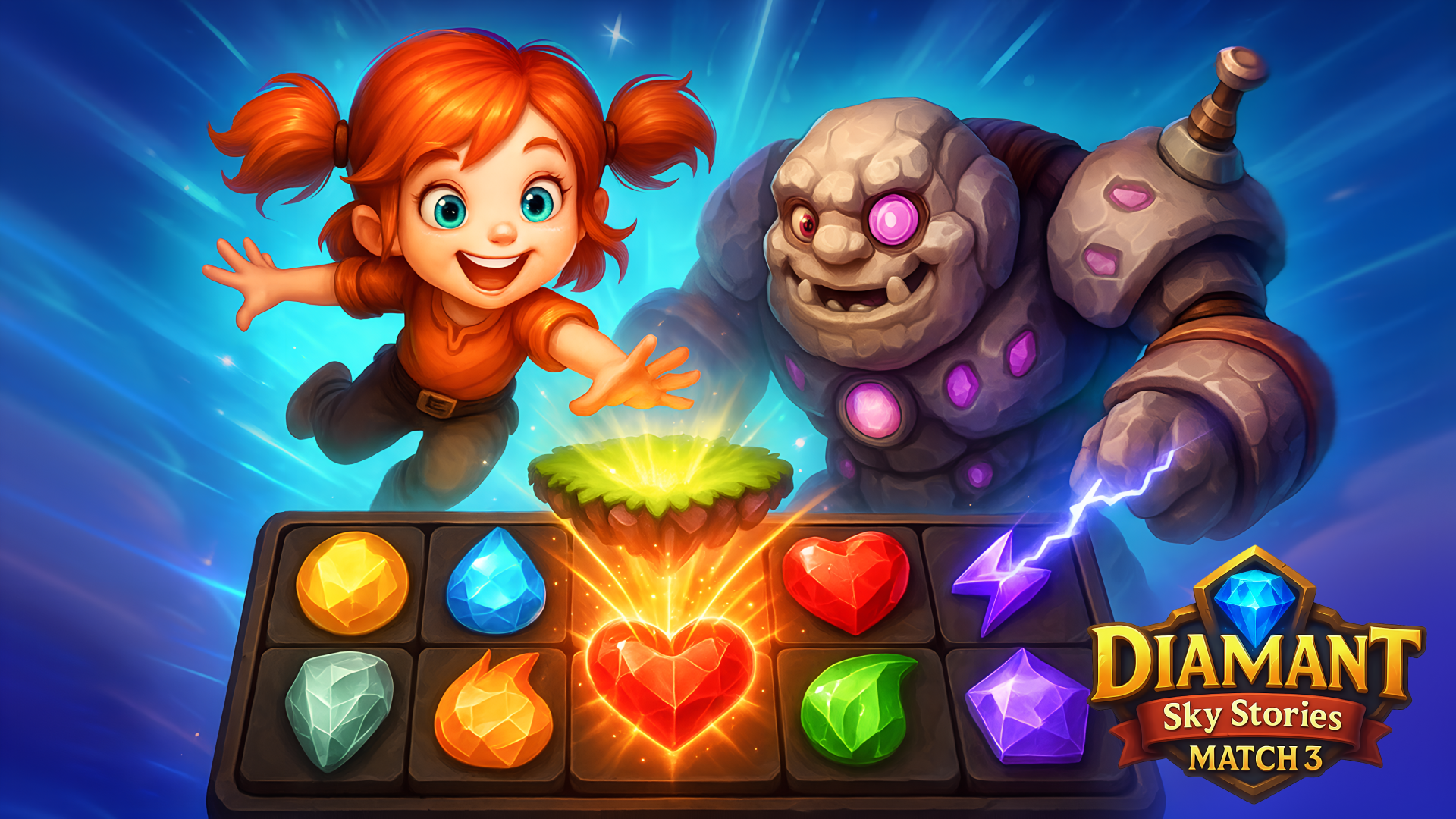
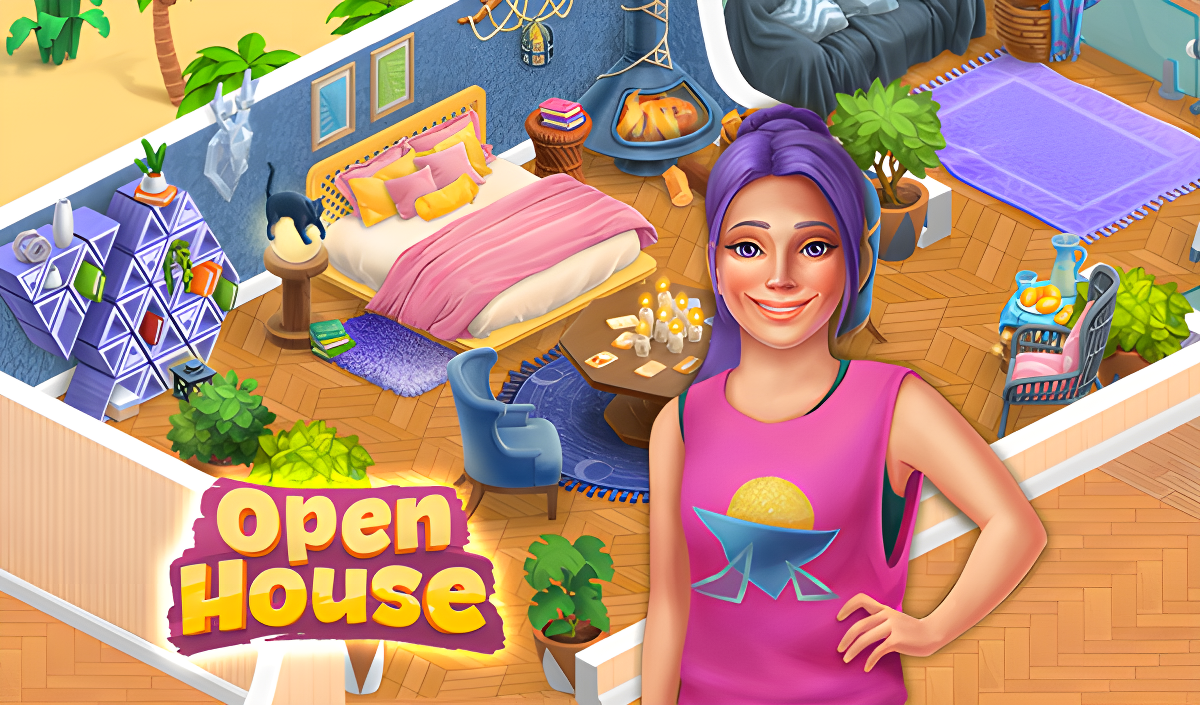
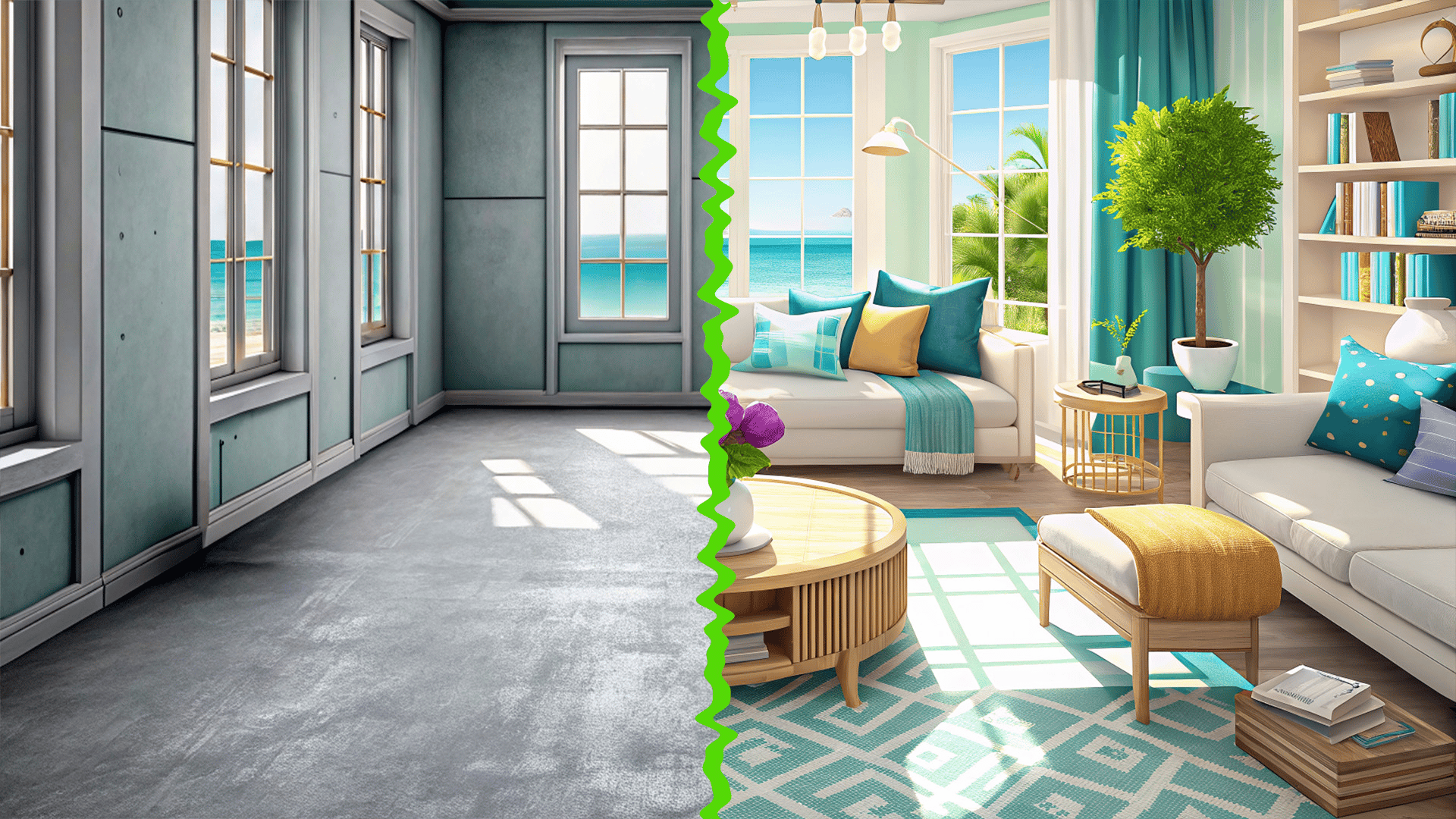
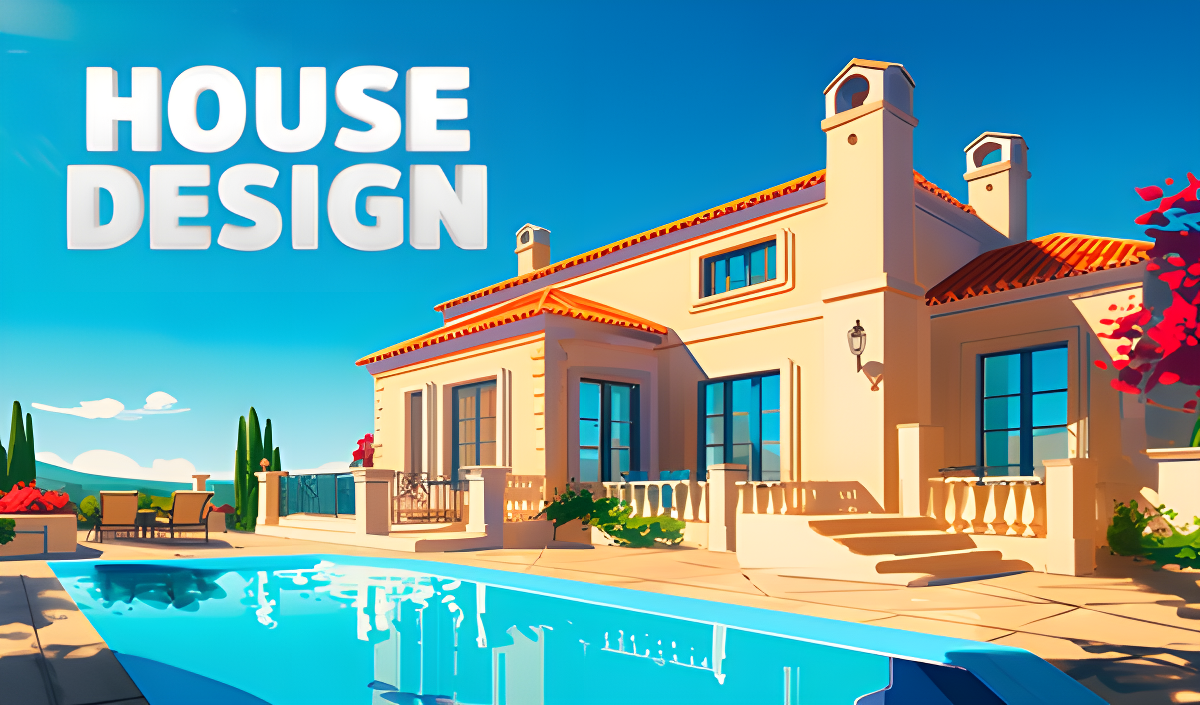
Many titles combine grid-based puzzles with meta-progression systems, such as room decoration or city construction. In Home Design: Decorate House and Home Design - Match 3, completing puzzle levels rewards you with resources used to renovate and furnish virtual living spaces. Alternatively, Diamant: Match 3 Sky Story integrates match 3 elements with building a soaring city, requiring you to navigate obstacles like stone blocks and insect hives to gather materials.
Adventure and Narrative Integration
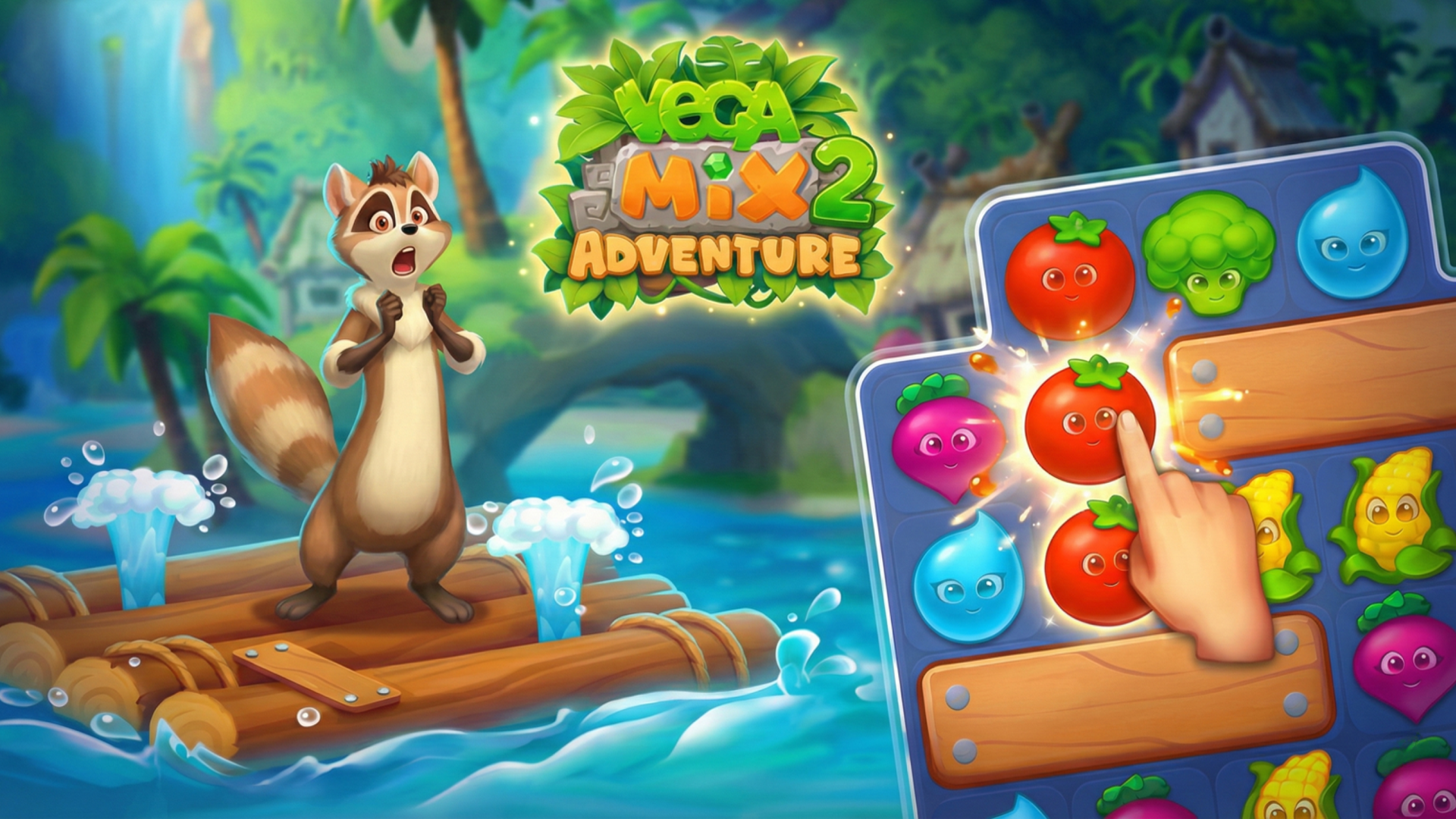
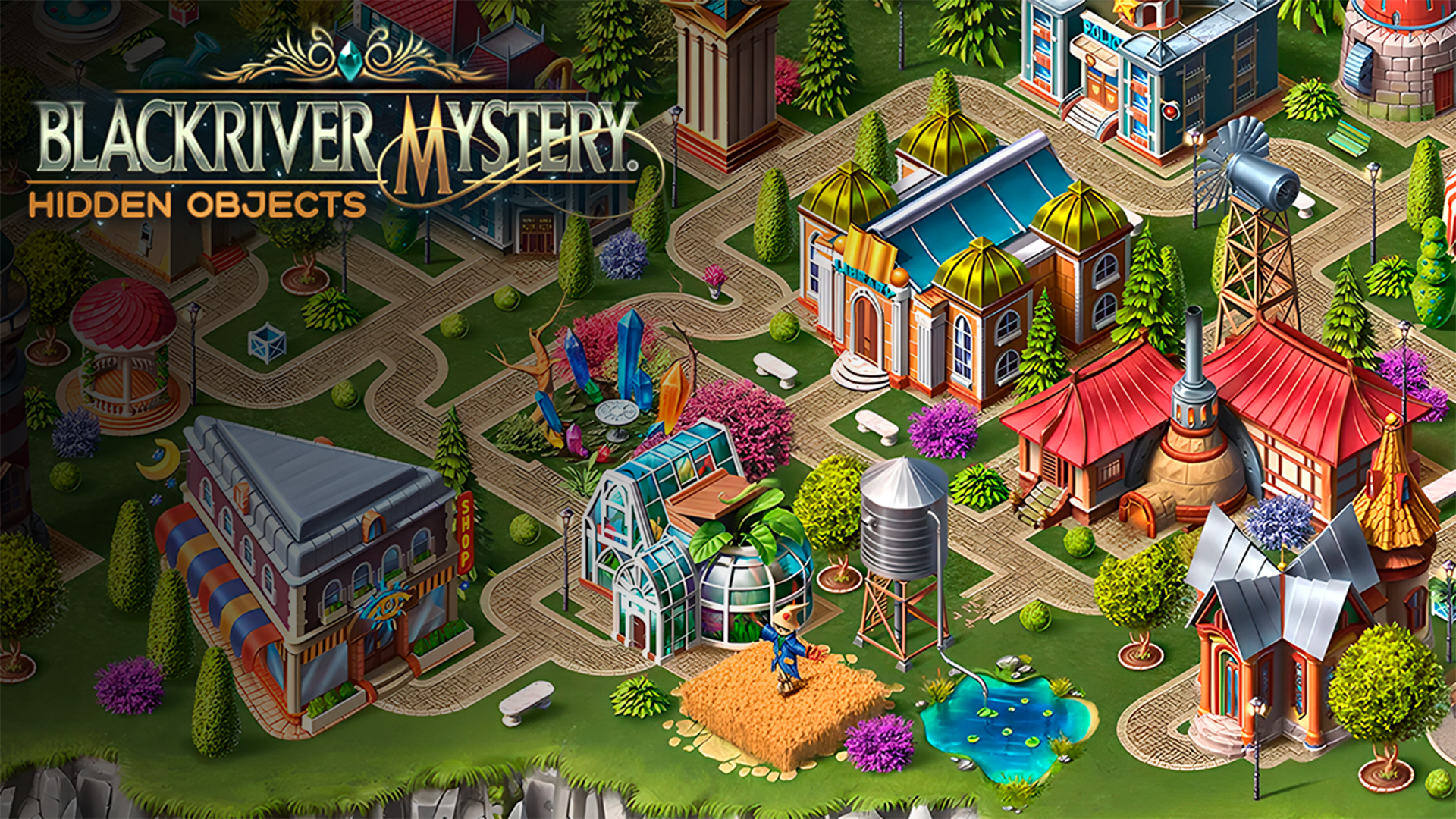
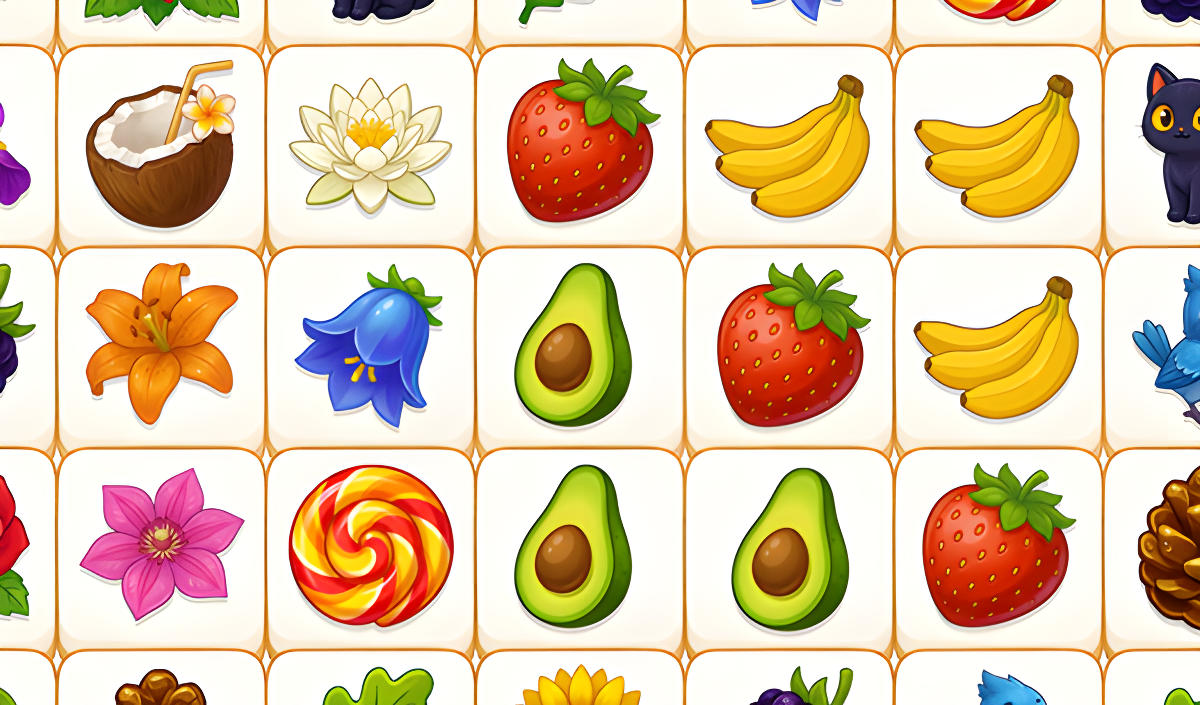
Some match 3 titles incorporate narrative elements, hidden object mechanics, and exploration. Vega Mix 2: Adventure follows characters on an island quest, where puzzle completion directly advances the storyline. Other games blend genres entirely; for example, Tile Farm Story merges tile-matching rules with Mahjong mechanics to uncover family secrets, while Blackriver Mystery. Hidden Objects uses puzzles to help restore a ruined town. For more logic-based challenges, you can browse the broader Puzzle category.
Features of Match 3 Games
- Grid Mechanics: Swap adjacent items to create lines of three or more identical pieces.
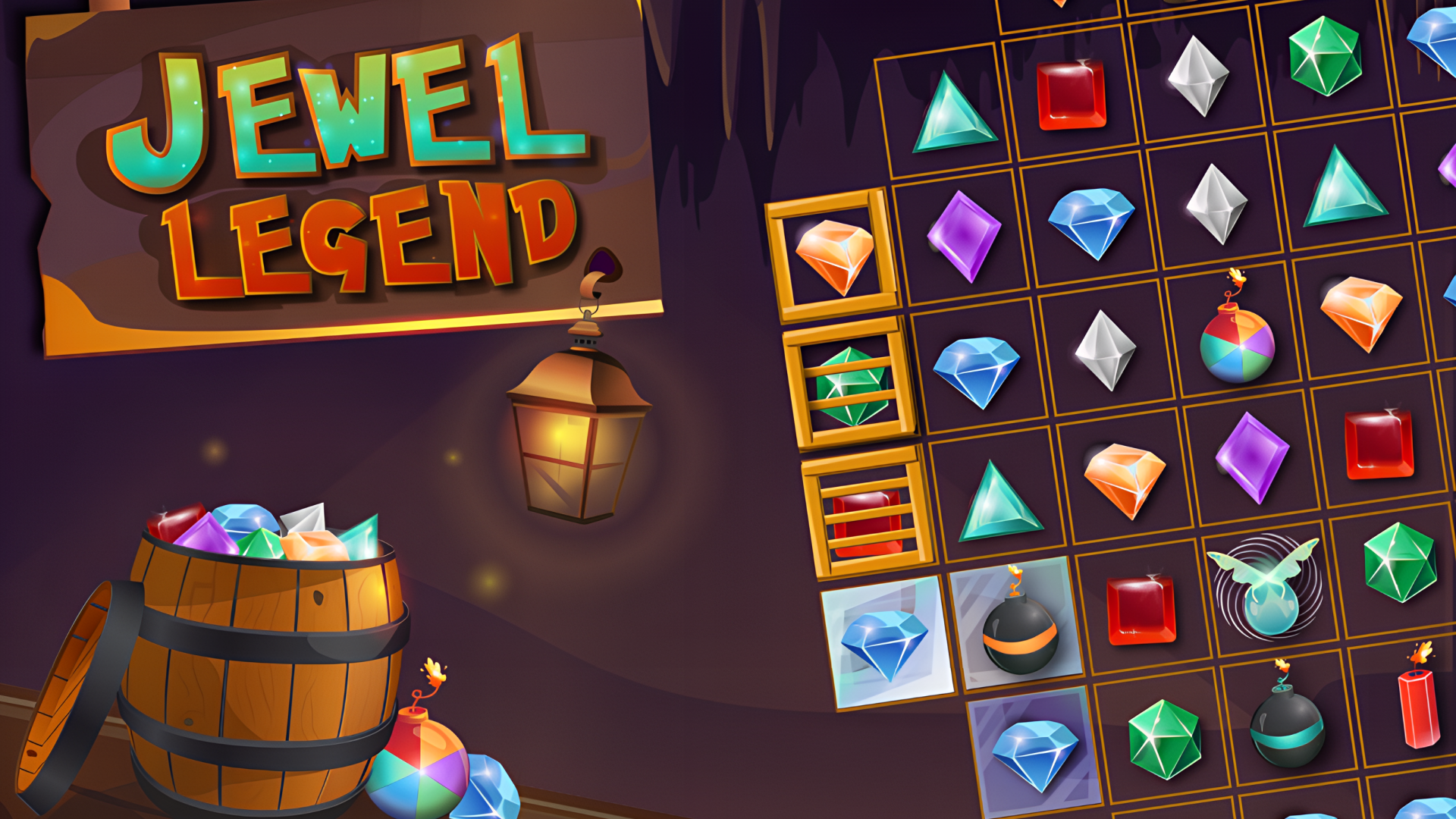
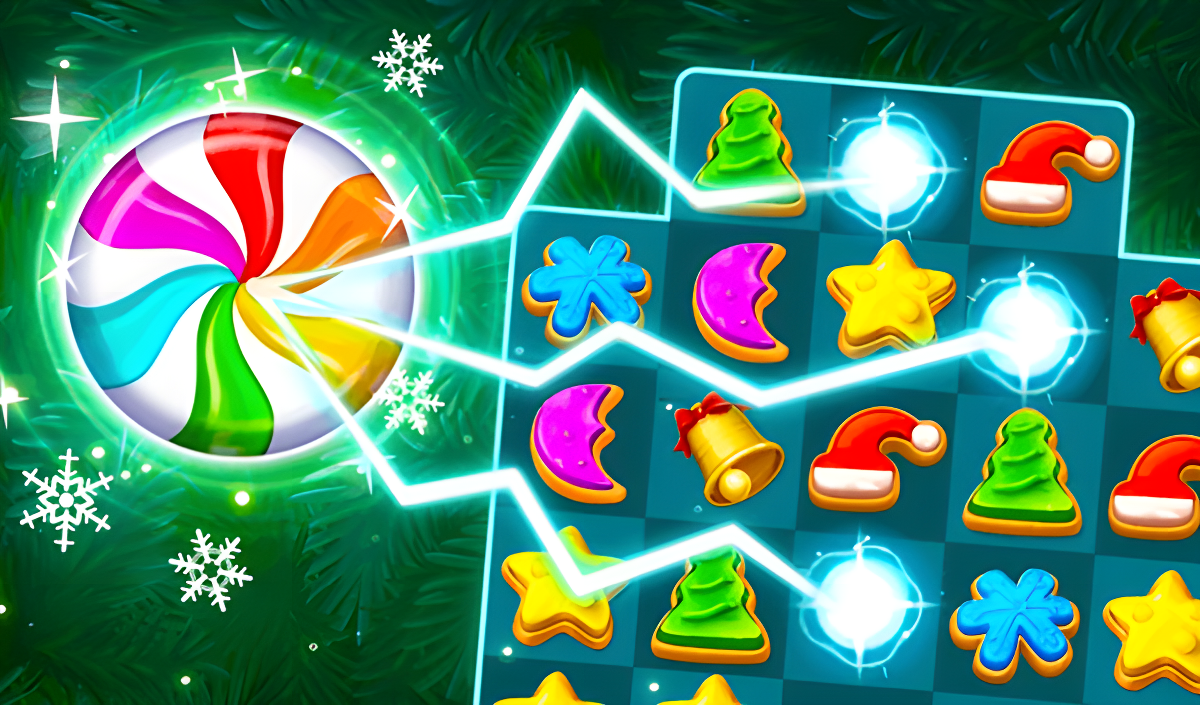
- Power-Ups and Boosters: Form specific shapes, like squares or lines of four, to generate items that clear multiple tiles at once.
- Level Objectives: Complete specific goals, such as collecting a certain number of items or breaking obstacles, within a set move limit.
- Meta-Progression: Use resources earned from puzzles to upgrade environments, build structures, or decorate rooms.
- Cross-Platform Play: Access titles on both desktop computers and touchscreen mobile devices.
FAQ
What are the most popular Match 3?
These frequently played titles offer varied mechanics, from classic tile swapping to integrated building and story elements.
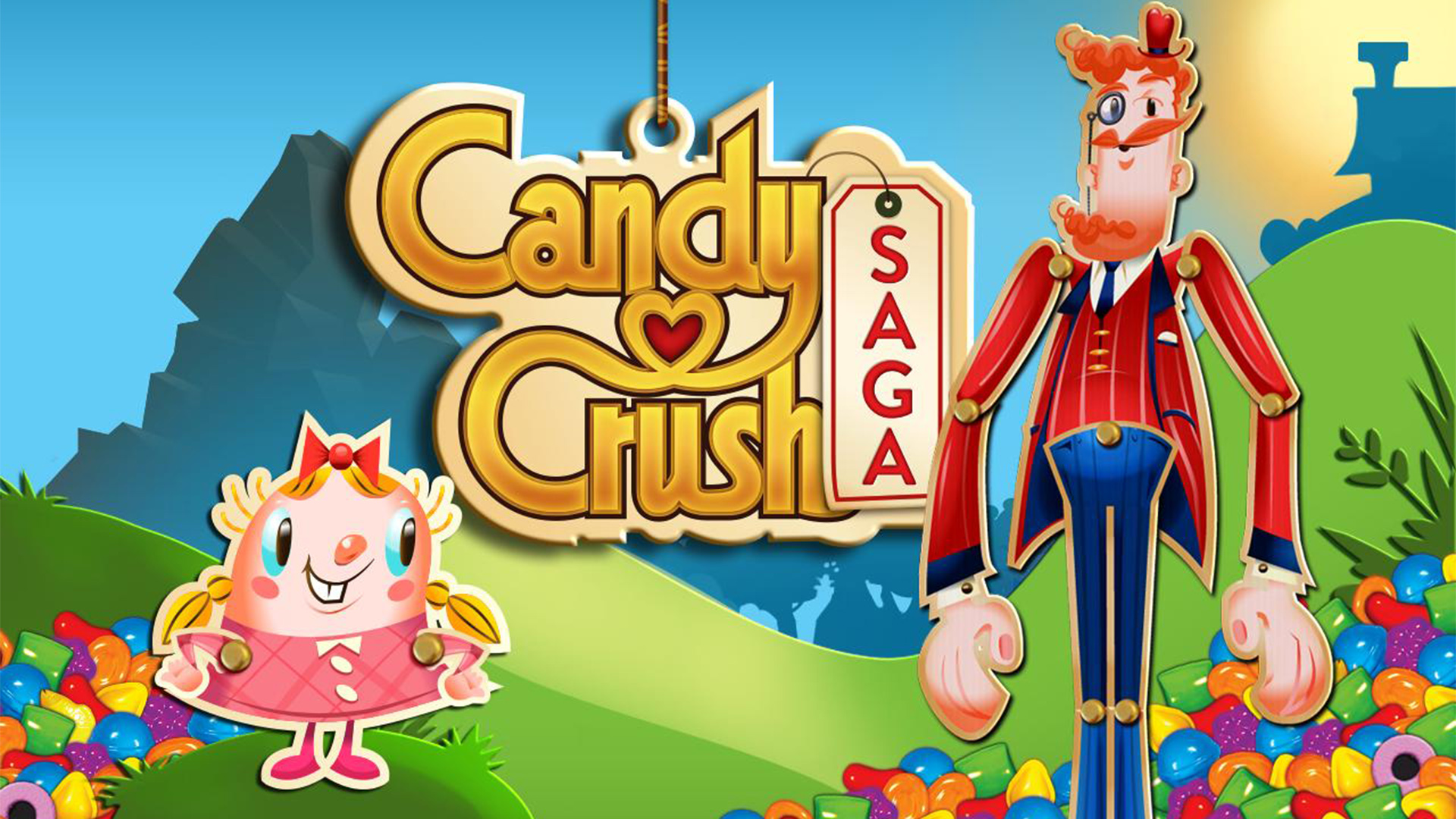
- Candy Crush Saga
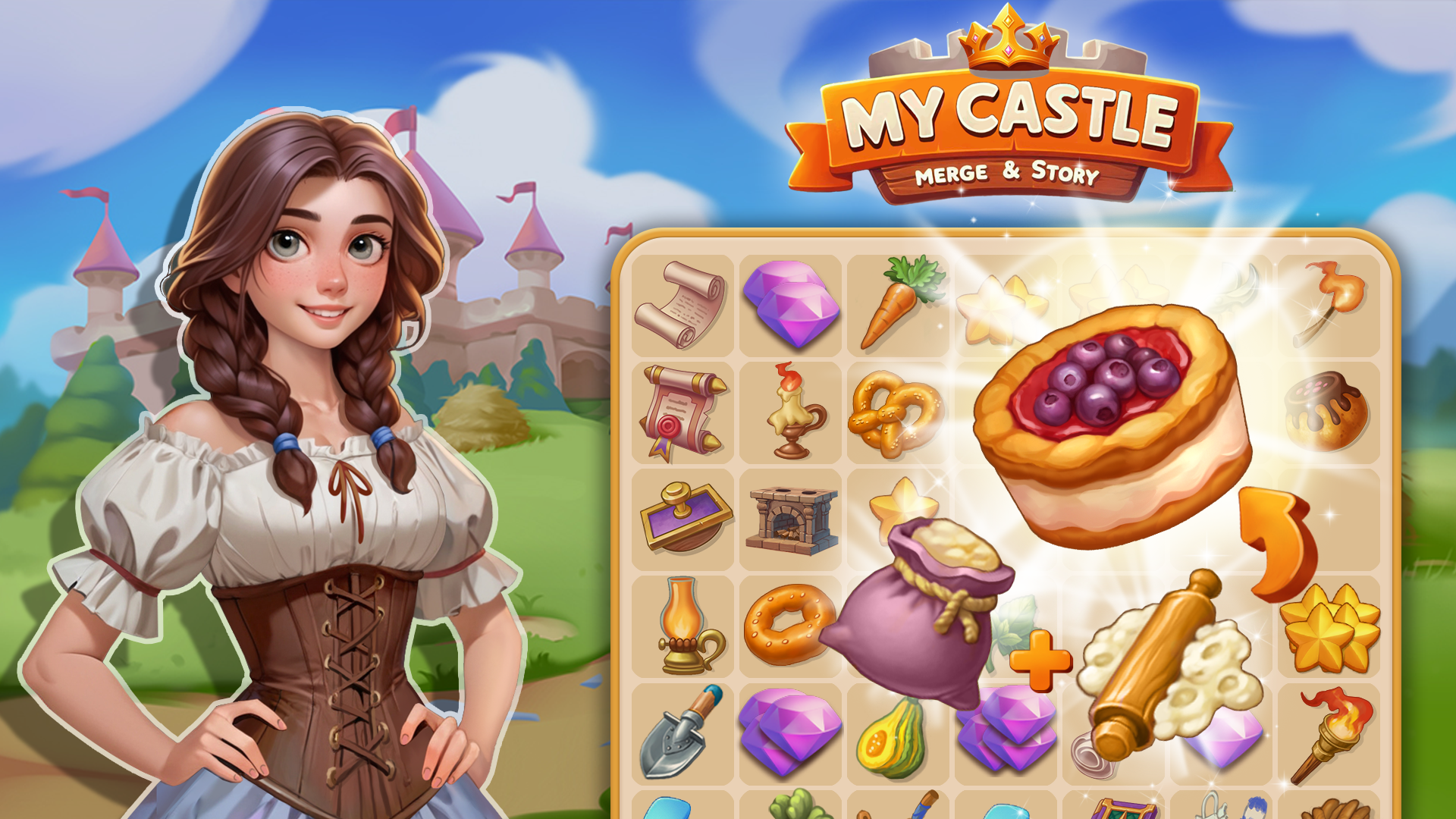
- My Castle. Merge & Story
- Match Clear
- Vega Mix 2: Adventure
- Match 3: Beautiful Village
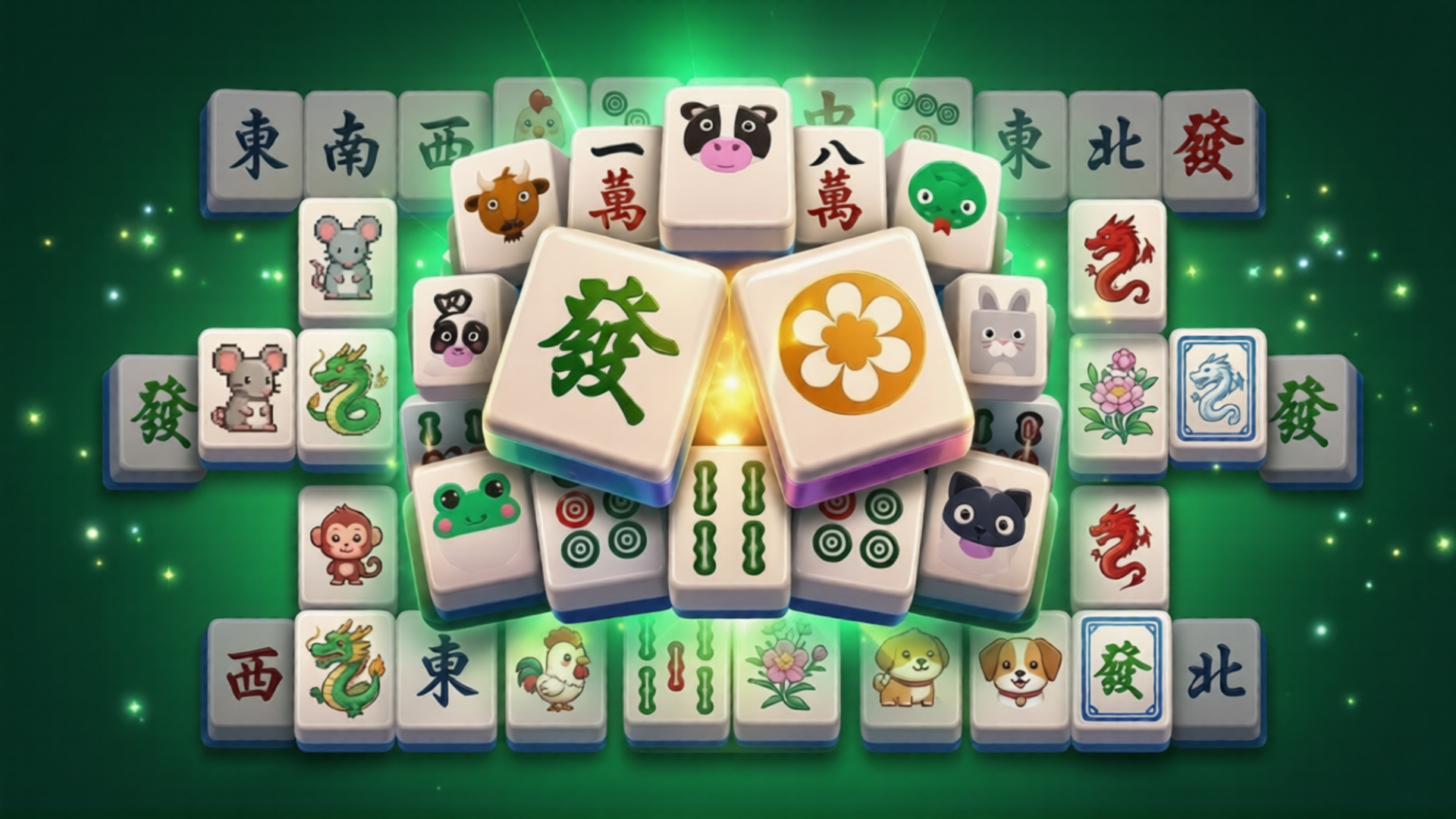
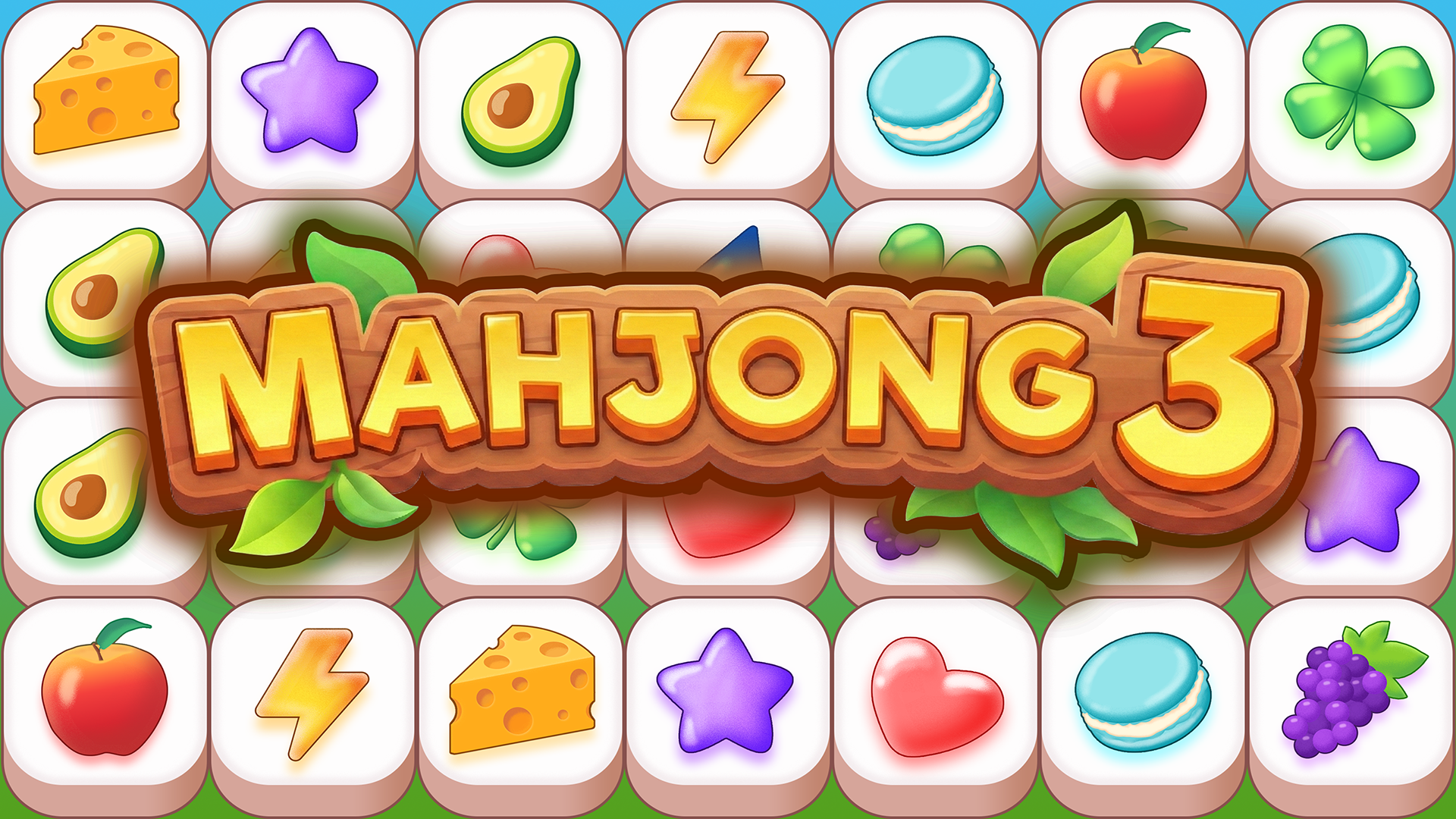
- Mahjong 3
- Blackriver Mystery. Hidden Objects
- Home Design: Decorate House
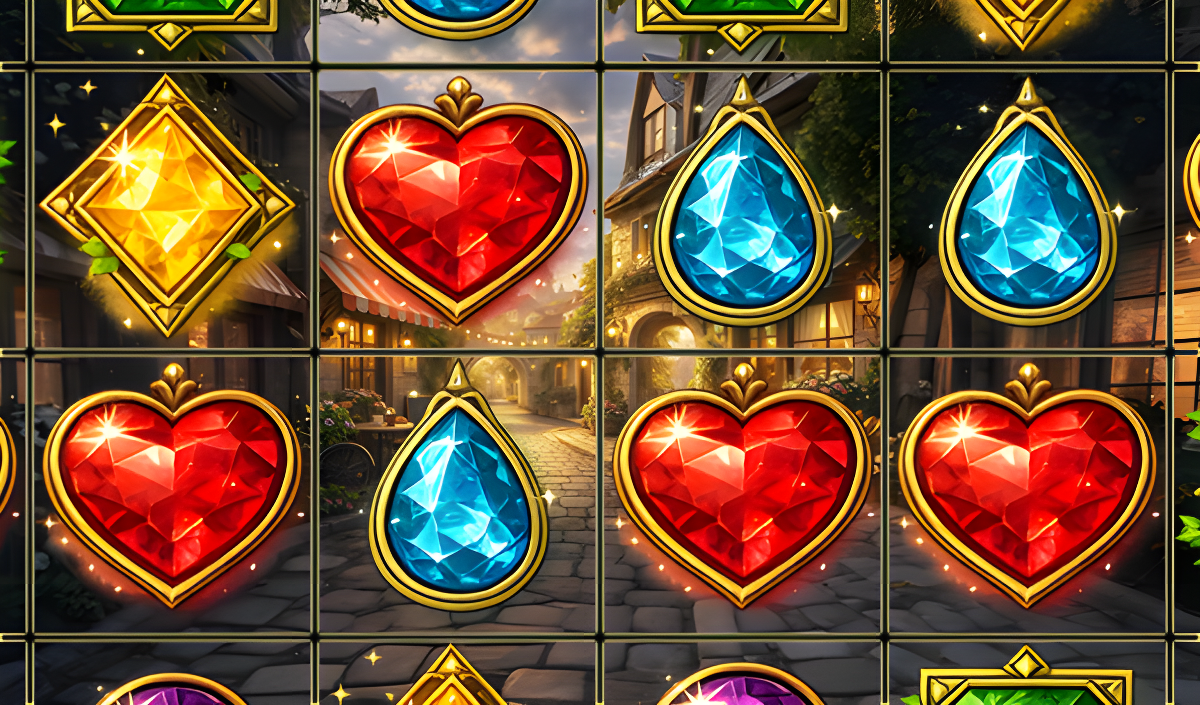
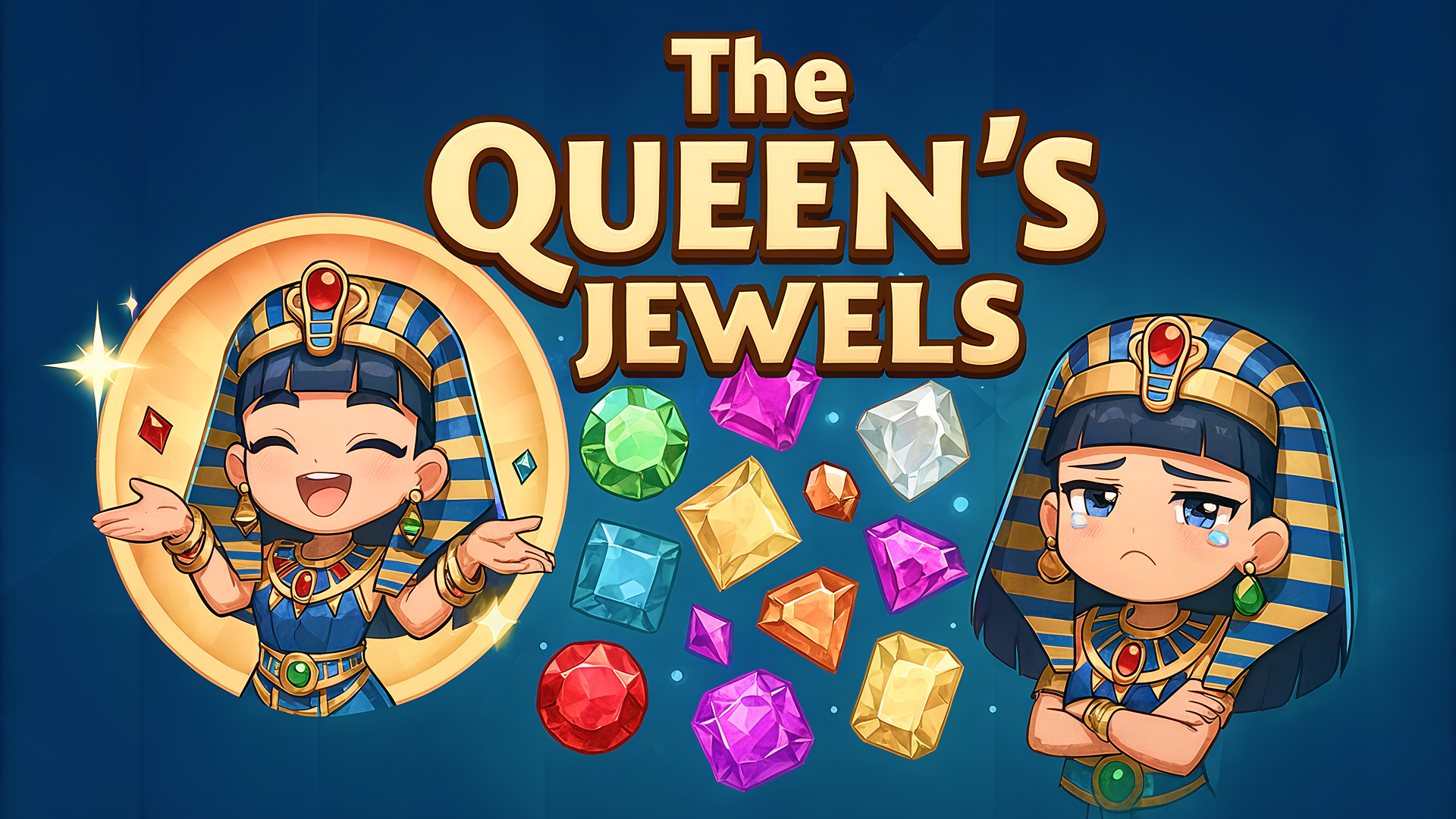
- The Queen's Jewels
- The Mystery of Jewels: Adventure - Match 3
What are the best Match 3 for mobile?
These touchscreen-optimized puzzle games allow you to swipe and match tiles directly on your smartphone or tablet.