































Color Block Escape
Color Block Escape - Play Online
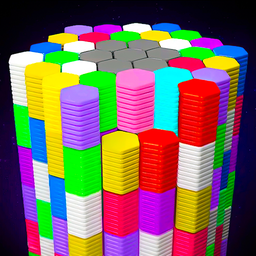
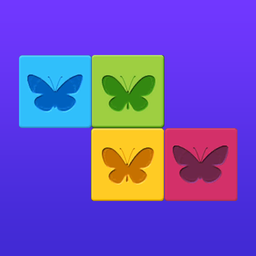
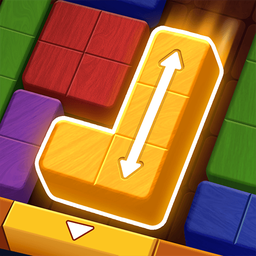
Puzzle game? Check. Logic test? Check. Color Block Escape throws hundreds of levels at you. Match blocks to gates. Clear the field. Simple rules. Brain-twisting execution.
How to Play Color Block Escape
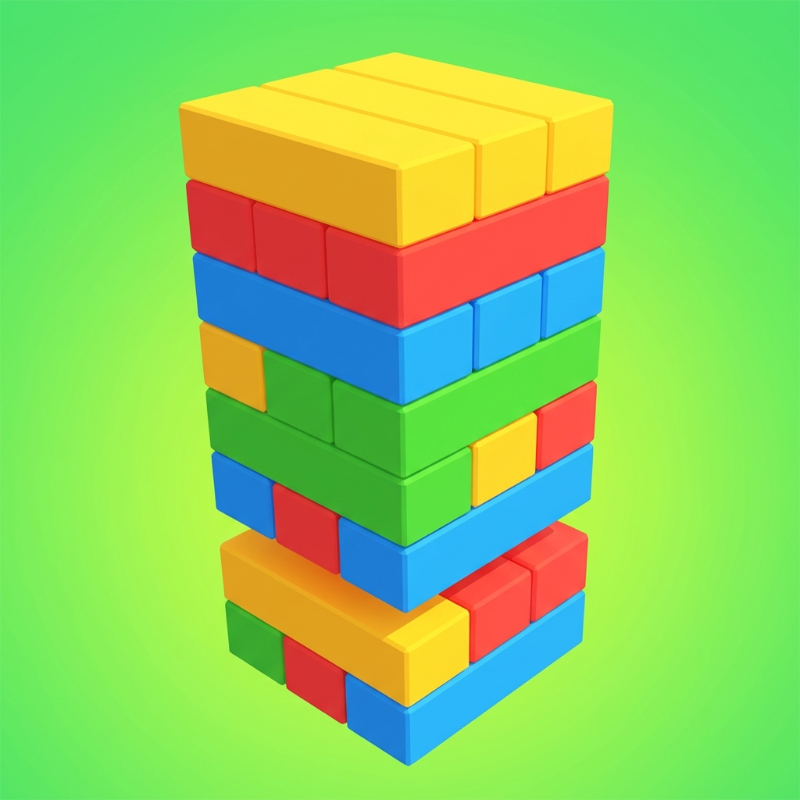
The mission is clear: Empty the board. Every block needs a gate. Same color only. No match? No pass. Your goal is to slide, rotate, and think your way through each puzzle until zero blocks remain.
The Block-Matching Loop
Grab a block. Drag it to the matching gate. Watch it vanish. Repeat until the field is clean. Gates only accept their color—red block, red gate. Blue block, blue gate. Mix them up and you're stuck. Plan the sequence. One wrong move blocks the path.
Progression Through Hundreds of Levels
Start simple. Three blocks, three gates. Easy. Then obstacles arrive. Barriers block routes. Multiple colors crowd the board. Hundreds of unique levels means the challenge never stops. Each stage adds a new wrinkle. No two puzzles solve the same way.
Strategy: Think Before You Slide
Map the route first. Which block moves last? Which one clears the path? Work backwards from the toughest gate. Free the corners early. Trap yourself and you'll restart. Use ASMR effects as feedback—smooth slide means correct path. Stuck sound means rethink.
Key Features
- Hundreds of Levels: Unique puzzles. Never the same twice.
- Clean Block Design: Sharp colors. Zero clutter. Focus on the puzzle.
- Obstacle Variety: Barriers. Multi-step gates. Brain-bending layouts.
- ASMR Sound Effects: Satisfying clicks. Smooth slides. Audio rewards for progress.
Who is Color Block Escape for?
Perfect for puzzle fans. Brain-training addicts. Great for quick sessions or hour-long marathons. Casual on the surface. Deep when you dig in.
Release Date & Developer
Color Block Escape was developed by Aiymny. Released in April 2026.
Controls
- Mouse/Touch: Drag blocks to gates
- Click: Select block
FAQ
Where can I play Color Block Escape online?
What happens if I move a block to the wrong gate?
How many levels are in Color Block Escape?
Can I restart a level if I get stuck?
Video