











Climb and Jump - Obby Tower




About Climb and Jump - Obby Tower: Roblox-Style Tower Climbing Adventure
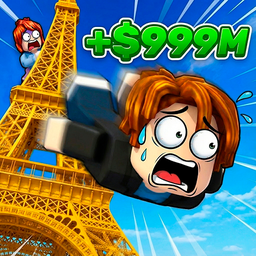
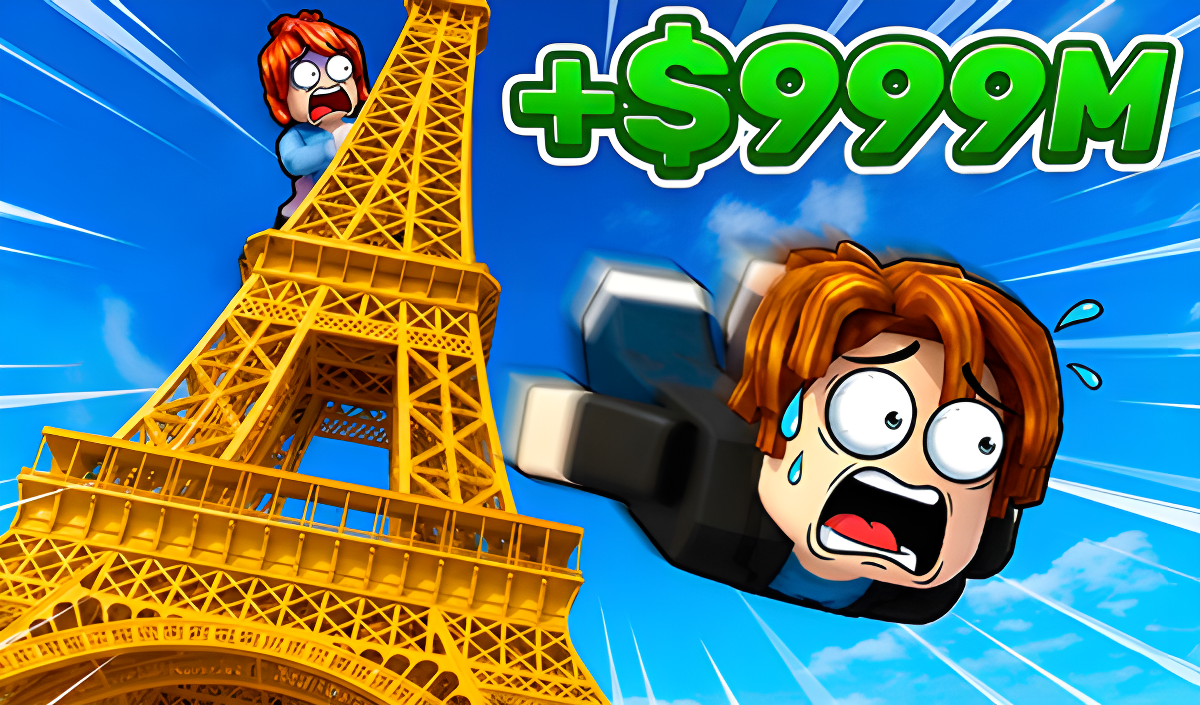
Climb and Jump - Obby Tower is a vibrant Roblox-style adventure built around one thrilling loop: scale a tower as high as possible, then leap off to collect coins. The higher the climb, the bigger the reward. Starting from the Eiffel Tower, the challenge grows as taller buildings unlock with each ascent. The game is colorful, fast-moving, and designed to be approachable for kids while offering enough progression to keep teens and older players engaged.
One scene shows a large grey metal lattice tower rising from a green courtyard enclosed by a brick wall, with a city skyline stretching behind it. In another moment, a small wooden stall with a red and white striped awning appears nearby. The atmosphere is lively — other players are visible during each climb, adding energy to every run.
How to Play Climb and Jump - Obby Tower: Climb Higher, Earn More Coins
The main objective is to reach the highest point of the tower and jump to collect coins. The higher the character climbs before jumping, the more coins are earned. Coins can be spent on upgrading wings and acquiring pets. Wings increase speed and extend stamina, while pets allow more coins to be earned for each step overcome. Trophies are earned for each ascent to the top and are required to unlock new challenges featuring taller buildings.
Progression
- Coins: earned while climbing; the higher the character ascends, the more coins are collected. Spent on upgrading wings and acquiring pets.
- Trophies: earned for each ascent to the top of the tower. Required to unlock new challenges with taller buildings.
- Wings: upgradeable; increase speed and extend stamina.
- Pets: collectible companions that help climb higher and earn more coins per step. Available in epic and legendary rarities, and can be upgraded.
Controls
PC
- WASD / Arrow Keys: Move
- Right Mouse Button: Look around / camera view
- Space: Jump
Mobile
- Joystick: Move
- Button (bottom right): Jump
Key Features
- Fun and colorful gameplay perfect for kids
- Pets, upgrades, coins, and achievements
- Constant updates and exciting new content
- Other players visible during each climb, creating a lively atmosphere
- Epic and legendary pets that can be collected and upgraded
- Tower progression starting from the Eiffel Tower, scaling to taller structures
FAQ
What is the main goal in Climb and Jump - Obby Tower?
The goal is to reach the highest point of the tower and jump down to collect coins. The higher the climb before jumping, the greater the coin reward.
Which tower do players start on?
The game begins at the Eiffel Tower. Earning trophies by reaching the top unlocks new challenges with progressively taller buildings.
How do wings and pets help during a climb?
Wings increase climbing speed and extend stamina. Pets earn more coins for each step overcome, and upgrading them improves those bonuses further.
What is the fastest way to progress early on?
Earning enough coins for the first character upgrades — wings and pets — is the priority. Wings boost speed and stamina, while pets increase coin earnings per step from the start.
Are there rare pets to collect?
Yes. Pets come in epic and legendary rarities. All pets can be upgraded, and rarer ones help climb higher and earn more coins.
Games You Might Like
If the ladder-and-leap format of this game appeals to you, Obby: Climb and Slide delivers a similar coin-collecting climb paired with long, speedy slides and pet companions. For another pet-driven height challenge with unlockable worlds, Bubble Gum Simulator lets players inflate bubbles to jump higher and build a team of power-boosting pets.
Browse the full Obby games collection for more tower and obstacle adventures, or explore the wider Arcade games and Kids games categories for colorful, fast-paced picks in a similar spirit.