






Checkers+
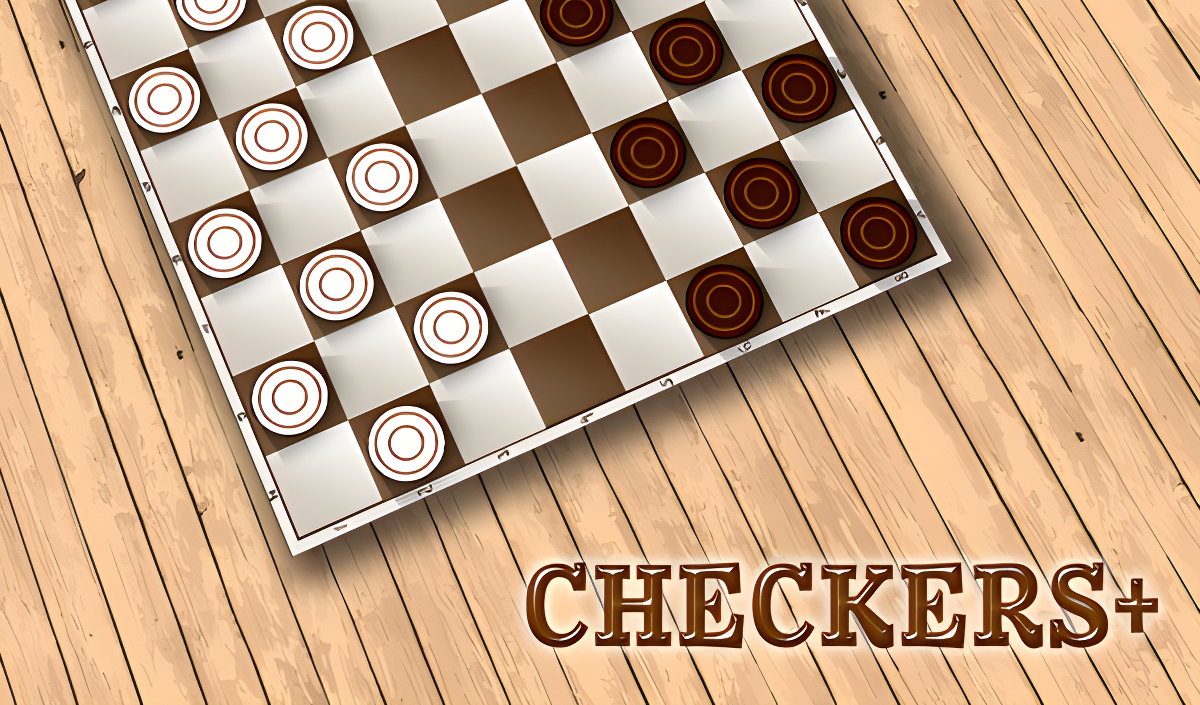
Checkers+ - Play Online
Classic checkers, stripped down to the essentials. This is the board game your grandparents played, now on your browser with clean graphics and AI opponents. Your goal: capture all the enemy pieces or block them completely. It's turn-based strategy distilled into its purest form—no gimmicks, no power-ups, just you versus the board and some surprisingly stubborn AI players named Teddy, Henry, and Thomas.
Key Features
- Multiple AI Opponents: Battle against different computer personalities with varying difficulty levels.
- King Promotion System: Your pieces earn crowns when they reach the opposite end, gaining movement in all diagonal directions.
- Instant Browser Play: No downloads, no account registration—just open and play on any device.
- Move Highlighting: The game shows legal moves with green indicators, so you never get stuck wondering what's valid.
How to Play Checkers+
Getting started takes seconds, but winning requires actual thinking.
Select and Move Your Pieces
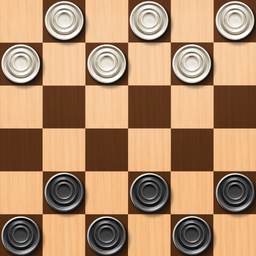
You click on one of your checkers (the white pieces), and the game lights up all the valid diagonal moves in green. Click the highlighted square where you want to go. Your regular pieces can only move forward diagonally, one square at a time. The controls are dead simple—just point and click, or tap on mobile.
Capture Enemy Checkers
Here's where it gets tactical. If the game highlights a capture move, you must take it—there's no optional captures here. You jump over the opponent's piece diagonally and land on the empty square behind it. The captured piece disappears and stacks up at the top of the screen like trophies. Chain captures happen automatically if you can keep jumping, and the game forces you to take the longest capture sequence possible.
Crown Your Kings and Dominate
When one of your pieces reaches the top row, it gets promoted to a King (you'll see a yellow crown icon appear on it). Kings move diagonally in any direction, forward or backward, which makes them ridiculously powerful in the endgame. Your objective is simple: wipe out all the opponent's pieces or trap them so they can't move. The AI will offer draws sometimes via the handshake button, but honestly, push for the win.
Who is Checkers+ for?
Perfect for anyone who wants a quick mental workout without learning complicated rules. If you've got 5-10 minutes between meetings or you're riding the bus, this fits perfectly. It's also great for older players who grew up with physical checkerboards—the digital version plays exactly like the real thing. Kids learning strategy games will appreciate the visual move hints, though the AI can be tough even on easier opponents.
The Gameplay Vibe
This is pure chill. There's no timer pressure, no flashy animations, no obnoxious sound effects. The graphics are flat and geometric—think mobile app minimalism with high-contrast colors. The board uses a standard 8x8 grid with coordinate labels (A-H, 1-8) if you're into notation. Visually, it's basic but functional. The background music is forgettable, and I ended up muting it after a few games. This isn't a game that tries to wow you with presentation; it just wants you to focus on the tactics.
Technical Check: Saves & Performance
The game runs buttery smooth even on older phones or cheap laptops—there's almost nothing here that could cause lag. It's built for browsers, so performance is a non-issue. As for saves, don't expect cloud storage. If you're mid-game and close the tab, you'll likely lose your progress. The game doesn't have a campaign or unlockables, so there's nothing persistent to save anyway. Just treat each match as a standalone session.
Quick Verdict: Pros & Cons
A solid, no-nonsense checkers experience that delivers exactly what it promises.
- ✅ Pro: Zero learning curve—if you know checkers, you're ready to play immediately.
- ✅ Pro: The move highlighting system prevents illegal moves and teaches beginners the rules naturally.
- ❌ Con: The visual style is aggressively bland, and there's zero customization for boards or piece designs.
Controls
Responsive and intuitive across all devices. I never had a misclick issue.
- Desktop: Click to select your piece, then click the highlighted square to move.
- Mobile: Tap your checker, tap the destination—works perfectly on touch screens.
Release Date & Developer
Developed by DRA and released on January 1, 2023. It's clearly designed as a utility game for checkers fans who just want a quick match without frills.