





























Bus out - Bus Away traffic jam









About Bus out - Bus Away traffic jam: Unblock, Sort, and Escape the Traffic Jam
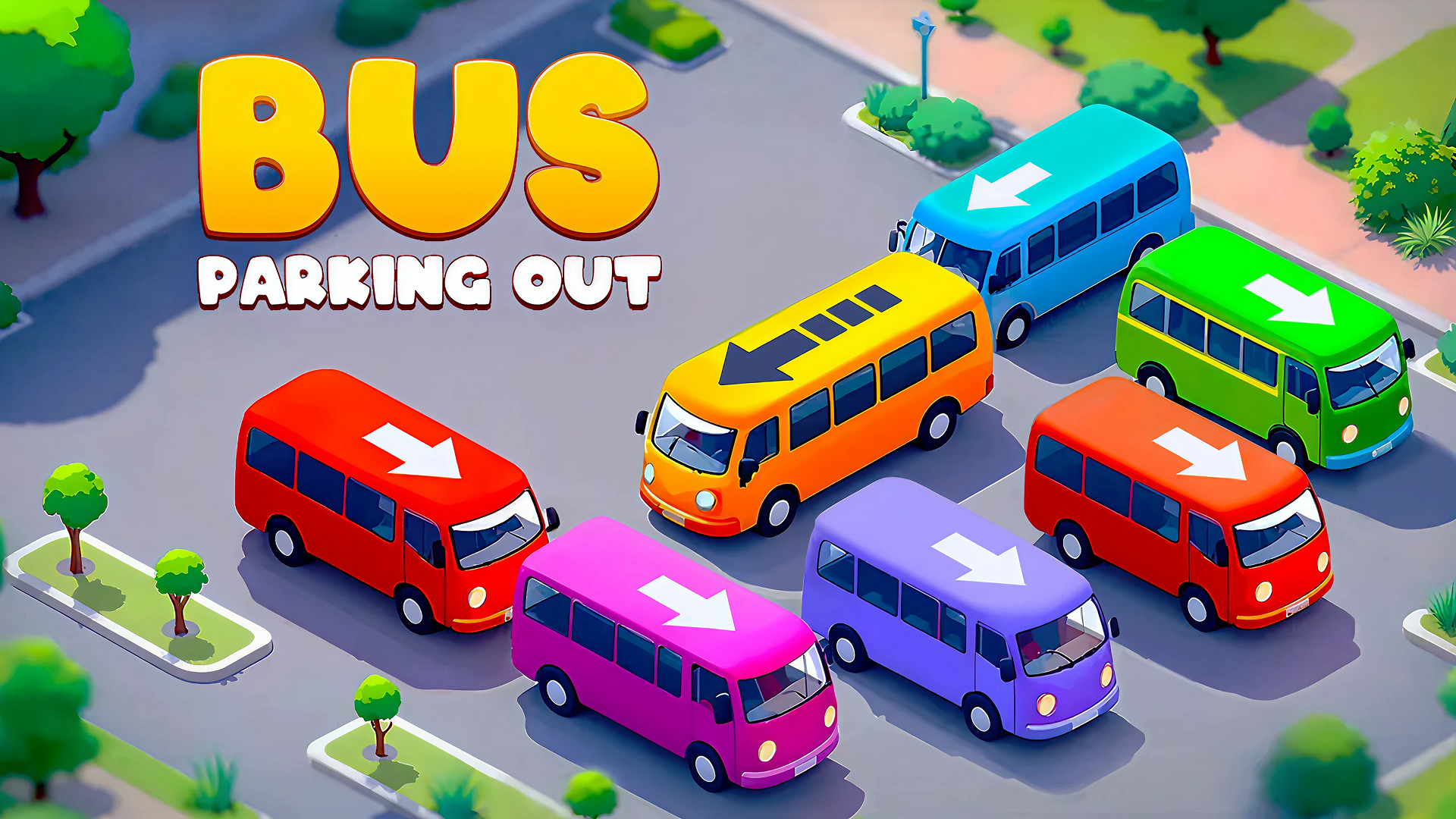
Bus out - Bus Away traffic jam drops you into a world of gridlocked roads where buses, cars, vans, and trucks are wedged into a massive traffic jam chaos. The goal is clear: slide vehicles, clear the blockage, and carve out the perfect escape route. Every move counts — one wrong step and the entire road locks up into a gridlock.
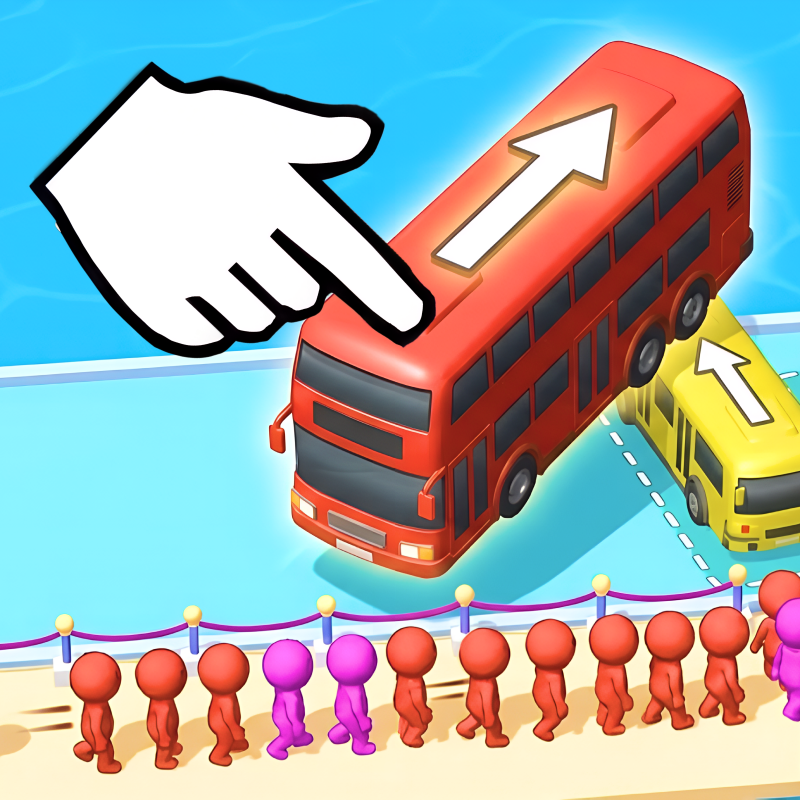
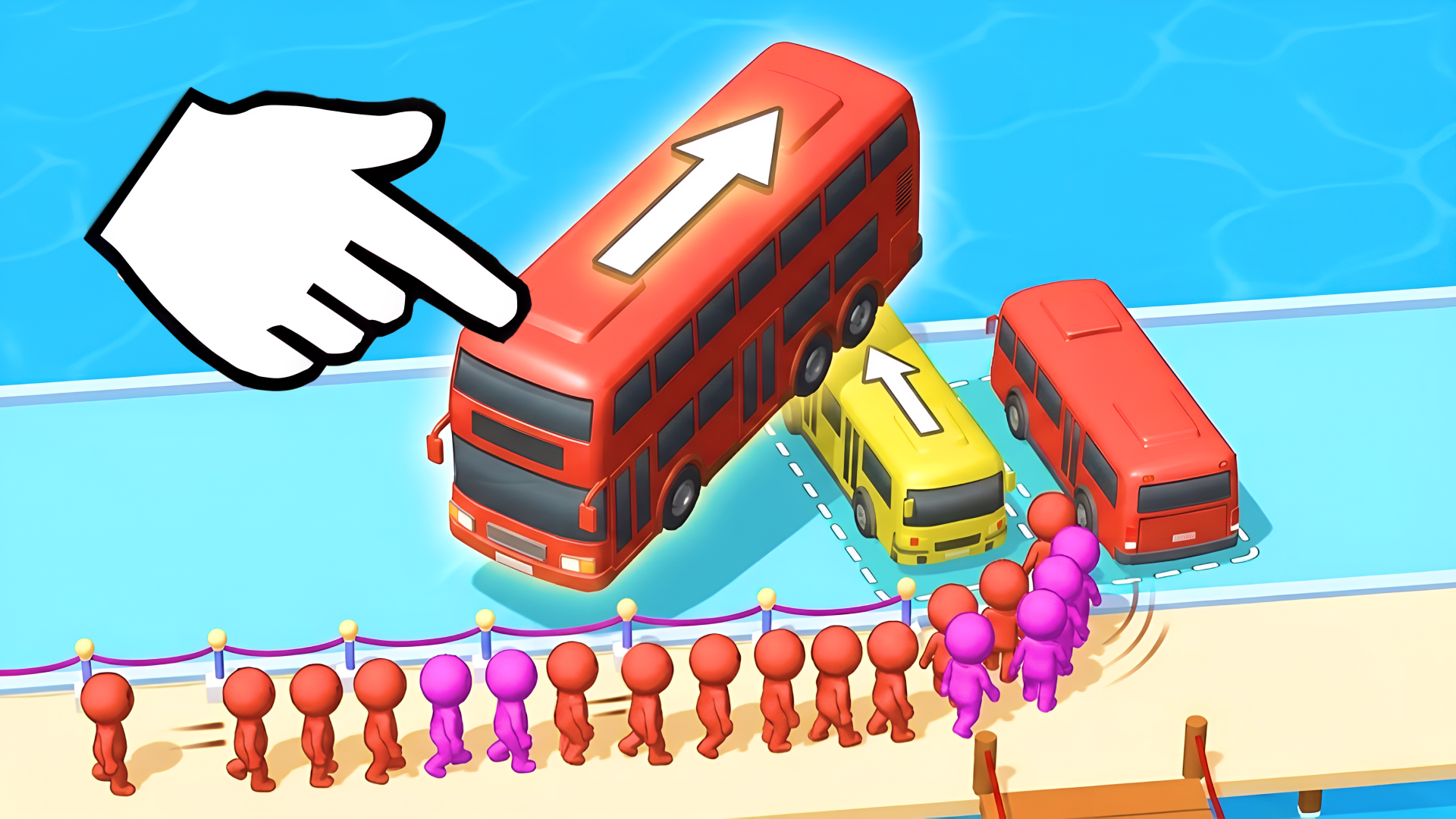
Several scenes show rectangular vehicles in different colors positioned in diagonal rows of dashed-line parking bays. A line of small, monochromatic humanoid figures in various colors stands behind a pink rope barrier in several views of the game.
The puzzle design draws from traffic jam layouts inspired by global cities, so each level brings a fresh arrangement to untangle. The blend of car jam strategy, bus puzzle challenges, and sort-game logic makes it easy to pick up — and genuinely hard to put down.
How to Play Bus out - Bus Away traffic jam
Slide vehicles in the correct direction to clear the path. Free the bus by unblocking all cars and removing traffic obstacles. Logic and strategy are essential — every move matters. Beat levels to unlock harder and more exciting traffic jams, working toward becoming the Traffic Master who escapes all bus jams.
Key Features
- Bus Out & Traffic Escape Fun: Slide, sort, and unblock vehicles in challenging levels filled with tricky traffic jam puzzles.
- Addictive Puzzle Gameplay: Use logic, planning, and strategy to clear the roads — easy to learn, hard to master.
- Bus Jams Around the World: Explore traffic jam layouts inspired by global cities, with each level offering a fresh challenge.
- Challenge Your Friends: Compete with friends to see who clears the toughest jam faster.
- Relaxing Yet Satisfying: Calming puzzle-solving with smooth animations and stress-free gameplay.
- Car & Bus Sort Mechanics: Move the right vehicles at the right time — sort, slide, and plan your perfect escape.
Games You Might Like
For more puzzle challenges, browse the full Puzzle games collection on Playgama, where traffic escape and logic games sit alongside dozens of other brain teasers. If you enjoy the block-sliding logic of Bus out - Bus Away traffic jam, Blockibo: Color Blocks offers colorful block-moving puzzles with gates and boosters that reward careful planning. Arrow Exit Puzzle puts a minimalist spin on the same clear-the-board challenge, asking you to tap arrows in the right sequence to free the grid. Block Blast 2048 swaps vehicles for numbered blocks, letting you merge and strategize at your own pace toward high scores. Arrow Puzzle layers in daily challenges and limited lives for players who want their logic puzzles with a bit more pressure.
Fans of planning and decision-making will also find plenty to enjoy in the Strategy games category, while those who want a sharper test of precision should check out the Skill games section.
Video
Use this link to embed the game on your website using an iframe
 Sign in to Embed and Monetize Games