






























Armed Forces io
Armed Forces io - Play Online
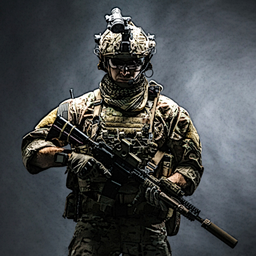
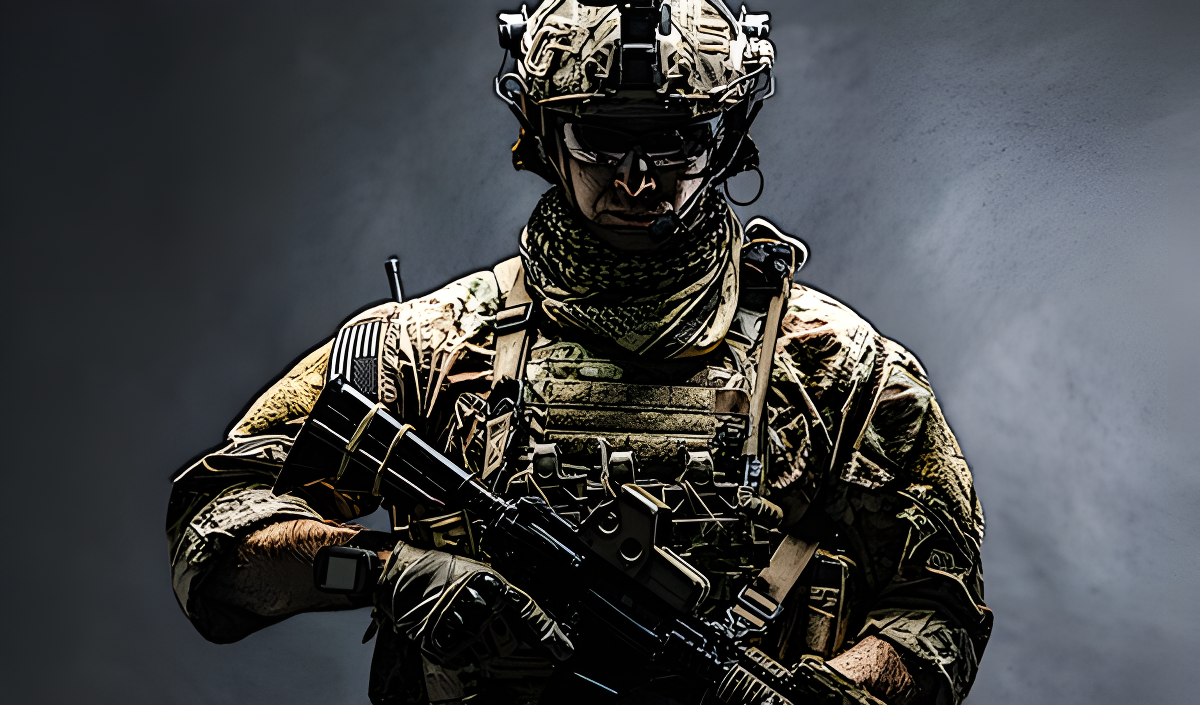
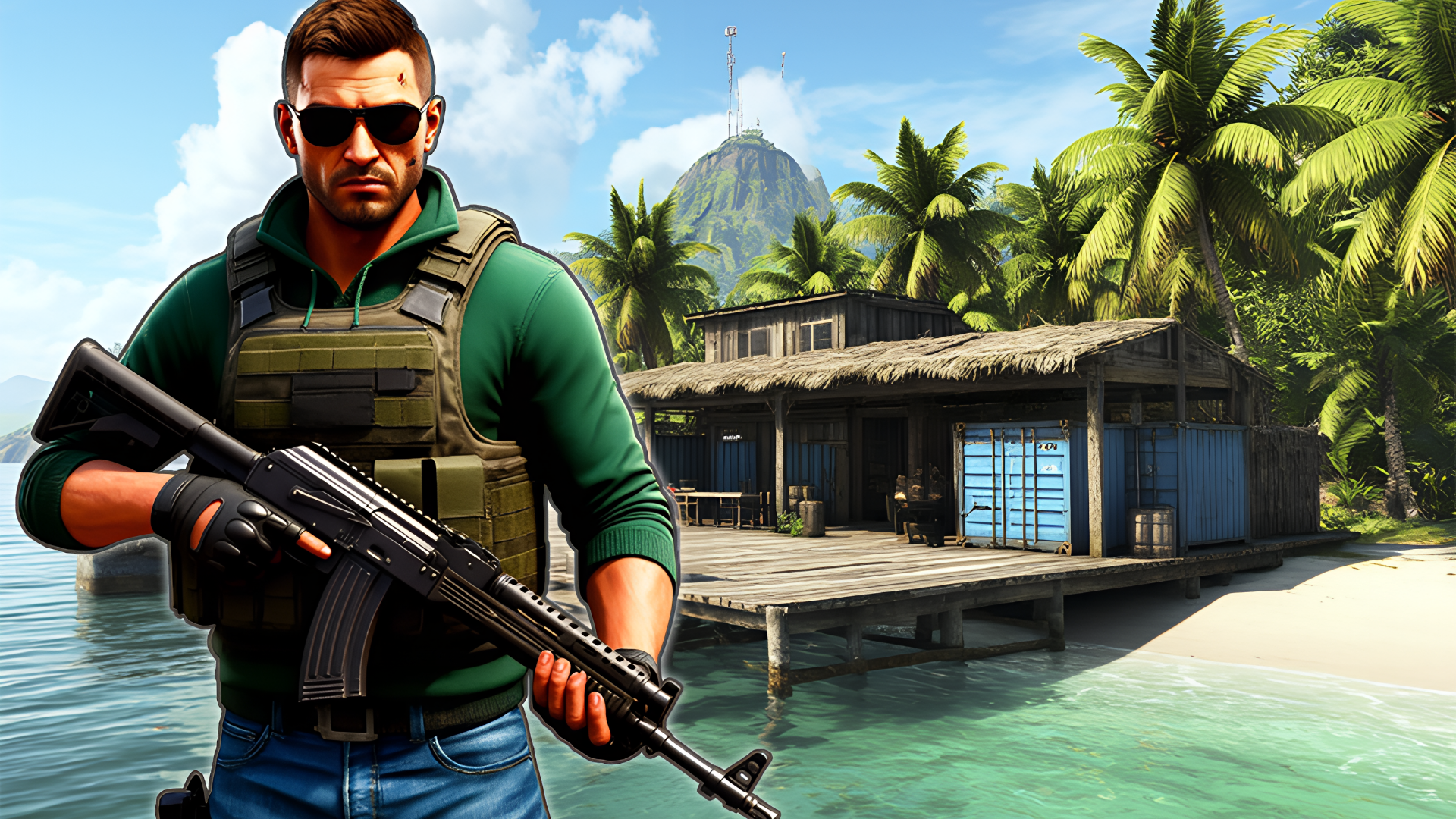
This is basically a browser version of CS:GO with a lot less polish but the same addictive "just one more match" energy. Armed Forces io drops you into quick multiplayer FPS matches where the goal is simple: shoot first, ask questions never. It's a no-frills tactical shooter that runs in your browser, perfect for when you need a quick shooter fix without installing 80GB of files. Pick your weapon, find a lobby, and try not to get demolished by players who clearly have nothing else to do today.
Key Features
- Multiple Game Modes: Team Deathmatch, Free-for-All, and objective-based modes to keep things fresh.
- Browser-Based Freedom: No download required. Runs directly in Chrome or Firefox on most desktop PCs.
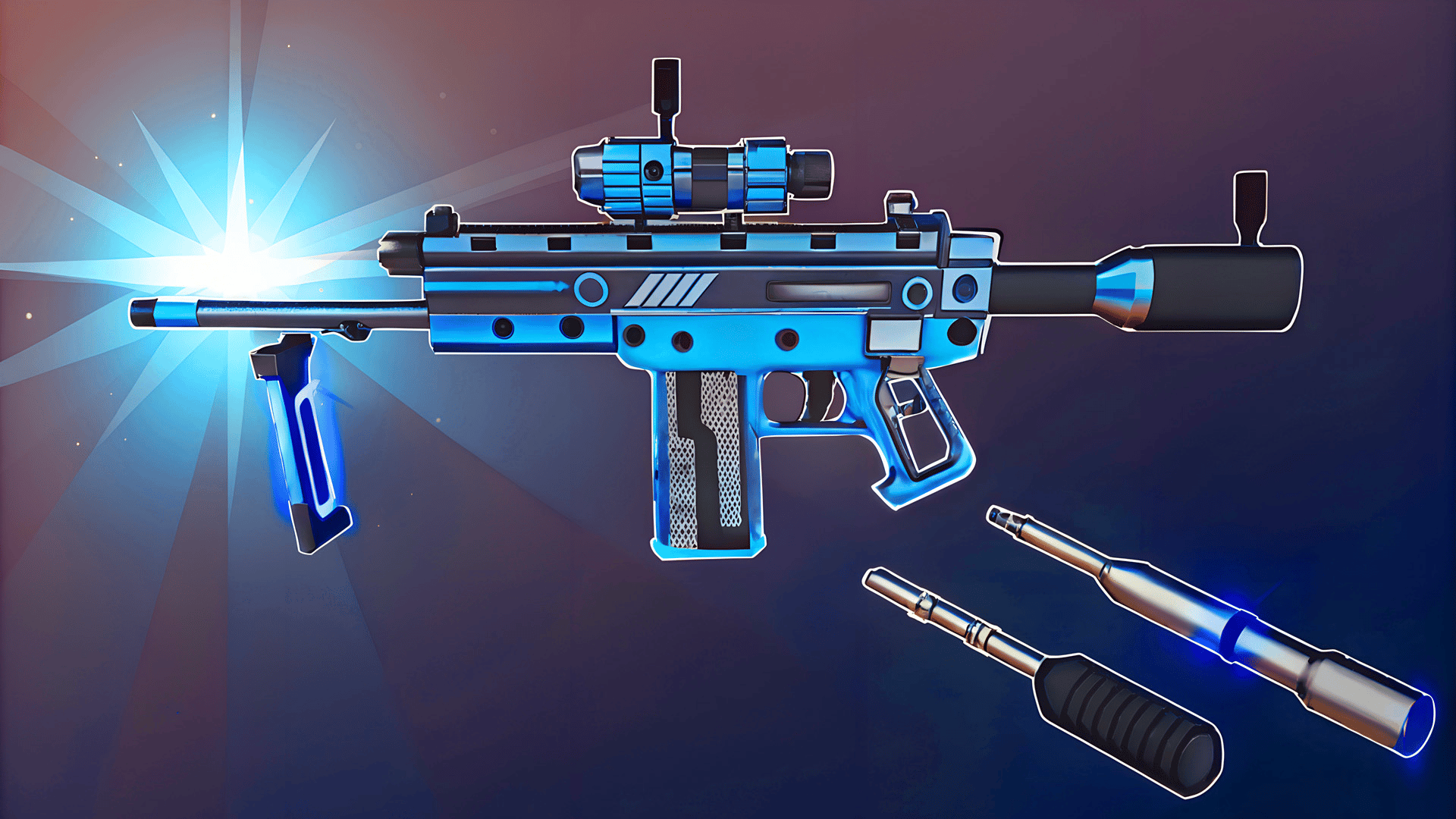
- Weapon Variety: SMGs, rifles, and explosives to unlock and switch between mid-match.
- Real-Time Multiplayer: Jump into active lobbies with players worldwide for instant action.
How to Play Armed Forces io
The basics are simple, but staying alive? That's the real challenge.
Master the Movement and Shooting
You move with WASD or arrow keys, aim with your mouse, and left-click to fire. The slide mechanic (spacebar while moving) is clutch for dodging around corners or escaping tight situations. Hold Shift to sprint when you need to reposition fast. Right-click zooms in for precision shots, which you'll need because everyone else is already sweating.
Stay Alert and Adapt to Combat
The minimap in the top-left is your best friend—watch it constantly to avoid getting flanked. The kill feed shows who's dominating, so if you see the same name popping up, expect them around every corner. Use crouch (C) to steady your aim and make yourself a smaller target. Don't forget your dynamite (G) and medkits (H)—they're lifesavers when you're outnumbered or low on health.
Earn Currency and Upgrade Your Arsenal
Every kill and match completion earns you in-game cash. You'll see that dollar counter in your HUD—that's for unlocking better weapons or upgrades. Switch between your loadout with number keys (1, 2, 3) and pick up dropped weapons with E or F when you find something better on the ground. The progression keeps you coming back even after a rough losing streak.
Who is Armed Forces io for?
This is for players who want quick, bite-sized shooter sessions without the commitment of a full game install. If you're between classes, on a work break, or just killing time, it's perfect. That said, it gets competitive fast—you'll run into players with serious aim, so it's not exactly a stress-free experience. Kids who love Fortnite or older CS:GO fans looking for a lightweight alternative will feel right at home.
The Gameplay Vibe
It's fast and scrappy. Matches are short enough that you can squeeze in two or three during lunch. The graphics are basic—think early mobile shooter quality with flat lighting and repetitive warehouse textures. It's not winning any beauty contests, but the gunplay feels responsive enough to keep you engaged. The audio is bare-bones: generic gunshots and no memorable soundtrack. Honestly, I ended up playing with Spotify in the background. It's functional chaos, not cinematic warfare.
Technical Check: Saves & Performance
Your stats and unlocks save automatically to your browser, so as long as you don't wipe your cache, you're good. Performance-wise, this runs surprisingly smooth even on older laptops—I tested it on a five-year-old machine and had zero lag. The Unity engine keeps things optimized for browser play, so you won't need a gaming rig. Just make sure you have a stable internet connection since it's all real-time multiplayer.
Quick Verdict: Pros & Cons
A solid time-killer for FPS fans who want instant action without the download wait.
- ✅ Pro: Jump in and play within seconds—no installation, no account required.
- ✅ Pro: The slide mechanic adds just enough movement depth to separate good players from great ones.
- ❌ Con: The visuals are rough. If you care about graphics, this will feel like a mobile port from 2016.
Controls
Controls are tight and responsive. The mouse aiming feels accurate, and the keyboard layout is standard FPS fare, so muscle memory from other shooters transfers over immediately.
- Desktop: WASD to move, Mouse to aim and shoot, Spacebar to slide, Shift to sprint, Number keys to swap weapons, E/F to interact, G for grenades, H for medkits, C to crouch, T to chat, Escape to pause.
- Mobile: Touch controls with on-screen joystick and fire buttons (works but feels cramped on smaller screens).
Release Date & Developer
Armed Forces io was developed by JulGames and launched on November 13, 2024. It's part of their growing catalog of browser-based multiplayer games.