
















Toca World: The City of Creativity







About Toca World: The City of Creativity
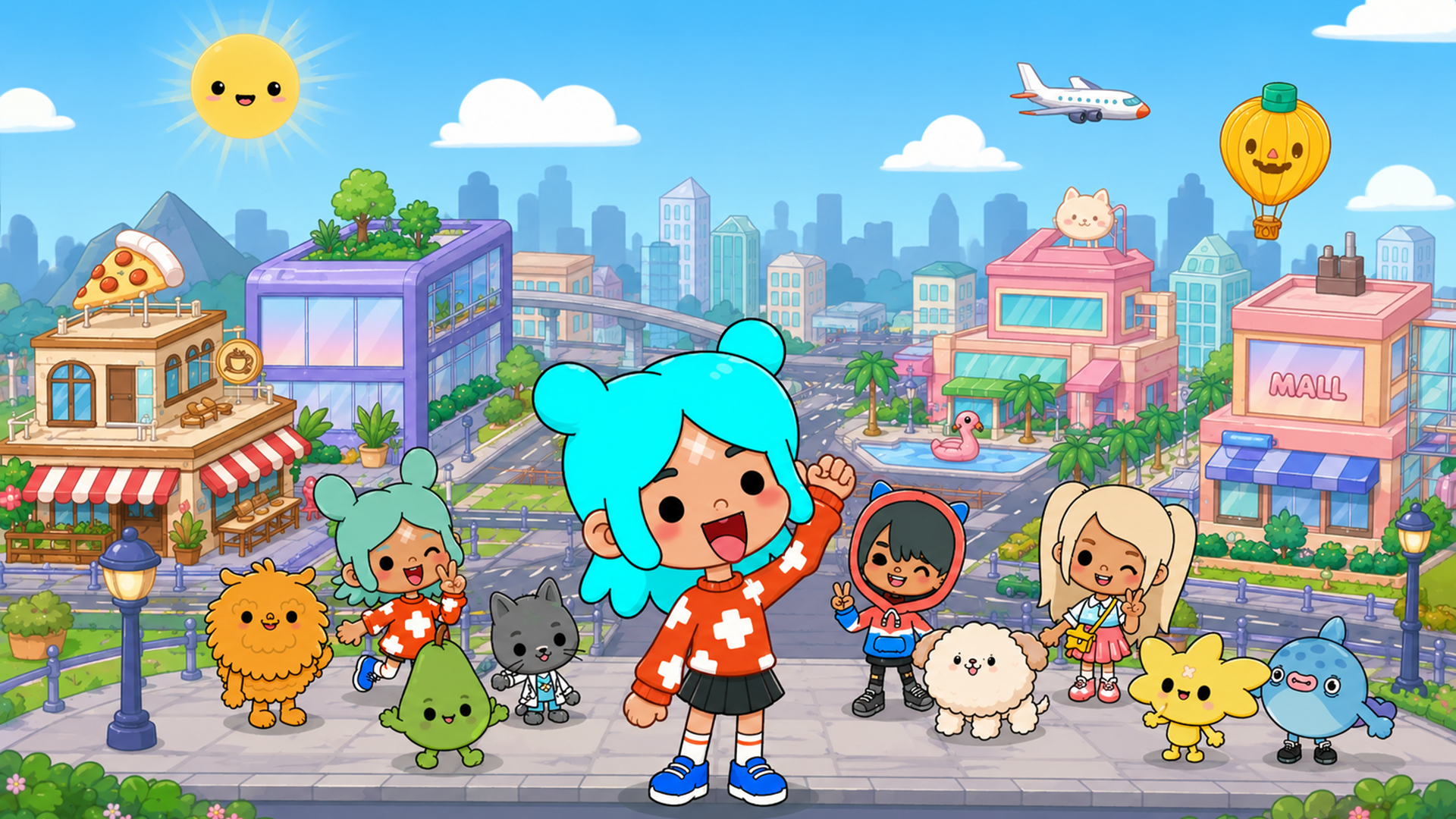
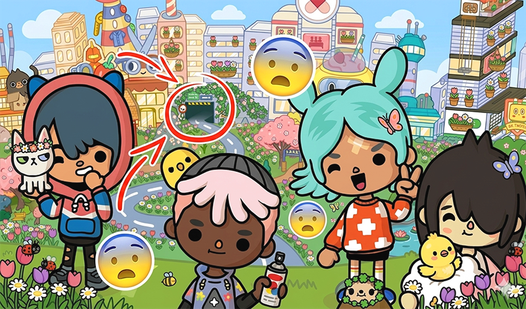
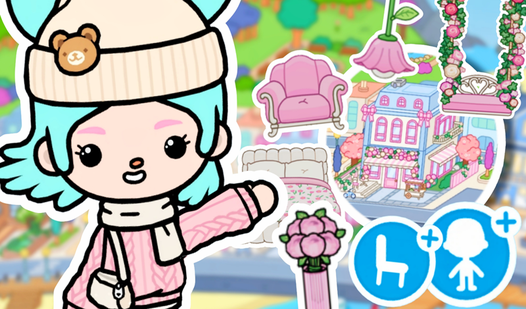
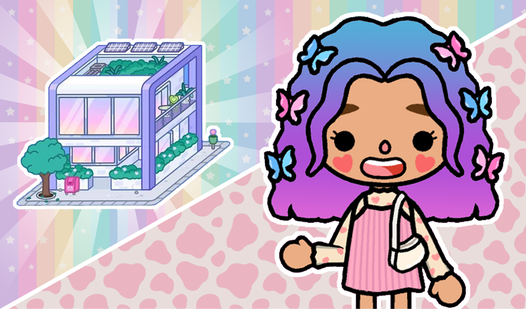
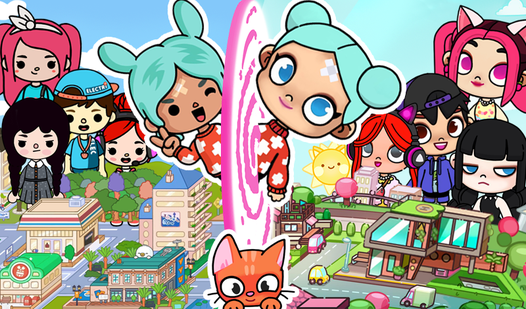
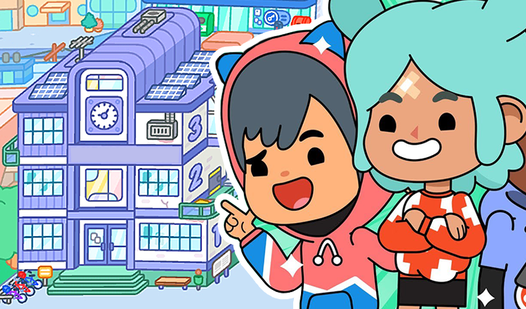
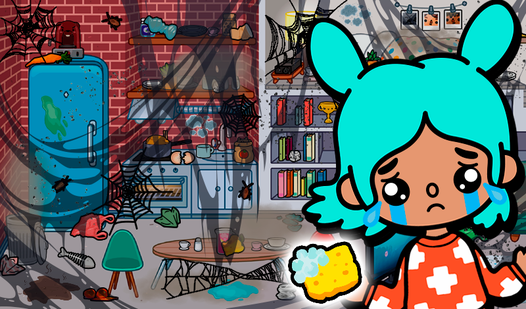
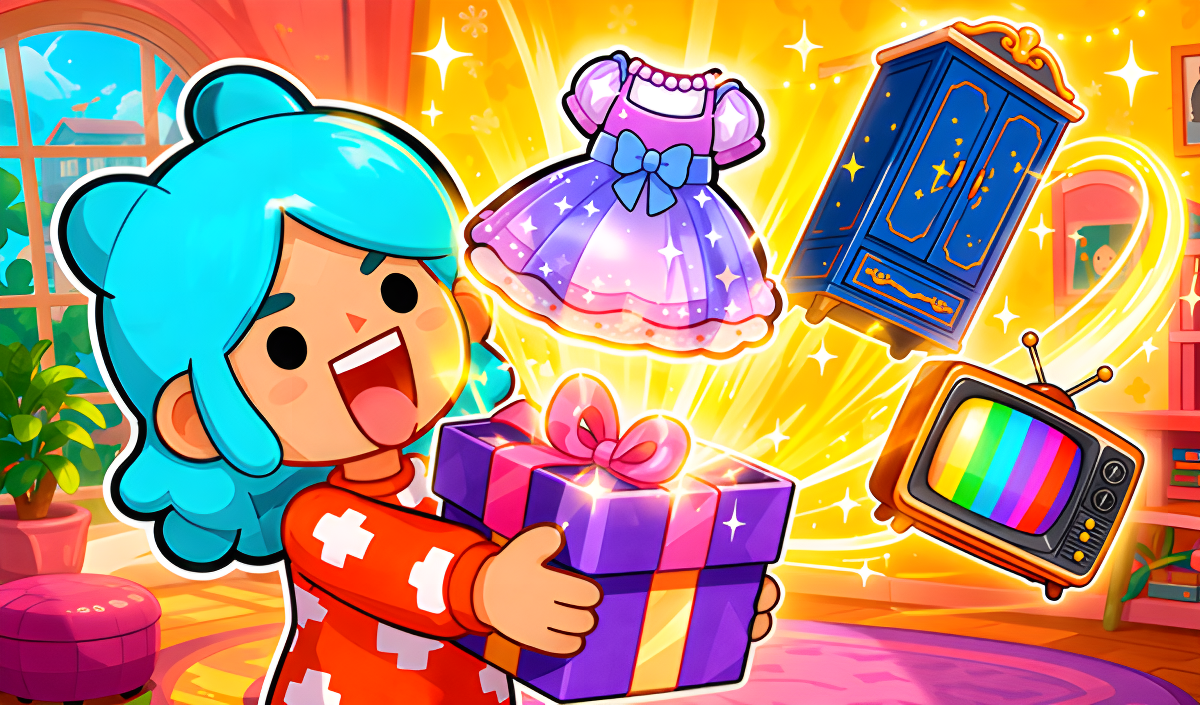
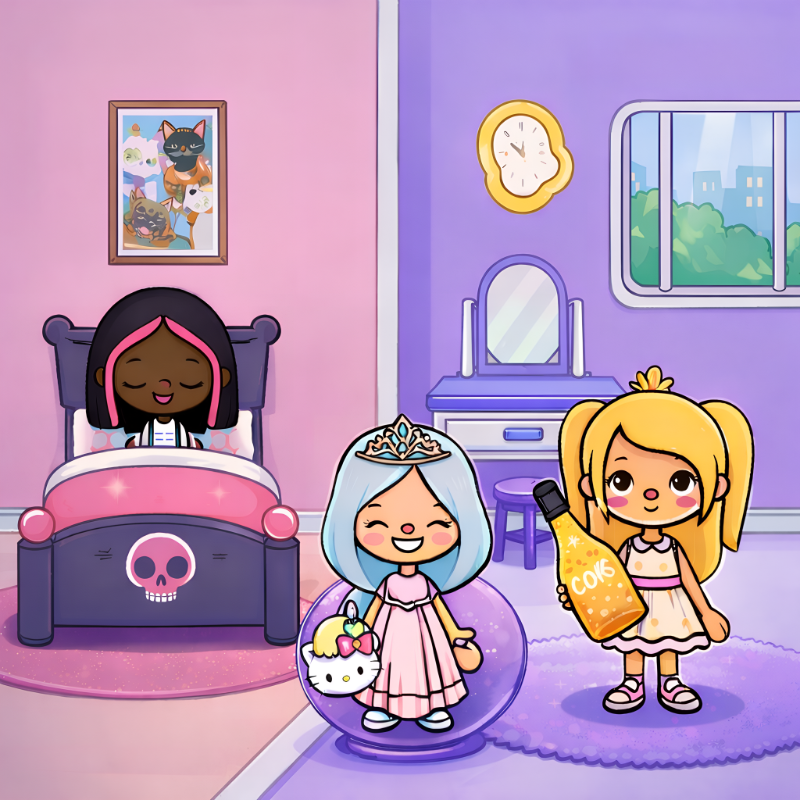
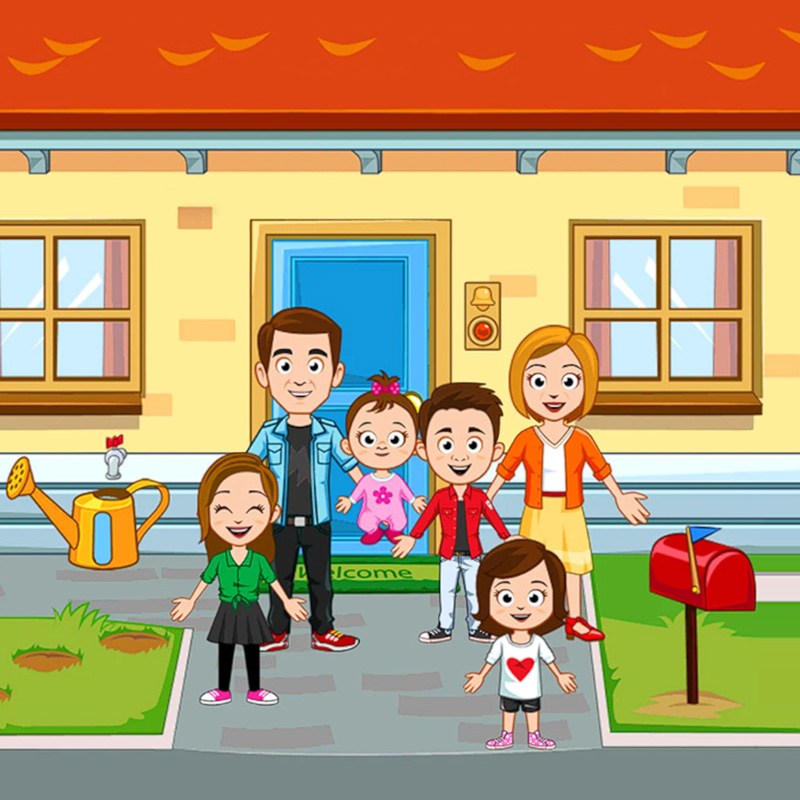
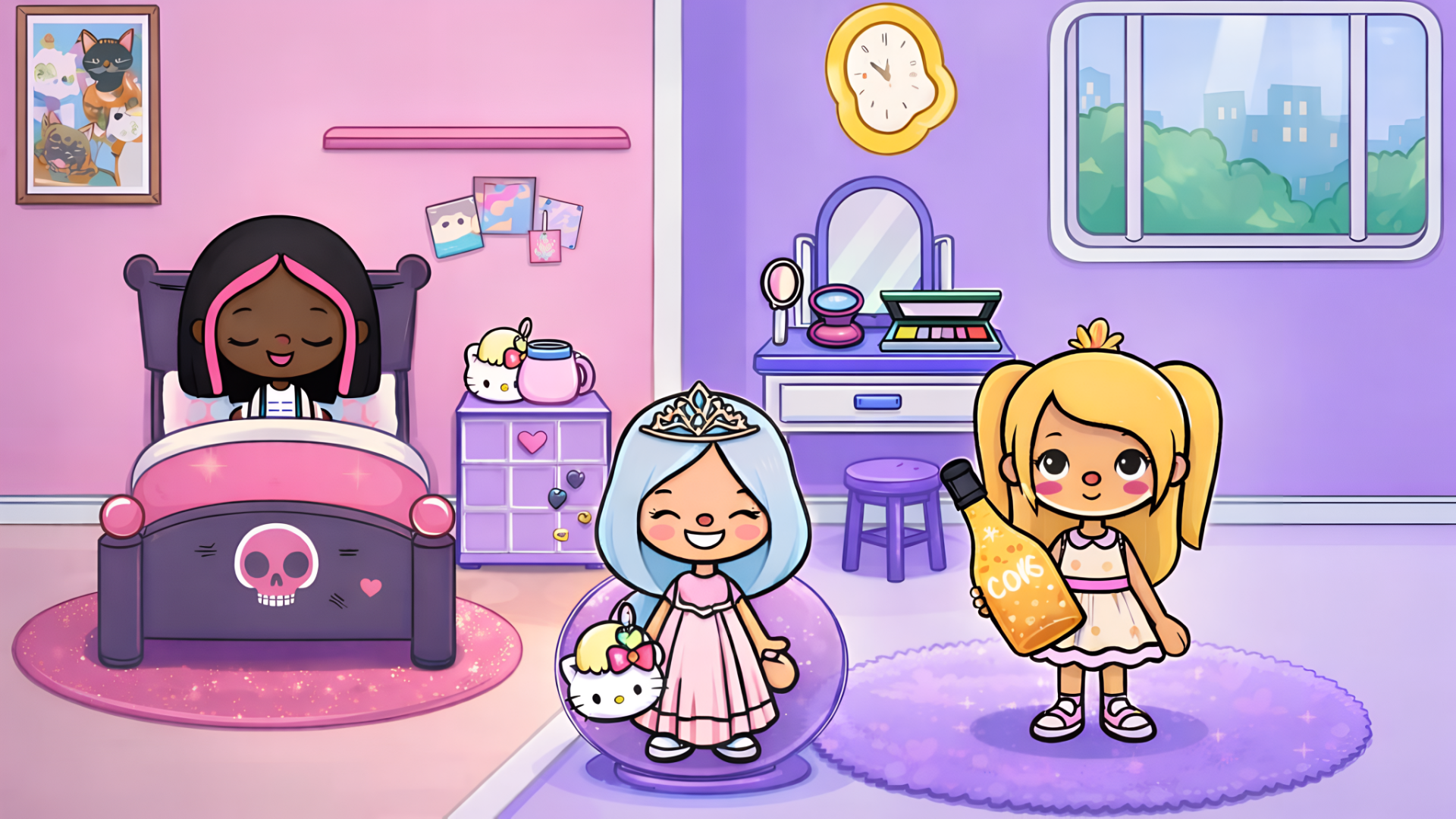
Toca World: The City of Creativity puts you in charge of both interior design and character styling — decorate homes with a wide range of furniture and build unique characters to live in them. Whether you're recreating yourself and your friends or going full imagination mode, the tools are there to make it happen.
How to Play Toca World: The City of Creativity
Drag furniture into any room by pulling it from the furniture selection menu using your finger or left mouse button. Switch between furniture categories with the round buttons in the upper-right corner of the screen, then narrow things down by tapping a furniture type at the top of the main menu.
To bring characters into a decorated home, open the character menu via the button at the bottom right of the screen and drag them in. If no characters appear in that menu, head to the characters section from the main menu — the button sits in the upper-right corner — and build one by choosing appearance features and clothing from the options on the right side of the screen.
Controls
- Left mouse button / finger drag: Place furniture and characters by dragging from selection menus
- Left mouse button / tap (upper-right round buttons): Switch furniture category
- Left mouse button / tap (furniture type tabs): Select furniture subsection
- Left mouse button / tap (bottom-right button): Open character menu
- Left mouse button / tap (upper-right button): Go to characters section from main menu
- Left mouse button / tap (right-side options): Choose appearance features and clothes when creating a character
Games You Might Like
Fans of creative dress-up and character design will find plenty more in Girls games, which covers fashion, styling, and imaginative play across a huge range of titles. For more open-ended sandbox fun built around kids, browse Kids games, where decoration and character interaction are a recurring theme.