

























Sniper Kill
Sniper Kill - Play Online
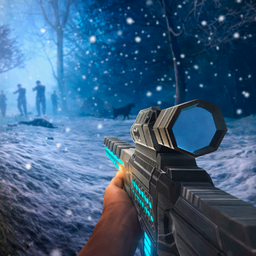
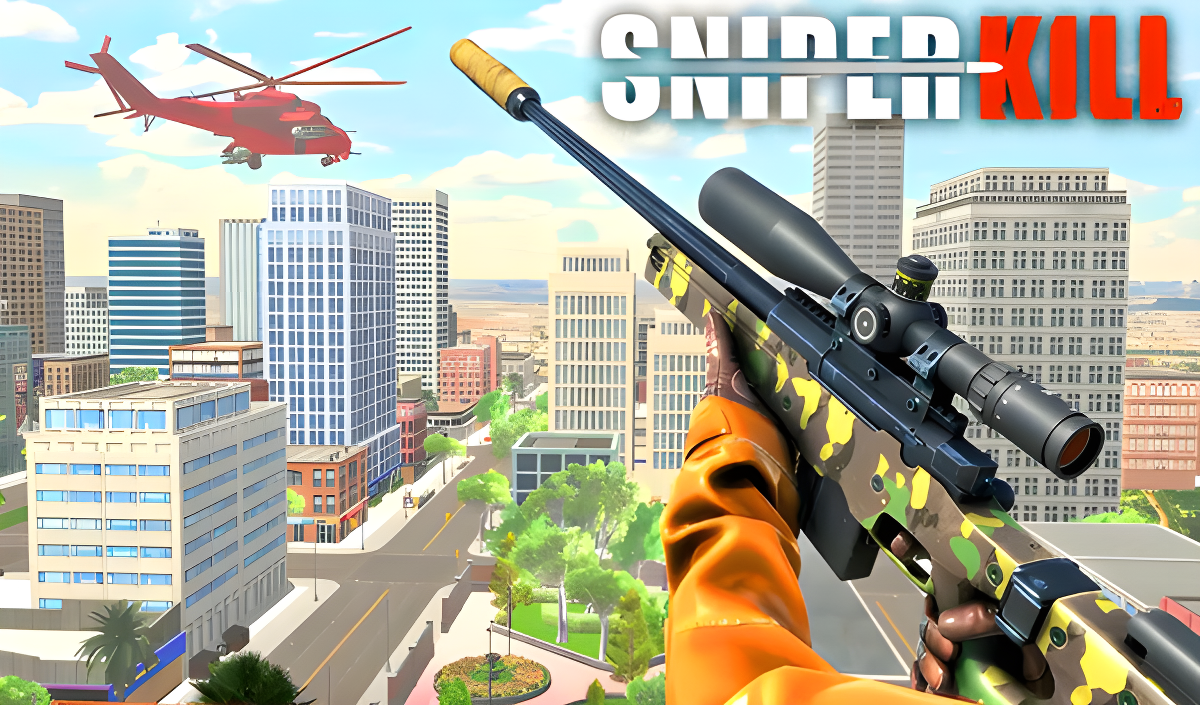
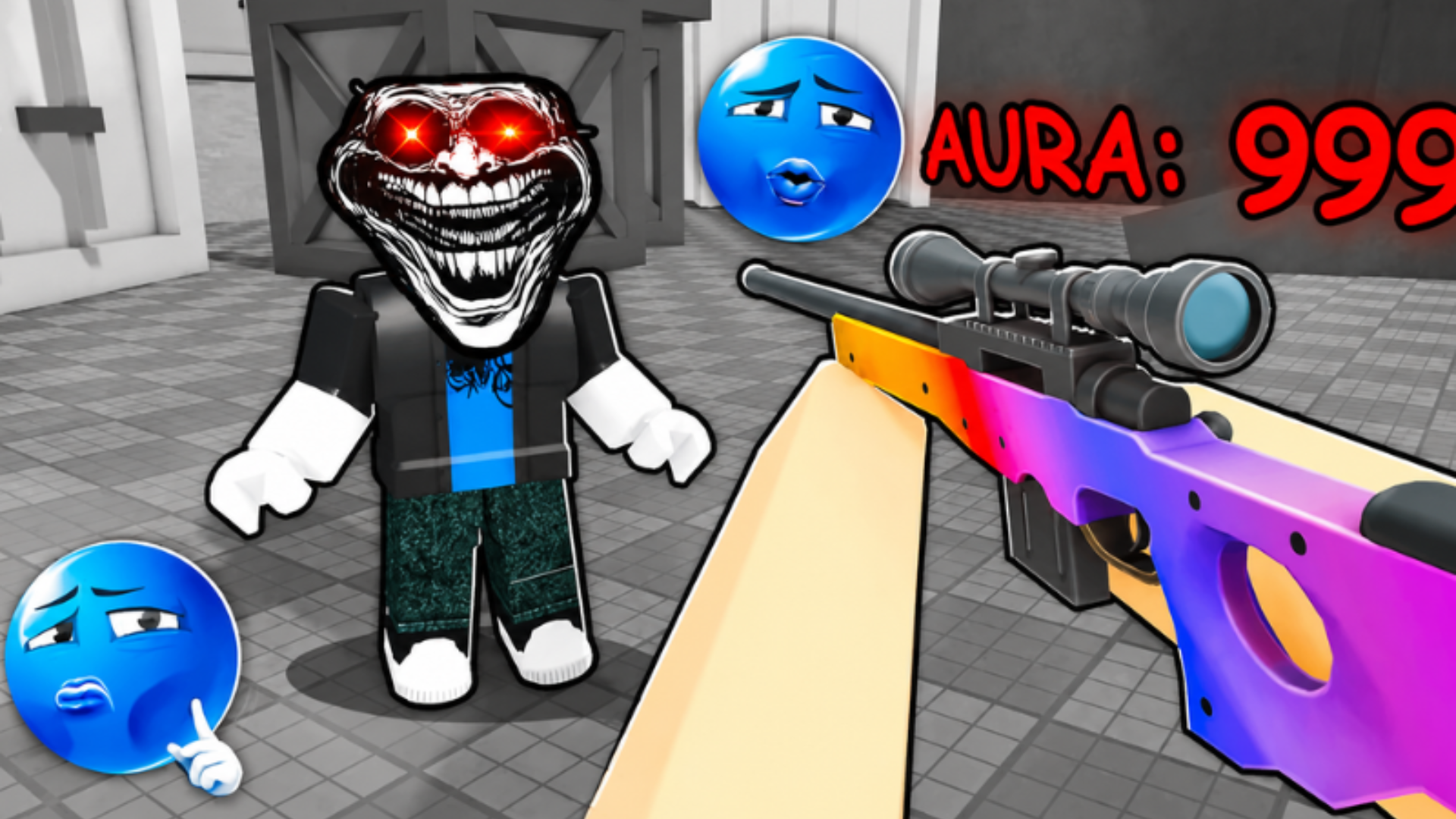
Scope in, hold your breath, and squeeze the trigger. If you've ever wanted to feel like the sniper from a Call of Duty mission without the massive download, Sniper Kill drops you straight into that fantasy. This is a first-person shooter where you're locked in position, scanning crowded city streets and rooftops for targets. Each mission gives you a timer, a handful of marked enemies, and a rifle—your job is to eliminate them all before time runs out. It's fast, focused, and built for quick sessions when you need that tactical shooter fix in your browser.
Key Features
- Mission-Based Sniping: Individual timed contracts across different city environments.
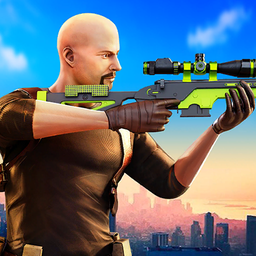
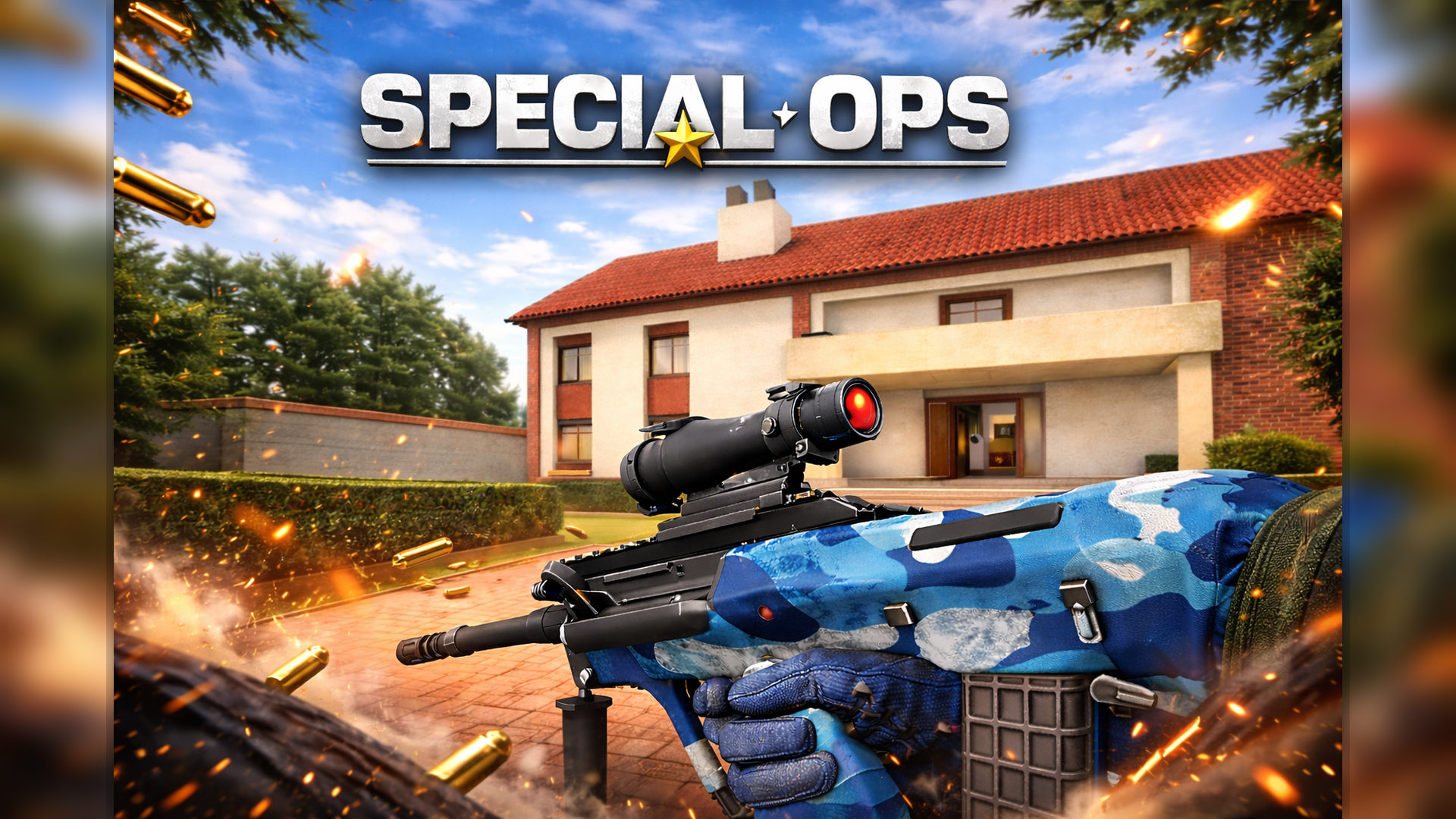
- Weapon Arsenal: Multiple sniper rifles to unlock, including flashy gold and camo skins.
- Smart Enemy AI: Bots don't just stand still—they patrol and react to your shots.
- Upgrade System: Earn currency to improve accuracy, zoom levels, and unlock better gear.
How to Play Sniper Kill
Getting started is dead simple—mastering the headshot grind takes patience.
Identify Your Target
Each mission starts with a highlighted enemy marked with a red icon and "ELIMINATE TARGET" text. You scan the environment—sometimes it's a guy on a rooftop, sometimes it's someone in a crowd on the street. The game shows you who to shoot, so you're not randomly blasting civilians. Use your mouse to look around and locate the mark before the timer hits zero.
Line Up the Perfect Shot
Right-click to bring up your scope. The mouse wheel adjusts your zoom—crank it all the way in for distant targets. Aiming feels a bit floaty, especially with the starter rifle, but once you're centered on the target's head, left-click to fire. Headshots give you bonus points and look cooler. Hit 'R' to reload when you burn through your magazine. The challenge is doing this fast enough to clear multiple targets before time expires.
Earn Currency and Upgrade
Every kill drops skulls (the in-game currency). Between missions, you spend these on better rifles with tighter spread, faster reload, or just cosmetic gold plating. The progression loop is classic mobile: grind missions, save up, buy the next tier weapon, repeat. Some missions get harder with moving targets or shorter time limits, so upgrades aren't optional if you want to advance.
Who is Sniper Kill for?
This is perfect for casual shooter fans who want a five-minute adrenaline hit without commitment. If you loved the sniper sections in older FPS campaigns but don't have time for a full match of CS:GO, this scratches that itch. It's also solid for teens looking for something that feels "tactical" without the complexity of battle royales. Not recommended for hardcore sim fans—this isn't ARMA. It's arcade-style all the way.
The Gameplay Vibe
Sniper Kill feels like a budget mobile port, and I mean that neutrally. The graphics are rough—low-poly buildings, basic lighting, and that unmistakable Unity asset store look where the weapon models are way shinier than the blurry city textures. The golden sniper rifle reflects light like it's from a different game entirely. Audio is minimal: gunshots sound punchy enough, but there's no dramatic music or voice acting. It's quiet, focused, almost meditative between the countdown beeps. The whole vibe is "kill time on your lunch break," not "immersive military thriller." And honestly? For a free browser game, that's fine.
Technical Check: Saves & Performance
Your progress saves automatically via browser cache, so you won't lose your weapon unlocks unless you wipe your cookies. The game runs smooth even on older laptops—I didn't notice any frame drops, which makes sense given the low-detail environments. Mobile performance is solid too; the touch controls use on-screen buttons for aiming, shooting, and zooming. Just keep your browser tab open if you're mid-mission, or you'll lose that round's progress.
Quick Verdict: Pros & Cons
A no-frills sniper shooter that delivers exactly what the title promises, warts and all.
- ✅ Pro: Instant action—no tutorials, no cutscenes, just load and shoot.
- ✅ Pro: Works flawlessly on both desktop and mobile without installation.
- ❌ Con: Graphics look dated, and the repetitive mission structure gets stale after 20 rounds.
Controls
Desktop controls are responsive once you adjust to the mouse sensitivity. Mobile touch buttons do the job but feel cramped on smaller screens.
- Desktop: Right-click to aim, Mouse Wheel to zoom, Left-click to shoot, R to reload.
- Mobile: Touch buttons for all actions—aim, zoom, fire, and reload.
Release Date & Developer
Developed by fog3r and released on January 1, 2023. It's a straightforward Unity project aimed at the browser shooter crowd.