


























PVZ Fusion Cheats
About PVZ Fusion Cheats
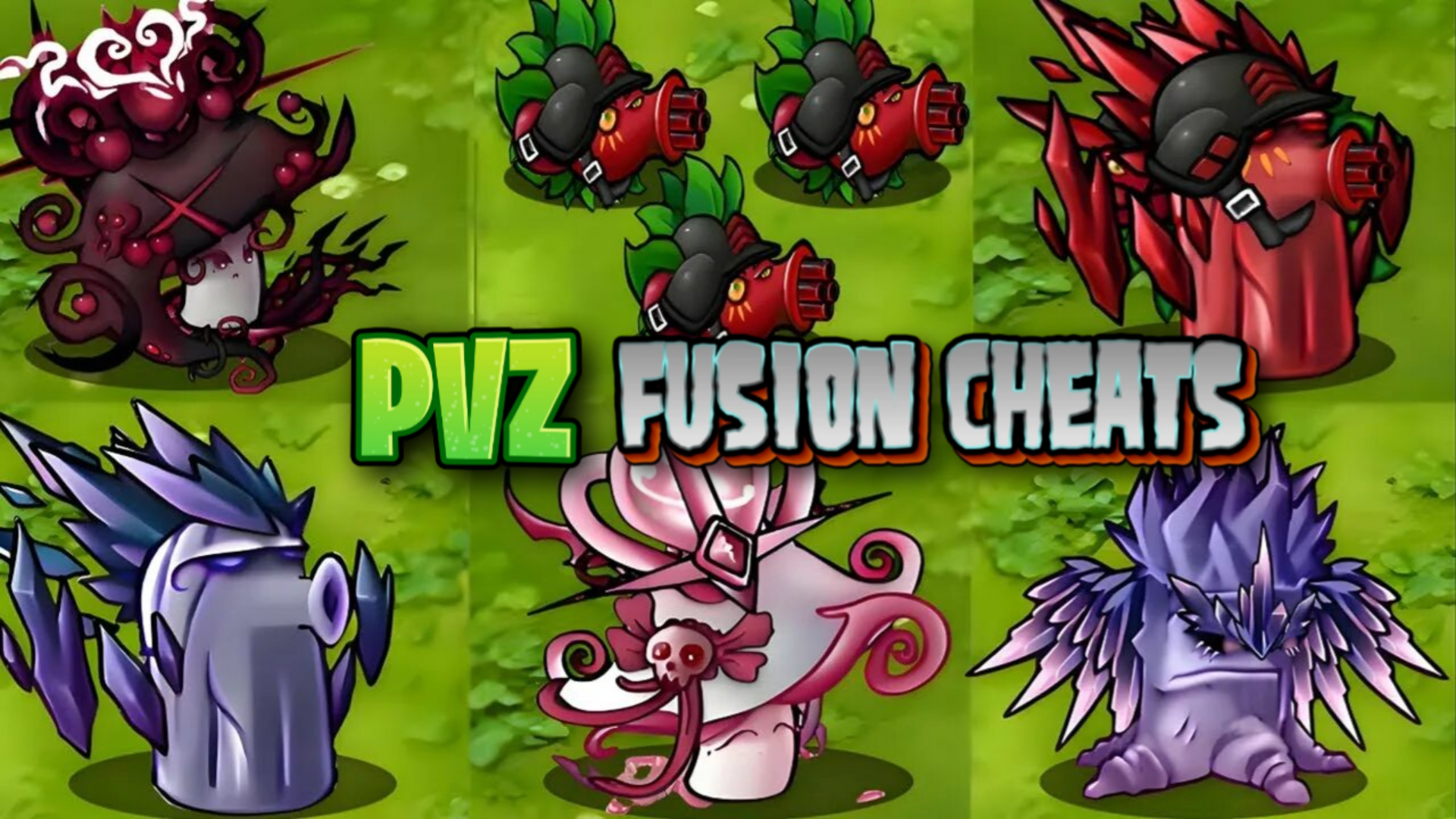
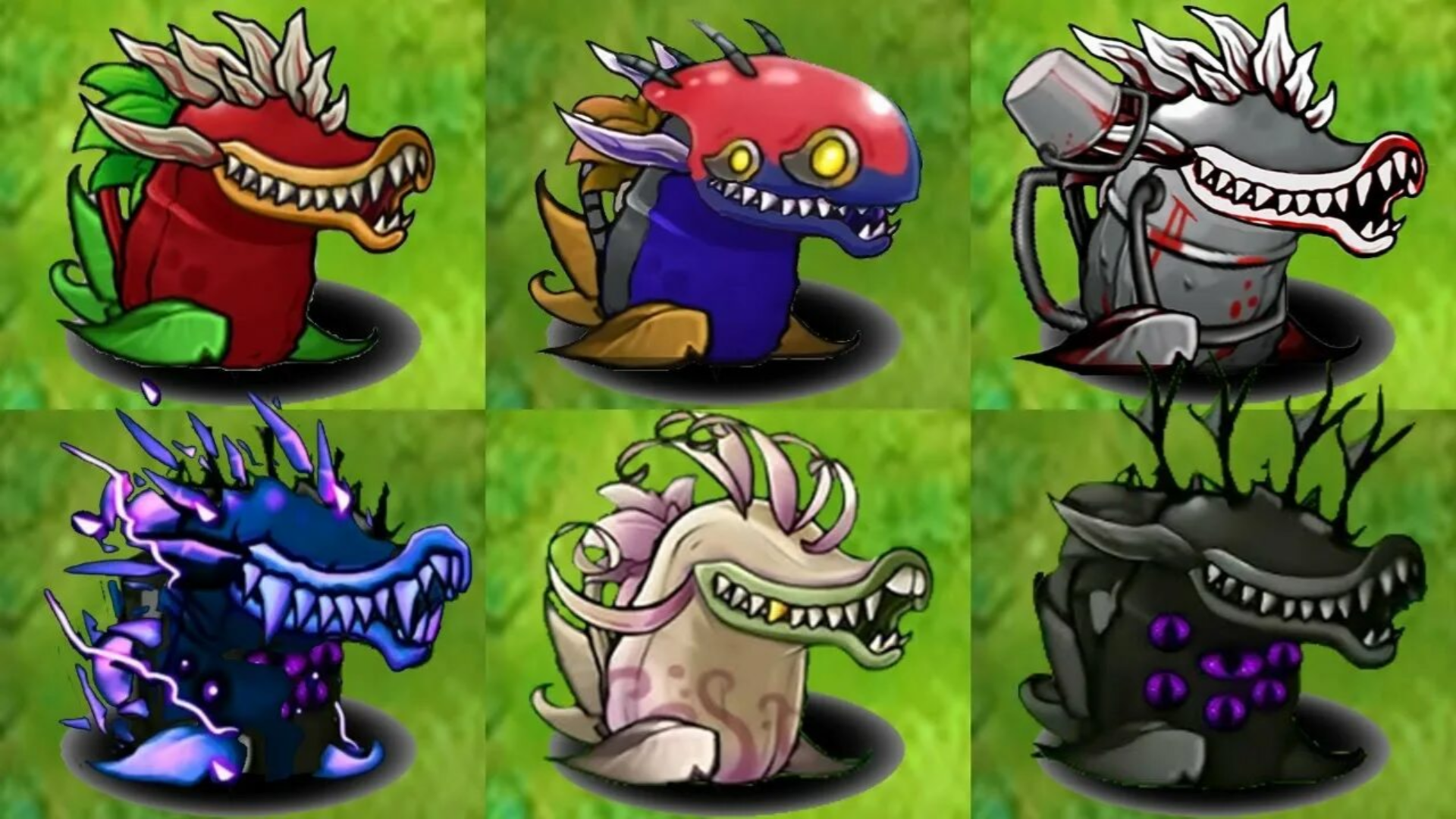
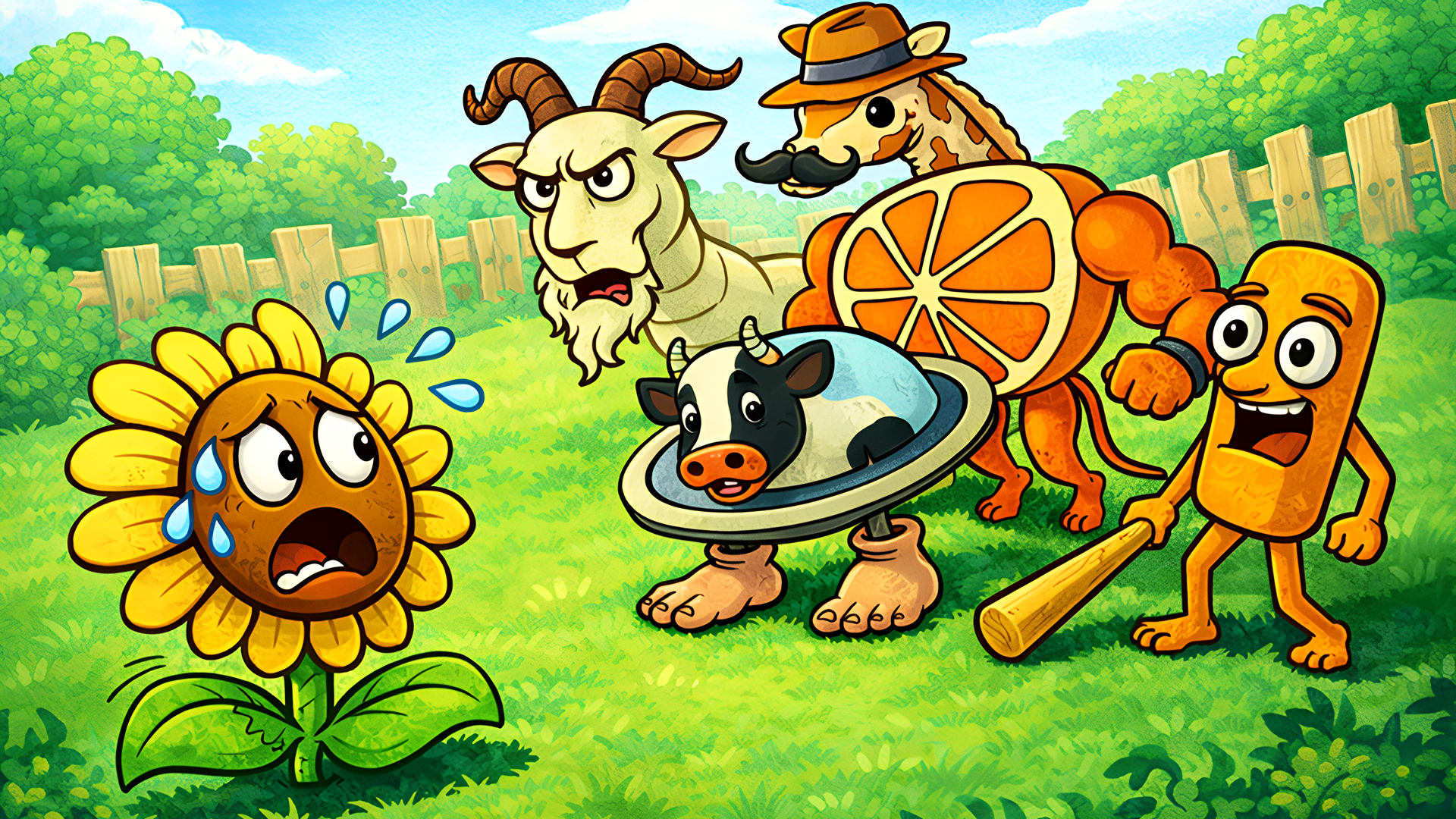
PVZ Fusion Cheats brings a fresh take on the Plants vs. Zombies formula, keeping the classic tower defense roots while introducing hybrid plants that merge the powers of two or more ordinary plants. Set during a zombie apocalypse where hordes are trying to break into your home, the game adds smarter, more cunning zombies alongside a cheat feature that removes all resource limits — grab as many sun points as you want and place as many plants as you can handle.
How to Play PVZ Fusion Cheats
Place hybrid plants and regular plants on the field to hold back waves of zombies. Each plant has a cost and a recharge time, so keep both in mind when building your defenses. As the zombies grow tougher and more cunning across levels, swap out tactics, mix plant combinations, and develop new strategies to protect your garden. A brief tutorial at the start covers the basics without overloading you, then immediately drops you into a level to test your knowledge in practice. Difficulty can be adjusted based on your readiness.
Game Modes
- Adventure: A classic-style mode with basic challenges. Finishing a level unlocks the next, which brings tougher opponents and possibly a different appearance.
- Challenges: A mode built around new experiences where each challenge can surprise you — one challenge, for example, lets you play as a zombie.
Characters and Skins
- Nut: Holds back zombies in front of your line, buying time to fend off the attack.
- It's fine Nut: A skin for Nut inspired by the "It's fine" meme.
Controls
PC
- Mouse: Select plants, click buttons, place plants, use bonuses, collect items
Mobile
- Finger: Select plants, click buttons, place plants, use bonuses, collect items
Key Features
- Selection: Combine plants to create unique species with their own abilities and appearances.
- Challenges: Test your skills in various challenges that provide new experiences and push your tactics.
- Cheats: The cheat feature lets you take as many sun points as you want and plant as many plants as you can.
- Skins: Purchase skins for your plants themed around popular memes.
FAQ
What is the goal in PVZ Fusion Cheats?
Defend your garden from waves of zombies trying to break into your home. Build defenses with various plants, devise unique tactics, and fend off all waves to achieve victory.
Which plants are available from the start?
Most plants are available from the beginning, opening up a wide range of hybrid combination possibilities right from the first levels.
How does the cheat feature affect sun points?
The cheat button lets you give yourself as much sun point currency as you want, so there are no barriers to how many plants you buy and place in your garden.
What bonuses and skins can be purchased in the game?
Bonuses include items like a time acceleration x3 and a cooldown-free glove. Skins themed around popular memes — such as the "It's fine" skin for the Nut plant — can also be purchased.
Does difficulty change as you progress through levels?
Yes — completing a level unlocks the next with tougher opponents. Difficulty can also be adjusted manually based on your readiness.
Is sound required to play?
No — the game is intuitive enough to follow without sound. Playing with sound does help immerse you more in the world, but it is not essential.
Games You Might Like
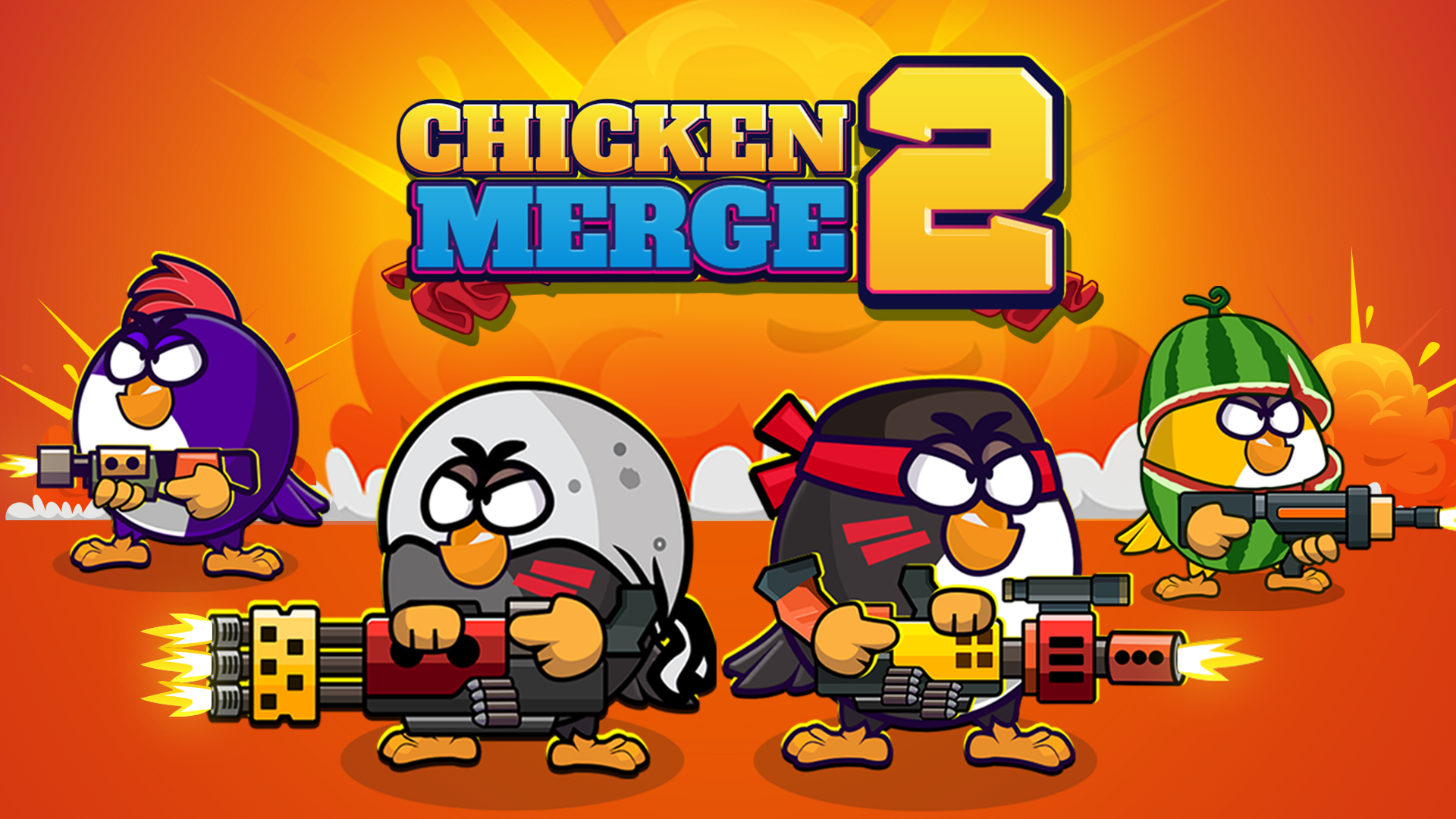
If the hybrid plant combinations in PVZ Fusion Cheats are what keep you coming back, Plants vs Zombies Fusion Mode delivers the same plant-combining mechanic with fresh custom assets. Plants vs Zombies Hybrids pushes the fusion concept further with new ways to combine plant abilities in familiar lane-defense gameplay. For a hybrid strategy experience with a story layer added on top, Plants Vs Zombie Hybrid Story Mod builds on the same formula with deeper tactical depth. Fans of the merge-and-deploy loop will also find Chicken Merge worth a look — it swaps plants for combat chickens in a grid-based tower defense setup with its own drag-and-drop merging system.
Browse more Tower Defense games or explore the wider Strategy games catalog for more tactical challenges.
Video
Use this link to embed the game on your website using an iframe
 Sign in to Embed and Monetize Games