
 Barry Prison: Parkour Escape!
 Baseball For Brainrot
 Army Evolution: Merge & Tactics
 Obby: +1 Speed Keyboard Escape
 The Aesthetic World of Obby
 Kick Lucky Blocks Online
 Mystery Dumpling Go: Merge IO
 Ball Sort Puzzle
 Playground Man! Ragdoll Show!
 Car Crush: Realistic Destruction
 Steal an Egg!
 Obby: +1 Digging Power per Click


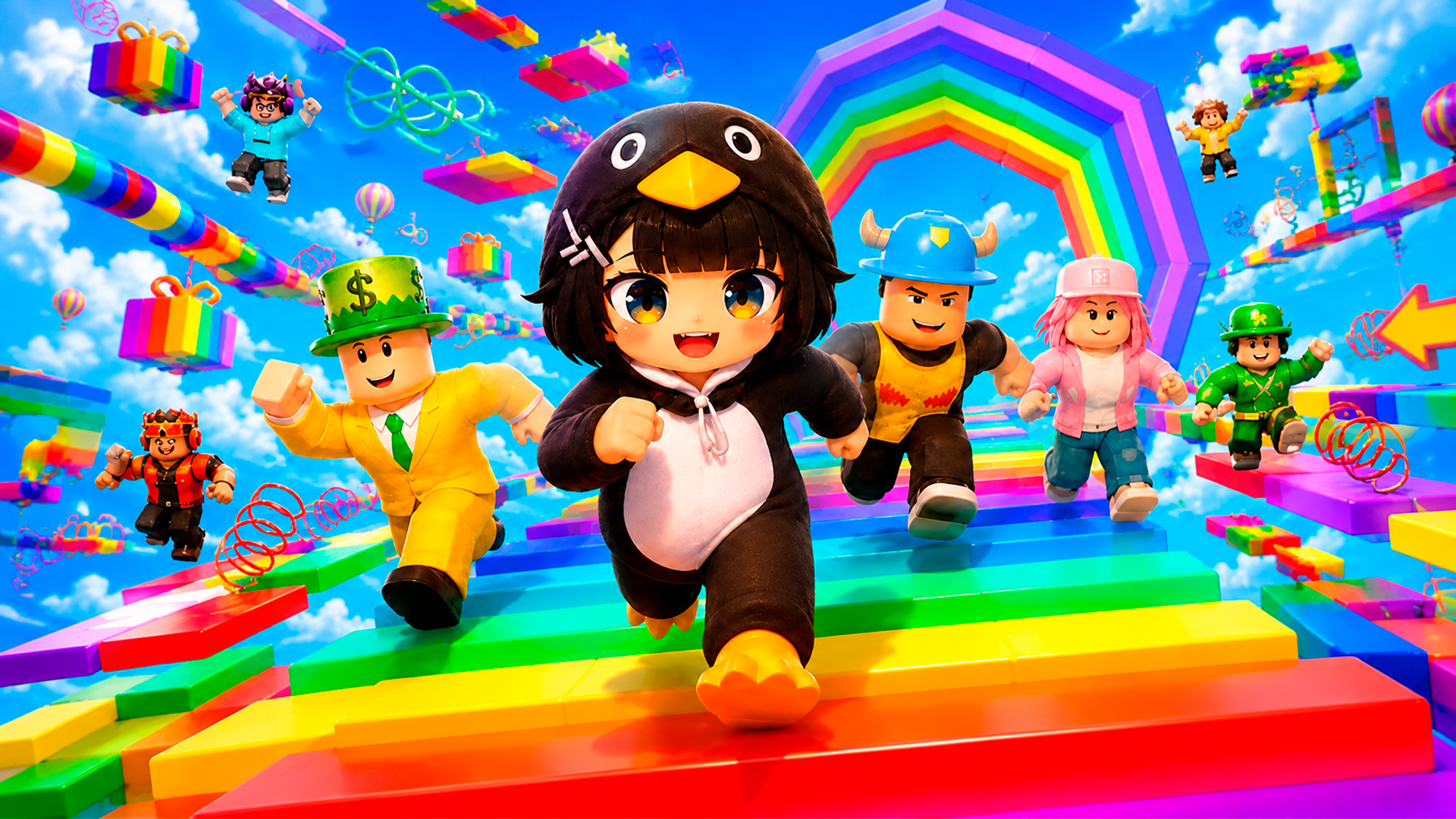
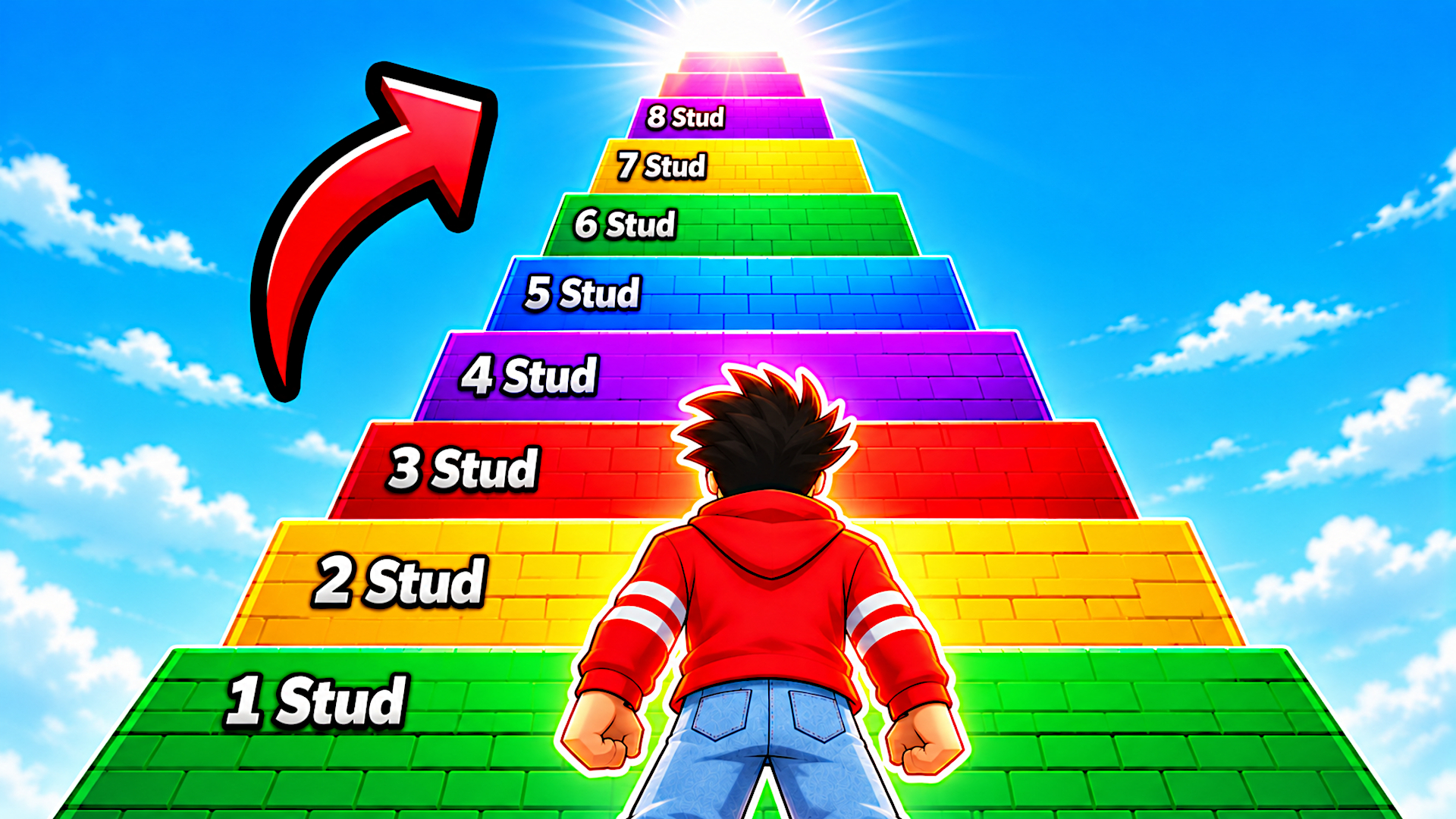
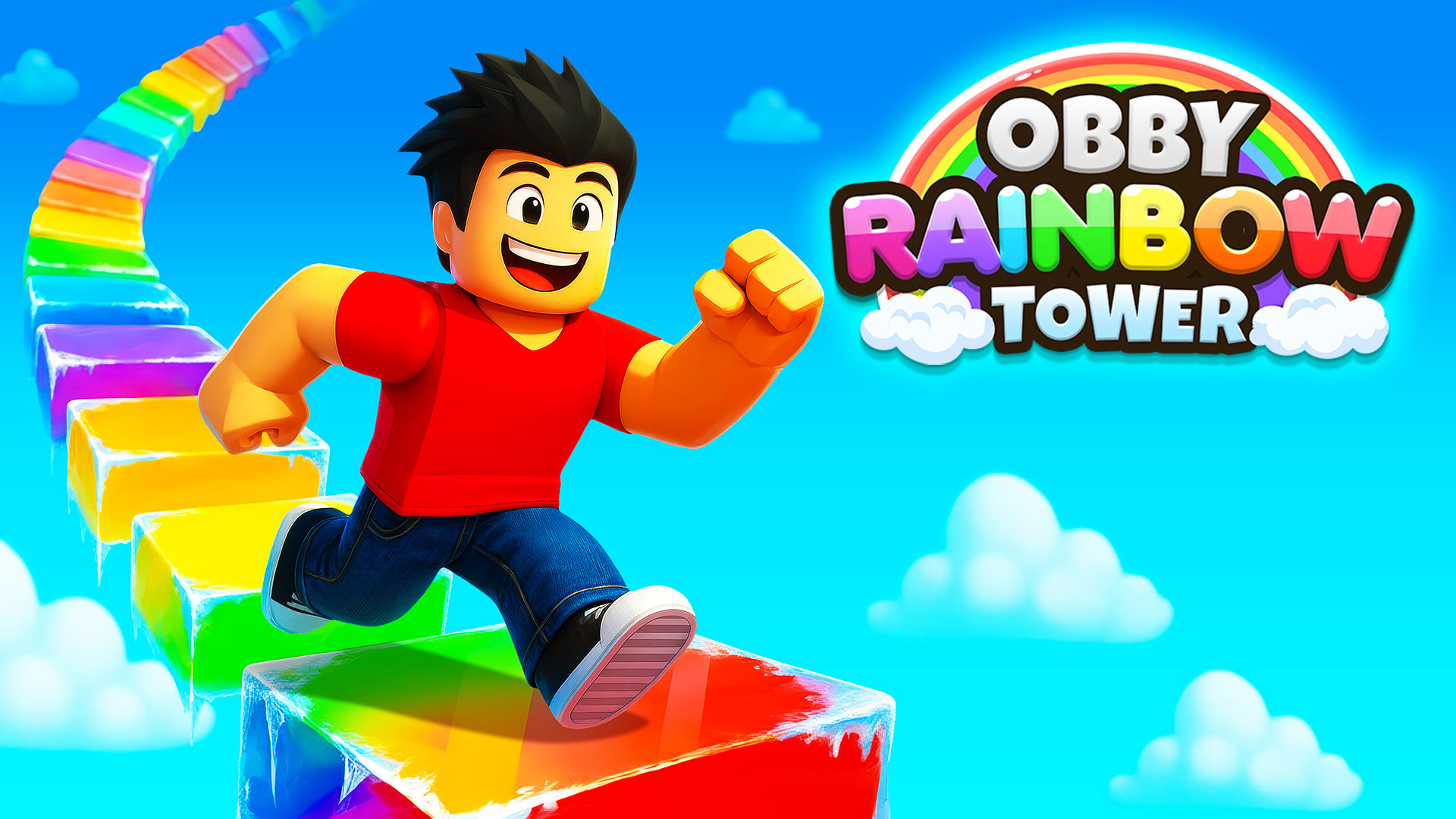
Obby Rainbow Tower







About Obby Rainbow Tower: Fast Winter-Themed Tower Race
Obby Rainbow Tower is a fast, winter-themed tower race where every second and every jump matters. The goal is simple: climb the tower floor by floor while a gauntlet of hazards does everything possible to send you tumbling into the void. Moving platforms shift beneath your feet, icy tiles threaten your footing, spinning lava bars sweep across your path, surprise snowstorms roll in without warning, and snowball portals launch you off course. Several scenes show a series of rectangular frames arranged in a spiral pattern forming a tunnel. One course opens near a green stylized tree with white tiered layers. The tower can be replayed as many times as you like, chasing a better personal time or going head-to-head with a friend in 2-player mode.
How to Play Obby Rainbow Tower
Race up the tower by navigating each floor's obstacles — moving platforms, icy tiles, spinning lava bars, snowstorms, and snowball portals all stand between you and the top. Beat your own best time solo or compete side by side with a friend in 2-player mode. The tower is replayable as many times as you want.
Controls
Player 1
- W A S D: Move
- Shift: Sprint
- Space: Jump
- Space + Space: Double Jump
Player 2
- Arrow Keys: Move
- K: Sprint
- L: Jump
- L + L: Double Jump
Mobile
- On-screen buttons: All actions
Games You Might Like
If the obstacle-course climbing in Obby games keeps you hooked, there's a whole category packed with tower runs and platform gauntlets to explore. The side-by-side racing in 2-player mode fits right in with Two Player games, where you are able to challenge a friend across dozens of competitive titles. For more non-stop movement and split-second footwork, Running games deliver the same relentless pace found in every floor of the tower.
Video
Use this link to embed the game on your website using an iframe
 Sign in to Embed and Monetize Games