


















Tap, Upgrade, and Automate Your Progress in Clicker Games
Clicker games, also known as Incremental Games, require you to perform repetitive actions, usually clicking or tapping, to earn currency or points. You use these resources to purchase upgrades, automate processes, or progress to new levels. Playgama offers a collection of 700+ browser-based titles that you can play directly on your desktop or mobile device. Popular examples include Cookie Clicker, Adventure Capitalist, and Realm Grinder.
Simulation and Management
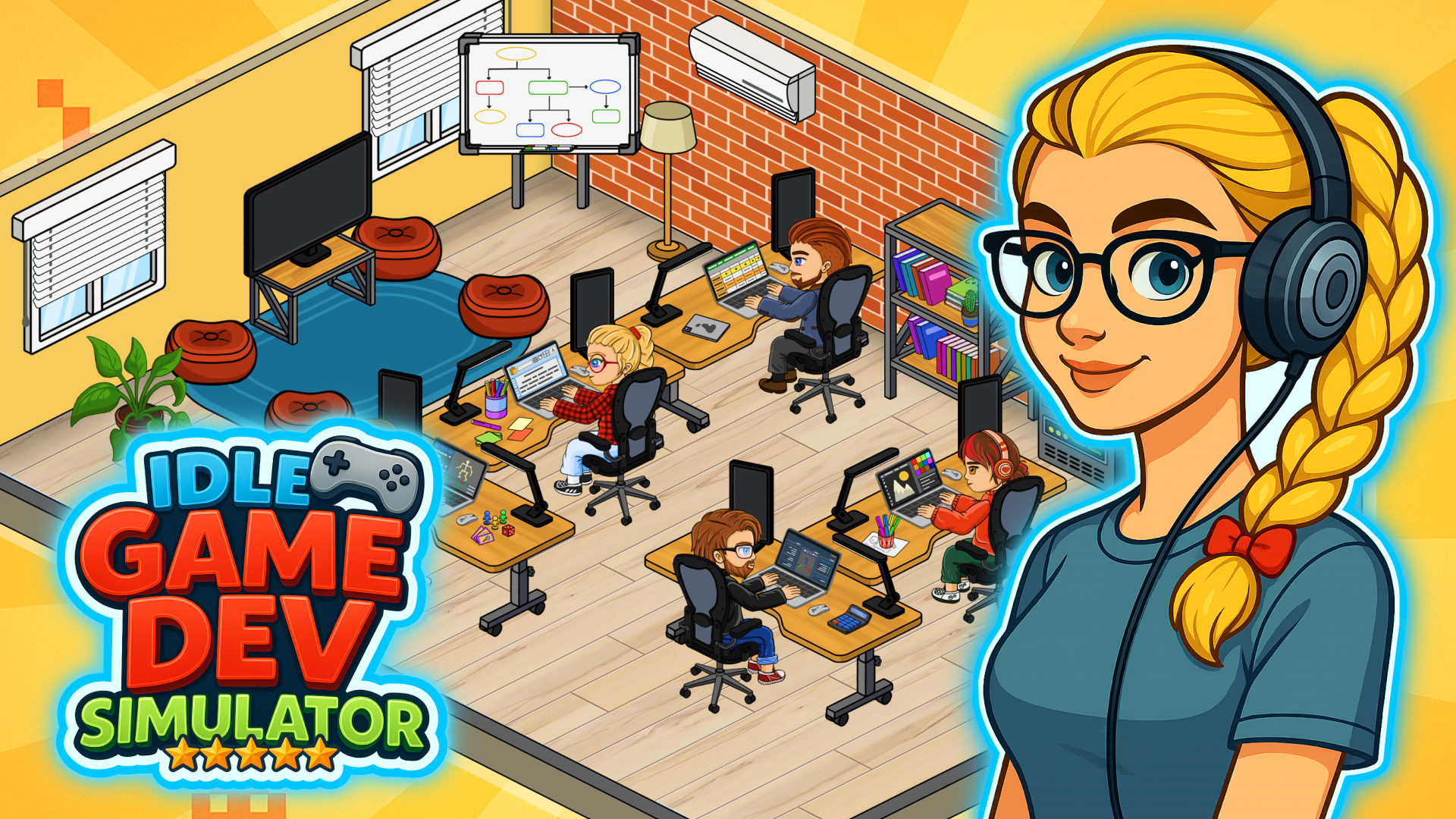
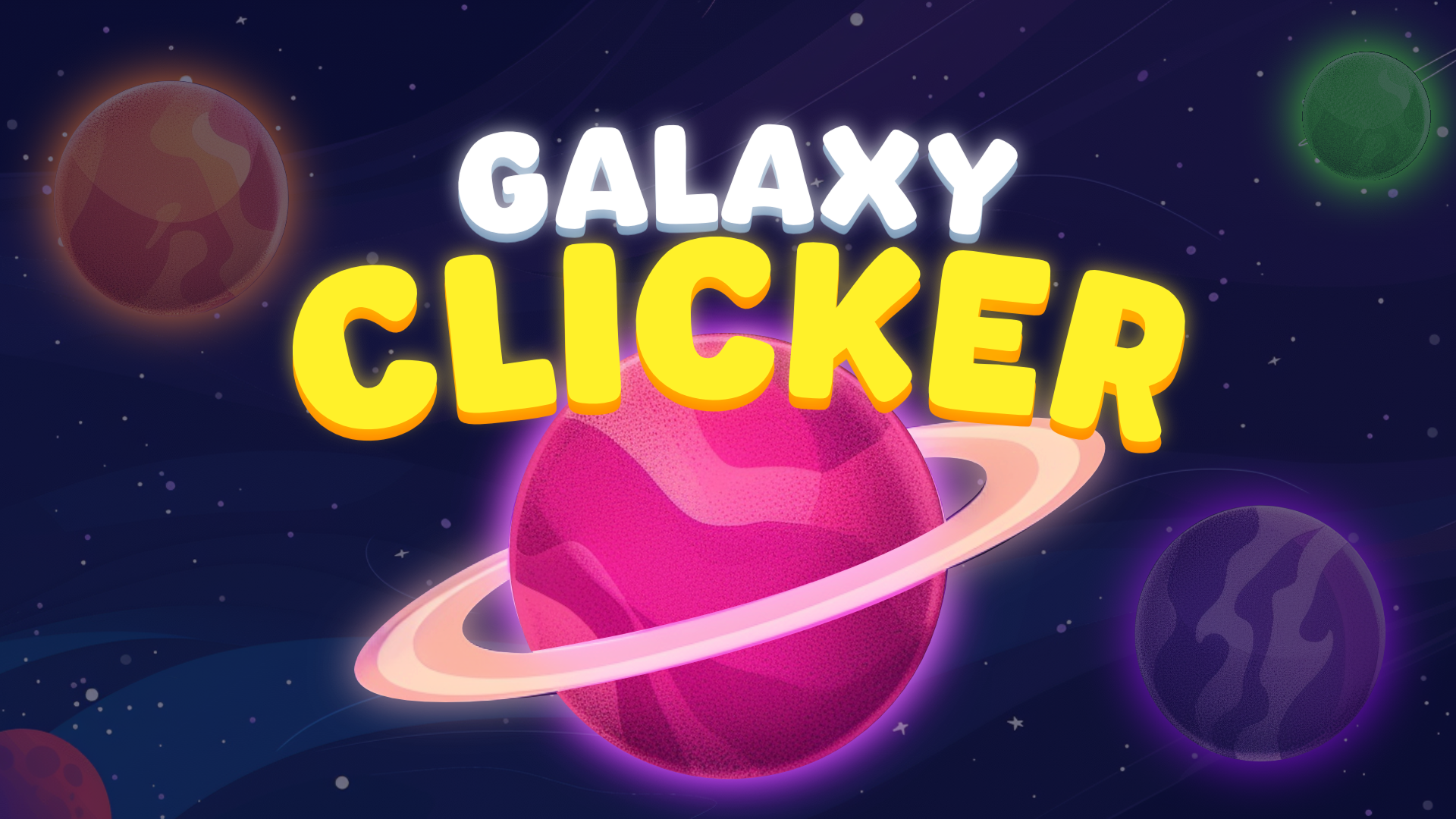
In these games, your clicks build businesses, ecosystems, or technologies. Idle Game Dev Simulator allows you to manage a game studio by researching genres and platforms to create new titles. If you prefer space exploration, Galaxy Clicker is a Planet clicker where you generate income by rotating planets around a sun to purchase new celestial bodies. Other titles focus on farming and gathering, such as Grow Slime, where you hatch and raise creatures, and Fun fishing, which involves catching fish to upgrade your gear. Many of these titles overlap with the Idle genre, allowing progress to continue even when you are not actively clicking. Universal Paperclips offers a unique take on this genre, focusing on an AI's quest for paperclip production.
Action and Obstacle Courses
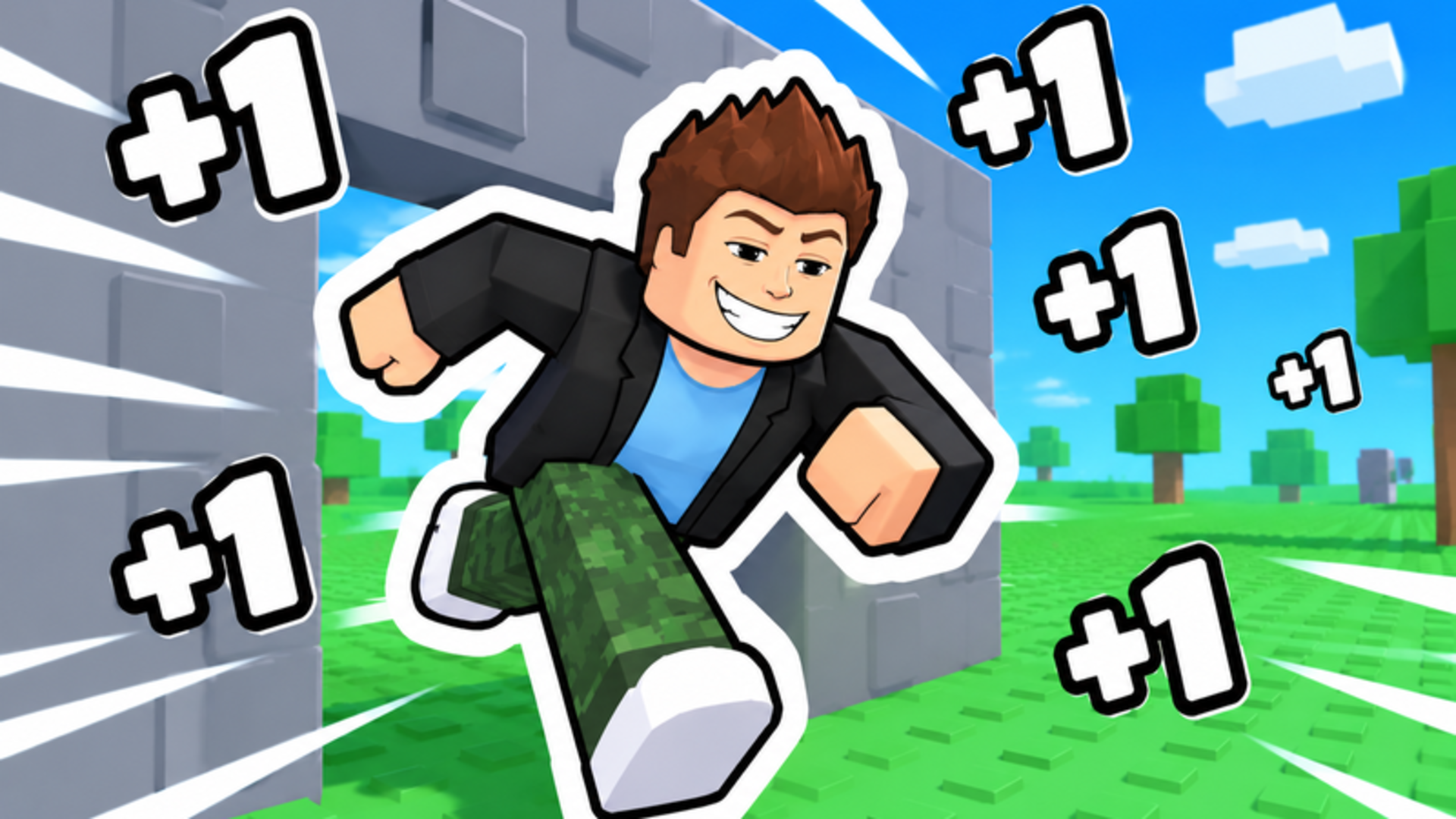
Some clicker games integrate movement and platforming mechanics. In Speed per Click: Obby and My Fast Brainrot, clicking increases your character's movement speed, allowing you to navigate tracks and overcome obstacles. Similarly, Obby: Click and Grow requires you to click to increase your character's size in order to complete 3D parkour trials. Tap Titans is another example that blends action with incremental progression, focusing on combat and hero upgrades.
Merge and Battle
This sub-genre combines clicking for resources with grid-based combination mechanics. In Brainrots Merge, you click characters to earn currency and drag identical units together to unlock new ones before sending them into automated arena battles.
Features of Clicker Games
- Incremental Progression: Earn resources through continuous clicking to unlock upgrades and multipliers.
- Automation Mechanisms: Purchase tools, buildings, or characters that generate income automatically over time.
- Resource Management: Decide how to spend accumulated points to maximize your long-term output.
- Cross-Platform Controls: Play using a mouse on desktop or touchscreen controls on mobile devices.
FAQ
What are the most popular Clicker games?
These titles attract the most players due to their continuous upgrade systems and structured progression loops. Cookie Clicker, Adventure Capitalist, and Clicker Heroes are among the most well-known and played titles in this category.
- Obby: +1 Pickaxe Swing Escape
- Search For The Needle
- Obby: +1 Digging Power per Click
- Obby Escape: Gym Arm Wrestling
- Idle Game Dev Simulator
- Open to Offers!
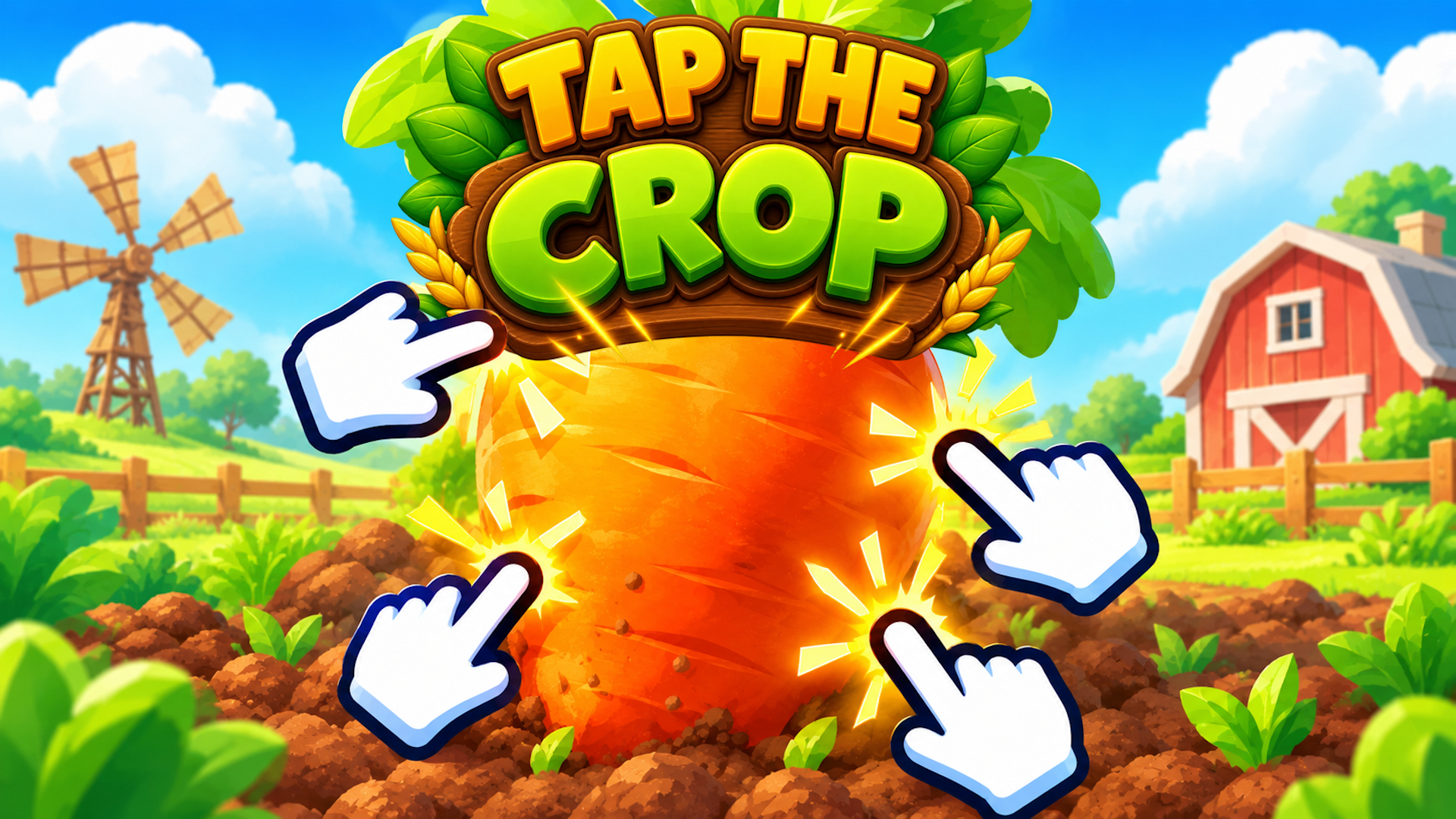
- Tap the Crop
- Veggie Harvest
- Speed per Click: Obby
- Mewing Simulator
What are the best Clicker games for mobile?
These touchscreen-optimized games allow you to tap efficiently and manage your resources directly on your smartphone or tablet. Egg, Inc. and Idle Miner Tycoon are highly rated mobile clicker games that offer engaging gameplay on the go.