







NEXTBOTS: Gmod SANDBOX
NEXTBOTS: Gmod SANDBOX - Play Online

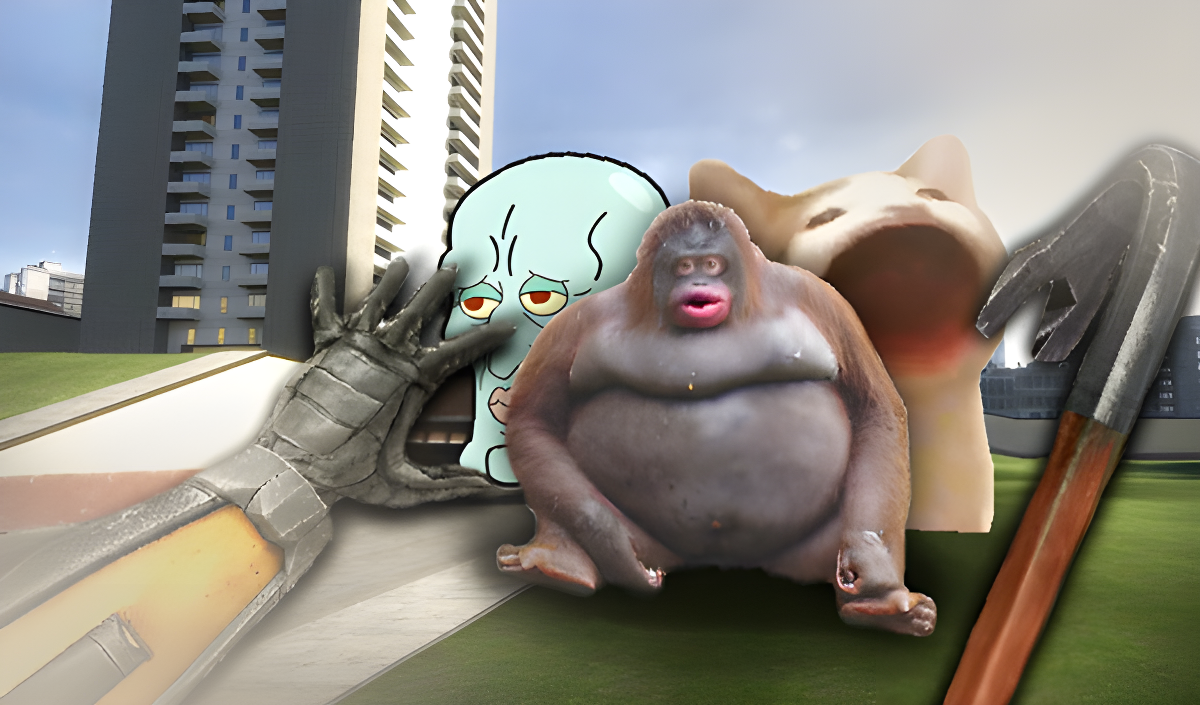
If you've ever watched a Garry's Mod nextbot chase compilation on YouTube, this is basically that experience turned into a browser game. You're dropped into sandbox maps where meme characters like Doge, that creepy Nerd Emoji, and El Gato hunt you down while their cursed soundtracks blast in your ears. Your goal? Sprint, slide, and wall-run to survive as long as possible while collecting crystals and avoiding getting caught. It's pure internet chaos packaged as an agility sandbox game.
Key Features
- 22 Nextbots to Face: Pick one meme monster or enable all 22 at once for maximum panic.
- 4 Game Modes: Classic survival, point collection, a sleep mode (whatever that means), and a mode where YOU become the nextbot.
- 3 Familiar Maps: Includes "Behind the Scenes" and other sandbox arenas from the original Gmod nextbot trend.
- Upgrade Shop: Spend collected crystals to boost your speed or upgrade your dash ability.
How to Play NEXTBOTS: Gmod SANDBOX

Getting started is easy—stay alive is the hard part.
Master the Movement System
You control your character with WASD for running, but the real trick is chaining your mobility skills. Hold Shift to dash forward, press Z to slide for extra speed, and yes—you can literally run on walls if you hit them at the right angle. The game feels floaty and chaotic, but once you get the rhythm of dash-slide-wall-run combos, you can outpace most nextbots.
Survive the Meme Onslaught
Each nextbot chases you with different speed and behavior patterns. Some teleport randomly, others sprint in straight lines with terrifying speed. The worst part? Each one has its own ear-destroying soundtrack that gets louder as they close in. You'll hear distorted music or meme sound effects echoing through the map, and that's your cue to run faster. There's no fighting back—just keep moving and don't get cornered.
Collect Crystals and Upgrade
While you're fleeing for your life, pixelated diamonds are scattered everywhere. Grab them mid-sprint to unlock upgrades in the shop. You can pump points into movement speed or reduce your dash cooldown. The progression feels slow at first, but after a few rounds, you'll notice the difference when you're weaving through tight corridors.
Who is NEXTBOTS: Gmod SANDBOX for?

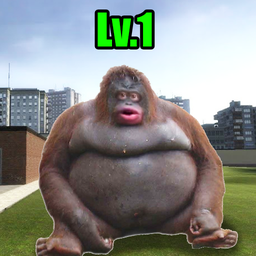
This is aimed squarely at kids and teens who grew up on YouTube meme compilations and Roblox horror games. If you recognize Obunga, the Nerd Emoji, or El Gato, you're the target audience. It's not challenging in a strategic way—it's just fast, loud, and designed for short bursts of adrenaline. Perfect if you have 10 minutes to kill and want something that doesn't require deep thinking.
The Gameplay Vibe
It's sensory overload in the most Gen Alpha way possible. The graphics are rough—think Unity asset store meets low-poly Minecraft knockoff. Textures tile badly, the skybox is a blurry gradient, and the nextbots are literally just 2D meme images that rotate to face you. The sound design is intentionally annoying (distorted meme music on loop), which adds to the "creepypasta" vibe kids seem to love. It's not polished, but it knows exactly what it is: a clickbait-tier meme game that prioritizes recognizable internet culture over technical quality.
Technical Check: Saves & Performance
The game saves your crystal count and upgrades in your browser's local storage, so don't clear your cache unless you want to restart from scratch. Performance-wise, it runs fine even on older PCs or budget laptops—the visuals are so basic that framerates stay smooth. No lag issues during my sessions, which is a plus for a browser game. Mobile controls work but feel cramped; this is definitely better on desktop with keyboard.
Quick Verdict: Pros & Cons
A shallow but functional meme chase simulator that delivers exactly what the thumbnail promises.
- ✅ Pro: Instant action—no tutorials, just spawn and run.
- ✅ Pro: The wall-running mechanic actually feels pretty satisfying once you learn it.
- ❌ Con: Zero originality—it's a barebones clone riding the coattails of Garry's Mod and internet meme culture.
Controls
Responsive enough for fast movement, though the sliding sometimes feels inconsistent on slopes.
- Desktop: WASD to move, Shift to dash, Z to slide, Spacebar to jump, Mouse to look around.
- Mobile: Virtual joystick for movement, on-screen buttons for dash and slide (cramped but functional).
Release Date & Developer
Developed by LokiDev and released on January 1, 2023. It's a Russian indie project built in Unity.