


Mahjong Solitaire Master
About Mahjong Solitaire Master: Remove Identical Tiles from the Field
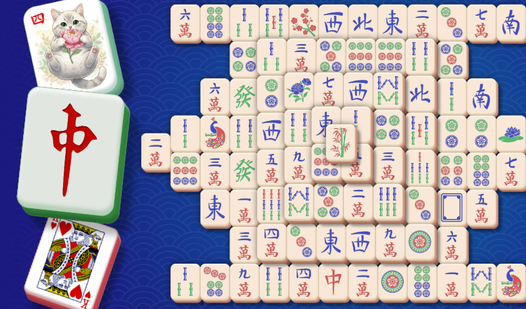
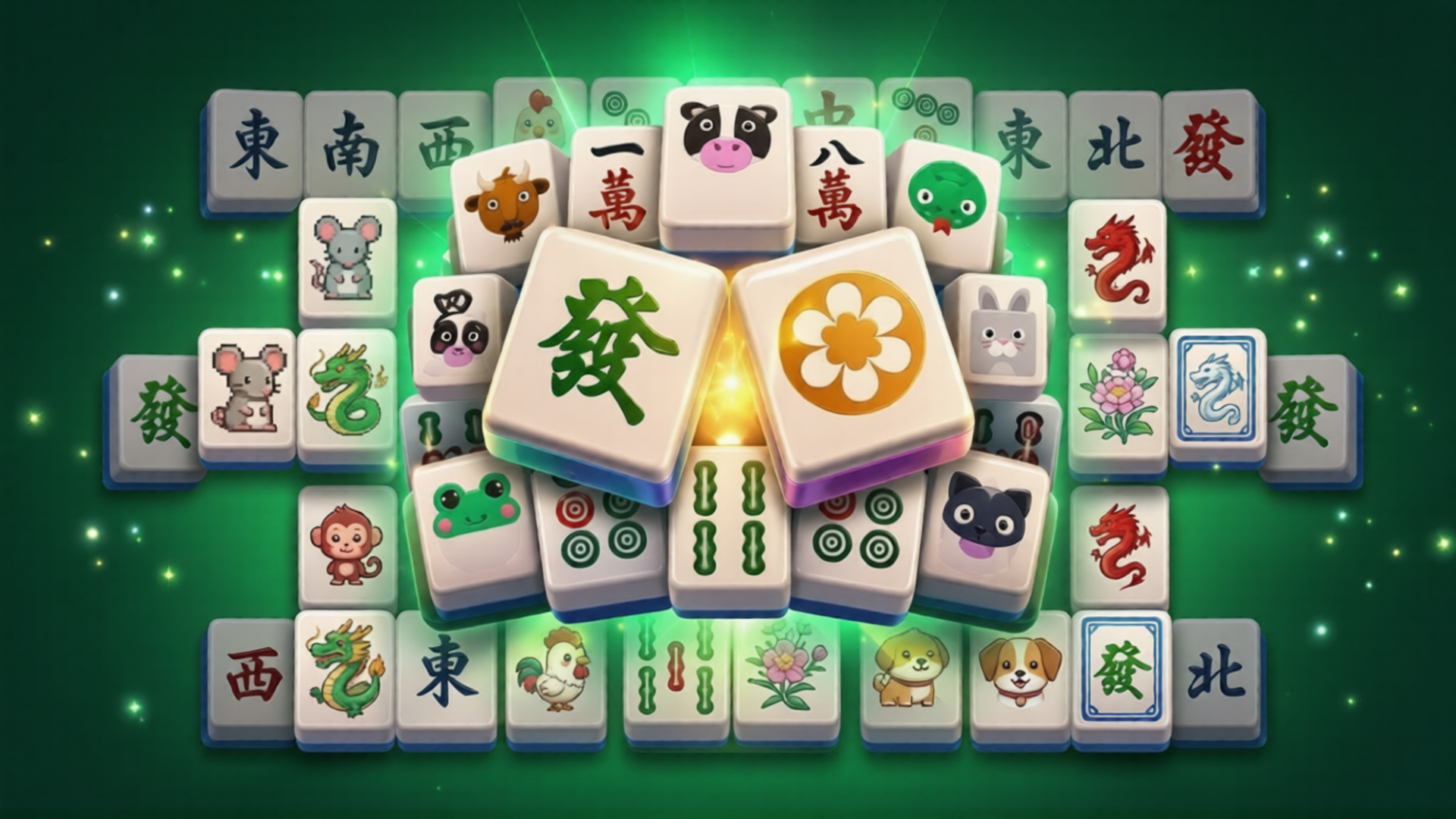
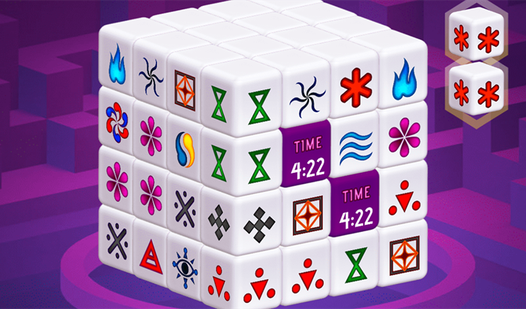
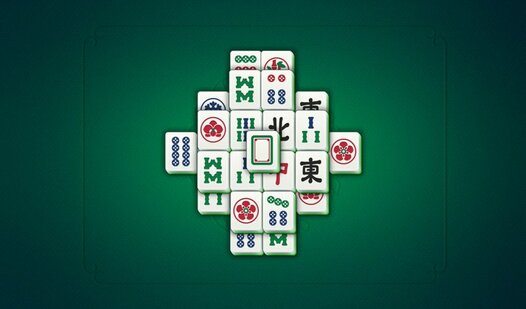
Mahjong Solitaire Master is a tile-matching puzzle game where the goal is to clear the entire playing field by removing pairs of identical mahjong tiles. Only tiles that are free on at least one side can be selected, so every move requires a careful look at what's accessible. The game lets you choose your preferred tile type, and the playing field itself can be repositioned, enlarged, or reduced to suit your comfort.
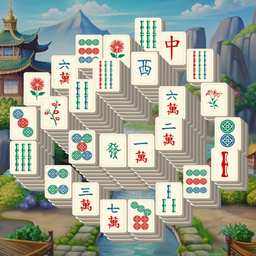
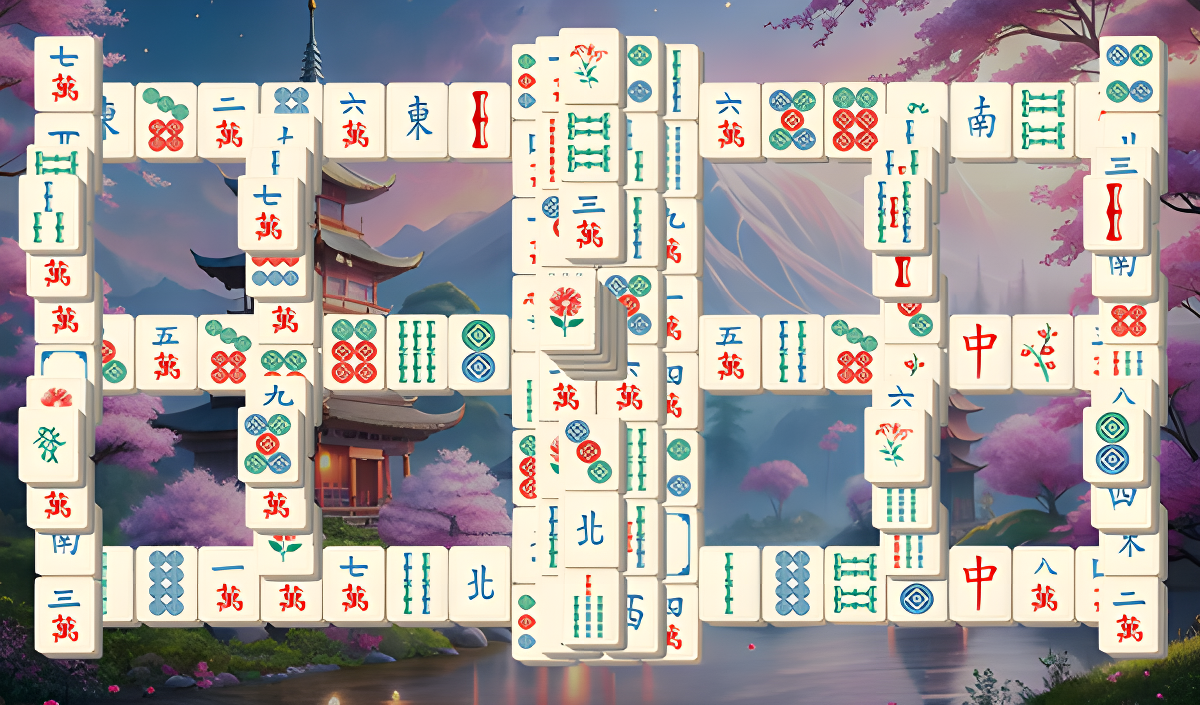
Several scenes show multi-tiered buildings with green-and-gold roofs positioned near a blue waterway. Pink and orange flowering trees frame the left and right sides of the scene in several views. A large pale circle sits in a blue sky above blue-grey mountain peaks across multiple scenes.
How to Play Mahjong Solitaire Master: Clear the Field of Tiles
The objective is to clear the playing field completely. Select two identical tiles that each have at least one free side — they will disappear, uncovering new tiles beneath them. Work through the layout by finding and removing these open pairs one by one.
When no matching free pairs are visible, two tools are available: the hint option highlights a valid pair, and the shuffle option rearranges the remaining tiles to open up new possibilities.
Controls
- Click a tile: Select it for matching
- PLUS key: Increase tile size
- MINUS key: Decrease tile size
- Drag the playing field: Move it around the screen
Games You Might Like
If Mahjong Solitaire Master has you hooked on tile-matching, the full Mahjong games collection on Playgama has plenty more layouts and styles to explore. Mahjong Classic uses a unique level-generation algorithm so every layout always has a solution, with popular fields like Turtle, Dragon, and Spider. Mahjong Solitaire 3D adds multiple game modes, unique deck collections, and flexible difficulty settings with no time limits. Mahjong Solitaire Meditation builds the classic 144-tile Turtle layout with no time pressure and a leaderboard for scored points.
Mahjong Classic Master pairs traditional tile-matching with large easy-to-read tiles, hints, and undo — a smooth companion to Mahjong Solitaire Master's field-clearing challenge. For a wider variety of brain-training challenges beyond mahjong, the Puzzle games category is a great next stop.
Video