












Sprunki Sandbox: Ragdoll Playground Mode
Fruit Merge: Juicy Drop Game
Playground Man! Ragdoll Show!
My Town Home: Family Playhouse
Hazmob FPS: Online Shooter
Hidden Object: Clues and Mysteries
Deadly Descent
Piece of Cake: Merge & BakeGeometry Dash: Fight with Brainrot!
Geometry Dash: Fight with Brainrot! - Play Online

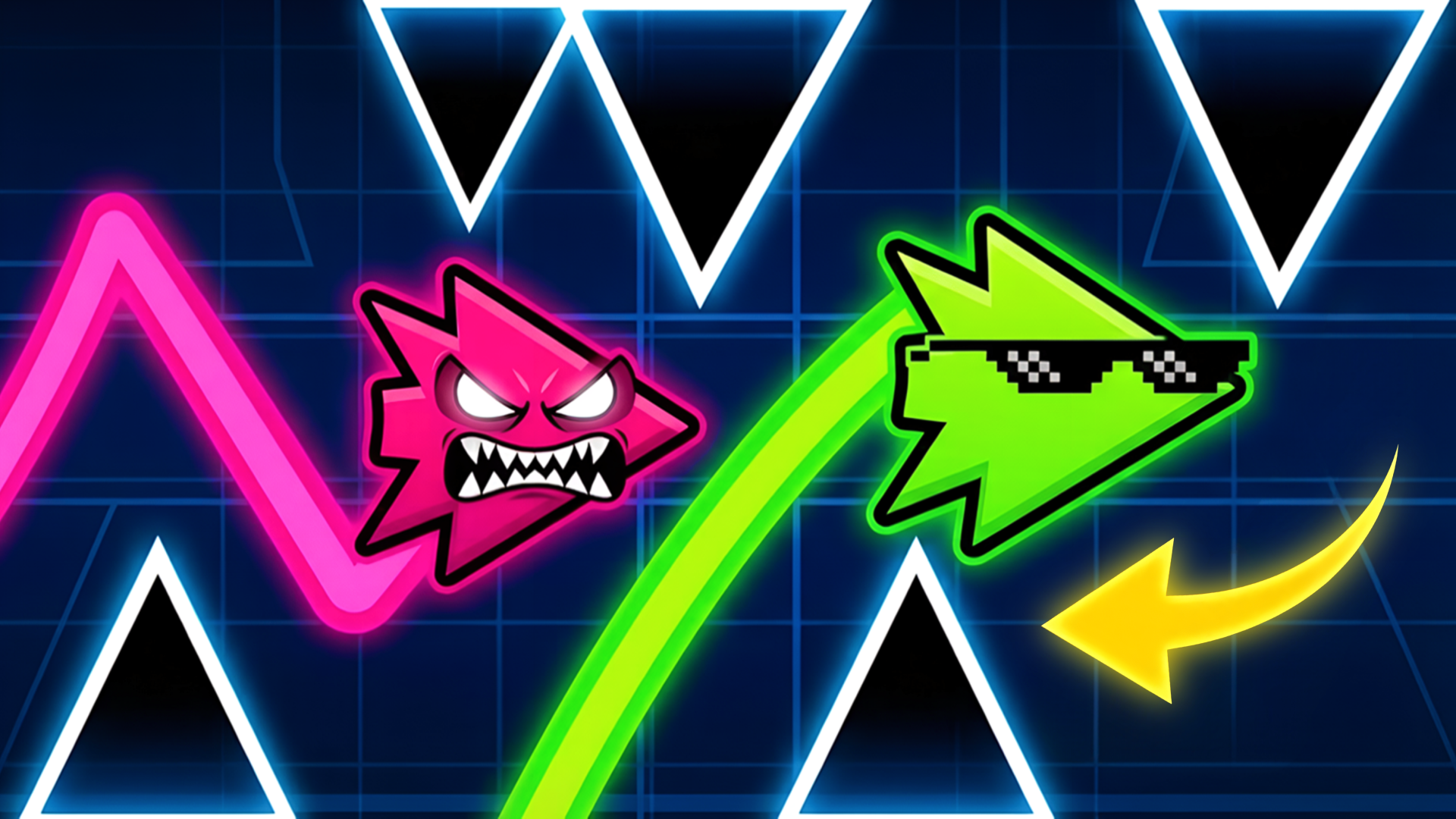
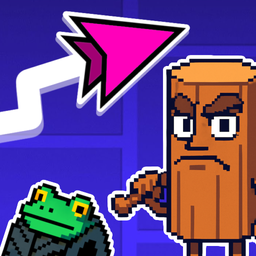
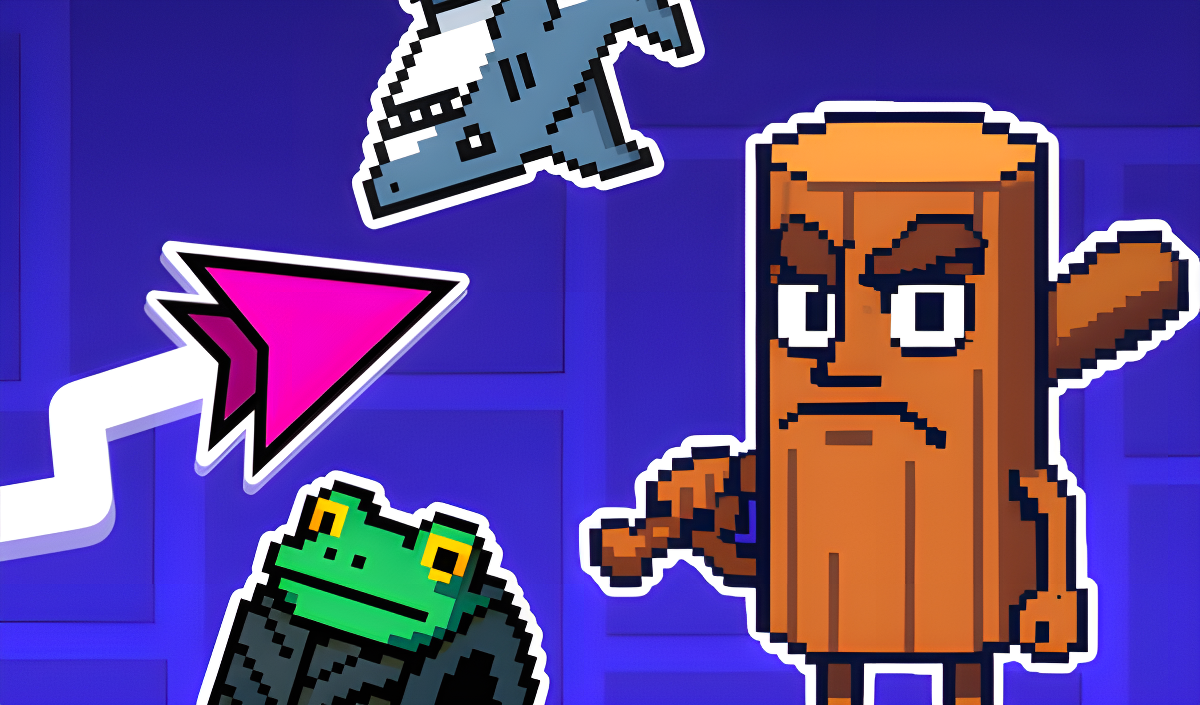
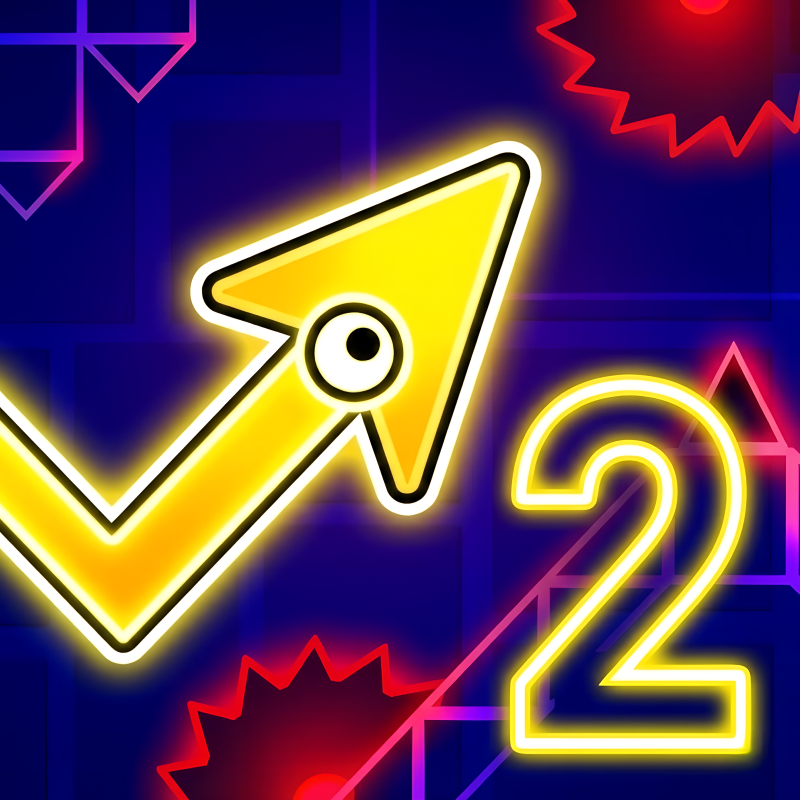
If Flappy Bird had a weird fever dream and crashed into the Italian meme section of TikTok, you'd get this. Geometry Dash: Fight with Brainrot! is a tap-to-fly obstacle dodger where you navigate a tiny green arrow through bizarre courses filled with monkeys, bodybuilder oranges, and kettlebells that want you dead. It's simple on paper—hold to rise, release to fall—but the chaotic "brainrot" aesthetic and punishing level design make it way harder than it looks. Your goal? Survive 9 increasingly ridiculous levels and then face the ultimate Brainrot Boss in survival mode. It's casual in concept, hardcore in execution.

Key Features
- 9 Unique Levels: Each stage introduces a new meme character opponent, from bananas to absurd animal mashups.
- Survival Mode: Test your endurance against the Brainrot Boss and compete for high scores.
- 9 Character Skins: Unlock different looks for your arrow as you progress through the madness.
- Browser-Based Chaos: No downloads needed—runs directly in your browser on PC or mobile with one-tap controls.
How to Play Geometry Dash: Fight with Brainrot!

Getting started is dead simple, but don't let that fool you—you're gonna crash. A lot.
Master the Tap-to-Fly Mechanic
You control a green arrow cursor that moves automatically from left to right. Click or tap the screen to make it rise, release to let gravity pull you down. The physics feel floaty at first, so you'll overshoot gaps until you learn the rhythm. Every obstacle requires split-second timing—there's zero room for error once you hit level 3 or 4.
Dodge the Brainrot Obstacles
Each level throws different junk at you. I'm talking dumbbells, bananas, kettlebells that bounce around, and massive sprite enemies blocking your path. The collision boxes are kinda janky—sometimes I swore I dodged a monkey head cleanly but still died. The later levels get absolutely cluttered with overlapping hazards, and the pink boss phase? That thing is a visual nightmare with upside-down trees and wave patterns everywhere.
Unlock Skins and Beat Survival Mode
Complete levels to unlock new skins for your arrow. Once you've cleared the 9 main stages, survival mode opens up—it's an endless gauntlet where you dodge the Brainrot Boss's attacks for as long as possible. Your score gets saved, so you can brag about lasting longer than your friends (if they can tolerate the chaos).
Who is Geometry Dash: Fight with Brainrot! for?

This is for teens and younger players who thrive on meme culture and don't mind dying 50 times to beat a level. If you grew up watching weird YouTube compilations or you ironically love "brainrot" content, the aesthetic will click. It's also perfect for quick sessions—each attempt lasts maybe 30 seconds before you splat into a banana. Not recommended for anyone looking for a chill experience; this game actively stresses you out.
The Gameplay Vibe
It's frantic and loud in your brain, even though there's minimal sound. The pixel art is... rough. Assets look like they were made at different times by different people—some sprites are crisp, others are blurry messes when scaled up. The backgrounds shift from blue to pink to signal progression, but there's zero polish or particle effects. Honestly, it feels like a high school game jam project that leaned hard into the "so bad it's good" meme aesthetic. The collision detection frustrates me more than the actual difficulty—I kept dying to invisible hitboxes on the boss sprite's weird conglomerate body.
Technical Check: Saves & Performance
The game saves your progress and unlocked skins automatically using browser cache, so don't clear your cookies unless you want to start over. Performance-wise, it's super lightweight—I had zero lag even on an older laptop. The simple pixel art and lack of effects mean it'll run on pretty much anything with a web browser, including budget smartphones.
Quick Verdict: Pros & Cons
A weirdly addictive time-waster if you can stomach the jank and the absurdity.
- ✅ Pro: Instant action—no tutorials, no loading screens, just tap and go.
- ✅ Pro: The meme aesthetic is genuinely funny for about 10 minutes, and survival mode adds replayability.
- ❌ Con: Collision detection feels off, and the mixed-quality pixel art looks cheap and inconsistent.
Controls
Responsive enough, though the floaty physics take a few tries to get used to. No complaints about input lag.
- Desktop: Click and hold the mouse button to fly up, release to drop.
- Mobile: Tap and hold anywhere on the screen to rise, lift your finger to fall.
Release Date & Developer
Developed by Kaban_VRV and released on June 18, 2025. It's a solo dev project, and honestly, it shows—but there's a certain charm to the DIY chaos.
FAQ
Where can I play Geometry Dash: Fight with Brainrot!?
How do I unlock all 9 skins?
Is there a mobile version?
Video
Screenshots
Jigsolitaire Puzzle