

























Escape Evil Granny Obby!
Escape Evil Granny Obby! - Play Online
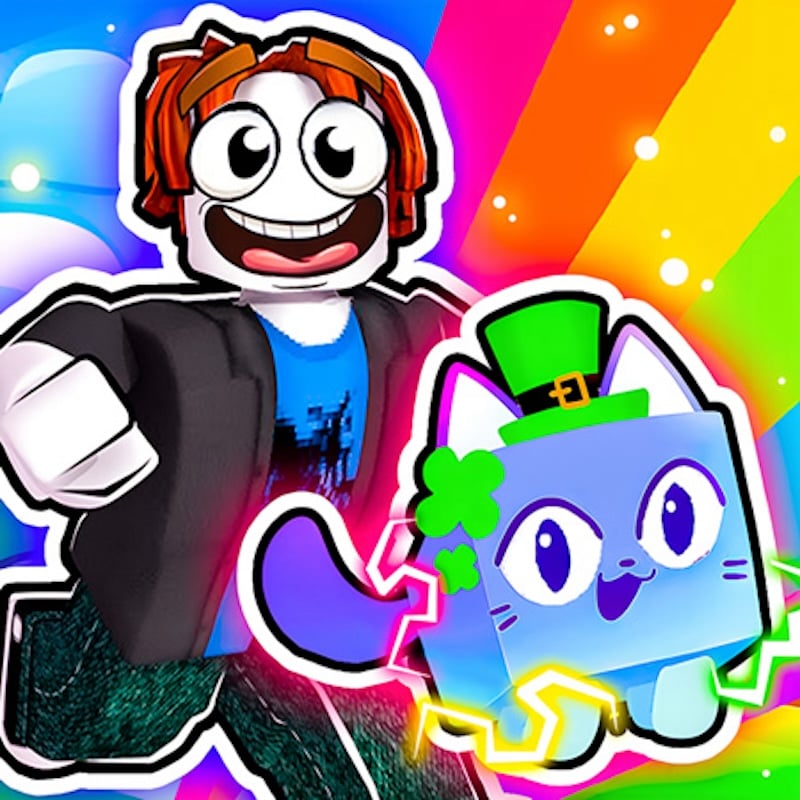
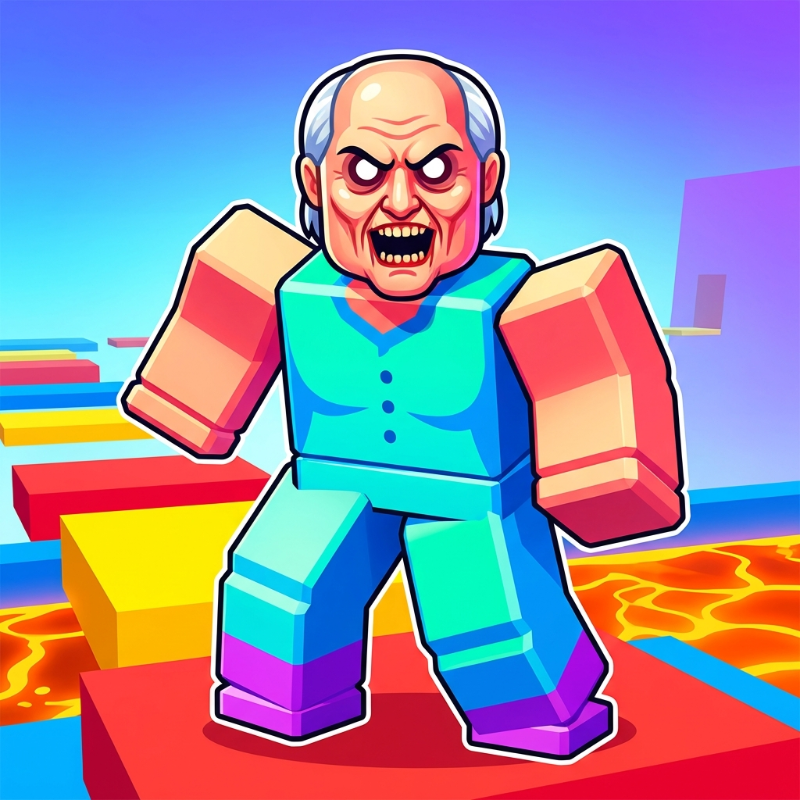
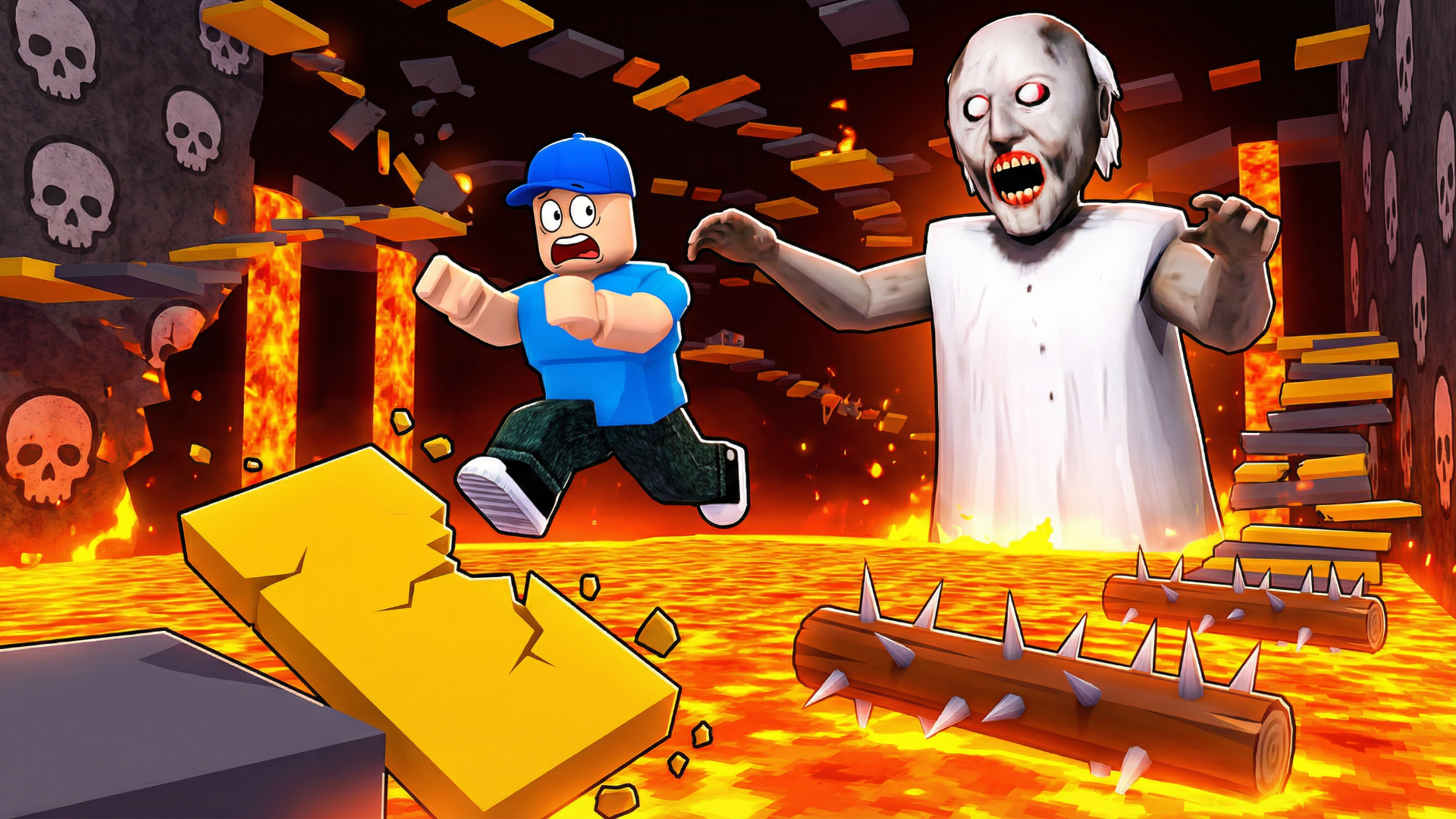
Ever run from a digital grandma who turns into a literal boss monster? Yeah, this is basically a mashup of Roblox's obby fever dream and those horror granny games that haunted YouTube for years. The mission is simple: sneak past Granny while she's sleeping, then parkour your way through trap-filled obstacle courses before she catches you. It's chaotic, it's silly, and it knows exactly what it is—a colorful sprint through blocky mayhem aimed squarely at the younger crowd looking for that Roblox vibe without launching Roblox.
Key Features
- Multiple Themed Levels: From sewers to lava caves, each stage throws new obstacle patterns at you.
- Works on Anything: Runs smooth on older phones and basic laptops—the graphics are super simple on purpose.
- Boss Battle Finale: You actually shoot apples from cannons at a giant version of Granny. Yes, really.
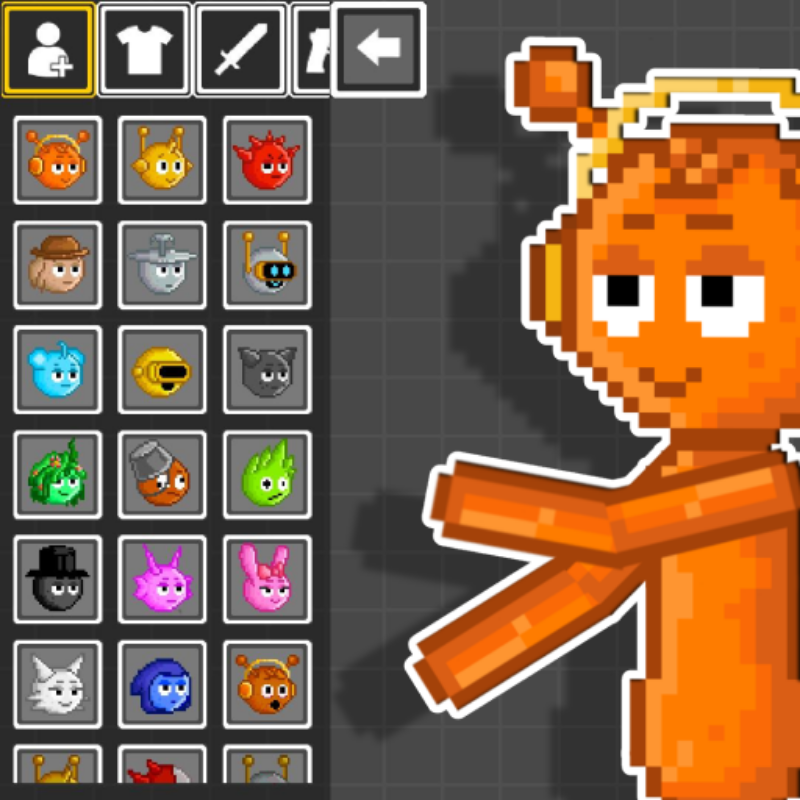
- Character Customization: Unlock hairstyles and outfits to personalize your blocky avatar.
How to Play Escape Evil Granny Obby!
Getting started is easy—just move and jump. Surviving without smashing that "Skip Stage" button? That's the real challenge.
Navigate the Obstacle Courses
You're jumping across platforms, dodging spinning traps, and avoiding lava pits. Use WASD or arrow keys to move, spacebar to jump. On mobile, you've got a virtual joystick and a jump button. The controls are responsive enough, though the hitboxes on some platforms feel a bit generous—which honestly helps when you're trying to land a tight jump over molten rock.
Outrun Granny's Chase
She starts snoozing in her chair, but step too close and she's awake and chasing. The AI isn't super smart, but she's fast enough to punish sloppy movement. Some levels throw her on a tractor (yes, seriously), and you'll need to hustle. There are power-ups like Speed Coil, Gravity Coil, and even a Jetpack you can unlock from the shop to give yourself an edge during tougher sequences.
Defeat the Giant Boss
The final showdown switches gears completely. You're loading apples into cannons and firing at a supersized Granny. It's goofy, it's unexpected, and it's honestly the most memorable part of the whole experience. Beat her, and you've officially conquered the obby gauntlet.
Who is Escape Evil Granny Obby! for?
This is squarely aimed at kids aged 5-10 and anyone who loves that Roblox obby aesthetic but wants something browser-based. If you grew up on obstacle courses with big jump buttons and cartoonish danger, you'll feel right at home. It's not challenging enough for hardcore platformer fans, but it's perfect for younger players looking for colorful, low-stakes fun. The "horror" element is super tame—Granny looks spooky in a goofy way, not a nightmare-inducing way.
The Gameplay Vibe
It's bright, bouncy, and feels like a mobile game that escaped to the browser. The visuals are flat and simple—think early Unity asset store vibes with baked lighting and basic textures. There's no real atmosphere, just cheerful chaos. The sound effects are generic jump boops and trap clangs. Honestly, the whole thing feels like comfort food gaming: familiar, uncomplicated, and designed to be consumed in short bursts. You won't get immersed, but you might giggle at Granny riding a tractor.
Technical Check: Saves & Performance
The game saves your progress automatically through browser cache, so don't clear your history mid-playthrough or you'll lose your customization unlocks and level progress. Performance-wise, this runs buttery smooth even on potato hardware—the graphics are so lightweight that you could probably play this on a five-year-old tablet without breaking a sweat. No lag spikes, no stuttering, just instant loading and steady framerates.
Quick Verdict: Pros & Cons
It's a blatant Roblox clone with granny horror seasoning, but it delivers exactly what it promises without pretending to be something deeper.
- ✅ Pro: Instant action—no tutorials, no story fluff, just jump and run from the first second.
- ✅ Pro: The boss fight is genuinely funny and breaks up the platforming monotony.
- ❌ Con: The "Skip Stage" button with video ad prompts feels aggressively placed—it's clearly monetizing frustration on tougher jumps.
Controls
They're solid and straightforward. Desktop feels snappier with keyboard precision, while mobile gets the job done with oversized touch buttons that are hard to miss.
- Desktop: WASD or Arrow Keys to move, Spacebar to jump, Mouse to rotate camera. Press 1, 2, or 3 to activate power-ups.
- Mobile: Virtual joystick for movement, tap jump button, swipe right side of screen to look around. Tap power-up icons to activate boosts.
Release Date & Developer
Developed by Multi Games and released on June 18, 2025. It's a fresh release riding the wave of obby popularity and granny game nostalgia.