





























Digger: Survival
Digger: Survival - Play Online
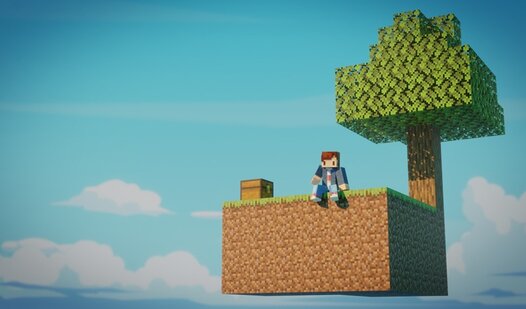
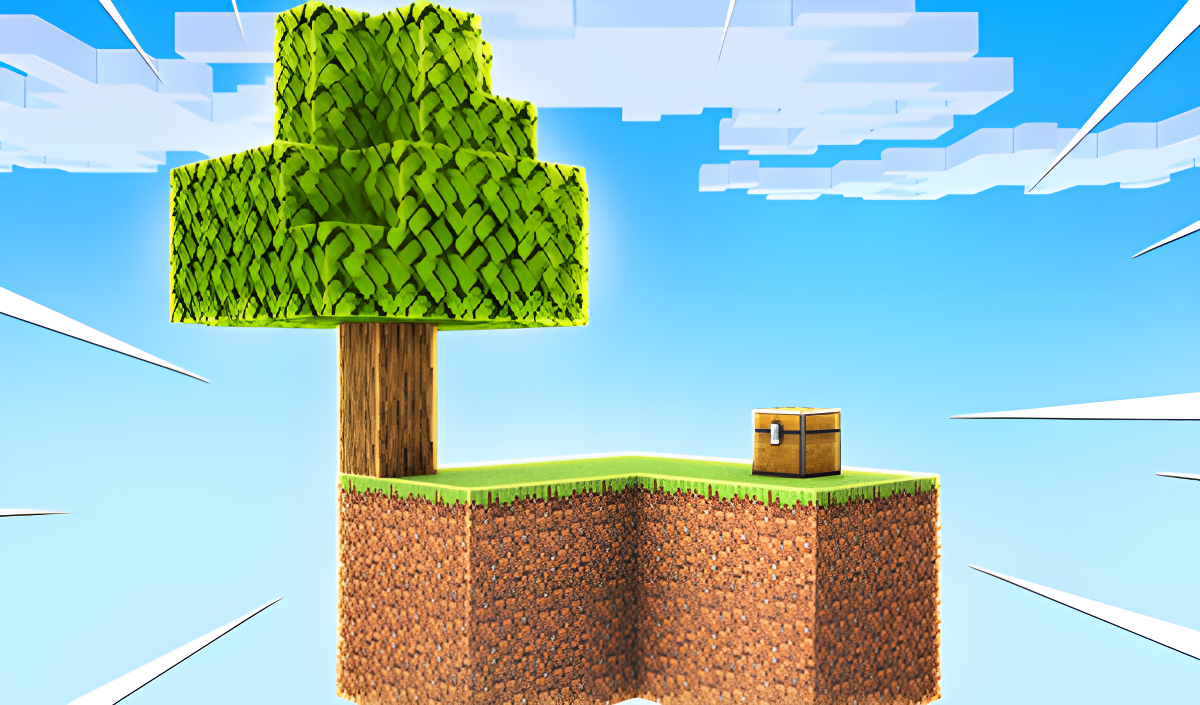
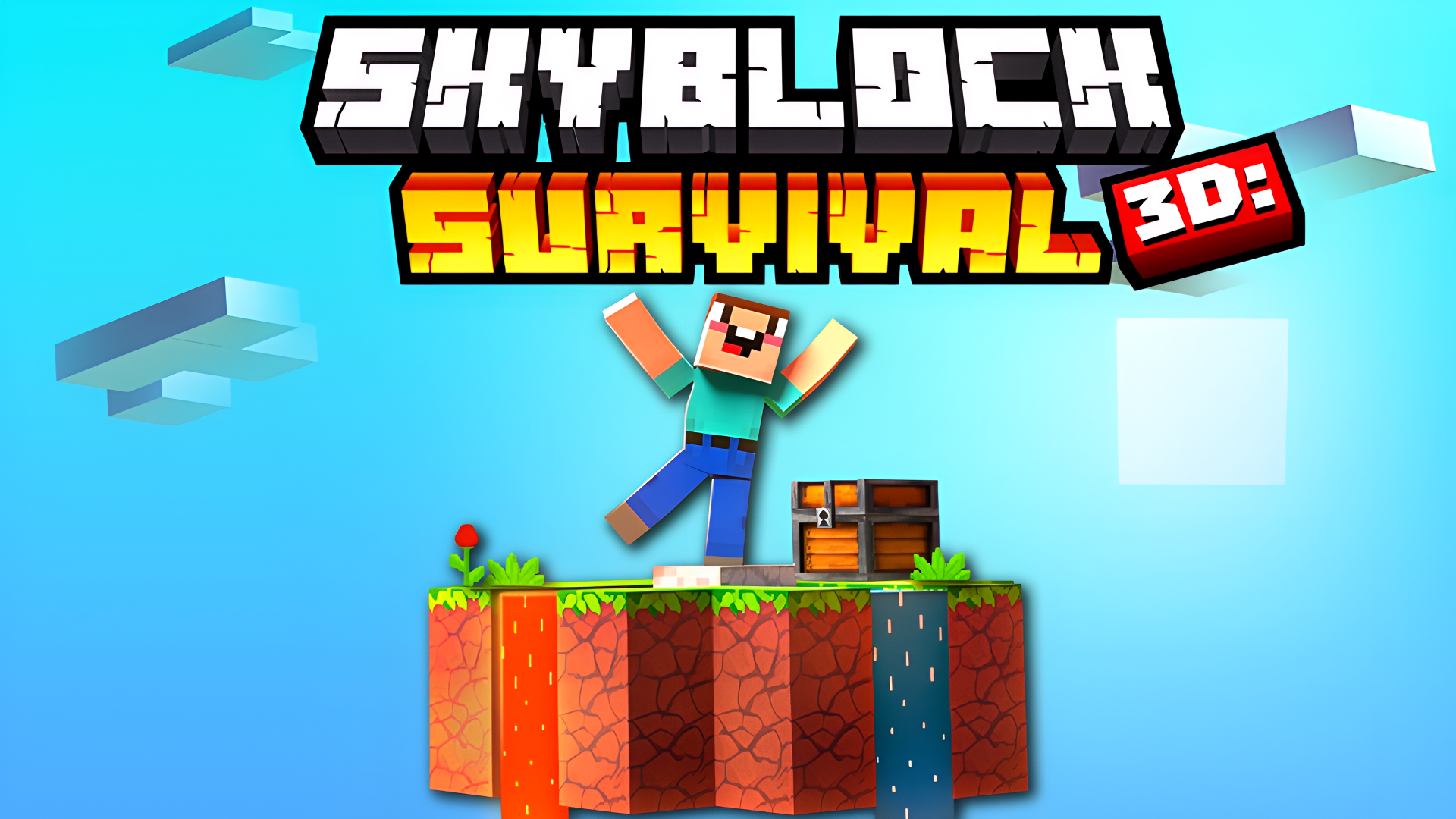
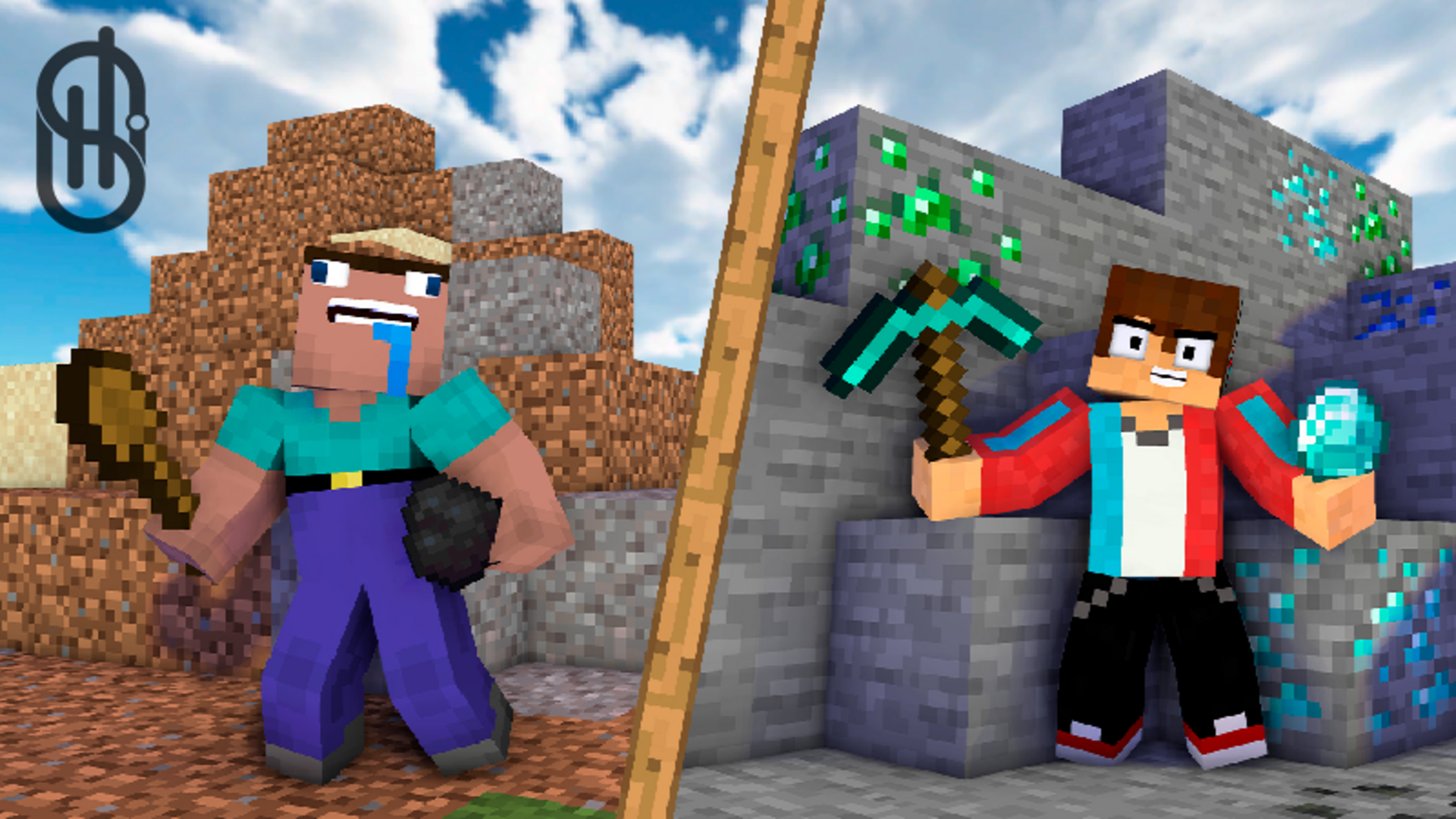
If you've ever played Minecraft and thought "what if I started on a tiny floating island with nothing but my fists and bad luck," congrats—you've just imagined Digger: Survival. This is a browser-based sandbox survival game where you dig blocks, plant stuff, and try not to fall off your skyblock island while zombies plot your demise. It's Minecraft's scrappy little cousin who couldn't afford a premium account.
Key Features
- Classic Skyblock Survival: Start on a floating cube island and expand it by digging and building.
- Runs Anywhere: Browser-based with mobile support—no downloads, works on older devices without breaking a sweat.
- Farming & Crafting: Plant trees, grow wheat, craft bread, and combine lava with water to make stone.
- Zombie Waves: Once you've built up your island, the game throws zombies at you to keep things spicy.
How to Play Digger: Survival
Getting started is dead simple—staying alive is where it gets interesting.
Gather Your First Resources
You spawn on a tiny grass island floating in the void. Use WASD to move around and hold down your mouse button to break dirt and wood blocks. On mobile, you've got virtual buttons on the left for walking and you tap-hold on the right side to mine. Punch trees first (classic Minecraft energy), collect wood, and open your inventory to craft basic tools. The 2x2 crafting grid will feel instantly familiar if you've played any survival game in the last decade.
Expand Your Island and Farm
Once you have tools, start digging down carefully—falling off your island means game over. Plant tree saplings to grow more wood. Use a hoe to dig farmland, plant wheat seeds, and harvest grain to craft bread (your main food source). The hunger bar with those little drumstick icons drains over time, so you'll need to keep eating. Combine lava and water to create stone blocks for stronger building materials. The goal here is to expand your platform so you have room to build and defend.
Build Defenses and Fight Zombies
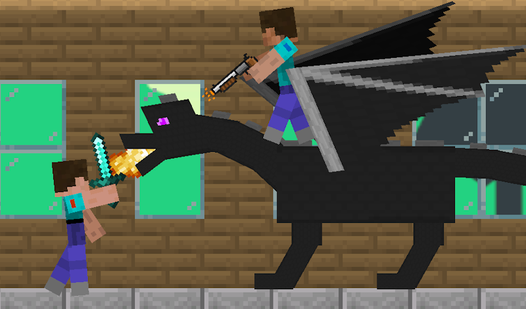
After you've got a decent setup going, zombies start spawning. Build walls, craft weapons, and defend your island. The game shifts from peaceful building to frantic combat pretty quickly. You need to balance resource gathering with base defense, or you'll get overrun while you're off chopping trees.
Who is Digger: Survival for?
This one's aimed squarely at younger players (probably 6-12 year olds) who want a free Minecraft experience in their browser. If you're a teen or adult looking for deep survival mechanics, this will feel extremely basic. But if you're killing 20 minutes on a school Chromebook or your phone during a commute, it scratches that sandbox itch without demanding your credit card info.
The Gameplay Vibe
Honestly? It feels like someone recreated Minecraft from memory using free Unity assets. The voxel graphics are rough—low-res textures, flat lighting, and that placeholder UI font that screams "early access forever." There's no music to speak of, just basic sound effects when you break blocks. The loop is meditative at first (dig, craft, build), then gets hectic when zombies show up. It's not pretty, but it's functional. Think of it as Minecraft on a tight budget and a browser tab.
Technical Check: Saves & Performance
The game saves your progress automatically using browser cache, so don't panic-clear your cookies or you'll lose your island. Performance-wise, it runs smooth even on older laptops or budget phones—the low-poly graphics actually work in its favor here. I didn't notice any lag even when I was digging through multiple block layers. Just make sure you have a stable internet connection since it's browser-based.
Quick Verdict: Pros & Cons
A solid "it does the job" browser survival game that won't blow your mind but won't waste your time either.
- ✅ Pro: Instant play—no install, no login, just click and dig.
- ✅ Pro: Cross-platform support means you can play on literally anything with a browser.
- ❌ Con: It's a blatant Minecraft clone with zero originality—even the heart icons and hunger bar are copy-pasted from Mojang's homework.
Controls
Controls are responsive enough, though the mouse sensitivity on desktop felt a bit twitchy for my taste.
- Desktop: WASD to move, Mouse to look, Left-click to break/place blocks, Spacebar to jump.
- Mobile: Virtual joystick on the left, swipe right side to look around, tap to interact, virtual jump button.
Release Date & Developer
Developed by QuantumPunk Games and released on June 18, 2025. Pretty recent, though it feels like it's been floating around the web game ecosystem for years longer.