















Create game!
Create game! - Play Online
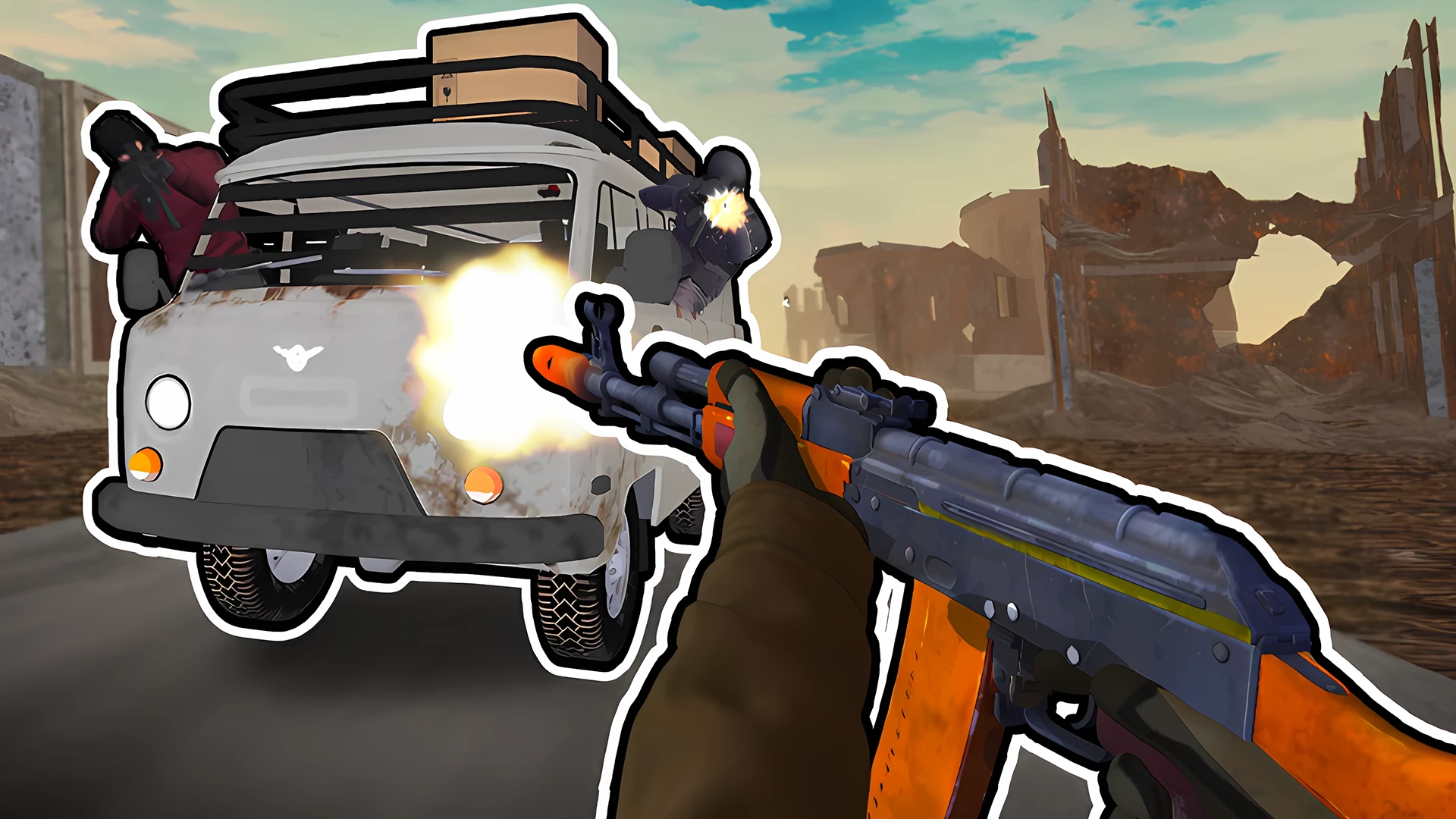
Game builder meets shooter arena. Create game! lets you design entire worlds, then jump in and play them. Roblox blocked? Build your own universe. This is your editor. Your rules. Your chaos.
How to Play Create game!
Two modes. Two experiences. Editor Mode: Drag. Drop. Build. Place assets. Design levels. Hit publish. Game Mode: Jump into your creation or play someone else's. Shoot. Survive. Test the mechanics. Your goal? Simple. Create something wild. Share it. Watch the plays stack up.
Building Your World
Right-click the mouse. Drag to move the camera around your scene. Mouse wheel zooms in and out. Left-click to place objects. Right-click removes them. Need to rotate? Click the wheel while building. Interface is visual. No coding required. Thousands of assets ready to use. Dozens of templates to get you started fast. Intuitive designer. Just click and create.
Playing the Game
Switch to Game Mode. WASD to walk. Space to jump. Left Mouse Button to shoot. Cycle weapons with Mouse Wheel or Q/E keys. Press 1-0 to use inventory items. Esc pauses everything. Mobile? Virtual buttons and joysticks handle it all. Join multiplayer games. Compete. Learn new mechanics. Steal ideas. Improve your skills.
Sharing and Growing
Publish with one click. Share links through social media. Instant access for anyone. Track your ratings. Join tournaments. Climb leaderboards. Become a star developer. Watch your projects go viral. The community decides what's hot. Build smart. Build fast. Build popular.
Key Features
- Dual Mode System: Editor for building. Game Mode for playing. Switch instantly.
- Massive Asset Library: Thousands of pre-made resources. Dozens of templates ready to customize.
- No Code Required: Visual designer. Drag-and-drop interface. Anyone can create.
- Multiplayer Ready: Play online. Test other creators' games. Compete in real-time.
- Easy Sharing: Simple links. Share via social media. Invite friends with one click.
- Community Rankings: Track ratings. Enter tournaments. Build your reputation.
- Cross-Platform: Desktop and mobile supported. Virtual controls for touch devices.
Who is Create game! for?
Perfect for aspiring game developers. Great for Roblox fans looking for creative freedom. Ideal for teens who want to build and share. Works for casual players who love user-generated content. Five minutes to start. Hours to master. Endless possibilities.
Release Date & Developer
Create game! was developed by JurPGame. Released March 27, 2026.
Controls
- WASD: Walk
- Space: Jump
- Left Mouse Button: Shoot/Place object
- Right Mouse Button: Remove object/Move camera
- Mouse Wheel: Zoom camera/Change weapon/Rotate object
- Q, E: Switch weapons
- 1-0: Use inventory items
- Esc: Pause
FAQ
Where can I play Create game! online?
Do I need coding skills to create games?
Can I play games made by other users?
How do I share my created games?
Video