





































Sprunki Sandbox: Ragdoll Playground Mode
Hidden Object: Clues and Mysteries
My Town Home: Family Playhouse
Fruit Merge: Juicy Drop Game
Pregnant Mother Simulator
Deadly Descent
Snake 2048
Hazmob FPS: Online Shooter
Piece of Cake: Merge & Bake
Playground Man! Ragdoll Show!Compose the words
Compose the words - Play Online
If you've ever played Wordscapes or Words with Friends, you already know the drill. Compose the words is a chill word puzzle game where you swipe letters to form words and fill up a crossword-style grid. It's pure brain training without the pressure—no timers, no explosions, just you versus the English language. Perfect for when you need to kill time but don't want to think too hard.
Key Features
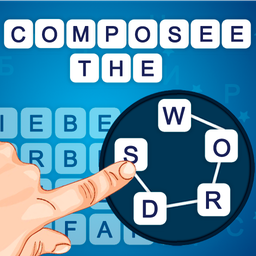
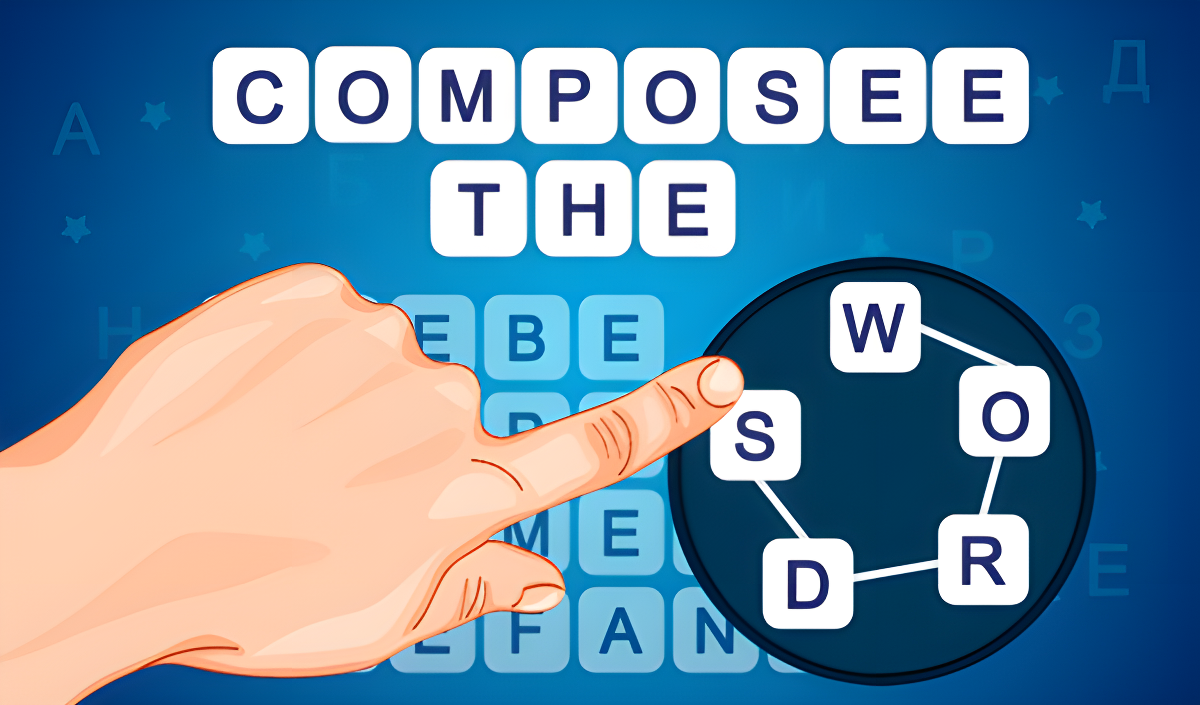
- Letter Wheel Mechanic: Connect letters in a circular layout to form words—swipe once, get the whole word.
- Hint System: Stuck on a tricky level? Use hints to reveal letters when your brain hits a wall.
- Minimalist Design: Clean interface with zero clutter—just the puzzle and a calming blue gradient background.
- Progressive Difficulty: Starts with 3-letter words like "TEA" and "BAT," then gradually ups the challenge with longer combinations.
How to Play Compose the words
Getting started takes about five seconds, but finding that last hidden word? That's where you'll lose track of time.
Connect the Letters
You get a small wheel with 4-6 letters floating in a circle. Swipe your finger (or drag your mouse) from one letter to another in one continuous motion. If you spell a real word, it'll pop up on screen and fill into the crossword grid above. No typing, no keyboards—just draw the path.
Fill the Grid Completely
The crossword layout shows you how many letters each word needs, but not which letters go where. You have to experiment. Sometimes you'll stumble on words you didn't even know existed. Other times you'll stare at "K-I-D-E" for two minutes before realizing "DIKE" is a thing. This is the part that either hooks you or frustrates you—there's no middle ground.
Use Hints When You're Stuck
If you're spinning your wheels (literally), tap the hint button. It'll reveal one letter in the grid, giving you a clue about what word you're missing. The game doesn't punish you for using them, so don't feel bad about it. Some puzzles hide obscure vocabulary that even native speakers miss.
Who is Compose the words for?
This is squarely aimed at casual puzzle fans who want something relaxing. If you're the type who does crosswords on Sunday mornings or plays word games on your commute, this is your jam. It's also great for ESL learners—simple enough to not be intimidating, but still teaches you new words. Kids could play it too, though the difficulty ramps up fast enough that younger players might get stuck early. Not for adrenaline junkies—there's zero action here.
The Gameplay Vibe
It's slow and meditative. I found myself zoning out while swiping letters, almost like doodling. The visuals are bare-bones—flat colors, basic fonts, no animations beyond the word floating up when you find it. There's no music in my session, just silence (or whatever you're listening to in the background). Honestly, the presentation feels like a polished prototype rather than a full game. It does the job, but don't expect any "wow" moments. The dopamine hit comes from that little *ding* when you finally nail the last word, not from flashy effects.
Technical Check: Saves & Performance
The game saves your progress automatically in your browser's local storage, so you can close the tab and come back later. Just don't clear your cookies or you'll lose everything. Performance-wise, this thing could run on a potato. It's so lightweight that even ancient laptops or budget phones won't break a sweat. No lag, no stuttering—it's just HTML5 doing its thing. Loads instantly too, which is rare these days.
Quick Verdict: Pros & Cons
A solid time-waster for word nerds, but don't expect much beyond the core mechanic.
- ✅ Pro: Zero stress gameplay—no timers, no penalties, just puzzles at your own pace.
- ✅ Pro: Works flawlessly on any device without downloads or installs.
- ❌ Con: The presentation is generic as hell—looks like every other word game from 2018.
Controls
Responsive and smooth. The swipe detection works well—I didn't have any misfires where it thought I meant a different letter.
- Desktop: Click and drag your mouse from letter to letter to form words.
- Mobile: Swipe your finger across the letters in one continuous motion.
Release Date & Developer
Developed by igrimob and released on November 13, 2024. It's a browser-based puzzle game, so no app stores or downloads required.