
































Bank robbery 2
Bank robbery 2 - Play Online
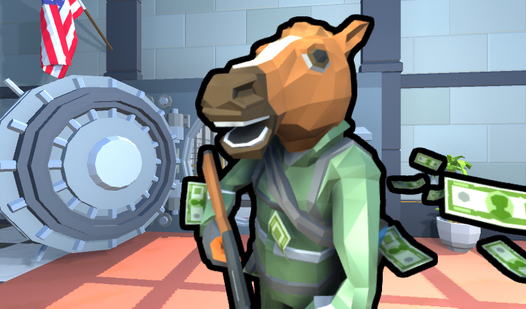
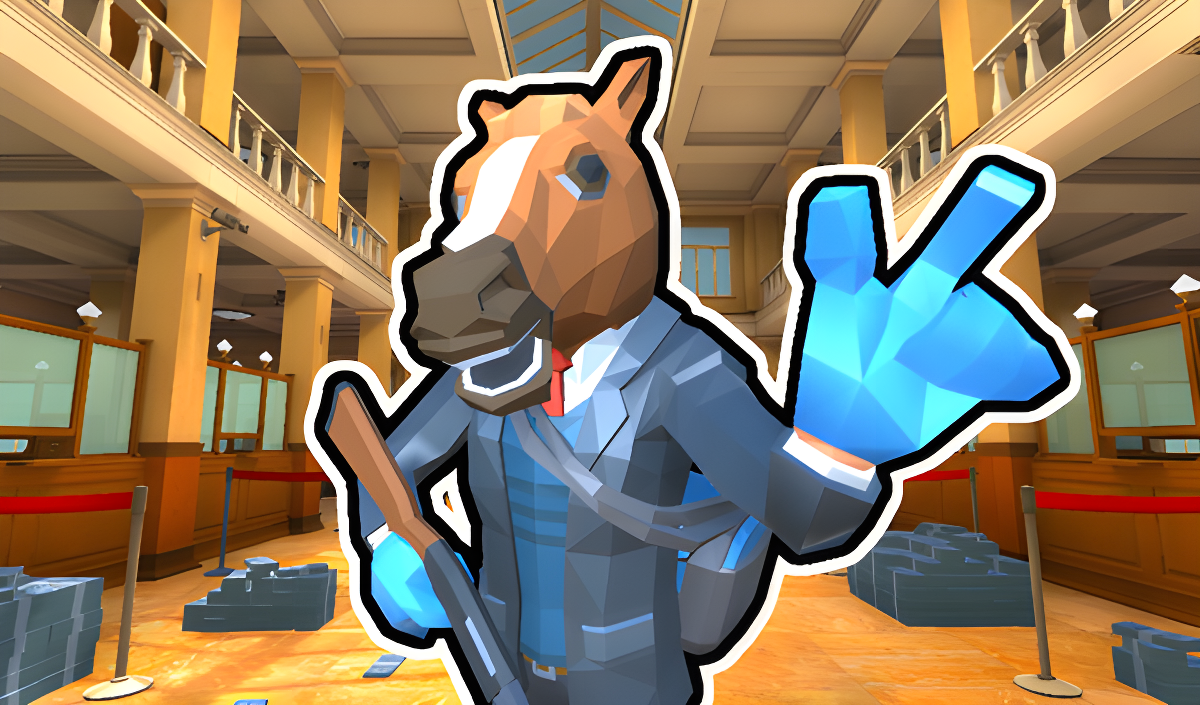
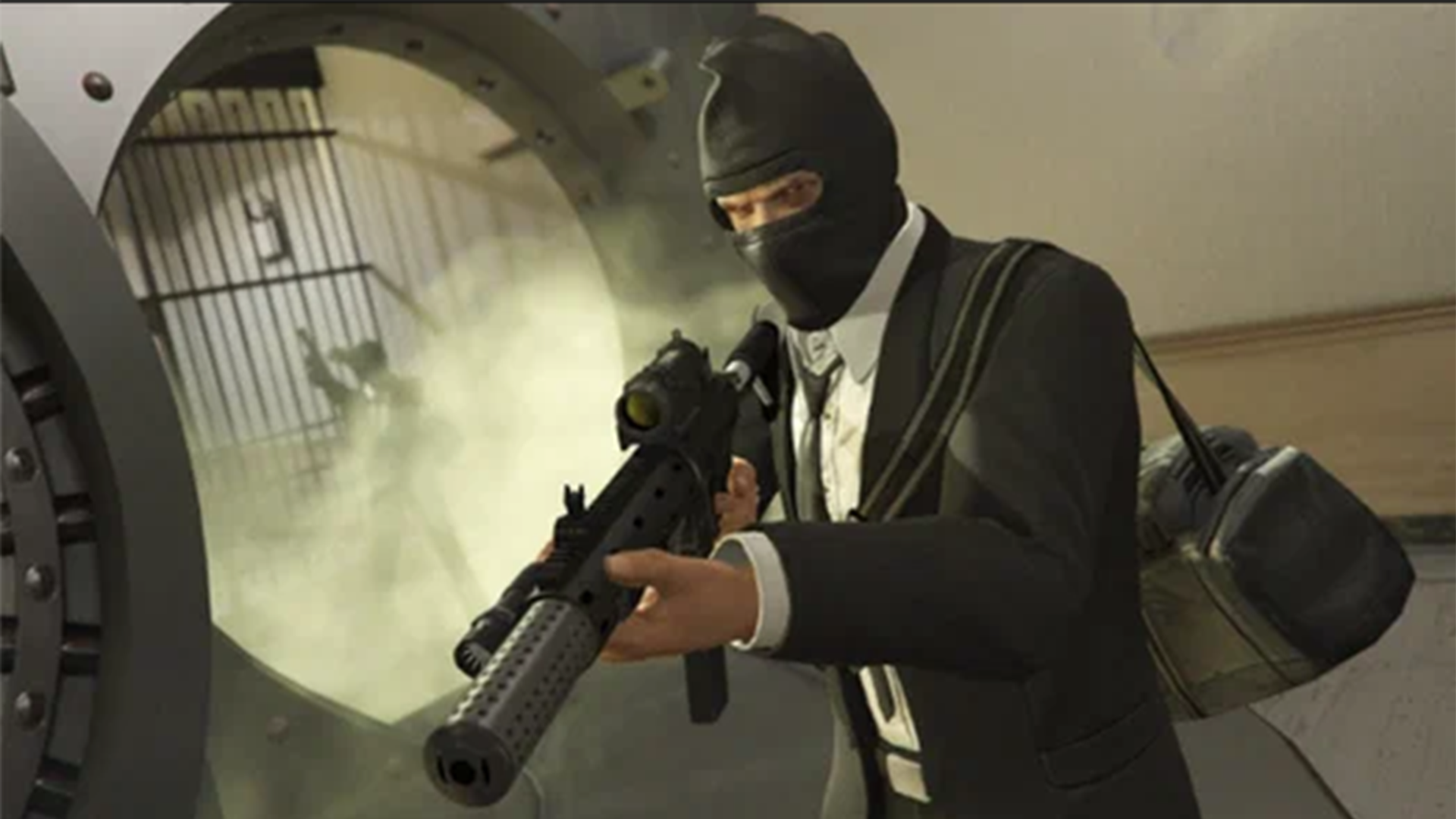
Ever wanted to live out a budget Payday heist without the complexity? Bank robbery 2 throws you straight into vault-cracking action as a lone gunman (or team leader, according to the briefing) raiding jewelry-stuffed banks. Your mission is simple: shoot the guards, drill the vaults, grab the loot, and try not to die before you hit your cash goal. It's a browser-based first-person shooter that strips the heist genre down to its most basic loop—no elaborate planning, just bullets and bags.
Key Features
- Pure FPS Heist Action: No stealth mechanics here—every robbery turns into a loud shootout within seconds.
- Runs on Anything: Basic Unity visuals mean it'll work on older PCs and most browsers without choking your CPU.
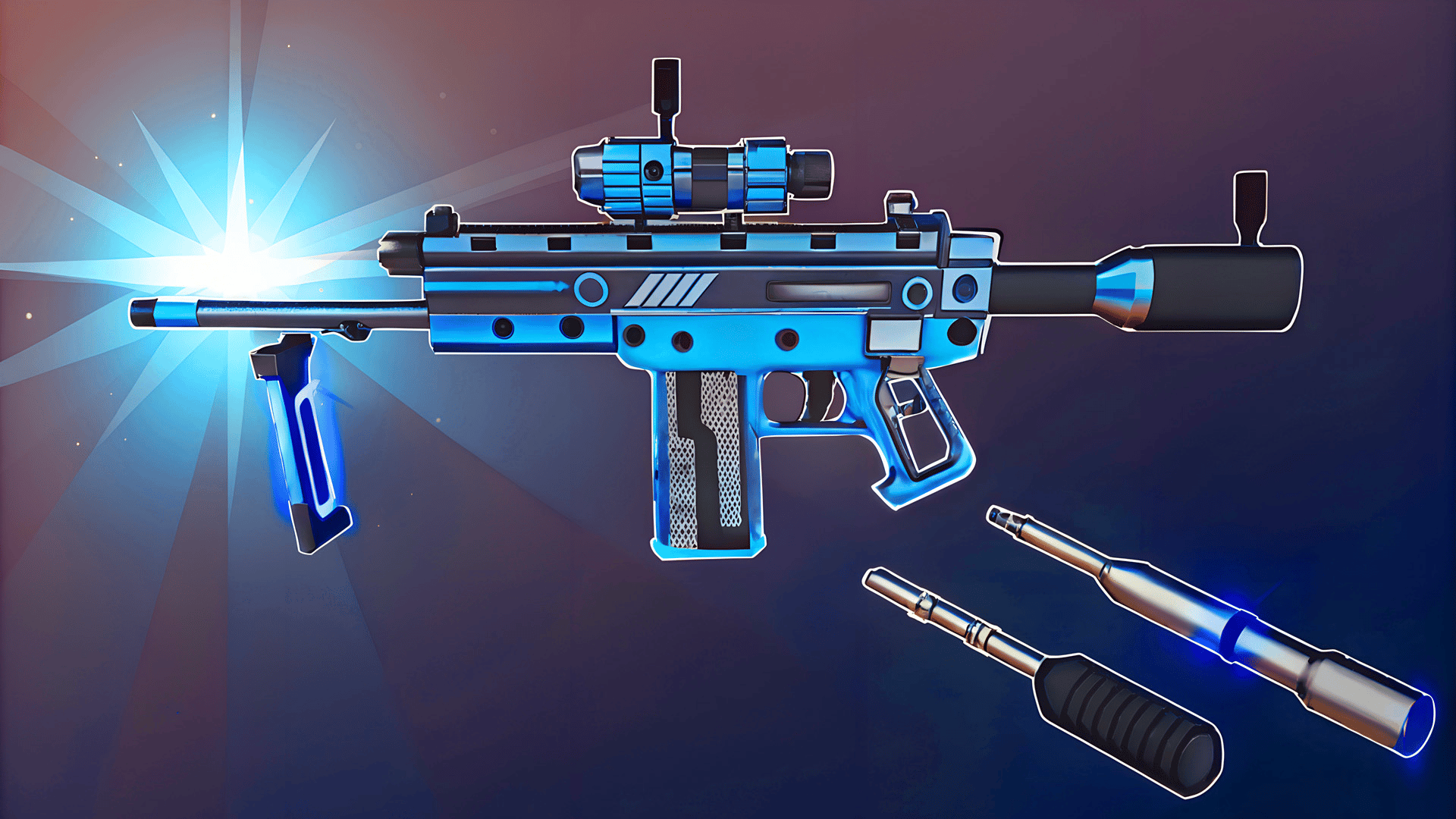
- Multi-Weapon Arsenal: Switch between 7 different weapons mid-heist using the mouse wheel, from shotguns to sniper rifles (even if snipers make zero sense indoors).
- Progression Grind: Collect jewelry to hit that 200,000 currency goal and unlock better gear for the next identical bank job.
How to Play Bank robbery 2
Getting started is easy—staying alive long enough to cash out is the hard part.
Breaking In and Shooting Everything
You spawn inside a bank with guards already on alert. Use WASD to move around, left-click to shoot, and right-click to aim down sights when you need precision. Left Shift lets you sprint between cover, and C crouches you behind objects. The guards have visible health bars above their heads, so you'll know exactly how many bullets each one needs. Don't stand still—the AI isn't smart, but they hit hard if you give them time.
Drilling Vaults and Grabbing Jewelry
Once you've cleared a room, look for glowing green outlines on jewelry displays and vault doors. Press E to interact—jewelry goes straight into your bag (you can carry 3 items), while vaults require you to babysit an automated drill for 10-20 seconds. This is when guards love to rush you, so keep your gun ready. Red outlines mark health kits, which you'll desperately need after the third wave of security.
Hitting Your Goal and Escaping
The top-right corner shows your total haul versus the mission goal. Once you've looted enough, a red waypoint appears marking the extraction point. Sprint there, survive any last ambushes, and you'll bank the cash for weapon upgrades. Then it's back to square one for another heist with slightly better guns but the same layout and enemy behavior.
Who is Bank robbery 2 for?
This is squarely aimed at casual FPS fans who want instant action without the commitment. If you're a teen with 10 minutes between homework sessions, this scratches the "shoot stuff and feel productive" itch. It's not for anyone expecting Payday 2 depth or Rainbow Six tactics—the AI is dumber than a box of rocks, and the strategy is "shoot first, loot second." Perfect for killing time, terrible for anyone craving mechanical depth or challenge.
The Gameplay Vibe
It feels like a mobile game stretched onto a desktop screen. The visuals are super basic low-poly models with flat shading—think early PS2 era but less charming. Guards teleport into existence rather than patrolling organically, and the sound design is just generic gunfire and dings when you collect jewelry. There's no real tension because death just resets the level with no penalty. I found myself on autopilot after the third heist—it's repetitive in that "one more run" way that only works if you're half-watching YouTube on another monitor.
Technical Check: Saves & Performance
The game auto-saves your currency and weapon unlocks to browser cache, so don't clear your data unless you want to start from scratch. Performance-wise, it's lightweight enough to run on a potato laptop—I never saw framedrops even with five guards on screen. The fullscreen mode works fine, though the UI clearly wasn't designed for widescreen monitors (everything clusters in the corners awkwardly).
Quick Verdict: Pros & Cons
A mindless time-waster that delivers exactly what the title promises—nothing more, nothing less.
- ✅ Pro: Instant action with zero learning curve—you're shooting guards within 10 seconds of loading.
- ✅ Pro: Runs smoothly on old hardware without needing downloads or accounts.
- ❌ Con: Painfully repetitive after 20 minutes—every heist is the same bank with the same dumb AI and zero variety.
Controls
Responsive enough for a browser shooter, though the mouse sensitivity feels locked at medium with no settings menu to adjust it.
- Desktop: WASD to move, Mouse to aim/shoot, E to interact, 1-7 or Mouse Wheel to swap weapons, Left Shift to sprint, C to crouch.
- Mobile: Touch controls are supported with on-screen joysticks and tap-to-shoot buttons, though aiming precisely is a nightmare on small screens.
Release Date & Developer
Developed by JustAlien and released on January 1, 2023, this browser shooter clearly targets the hyper-casual crowd looking for quick FPS fixes without commitment.