









Obby Easy Grow!








About Obby Easy Grow!: Roblox-Style Obstacle Course with Size-Changing
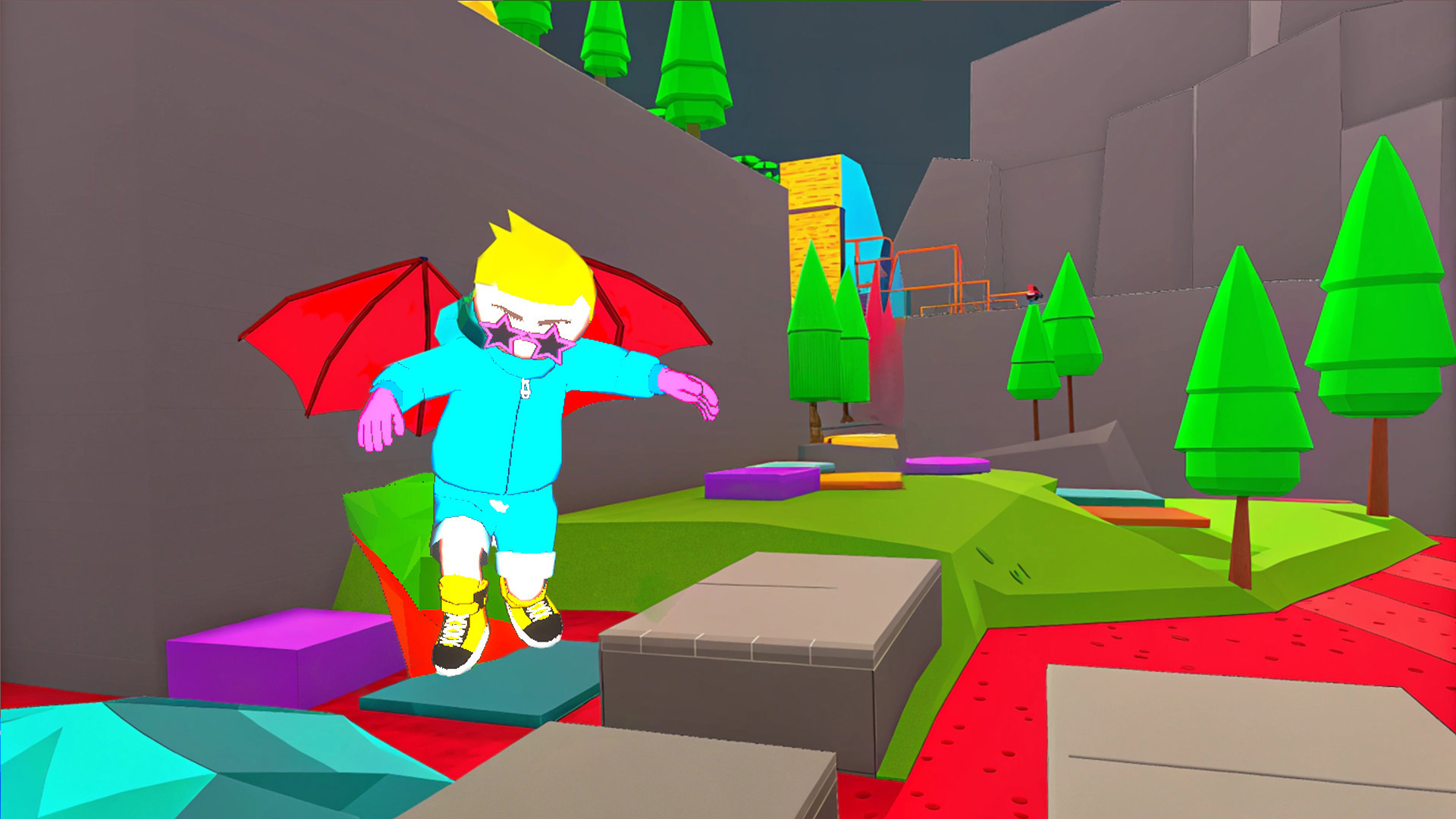
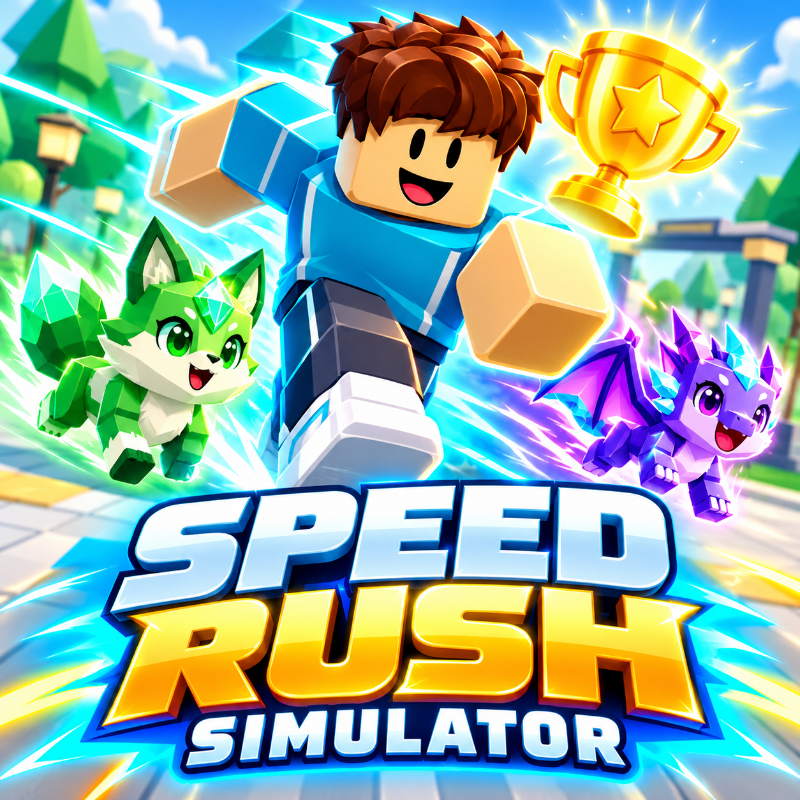
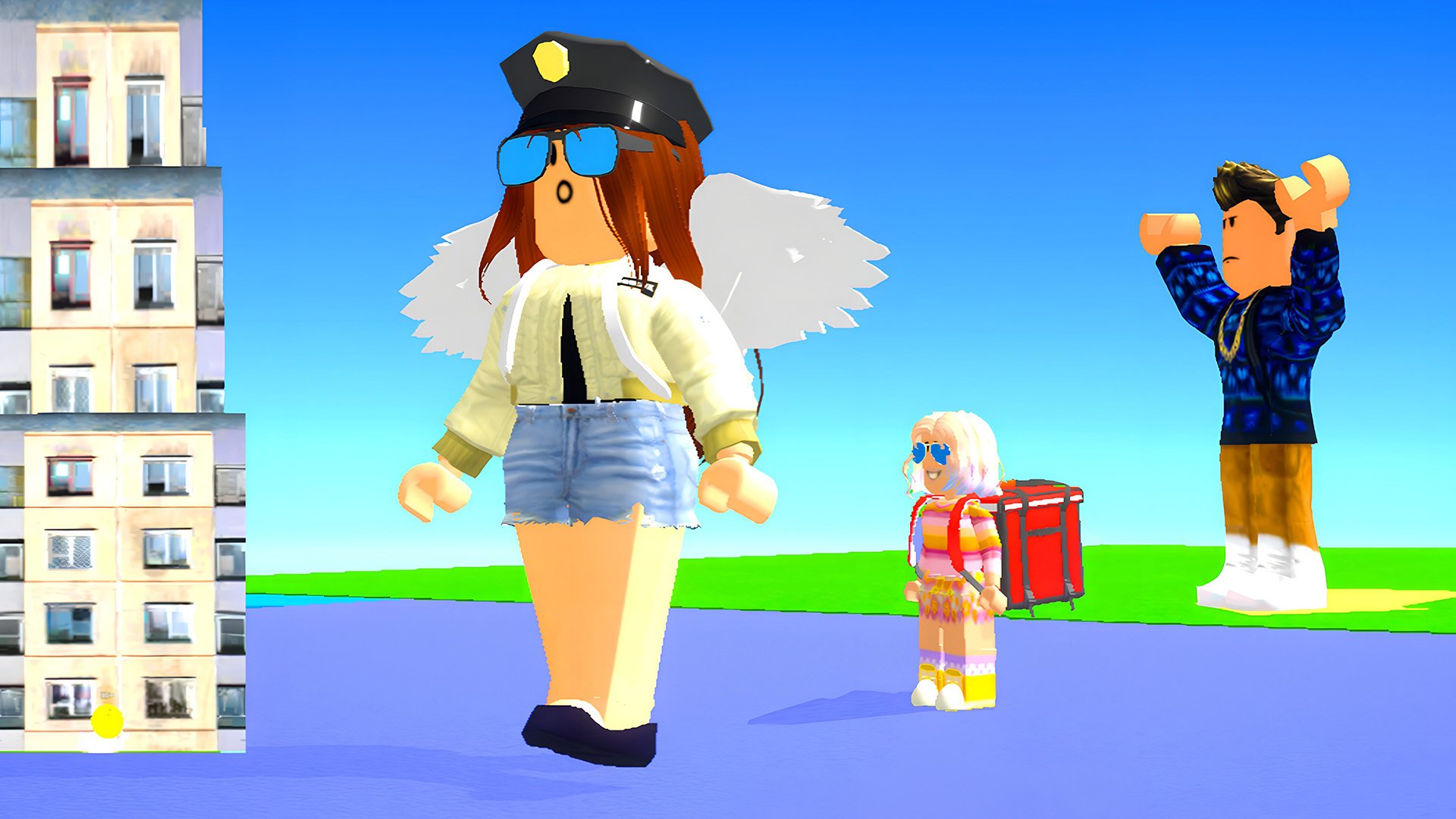
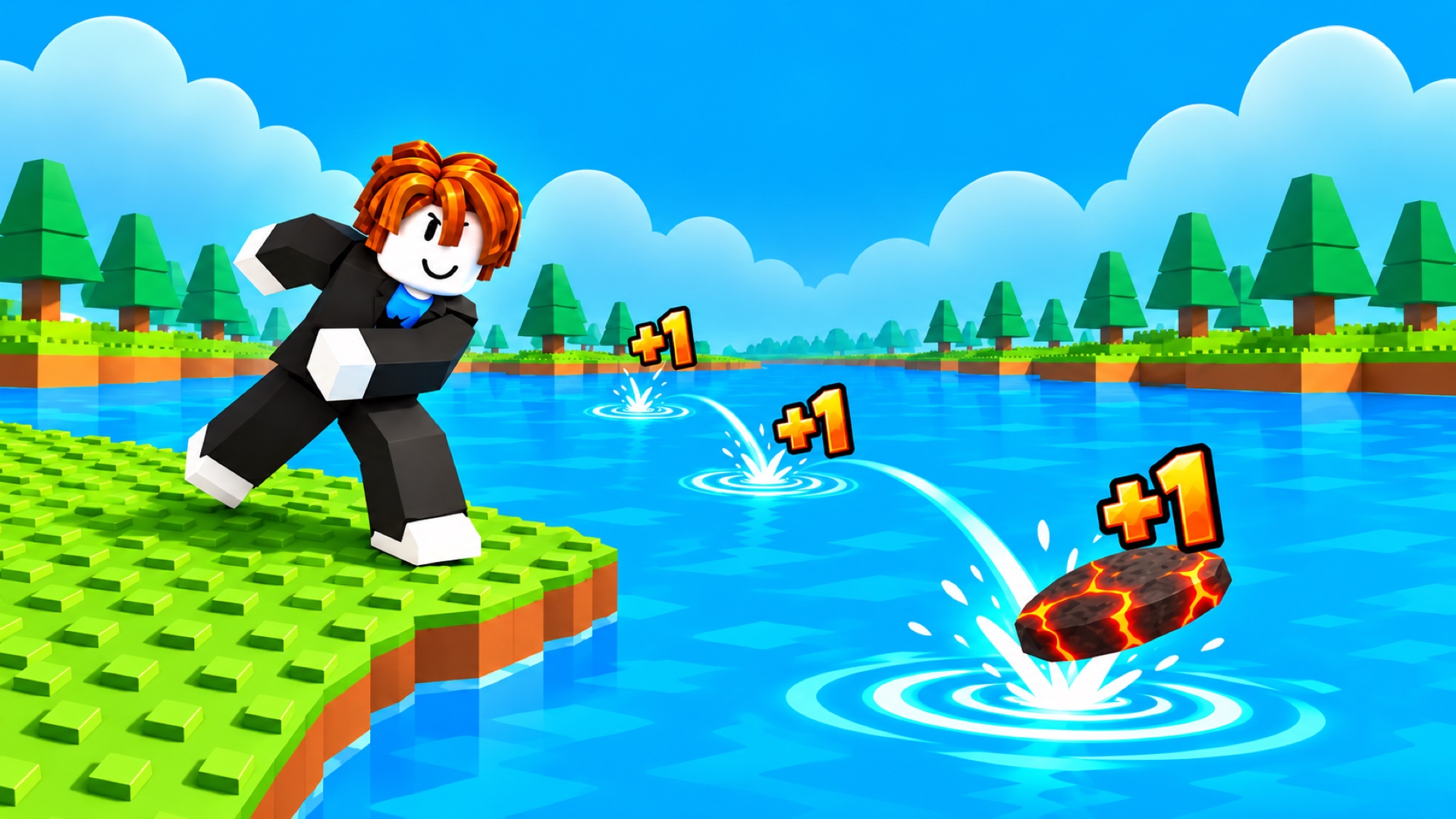
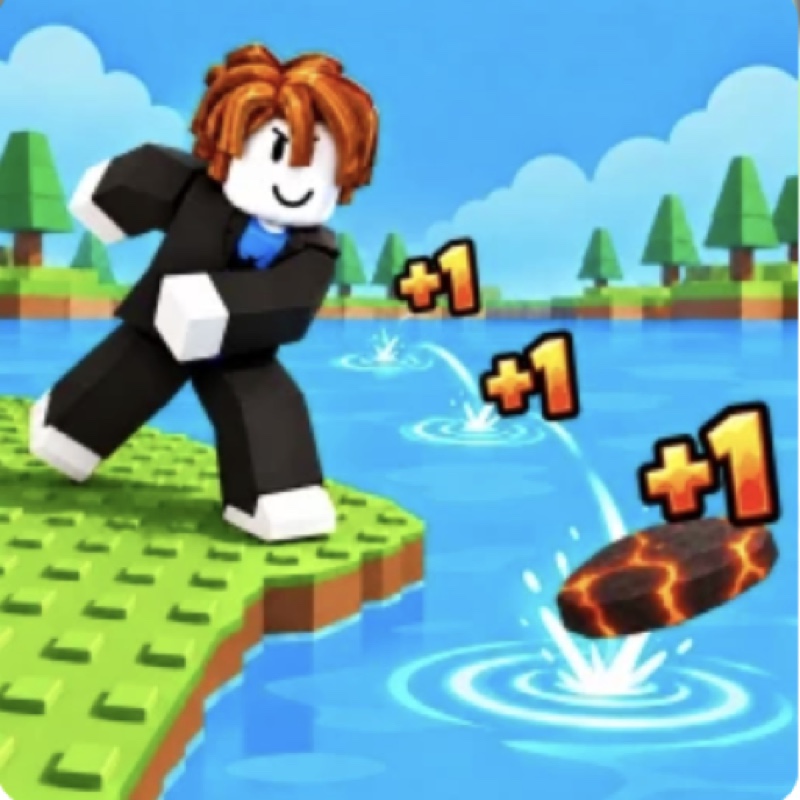
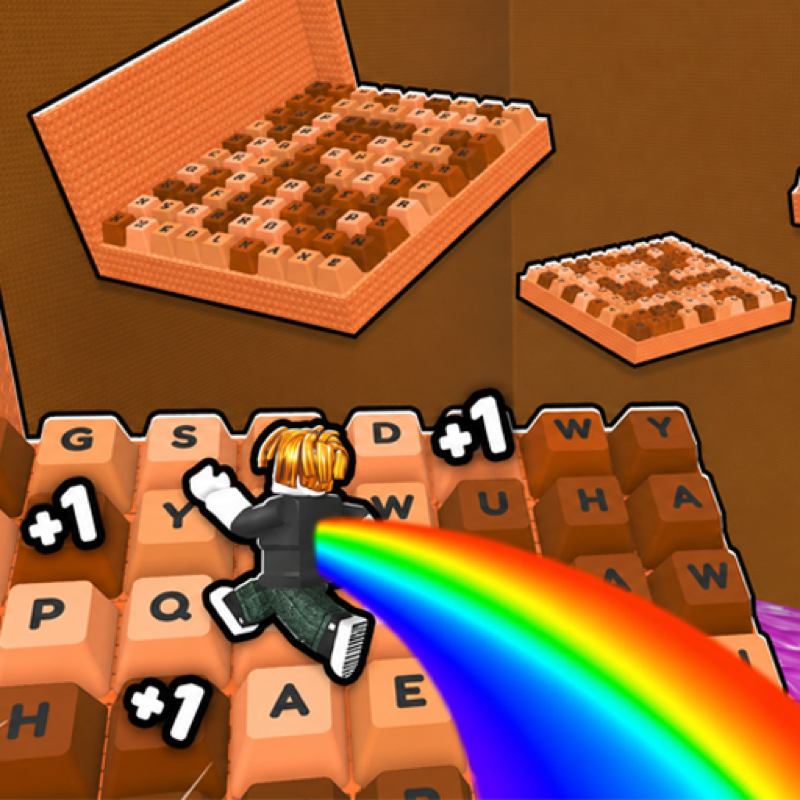
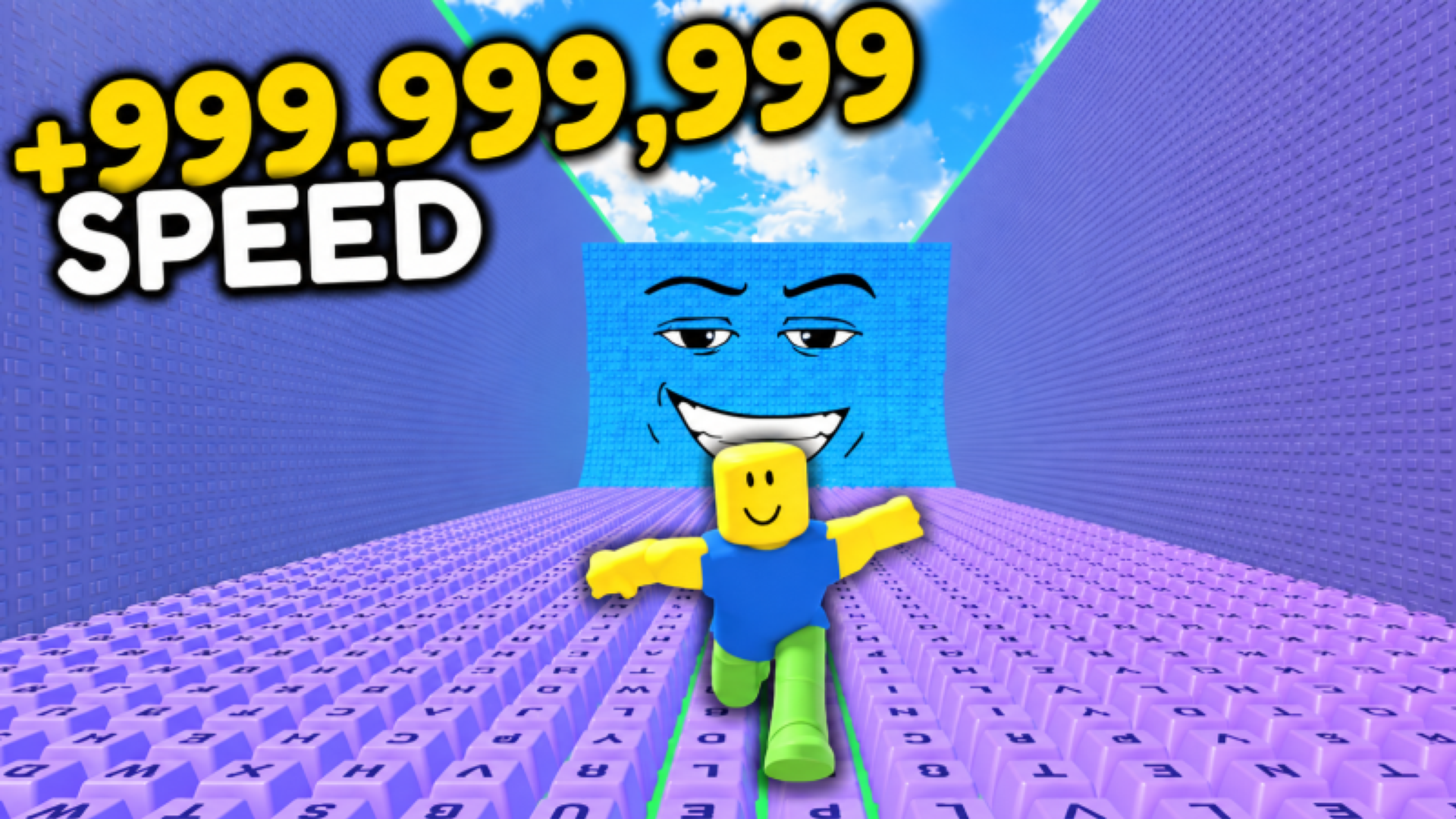
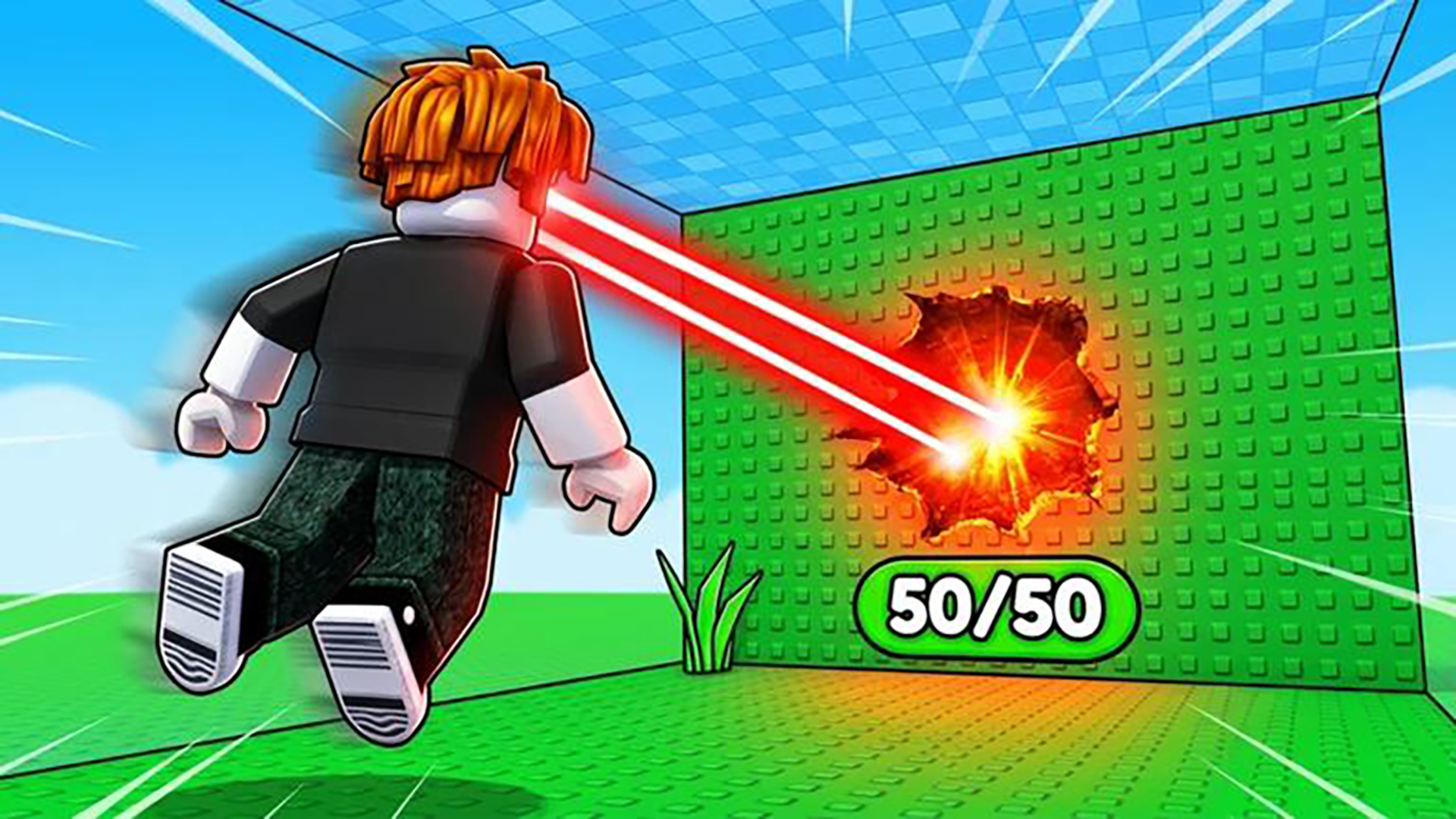
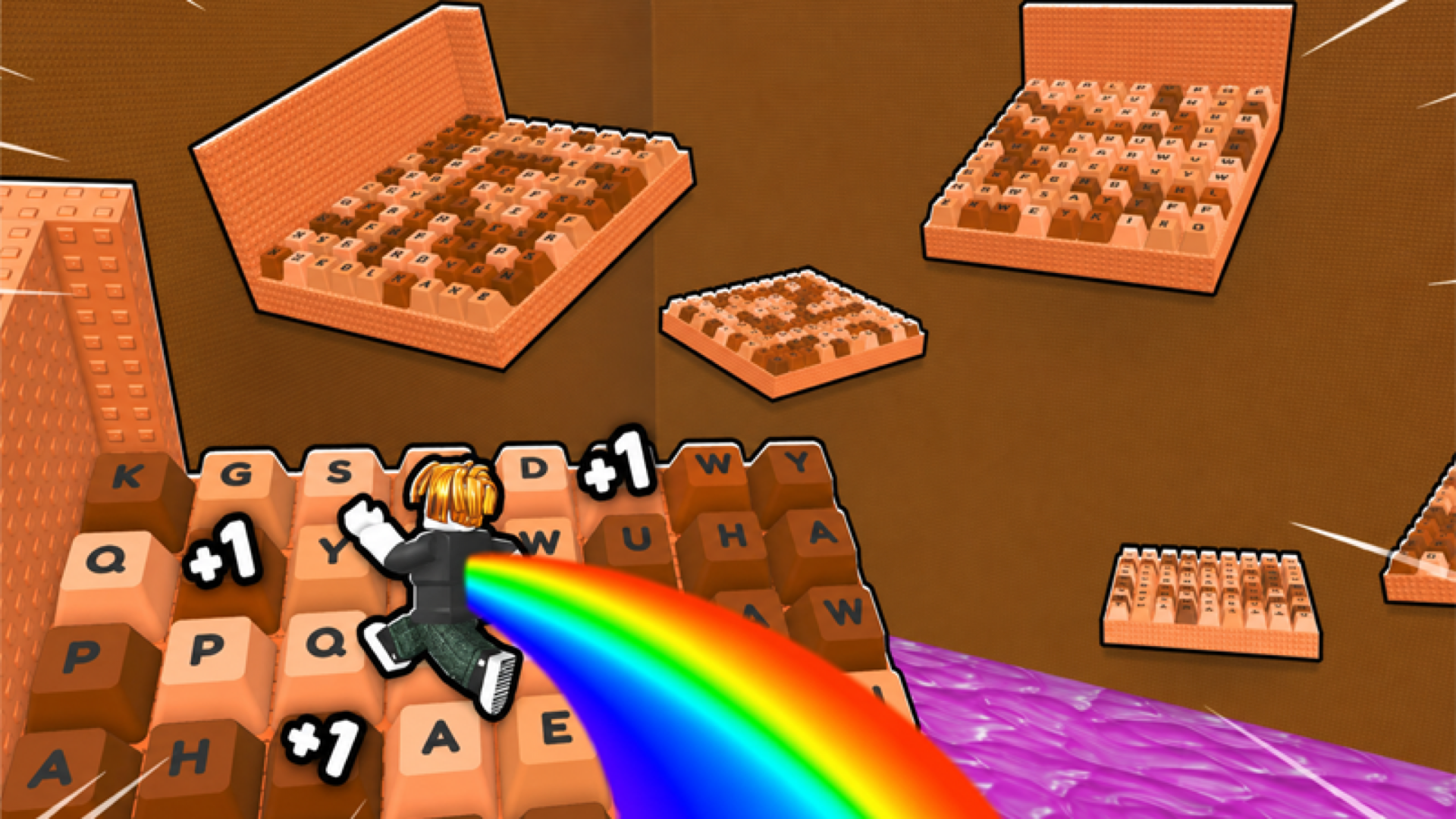
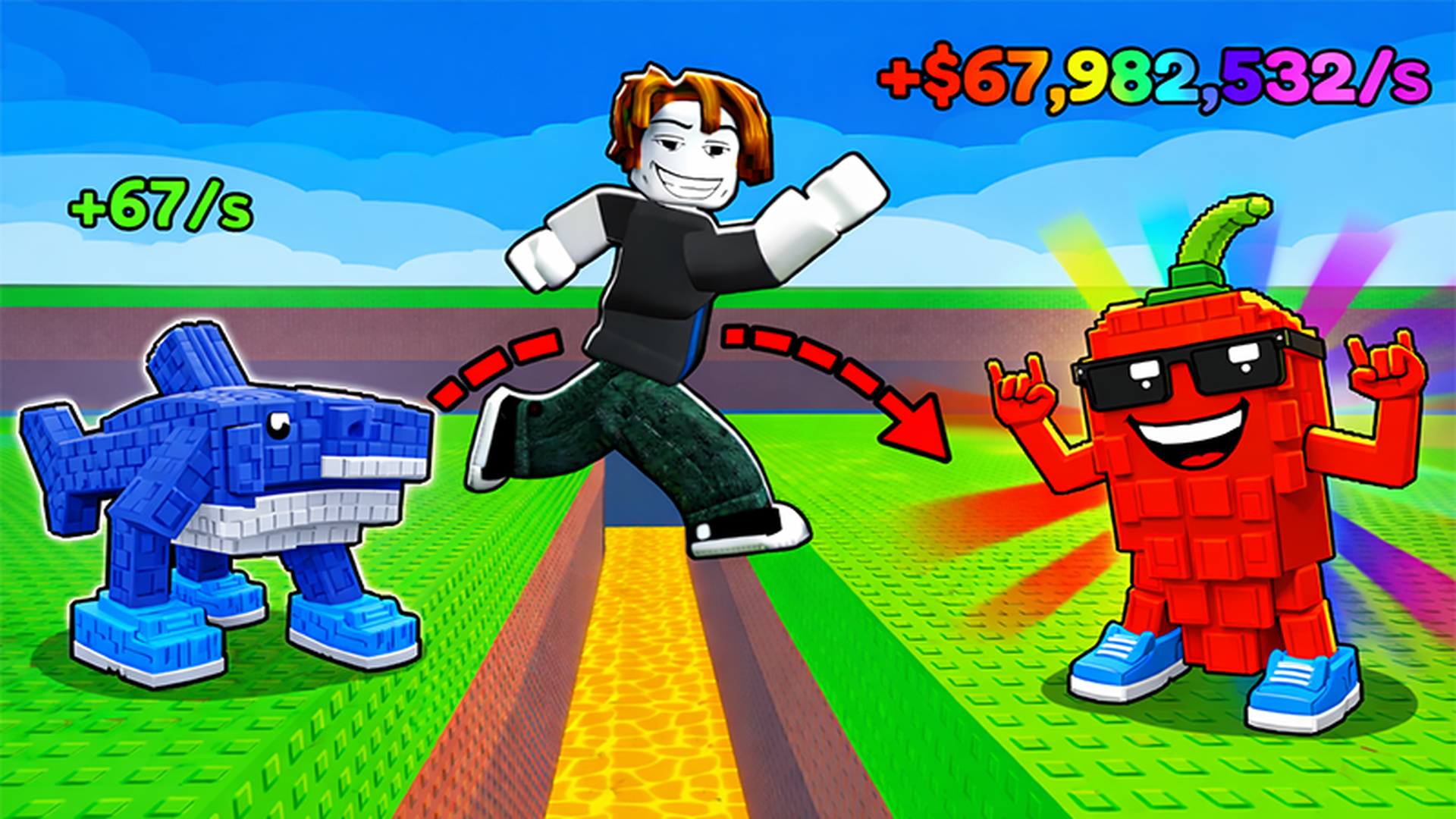
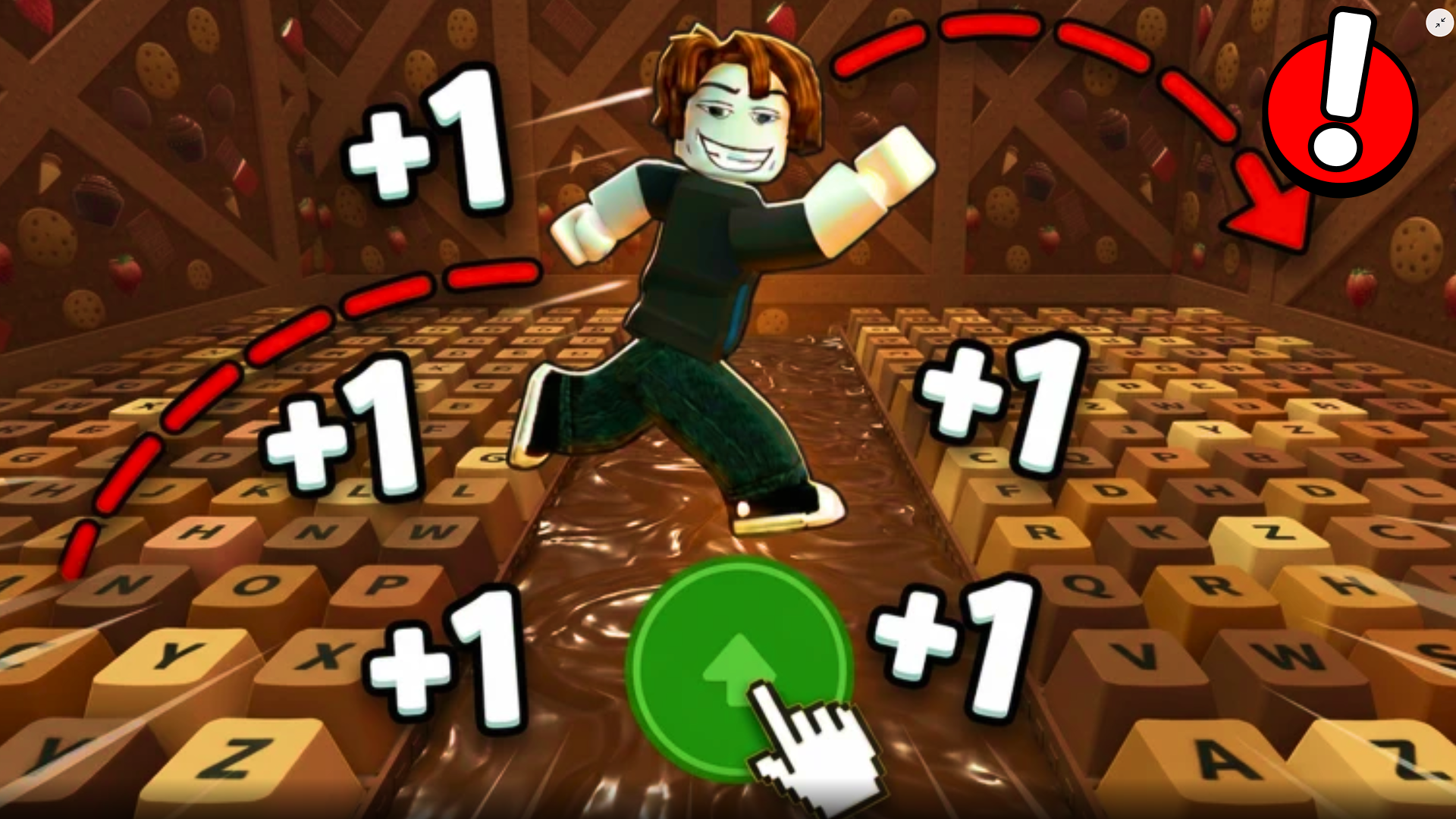
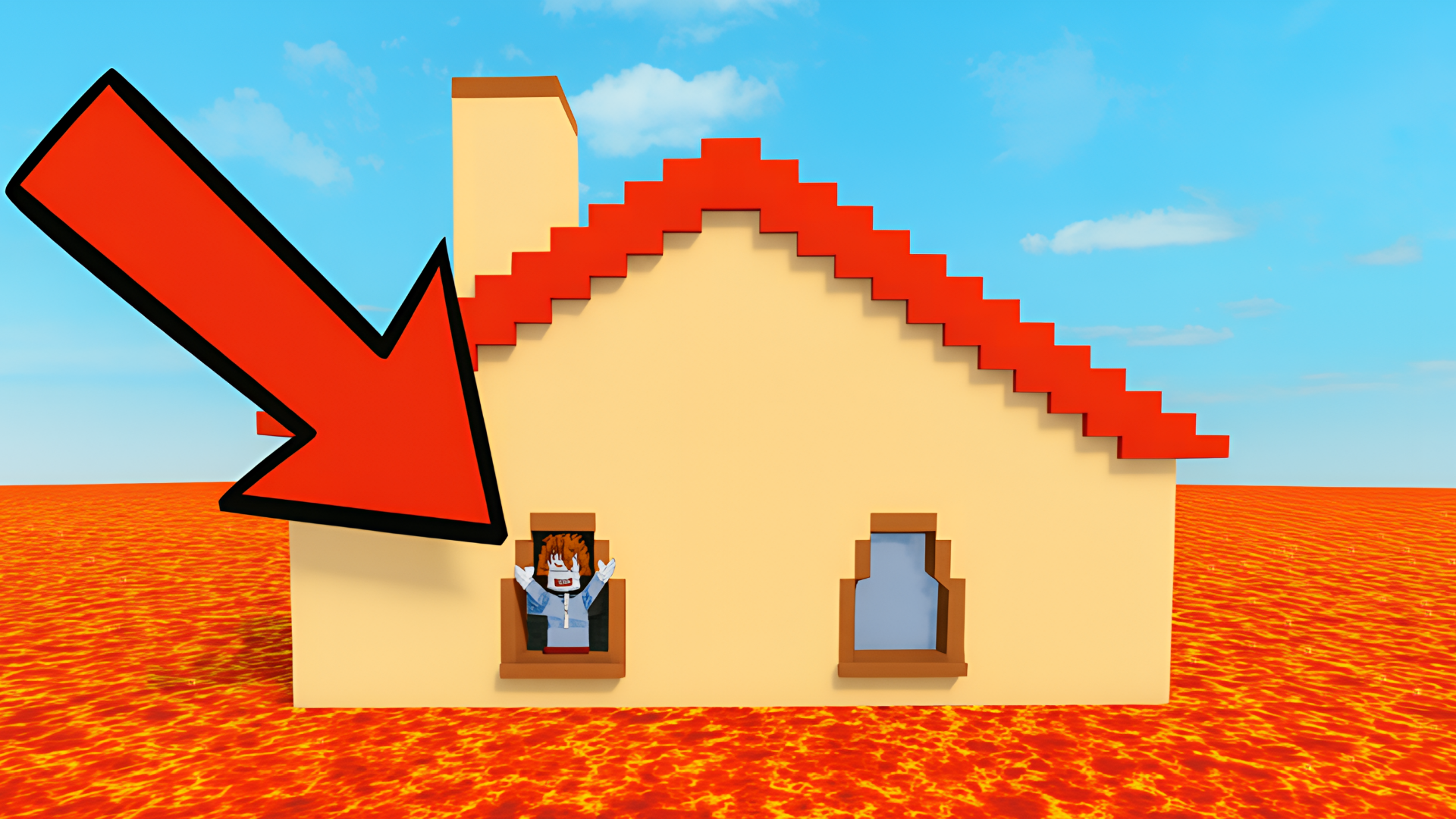
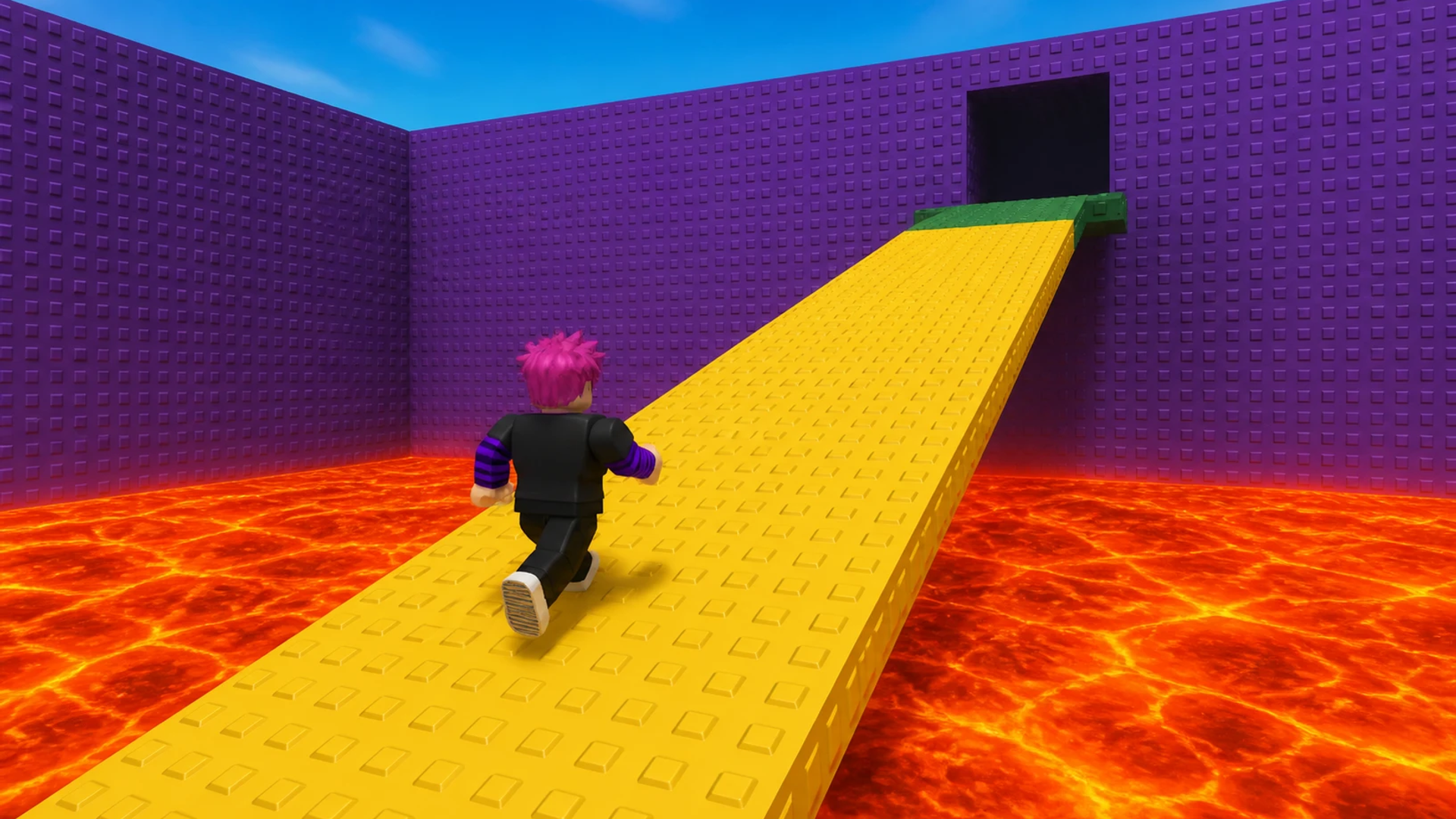
Obby Easy Grow! is a Roblox-style obstacle course game built around one standout mechanic: the ability to change your character's size to navigate each challenge. Rather than simply running and jumping through a track, you adjust how big or small your character is to squeeze past, climb over, or otherwise overcome whatever the level throws at you. Checkpoints save your progress along the way, so a fall doesn't send you back to the very beginning.
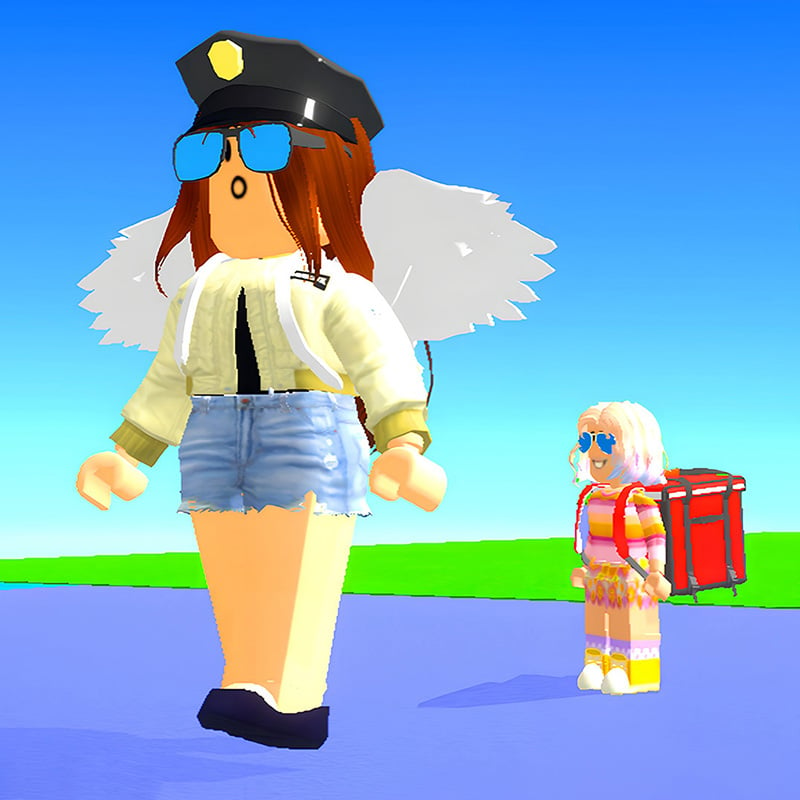
Each level presents a new challenge, and the timer is always running — completing the course quickly matters as much as completing it at all. A global leaderboard lets you measure your times against friends and players worldwide. The game pairs this with a large selection of characters and deep customization, letting you choose appearance, clothes, and accessories to build a hero that looks the part. Bright colors, detailed levels, and smooth animation round out the experience visually.
How to Play Obby Easy Grow!: Complete Courses Faster Than Everyone Else
The goal is to finish each obstacle course as fast as possible. The defining mechanic is size-changing: move the on-screen slider or use the mouse wheel to grow or shrink your character and find a path through each obstacle. Checkpoints scattered across the track save your position, so progress isn't lost after a fall. Watch the timer throughout — your finishing time is what earns you a spot at the top of the leaderboard.
Each level is a fresh challenge that demands both quick movement and smart use of the size mechanic. Compete against other players globally to claim first place.
Controls
- WASD: Move
- Space: Jump
- Shift: Show cursor
- TAB: Pause
- F: Push the enemy
- Mouse wheel forward/backward: Change character size
- Hold RMB: Rotate the camera (with cursor visible)
- On mobile: Use the game interface
Games You Might Like
If the checkpoint-based obstacle running in Obby Easy Grow! appeals to you, Obby games on Playgama offer a wide range of similar parkour and obstacle challenges worth exploring. For a multiplayer twist on the same formula, Your Obby Escape adds cooperative escape mechanics, hidden secrets, and character customization with skins and pets. Fans of aesthetic environments and open-world parkour will find The Aesthetic World of Obby a natural fit, with 10 parkour locations and 72 avatar customization options. For variety beyond a single course type, Obby: Mini-Games packs in multiple competitive modes including Parkour, Colorful Floor, Glass Bridge, and Falling Tiles.
Broader browsing is easy through Arcade games on Playgama, or narrow it down with the full Roblox Games games tag collection for more titles in this style.
Video
Use this link to embed the game on your website using an iframe
 Sign in to Embed and Monetize Games