







Nonograms GrandGames

About Nonograms GrandGames: Thousands of Colored and Black-and-White Puzzles
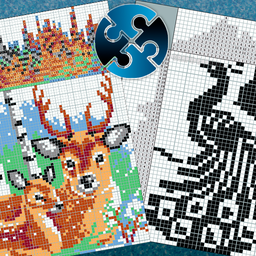
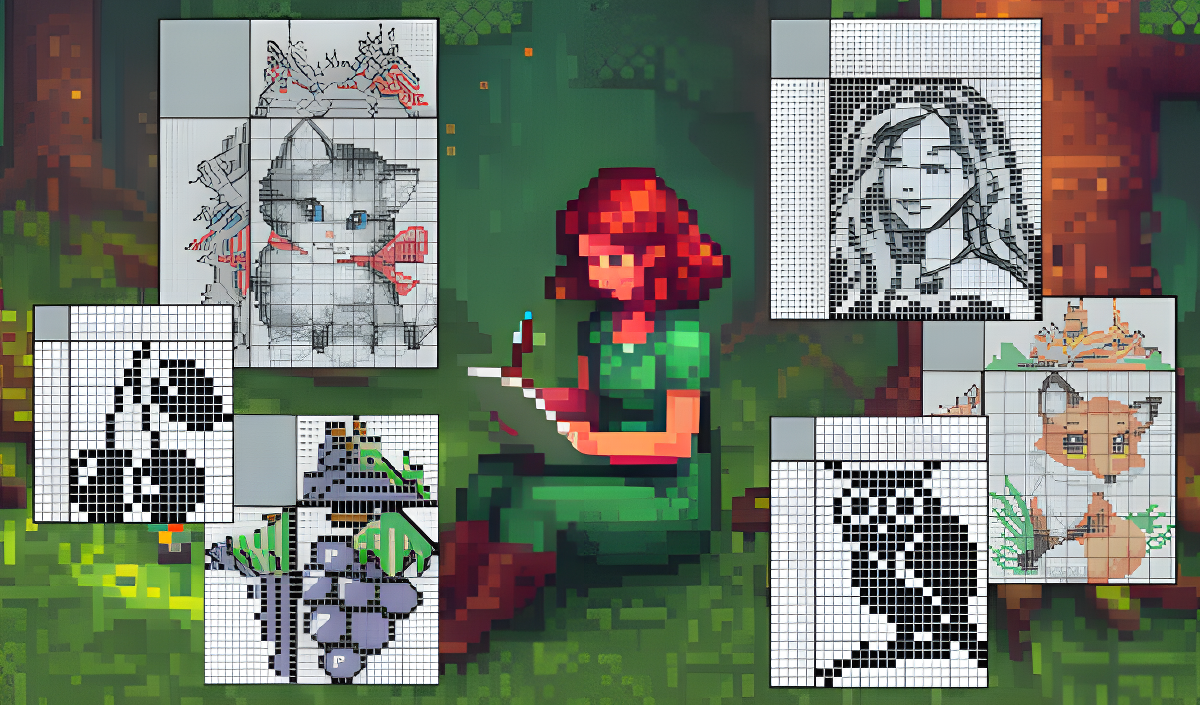
Nonograms GrandGames puts several thousand colored and black-and-white nonograms at your fingertips, all browsable through an online catalog. New puzzles are added every day, so the collection keeps growing. The interface is customizable to your preferences, and hints along with other solving aids are available — though each can be switched off if you prefer a purer challenge. Puzzles work on both computer and mobile devices.
A filter lets you narrow the catalog by size, color, and orientation. The program automatically saves downloaded nonograms and your progress when you return to the menu, so solving can continue later even without a network connection.
One completed scene shows a pink elephant nestled against green foliage inside a grid. Another shows two hearts — one blue, one red — each with black eyes and a smiling mouth. A third features a seal-like figure with a red mouth resting on a white and light blue circular base.
How to Play Nonograms GrandGames: Select, Filter, and Solve
Browse the catalog, apply the filter to choose your preferred size, color, and orientation, then open a nonogram and start filling the grid. Three drawing modes are available: lines, blocks, and dots. On mobile devices, a special cursor appears automatically when the grid is too small for comfortable touch input, and it can be disabled from the bottom panel.
Controls
- W, A, S, D / Home / End / PageUp / PageDown: Moving the nonogram
- 0–9: Selecting the color
- Plus, Minus, or Square Brackets: Zooming in/out the field
- Q, E: Pinning/unpinning panels with numbers
- Arrow Keys: Moving the cursor across the field
- Left Shift: Drawing with the current color
- Left Ctrl: Crosses
- Ctrl+Z: Undo
- Ctrl+S: Save
- Tab: Shows the block that can be found by simple intersection for the current row and column, if it exists
- Mouse Wheel: Vertical scrolling when the crossword is taller than the screen height, or zooming when it is smaller; hold Ctrl for zooming, hold Shift for horizontal scrolling
- Left Mouse Button / Touch: Drawing with the selected color (Ctrl/Shift changes drawing mode)
- Right Mouse Button: Crosses to mark found empty cells
Games You Might Like
If logic grid puzzles keep you coming back, Sudoku offers the same careful deduction across a 9×9 number grid with multiple difficulty levels. For number-based brain training that pairs well with nonogram solving, Number Match - Classic number game challenges you to find identical pairs or pairs summing to 10.
Explore the full Educational games catalog for more mind-sharpening titles, or browse the Puzzle games and Brain games sections for additional logic challenges.