













Nitro Burnout









About Nitro Burnout: City Racing with Car Customization
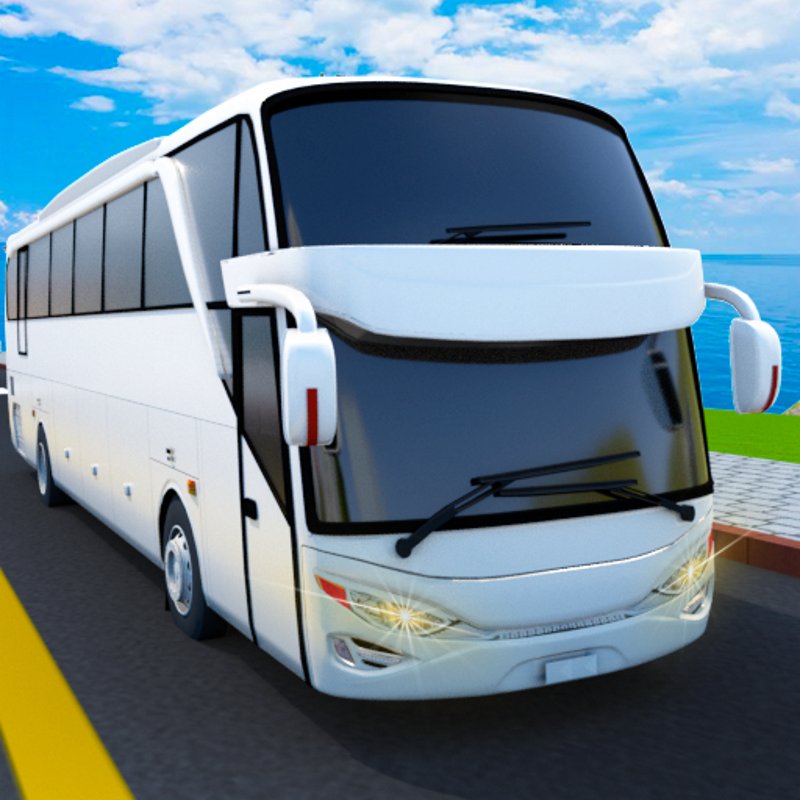
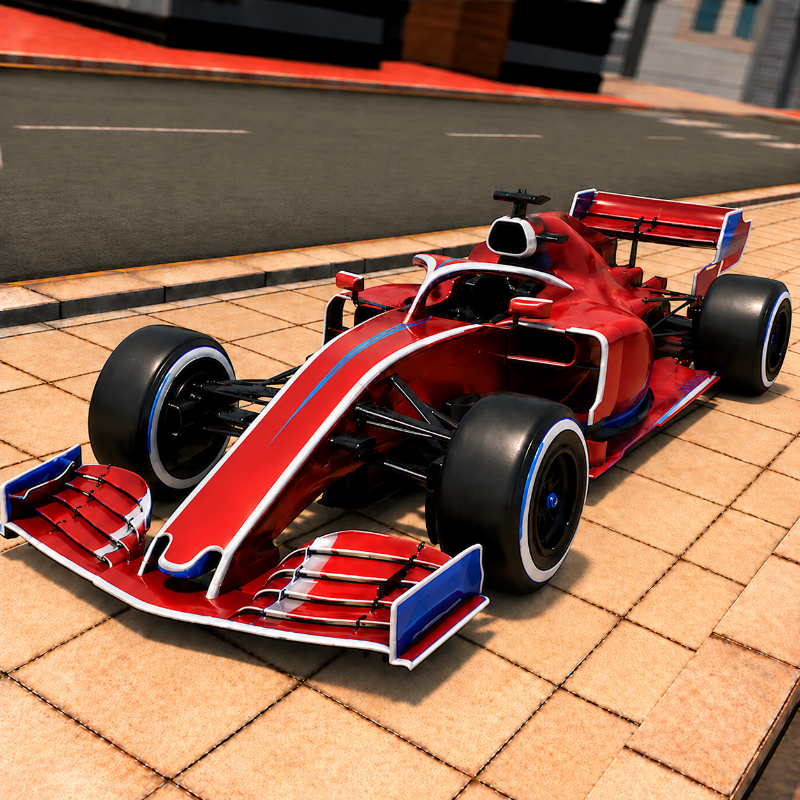
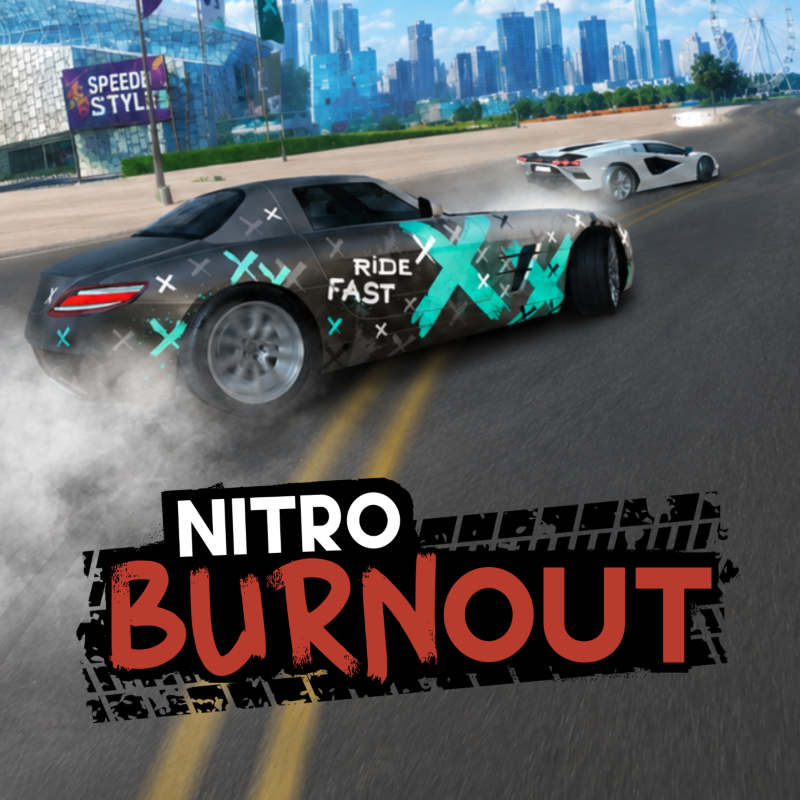
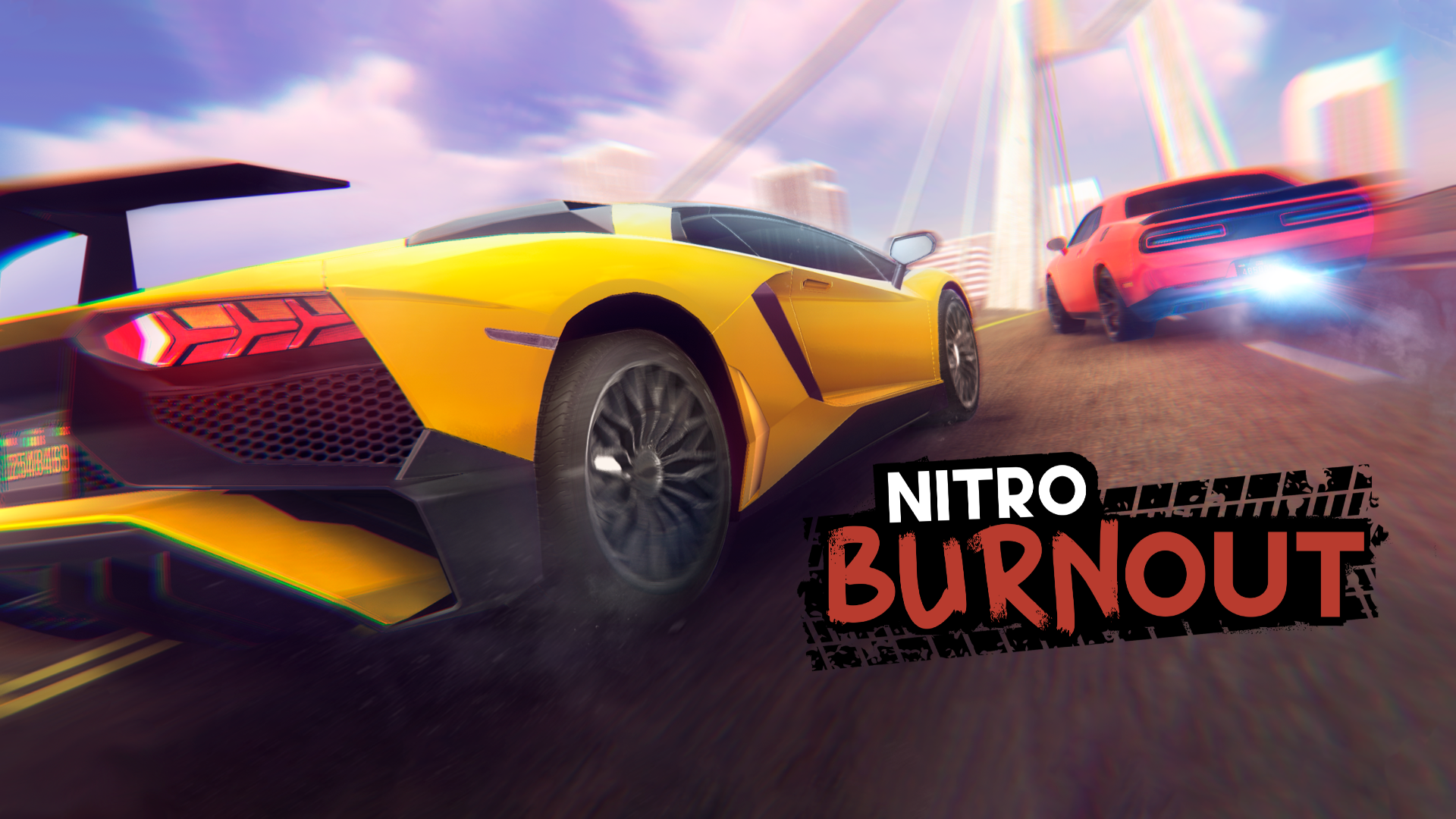
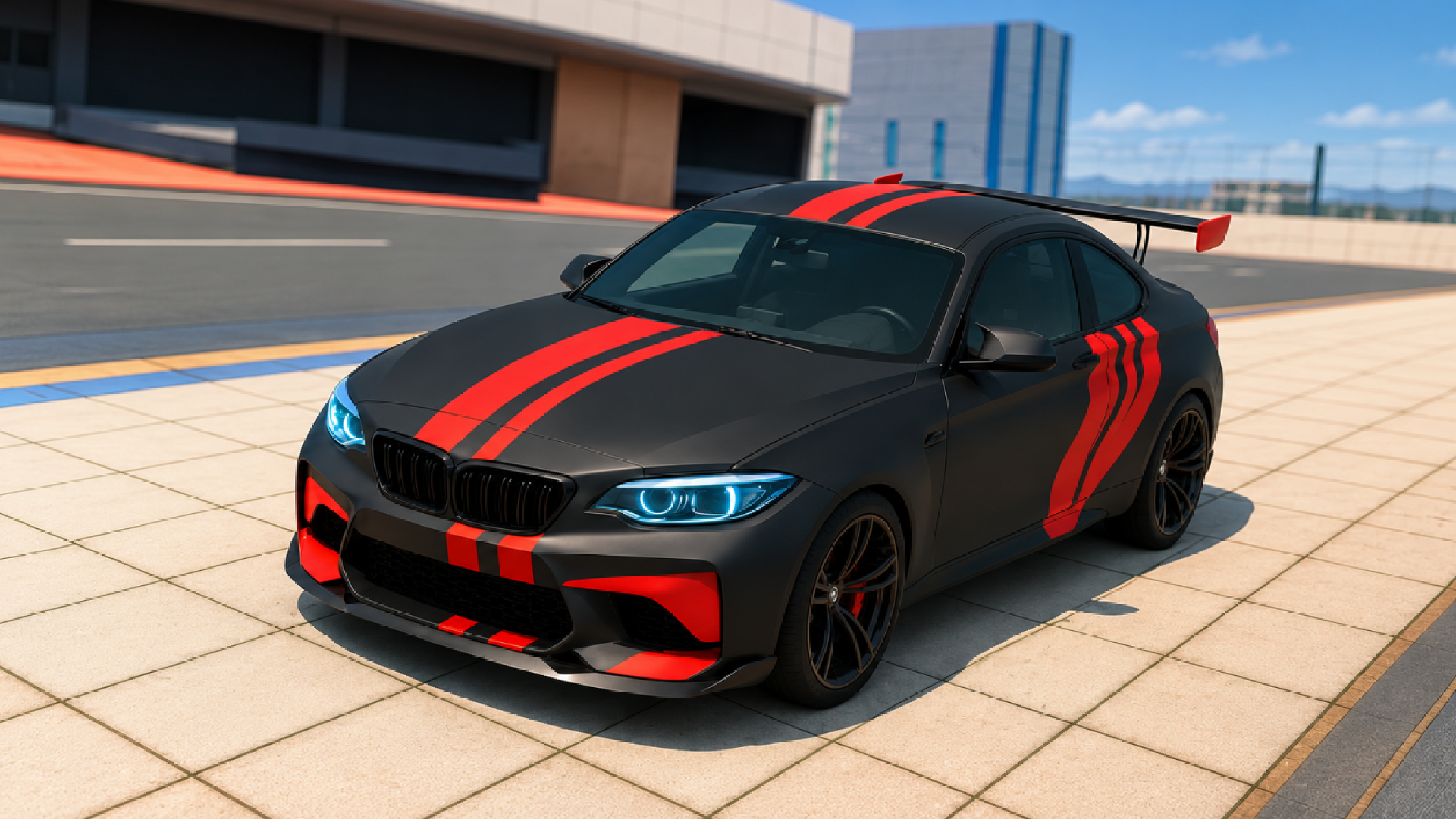
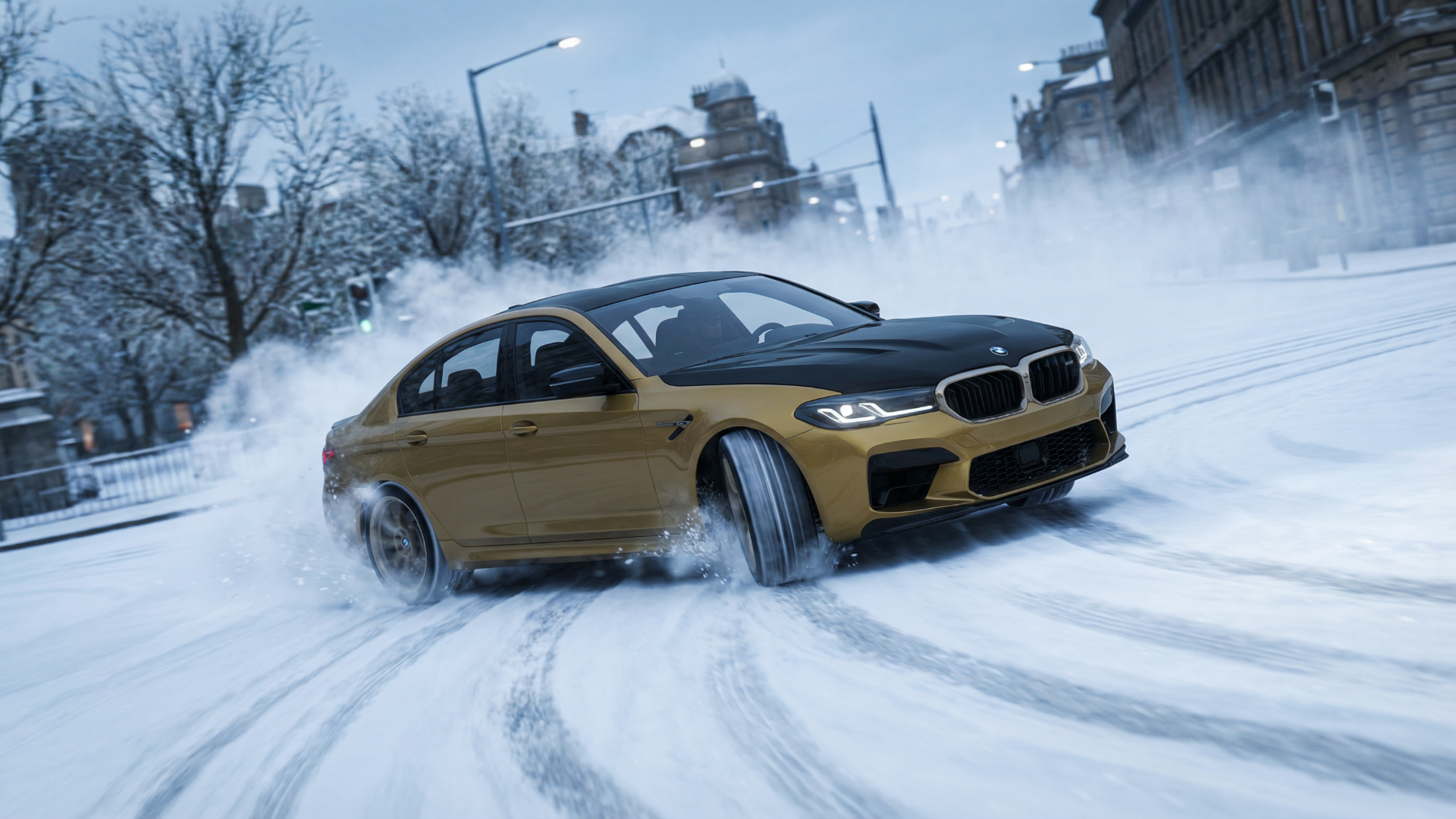
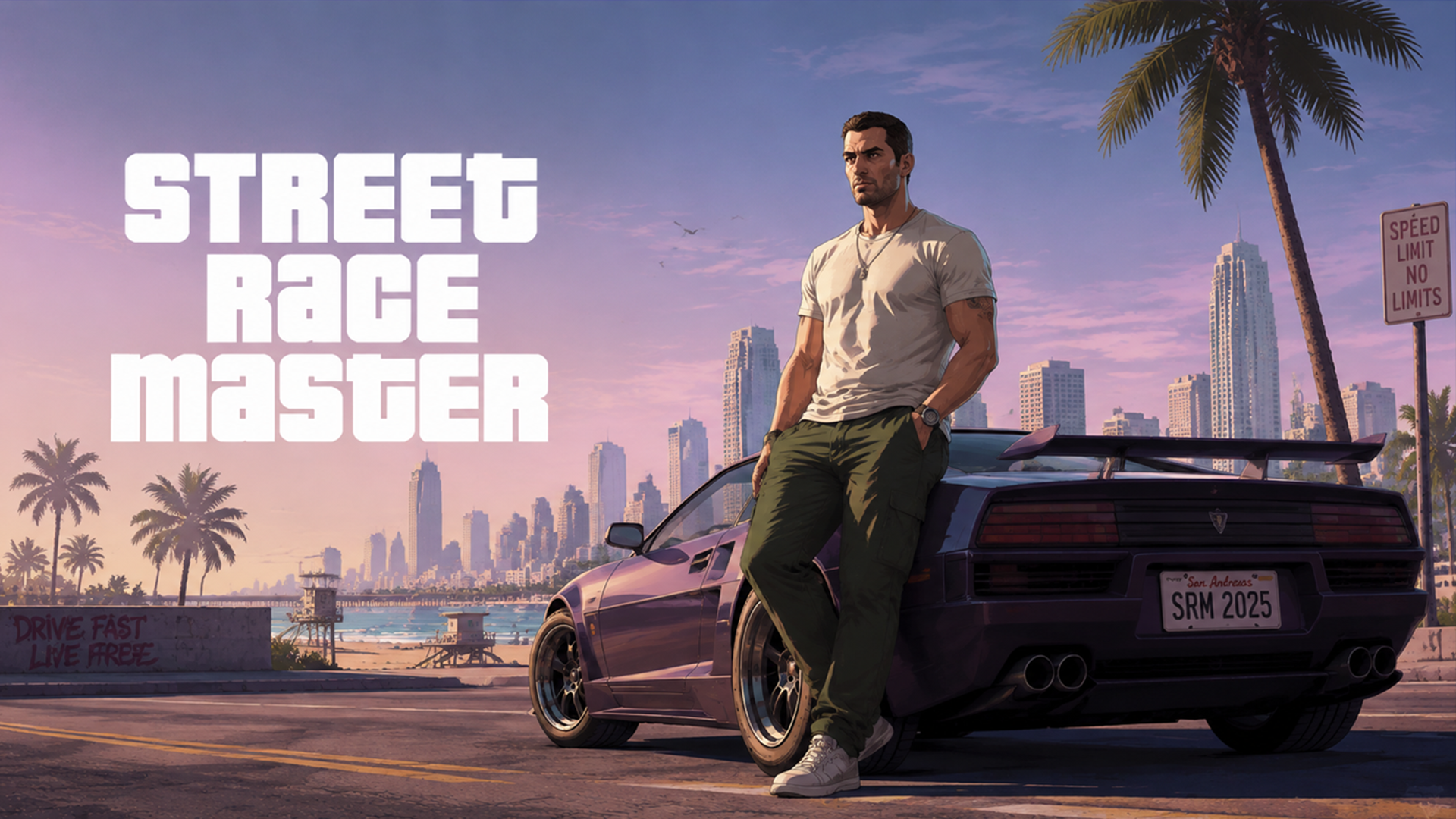
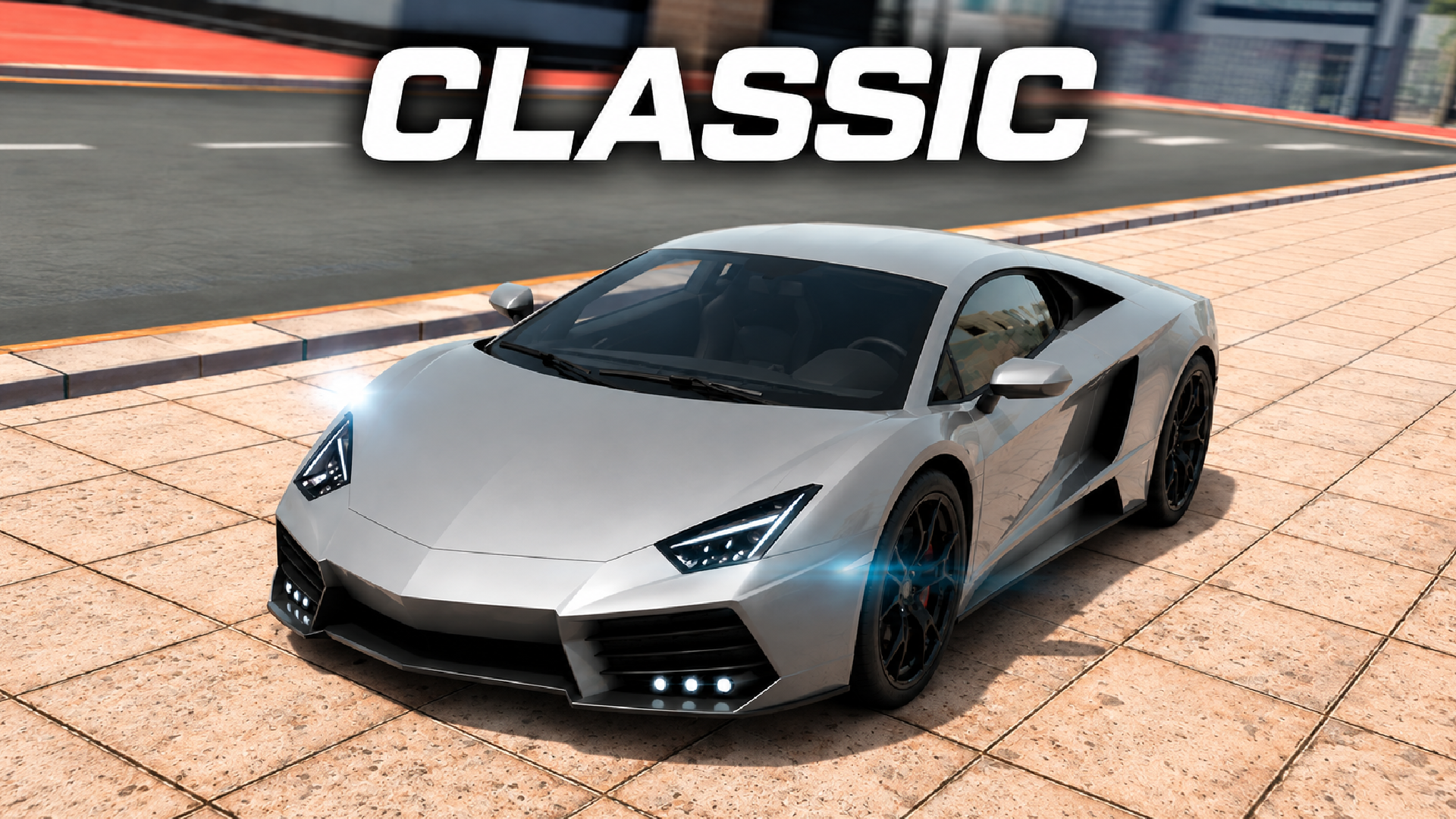
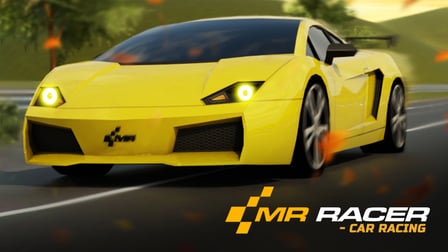
Nitro Burnout is a car racing game set in a modern city, combining classic races against opponents with free exploration, ramp jumps, and drifting. The city is described as a noisy metropolis by the ocean, and the game puts no restrictions on how you move through it. Choose your car, customize it inside and out, select missions, perform tricks, and enjoy the speed at your own pace. Several scenes show a city environment with roads stretching toward the horizon. The game's physics model car movement across various tracks, and the graphics are described as pleasant and clean.
How to Play Nitro Burnout: Race, Drift, and Upgrade
Game Modes
- Free Mode: the entire city is yours to explore, perfect for familiarizing yourself with the map and controls.
- Traffic Mode: play in a bustling traffic environment where, in addition to missions, you need to consider other road users.
Garage and Customization
- Choose from a large car garage and upgrade it to the max.
- Upgrade your car's performance to suit your racing style.
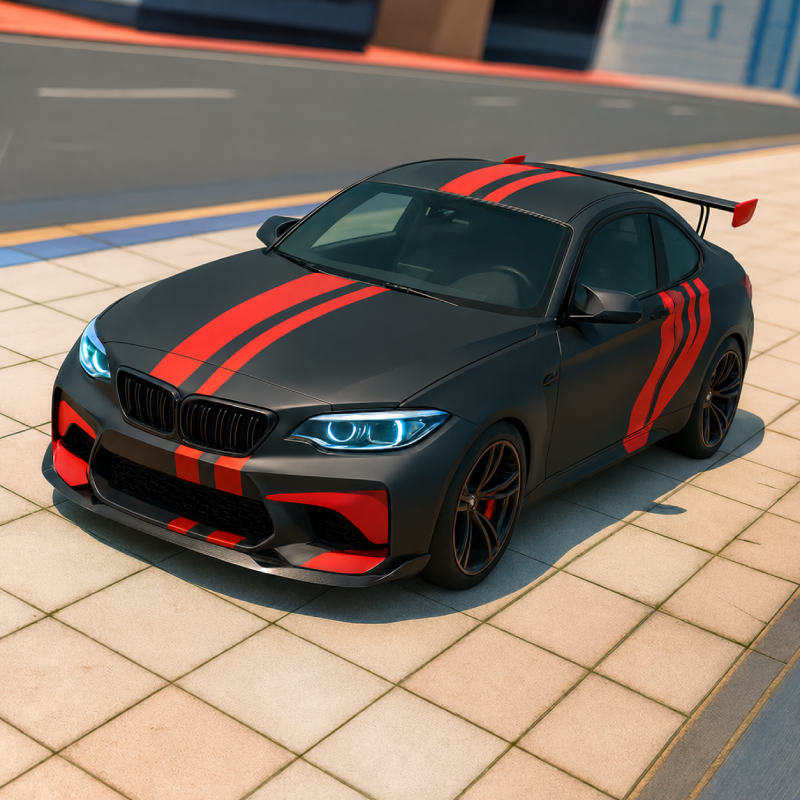
- Customize your paint job and choose vibrant skins to create the most stylish racer.
Controls
- WASD or Arrow Keys: Drive
- R: Car repair
- Q: Back on track
- Space: Hand brake
- B: Drift on/off
- H: Music on/off
- T: Anti-lock Braking System on/off
- Y: Electronic stability control on/off
- Shift: Nitro on/off
- Tab: Open menu / Pause
- M: Map
- G: Garage
FAQ
What kinds of missions does Nitro Burnout include?
As you explore the map you encounter several types of racing competitions, speed challenges, jumps over certain distances, and more. New missions appear the further you travel through the city.
How do daily rewards work?
Daily rewards await each time you return to the game. They gradually increase over time, letting you upgrade your cars more quickly.
What does the money earned from missions go toward?
Money earned by completing missions goes toward upgrading your cars and expanding your fleet in the garage.
Can I customize my car's appearance as well as its performance?
Yes. The garage supports both performance upgrades and appearance changes. Customize your paint job, choose vibrant skins, and adjust your vehicle both in the garage and during gameplay.
What is the difference between Free Mode and Traffic Mode?
Free Mode gives you the entire city to explore without additional constraints, making it good for learning the map and controls. Traffic Mode adds other road users to the environment alongside your missions.
Games You Might Like
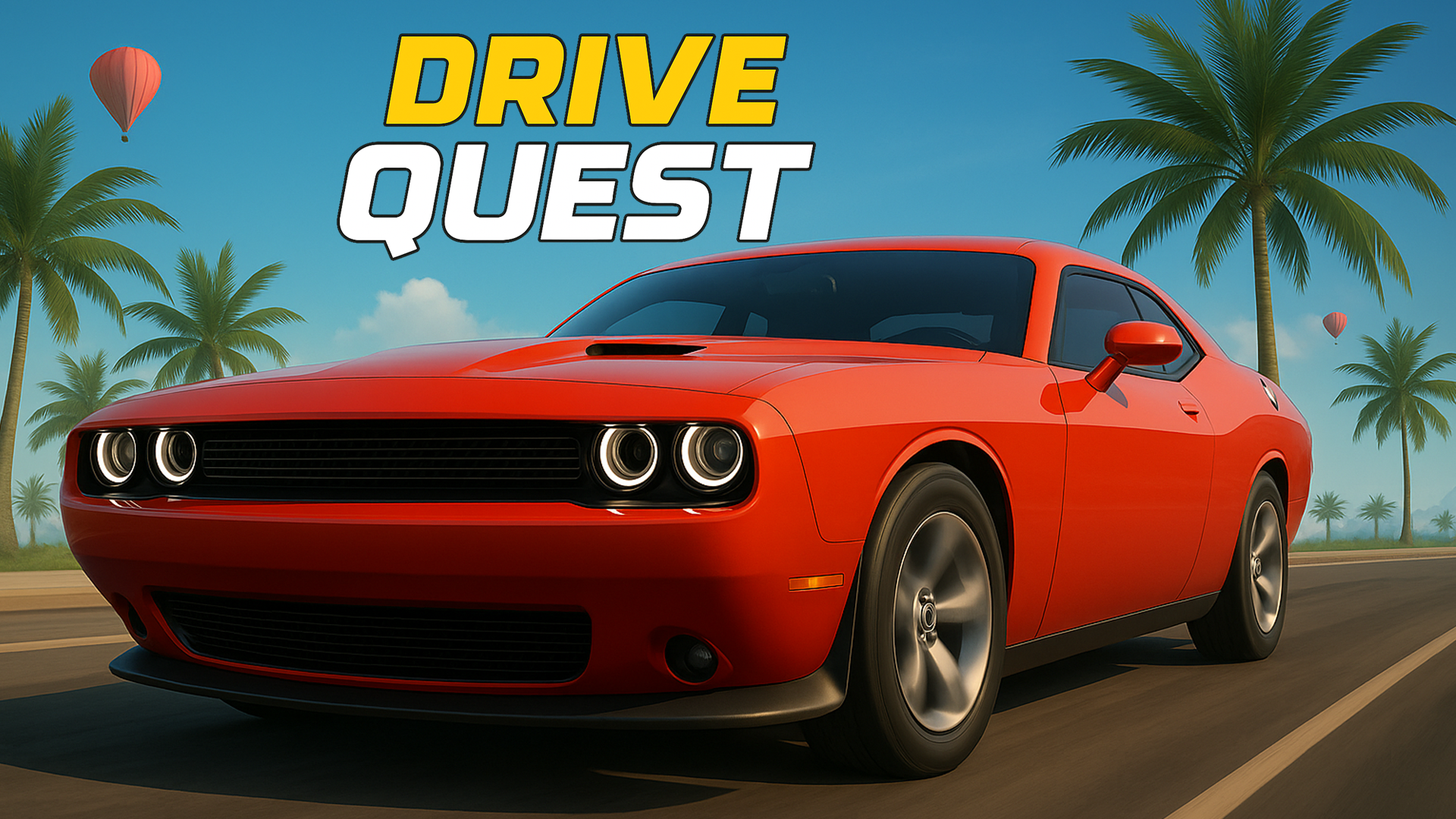
If open-city driving and car customization appeal to you, Extreme Car Driving Simulator delivers a full open-world experience with advanced physics, drifting, and burnouts across an entire city. For a road-trip feel with 35 customizable vehicles, ports, highways, and hidden zones, Drive Quest offers drifting, stunts, and speed tests in a richly detailed map. High-speed overtaking and traffic-dodging fans should check out Driver Club: Highway Racing, which puts reflexes and powerful cars at the center of every run.
Browse the full driving games collection or explore more titles in the racing games category for more car-racing and arcade-driving action.